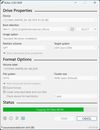
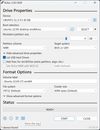
Formats USB drives to various file systems and creates bootable USBs from ISOs. Supports MS-DOS/FreeDOS bootable sticks and offers BIOS or UEFI options.
 Ireland
 EU



Best alternatives are 

81 alternatives

4.6
Excellent85 ratings


Formats USB drives to various file systems and creates bootable USBs from ISOs. Supports MS-DOS/FreeDOS bootable sticks and offers BIOS or UEFI options.
IrelandEU
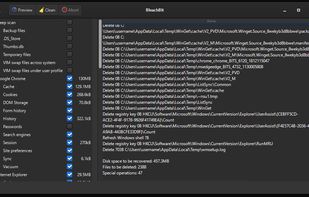
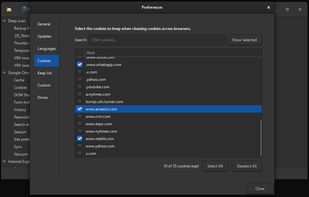
BleachBit frees disk space and maintains privacy by quickly removing unnecessary files such as cache, cookies, browser history, temporary files, and system logs. It can also shred files and clean free disk space to prevent data recovery.
 United States


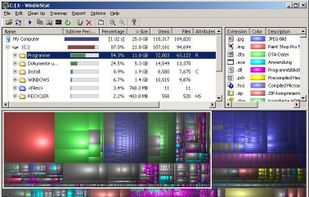
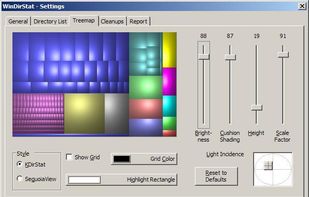
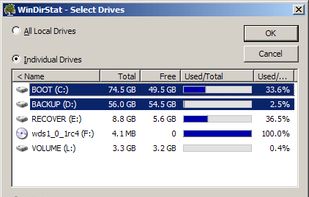
Disk analysis tool with treemap views, duplicate file detection, and cleanup actions. Works offline and ad-free on Windows as an open-source project.
 GermanyEU


The Debian Project is an association of individuals who have made common cause to create a free operating system. This operating system that we have created is called Debian.


 Linux Mintand


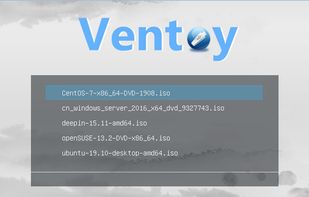
Ventoy is an open source tool to create bootable USB drive for ISO files. With ventoy, you don't need to format the disk again and again, you just need to copy the iso file to the USB drive and boot it.
 China


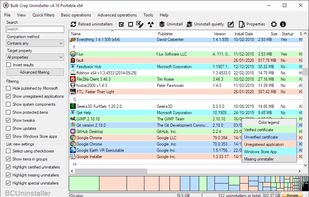
Free and open-source tool for batch uninstalling multiple apps with minimal input, removing portable, protected, and damaged software, and cleaning up leftovers.
 CzechiaEU



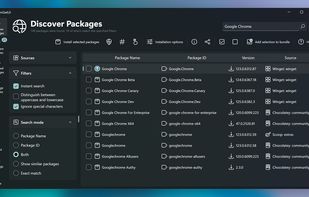
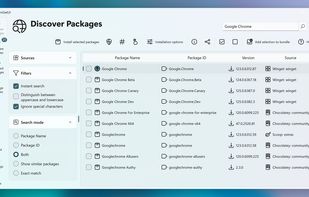
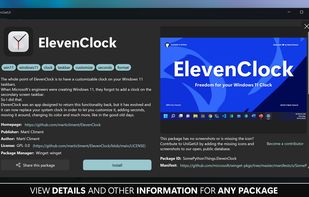
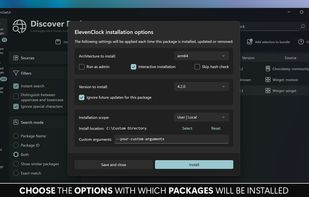
Intuitive interface for managing software via multiple Windows package managers. Supports install, update, bulk actions, backups, metadata review, and notifications.
 Canada
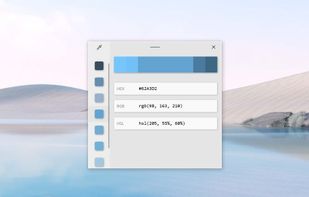
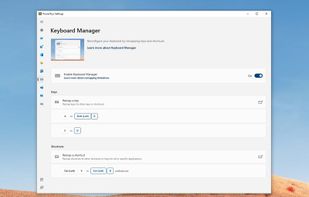
Set of open-source tools enhancing Windows with features like FancyZones, PowerRename, and Keyboard Manager. Lightweight and ad-free.
United States
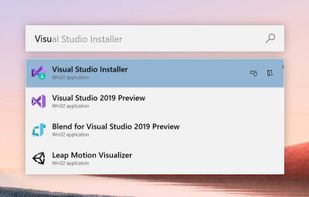
 AutoHotkeyand
 Flow Launcher

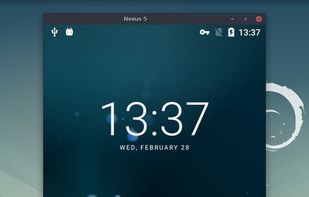
Mirror and control Android devices on PC with up to 120fps performance and resolutions above 1920x1080. Available for Windows, macOS, and Linux.
 FranceEU
 KDE Connectand


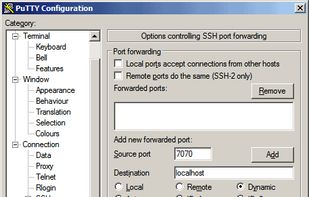
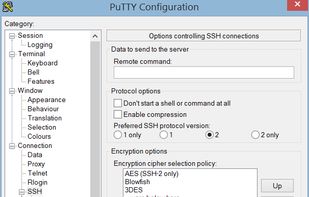
Free and open-source terminal emulator supporting SSH, Telnet, and SCP. Portable, lightweight, and works offline to connect to remote systems securely.
 United Kingdom

Ideal for creating bootable USBs and SD cards, ensuring safe, cross-platform use. Open-source, lightweight, and portable with a user-friendly interface.
United Kingdom


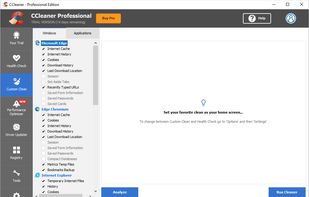
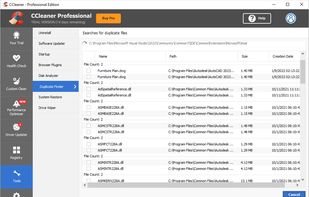
Optimizes systems by removing unused files and cleaning registries, speeding up PCs. Features include automatic cleaning, driver update, privacy protection.
United Kingdom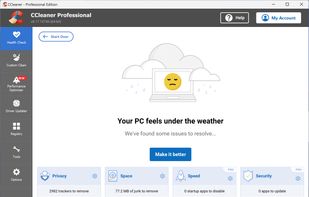


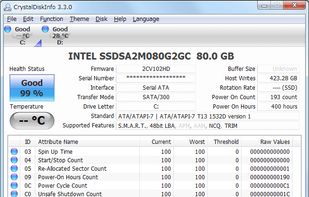
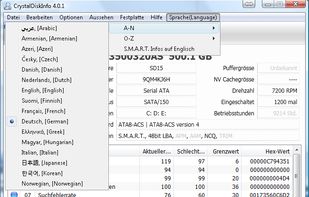
Open-source HDD/SSD utility for monitoring S.M.A.R.T. values, disk temperature and other information.
 Japan



PortableApps.com is a website offering many free, commonly used Windows applications that have been specially packaged for portability. These portable applications can be used from removable media such as USB flash drives.
United States


Freeware system profiler for Windows and Android displays in-depth CPU, RAM, and chipset info, working ad-free, offline, and consumes fewer resources.
FranceEU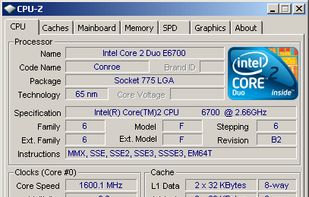




Docker is an open-source engine that automates the deployment of any application as a lightweight, portable, self-sufficient container that will run virtually anywhere.
United States


Enhance your Windows with customizable skins showcasing system resources, and more. Enjoy privacy-focused features, lightweight performance, and no ads.
United States
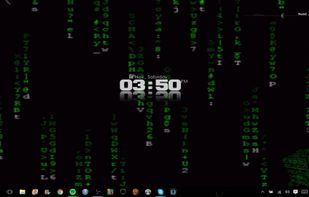


A curated compilation of Windows system tasks streamline installs, debloat with tweaks, troubleshoot with config, and configure Windows updates. Run it fresh on every new Windows install.
United States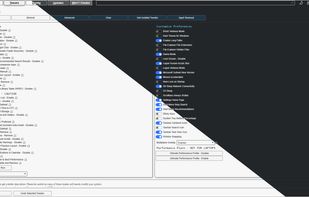


Free, open-source app store for GitHub releases supporting Android, Linux, MacOS, and Windows, with one-click installs, changelogs, and README insights.
 Uzbekistan



 F-Droidand


Command-line tool for managing Windows applications with no registration, centralized audits, automatic package creation, offline support, disk space optimization, and synchronization.
United States


 United States
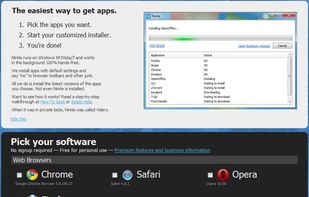

 Chocolatey

Snappy Driver Installer Origin is a portable Windows tool to install and update device drivers. It can be used offline to install drivers where Internet isn't available. No more searching for drivers after a clean install, just let Snappy Driver Installer Origin do it's...
 Australia


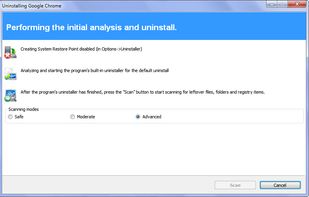
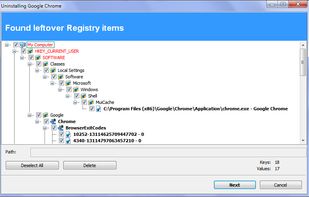
Efficiently uninstall software and remove unnecessary files and registry entries on Windows, offering both free and pro versions with advanced features.
 BulgariaEU
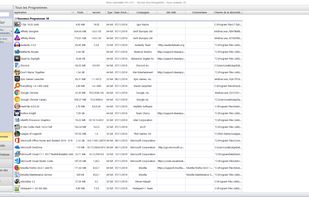


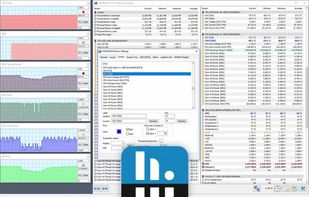
Professional Windows diagnostic tool offering real-time hardware monitoring and comprehensive device information, ideal for experts and integrators.
 SlovakiaEU
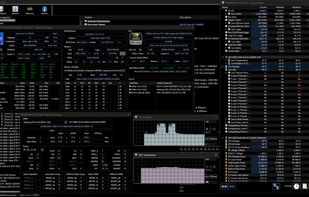

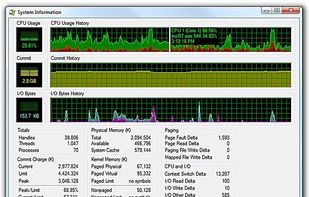
Process Explorer shows you information about which handles and DLLs processes have opened or loaded. The display consists of two sub-windows. The top always shows a list of the currently active processes, including the names of their owning accounts, whereas the information...
United States