File Tagging Tools Page 9 of 11

All apps in File Tagging Tools category. Use the filters below to narrow down your search. 

Popular filters:

Copy a direct link to this comment to your clipboard
  1. Yep icon
     10 likes

    With Yep 2, you can easily track over 100,000 documents like PDFs, iWork and Office documents, use Quick Look or Yeps built-in magnifier to view documents, file documents automatically into a date-based folder system within your Documents folder, create text files from...

    Cost / License

    • Paid
    • Proprietary

    Application type

    Platforms

    • Mac
    9 alternatives
  2. Logycore icon
     4 likes

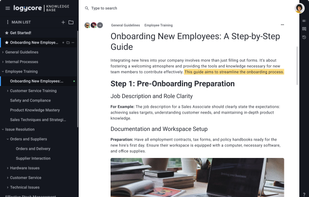
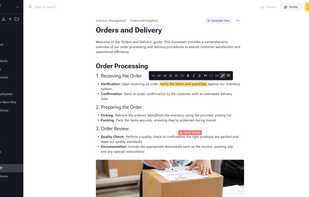
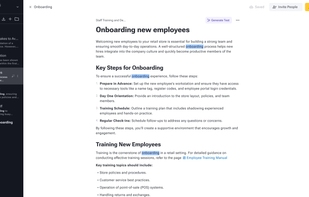
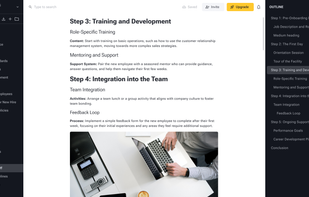
    Logycore is a tool that helps small and medium-sized businesses establish an internal knowledge base. It includes specialized features that improve management and ease the owner's workload.

    Cost / License

    • Freemium
    • Proprietary

    Application type

    Platforms

    • Online
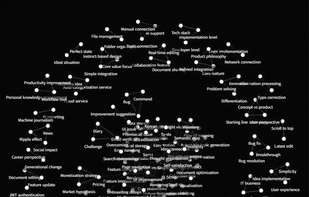
    Create a knowledge base
    Designed to be Simple
    Instant Search
    +9
    Create large documents with easy navigation
    57 alternatives
  3. Pentaprism icon
     1 like

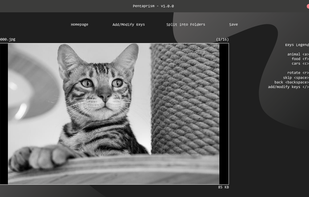
    An image sorting software that displays images, tags them internally based on your keypresses, and finally separates them into individual folders based on their tag.

    Cost / License

    • Free
    • Proprietary

    Application type

    Platforms

    • Windows
    Pentaprism screenshot 1
    5 alternatives
  4. MusicPlayer2 icon
     1 like

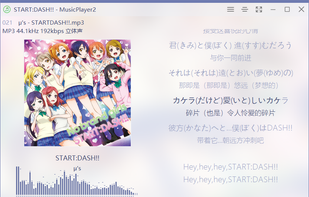
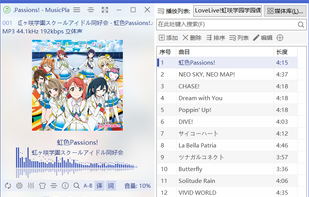
    MusicPlayer2 is an audio player whitch supports music collection playback, lyrics display, format conversion and many other functions.

    Cost / License

    Application type

    Platforms

    • Windows
    MusicPlayer2 screenshot 1
    MusicPlayer2 screenshot 1
    MusicPlayer2 screenshot 2
    12 alternatives
  5. DiviFile icon
     6 likes

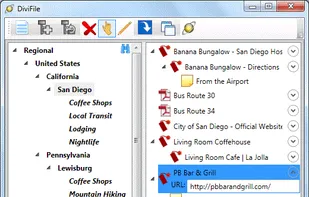
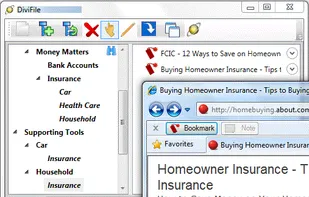
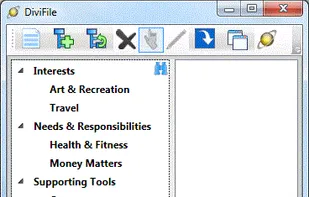
    DiviFile: A Hub for Your Information

    Do you maintain a set of folders for organizing your documents? Another set for arranging your Favorites? And yet another set of folders and categories in Microsoft Outlook for notes and emails? What a mess! Wouldn't it be nice to have a.

    Cost / License

    • Free
    • Proprietary

    Alerts

    • Discontinued

    Platforms

    • Windows
    Organizing files, bookmarks, and notes with DiviFile
    Using the "Bookmark" and "Note" buttons from your browser
    Running DiviFile for the first time
    25 alternatives
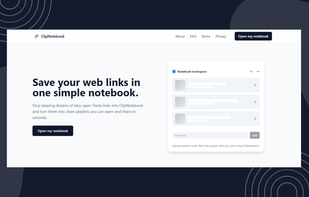
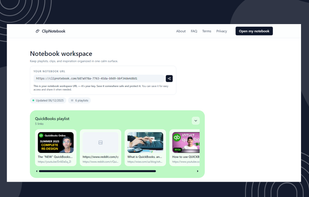
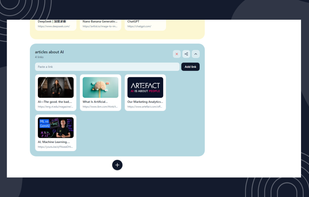
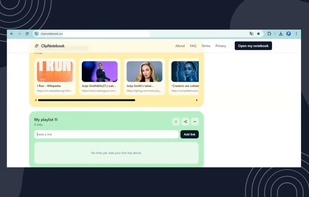
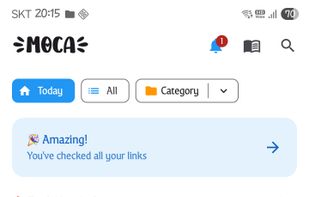
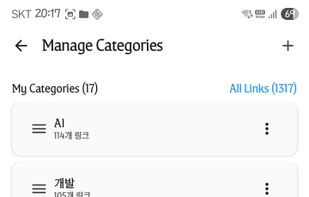
  6. ClipNotebook gives you a simple way to save and group links without accounts or clutter. Each link becomes a visual card inside playlists you can share with one clean URL. What is new or different Most tools make saving links slow or hide context in long lists.

    Cost / License

    • Free
    • Proprietary

    Application type

    Platforms

    • Online
    ClipNotebook  screenshot 1
    ClipNotebook  screenshot 1
    ClipNotebook  screenshot 2
    +1
    ClipNotebook  screenshot 3
    6 alternatives
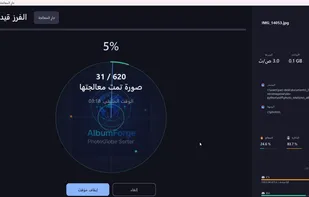
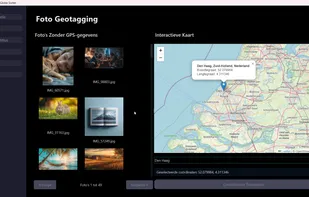
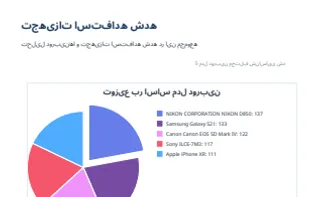
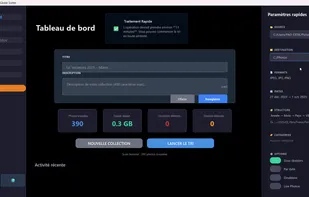
  7. Privacy-first photo organization software. Automatically sort 10,000 photos by date and location. Analyze 127 EXIF metadata fields. Generate heat maps and PDF reports. 100% local, no cloud.

    Cost / License

    • Paid
    • Proprietary

    Application type

    Platforms

    • Windows
    EXIF metadata radar analysis showing 127 analyzed fields
    Geographic heat map visualization of photo locations
    Professional PDF report with statistics and visualizations
    +2
    Main dashboard with drag-and-drop interface
    30 alternatives
  8. EGroupware icon
     9 likes

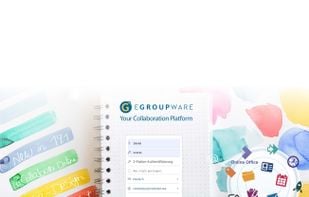
    Web-based team collaboration suite with email, calendar, contact and project management, filesharing, CRM, trouble tickets, chat, and online office integration.

    Cost / License

    Application types

    Platforms

    • Linux
    • Online
    • Self-Hosted
    • Software as a Service (SaaS)
    EGroupware on the desktop
   ---   
EGroupware offers with the modules

- E-mail
- Calendar
- Address book
- InfoLog (tasks, notes, ...)
- File manager
- Ticket system
- Project Manager
- Timesheet

- Collabora Online Office
- Rocket.Chat

an entire office in the browser.
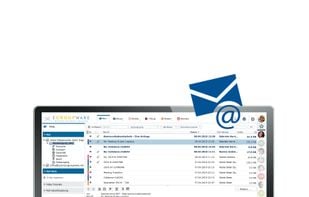
    EGroupware on the Desktop - E-Mail
   ---   
An IMAP mail client for the integration of any mail accounts is integrated. Any number of mail accounts and identities can be specified and/or set up by the users.
A ticket, appointment or task can be created from a mail.

Mail filters and out-of-office notes on the mail server can be set via EGroupware E-Mail.
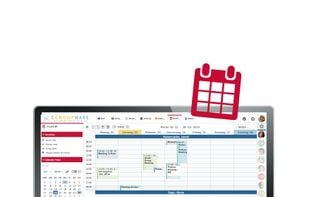
    EGroupware on the Desktop - Calendar
   ---   
Personal / Team calendars with Resource planning enable a clear scheduling. Different views always offer the optimal view of the calendar. Views can be saved as favorites (also for a team).
    +6
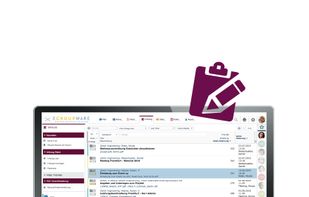
    EGroupware on the desktop - InfoLog
   ---   
InfoLog (InformationsLogbook) is a "collective application" for any information. 
It is delivered in the standard system:
- Tasks
- Notes
- Calls
- E-mail

You can create any of your own infotypes and confirm with
- Authorizations
- User-defined fields
- Masks
can be provided. Thus every kind of data acquisition (and evaluation) is possible.
    23 alternatives
  9. TaggTool icon
     6 likes

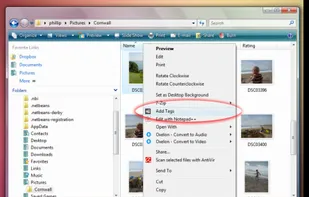
    The Personal File Tagging Utility. Tagg is a utility which locates your files based on simple labels you attach or tag on to your files.

    Cost / License

    • Paid
    • Proprietary

    Application type

    Alerts

    • Discontinued

    Platforms

    • Windows
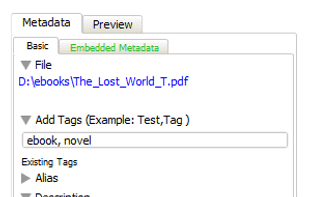
    TaggTool screenshot 1
    TaggTool screenshot 1
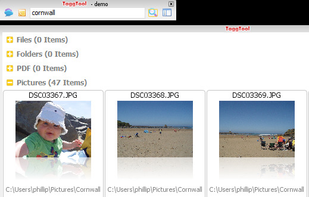
    TaggTool screenshot 2
    52 alternatives
  10. Script icon
     1 like

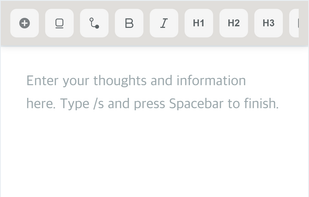
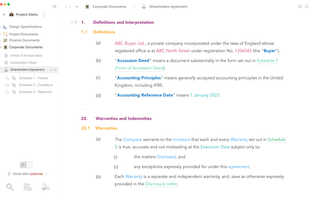
    Script is a text editor for digitally interconnected documents. A bit like Notion but for formal business & industrial processes. It turns text into dynamic workflows for seamless collaboration across work streams.

    Cost / License

    • Freemium
    • Proprietary

    Platforms

    • Mac
    • Windows
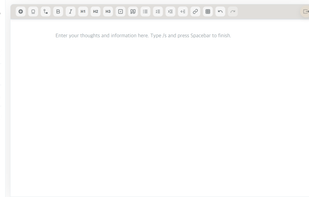
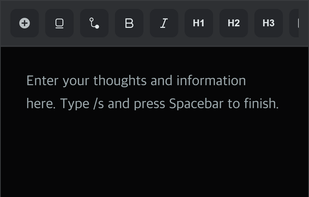
    Script screenshot 1
    14 alternatives
  11. Screvi icon
     3 likes

    Screvi helps you remember what you read and get more value from your reading by turning your highlights into a social media-like feed, making it engaging to revisit key insights from all your reading platforms.

    Cost / License

    • Paid
    • Proprietary

    Platforms

    • iPhone
    • iPad
    7 alternatives
  12. ResearchCollab is a web-based research collaboration platform designed to support individual researchers and teams throughout the research process.

    Cost / License

    • Paid
    • Proprietary

    Platforms

    • Online
    • Software as a Service (SaaS)
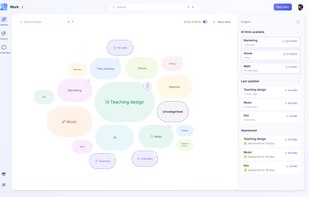
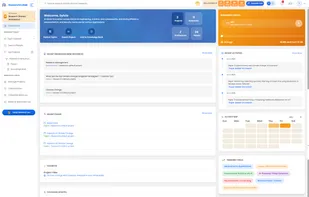
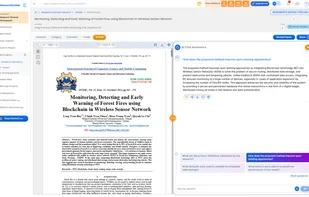
    The ResearchCollab Dashboard offers a real-time overview of your research activity, showing active projects, resources, papers, and recent updates. It helps you stay organized, track progress, monitor AI credit usage, and stay connected with collaborators, all in one central hub.
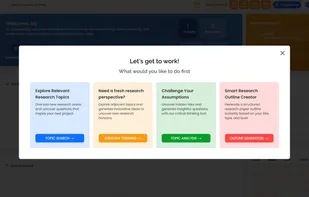
    The Topic Explorer in ResearchCollab helps you build strong, structured research by discovering topics, analyzing subthemes, generating outlines, and sparking questions. With web search, creative tools, and AI analysis, it simplifies early research and ensures your literature review is focused and up-to-date.
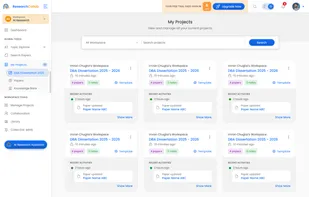
    The My Projects module in ResearchCollab is your personal research hub for organizing papers, notes, and bookmarks by topic or goal. It streamlines your workflow by keeping resources in one place, enabling AI analysis, and tracking progress. Whether for literature reviews, theses, or teamwork, My Projects keeps you focused and efficient.
    +2
    ResearchCollab AI Chat lets you interact naturally with your research documents. It uses AI to answer questions, summarize content, and generate insights from your papers, making it easier to explore and understand complex information quickly and efficiently.
    16 alternatives
  13. CloudFind icon
     1 like

    Find files faster. Cloudfind lets you quickly search and tag files in Dropbox, Google Drive, and OneDrive making it easier to find the documents you need.

    Cost / License

    • Freemium
    • Proprietary

    Platforms

    • Online
    • Google Chrome
    • Microsoft OneDrive
    • Gmail
    • Dropbox
    5 alternatives
  14. TagTower icon
     1 like

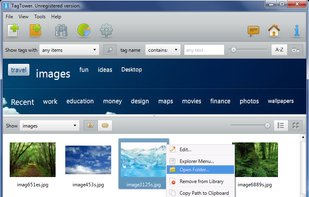
    TagTower is a personal file tagging utility that allows you to assign custom keywords (tags) to your files and then easily locate files by searching and browsing tags, without the need to remember the file’s name or location.

    Cost / License

    • Paid
    • Proprietary

    Application type

    Platforms

    • Windows
    TagTower screenshot 1
    TagTower screenshot 1
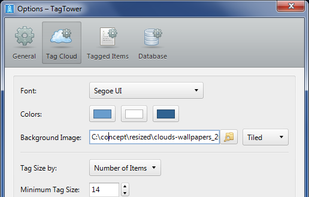
    TagTower screenshot 2
    8 alternatives
  15. MindNest icon
     2 likes

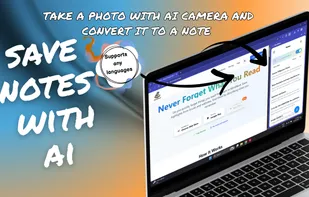
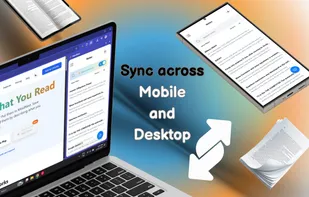
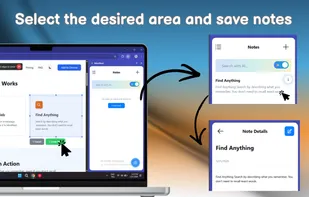
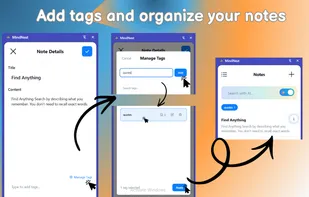
    Save highlights from books and web, find them by describing what you remember. AI-powered semantic search for everything you read.

    Cost / License

    • Paid
    • Proprietary

    Application type

    Platforms

    • Android
    • Google Chrome
    MindNest screenshot 1
    MindNest screenshot 1
    MindNest screenshot 2
    +1
    MindNest screenshot 3
    6 alternatives
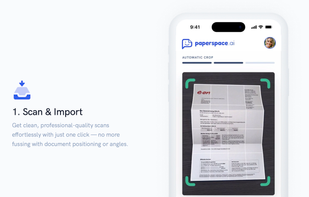
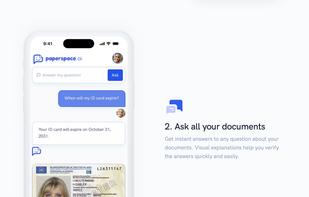
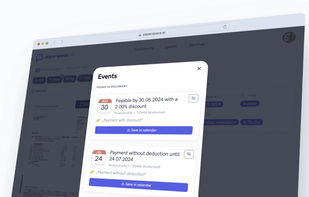
  16. PaperSpace is your smart document management app that recognizes content, highlights important details, and simplifies complex letters. Whether for family or work, it identifies tasks and deadlines, adds them to your calendar, and answers your questions via chat.

    Cost / License

    • Paid
    • Proprietary

    Platforms

    • Online
    • Software as a Service (SaaS)
    Mobile: Powerful document scanning, works with curved and folded documents
    Mobile: Ask all your documents AI Chatbot
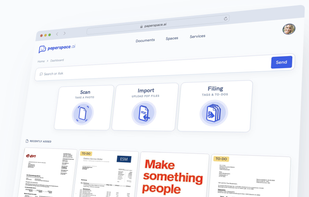
    Web-App: Home screen
    +3
    Web-App: Calendar events extracted from an invoice
    5 alternatives
  17. TidyDesk icon
     1 like

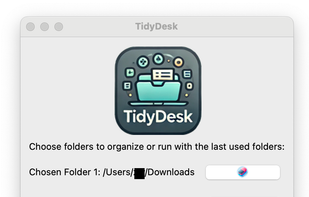
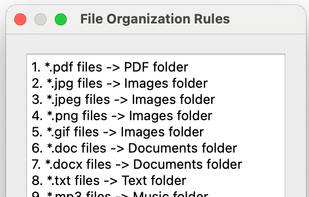
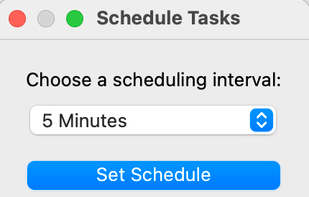
    TidyDesk is a powerful and intuitive folder organization tool designed to help you keep your Mac tidy with powerful GUI. Whether you’re managing your personal files, work documents, or creative projects, TidyDesk ensures everything is in its rightful place with just a few clicks.

    Cost / License

    • Free
    • Open Source (MIT)

    Application type

    Platforms

    • Mac
    TidyDesk screenshot 1
    TidyDesk screenshot 1
    TidyDesk screenshot 2
    +1
    TidyDesk screenshot 3
    15 alternatives
  18. ThoughtsPlus icon
     1 like

    The high-velocity, shortcut-first brain dump for Windows. ThoughtsPlus eliminates the friction of bloated productivity tools, allowing power users to capture ideas, sketch, and track progress without ever leaving their workflow. No cloud, no telemetry, just pure focus.

    Cost / License

    • Free
    • Open Source

    Application type

    Platforms

    • Windows
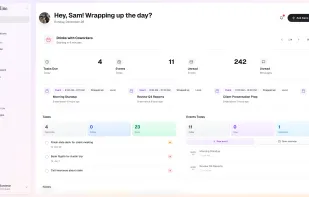
    One of three dashboard layouts with AI briefing of events coming up (With context of urgency, completed/missed)
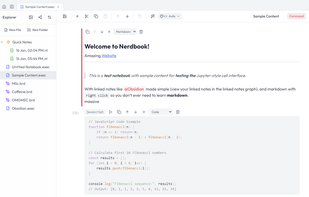
    Workspace with a nerdbook file opened (Allows markdown, runnable code and image/tables)
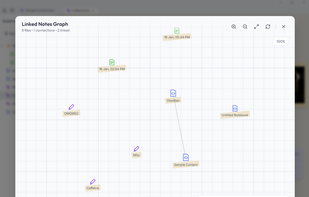
    Linked notes (Works with @ mentions within the notes or right clicking on a file in explorer)
    +2
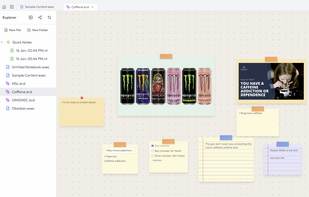
    Workspace with a board file opened (Allows image and text to be pasted right from clipboard, dictionary and calculator included in toolbar)
    4 alternatives
  19. SimpleDMS icon
     1 like

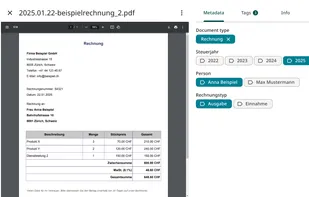
    SimpleDMS is an easy-to-use open source document management system (DMS) for small businesses that sorts documents almost by itself.

    Cost / License

    Application type

    Platforms

    • Online
    • Software as a Service (SaaS)
    • Self-Hosted
    • Docker
    SimpleDMS screenshot 1
    6 alternatives