

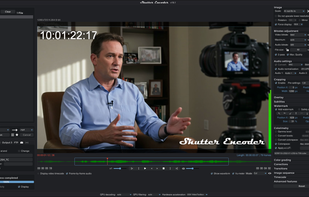
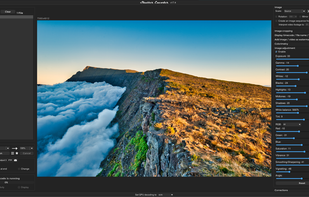
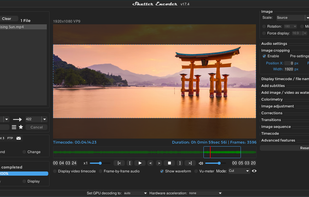
Shutter Encoder is a free professional encoding and conversion software for everyone, developed with video editors.
 United Kingdom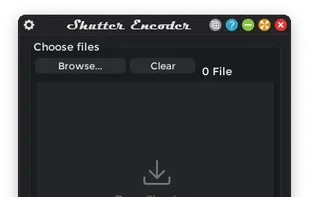
+4


4.1
Very Good14 reviews


Shutter Encoder is a free professional encoding and conversion software for everyone, developed with video editors.

Free dual-pane file manager for Windows featuring tabs, columns, themes, long filename support, image converter, regex renaming and many other unique features.
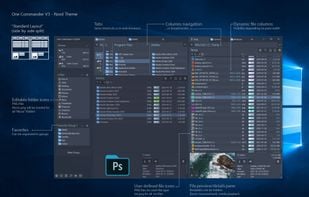
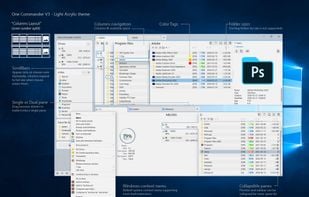
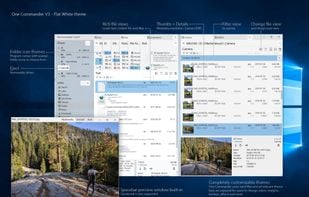
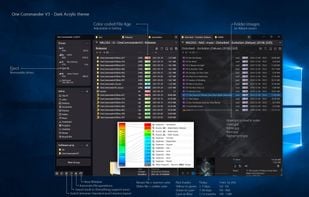
 Double Commander
The first agentic IDE, and then some. The Windsurf Editor is where the work of developers and AI truly flow together, allowing for a coding experience that feels like literal magic.

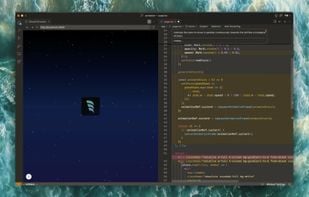
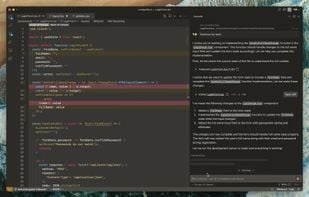
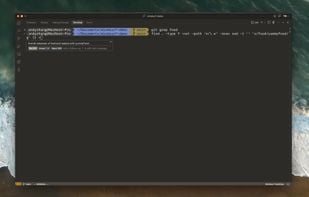
 Visual Studio Code
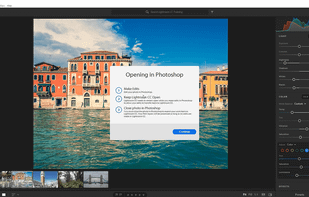
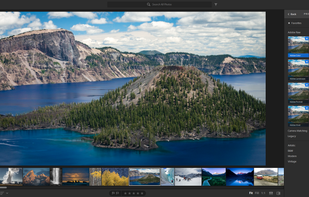
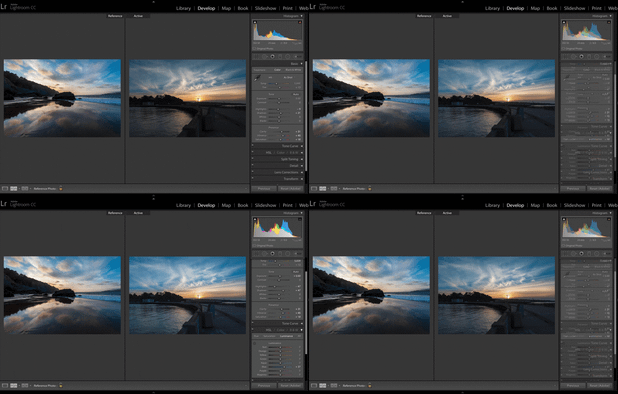
Powerful photo editing and organizing with cloud backup, available on multiple devices including mobile, web, and desktop.
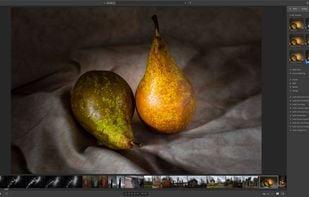
 darktableand
 RawTherapee
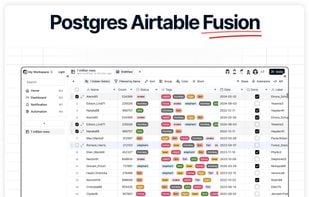
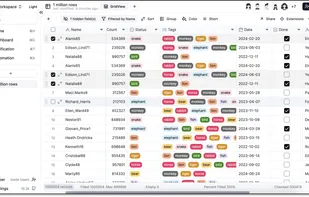
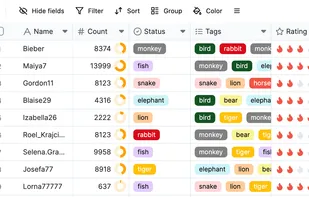
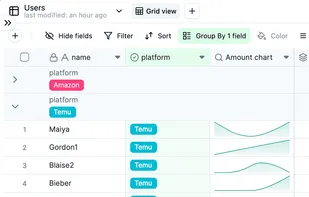
Teable is a super fast, real-time, professional, developer friendly, no-code database built on Postgres. It uses a simple, spreadsheet-like interface to create complex enterprise-level database applications.

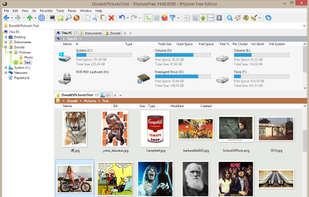
XYplorer is a file manager for Windows. It features tabbed browsing, a powerful file search, a versatile preview, a highly customizable interface, optional dual pane, scripting engine, and a large array of unique ways to efficiently automate frequently recurring tasks.
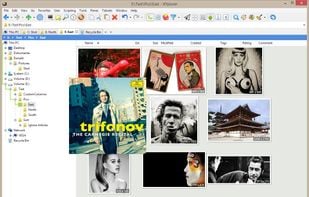
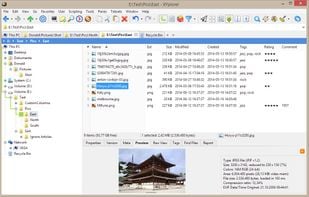
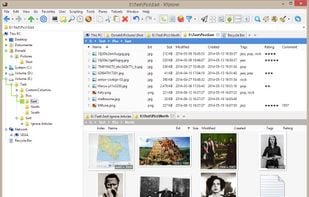 Double Commander
A cloud-based, agentic development environment designed to accelerate how you build, test, deploy and run production-quality AI applications, all in one place.
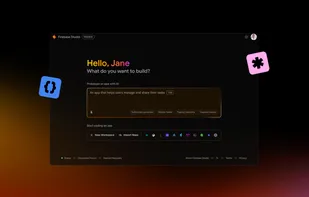
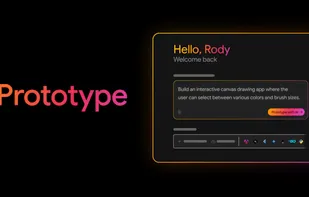
 Visual Studio Code
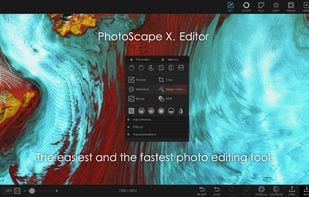
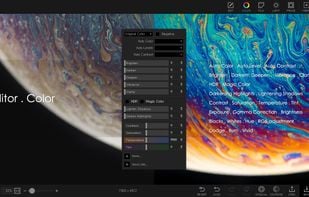
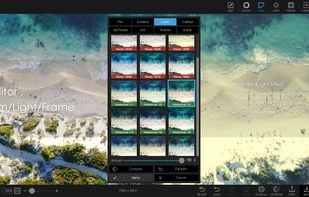
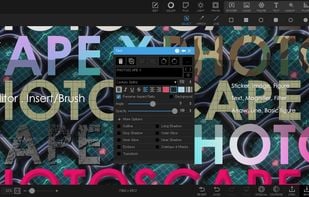
PhotoScape is a fun and easy photo editing software that enables you to fix and enhance photos.
 GIMPand
 Adobe Photoshop
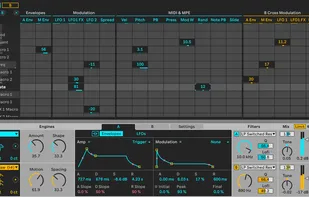
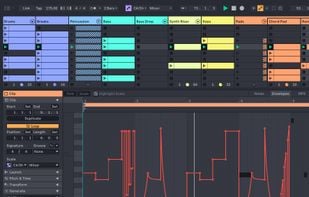
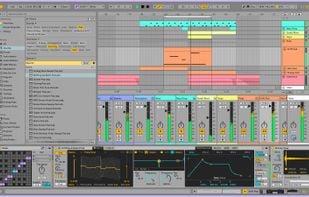
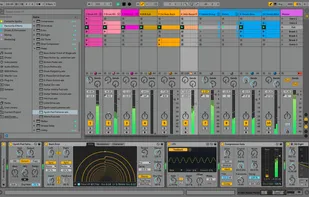
Software for creating musical ideas, turning them into songs, and performing them, featuring Arrangement and Session Views for fast music-making.
 LMMSand

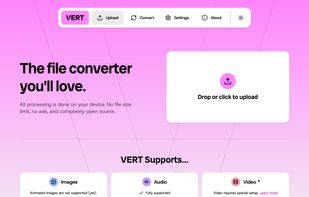
VERT.sh is an online file converter that processes files on your device instead of the cloud. It's blazingly fast, ad-free, and open source.
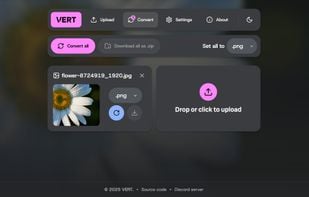
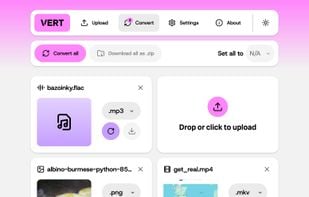
 File Converter
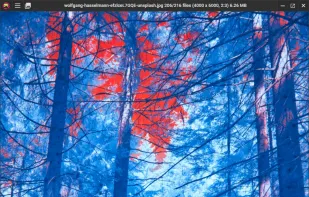
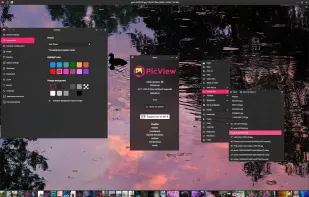
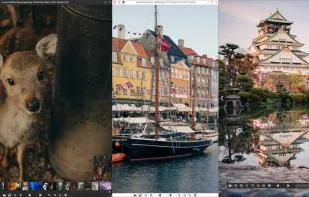
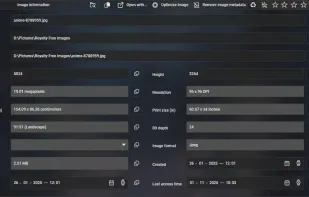
PicView is a fast, free and fully customizable picture viewer for macOS and Windows 10/11. It supports virtually all image file types, including (animated) WEBP, (animated) GIF, SVG, AVIF, HEIC, PSD and many others.

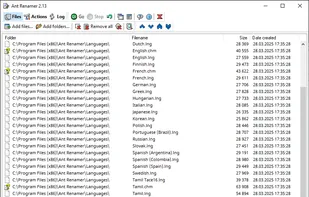
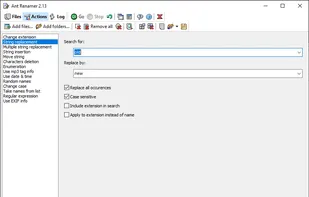
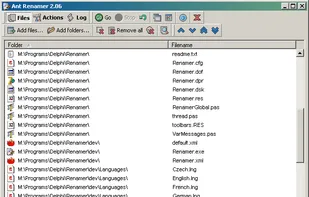
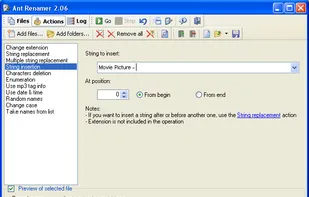
Free, open-source tool for batch-renaming files and folders with Unicode support, multiple renaming rules, MP3 tag and EXIF info use, preview, and no content changes.
 Bulk Rename Utility
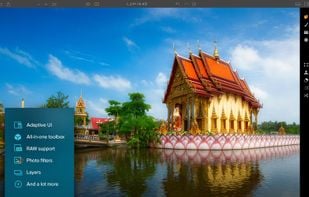
RAW photo editor with AI tools like GenErase and GenExpand, supports focus stacking, HDR merging, and is compatible with top editing software.
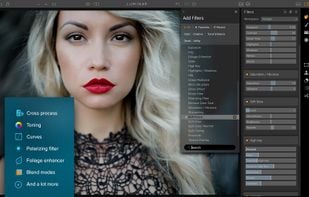
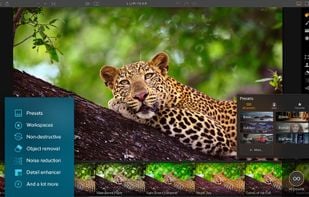
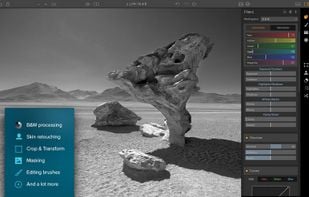 GIMPandAdobe Photoshop
Simple Gallery is a highly customizable offline gallery. Organize & edit your photos, recover deleted files with the recycle bin, protect & hide files and view a huge variety of different photo & video formats including RAW, SVG and much more.




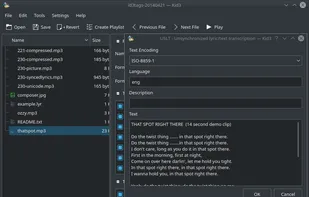
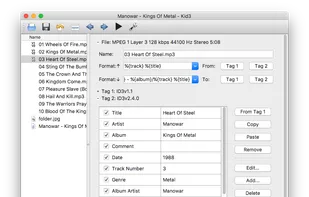
If you want to easily tag multiple MP3, Ogg/Vorbis, FLAC, MPC, MP4/AAC, MP2, Speex, TrueAudio, WavPack, WMA, WAV and AIFF files (e.g. full albums) without typing the same information again and again and have control over both ID3v1 and ID3v2 tags, then Kid3 is the program you...


Batch rename files and folders with customizable methods, metadata extraction, GPS-based naming, real-time preview, undo support, and automation.
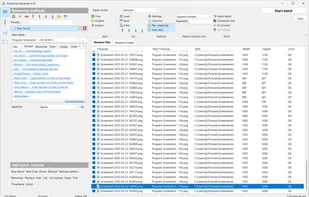
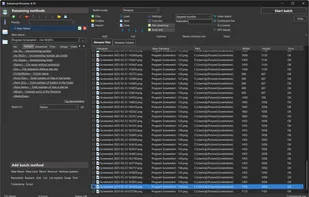
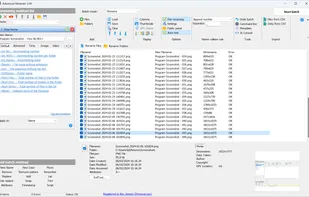
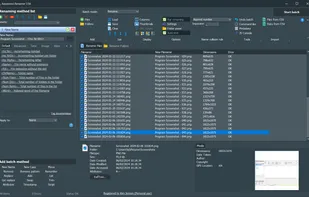 Bulk Rename Utility
Image Super-Resolution [upscaling] for Anime-style [low detail] art or images using Deep Convolutional Neural Networks.
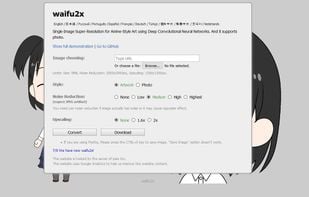
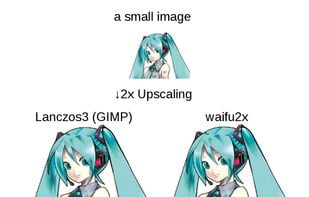
 Upscayl
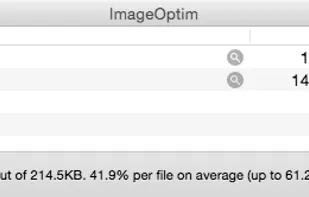
ImageOptim is excellent for publishing images on the web (easily shrinks images “Saved for Web” in Photoshop). It's useful for making Mac and iPhone/iPad applications smaller (if you configure Xcode to allow better optimization).


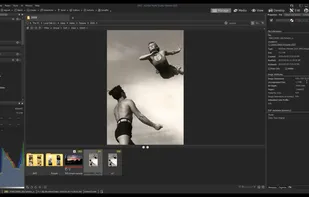
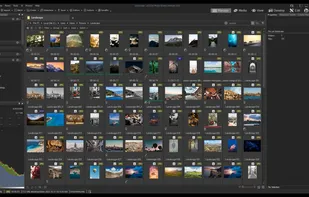
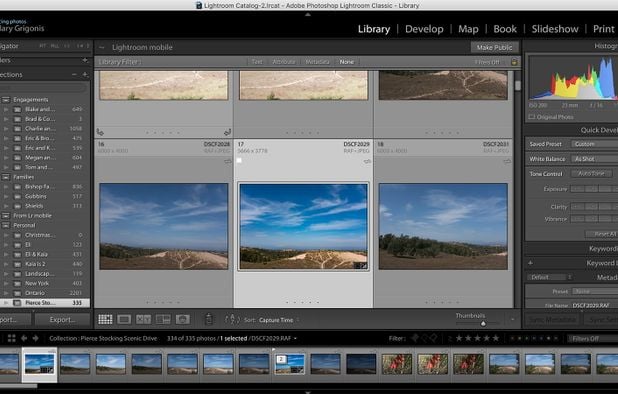
View, organize, and edit digital photos with support for 700+ RAW file types, advanced filtering, metadata integration, sharing options, and workflow improvements.
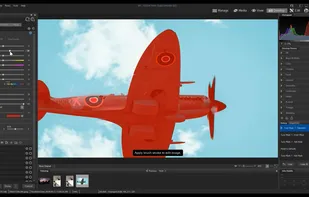
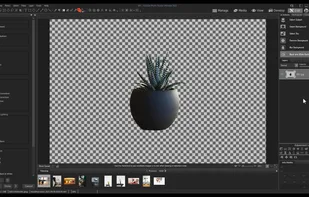

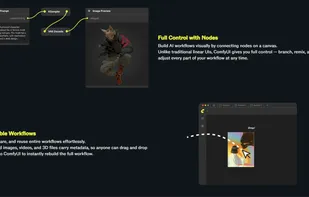
ComfyUI is an open-source, node-based workflow engine that empowers creators to design, customize, and run complex generative AI pipelines across images, video, audio, and more.


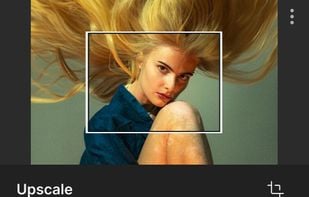
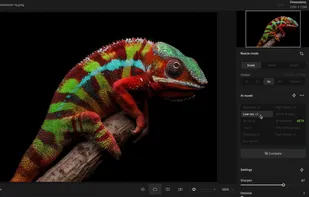
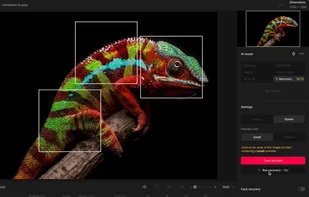
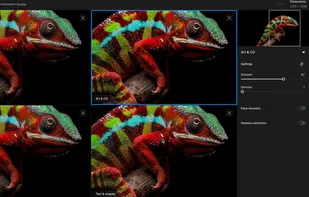
Upscales images up to 16 times with AI, enhancing textures like skin and fabrics. Transforms low-res images, clears pixelation, retains details.

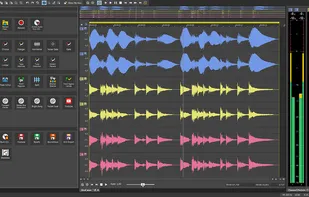
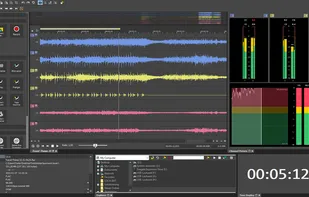
Advanced digital audio editing with multi-channel recording, mastering tools, high-resolution support up to 768 kHz, restoration features, and batch processing.

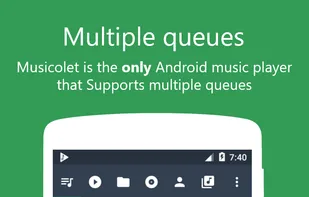
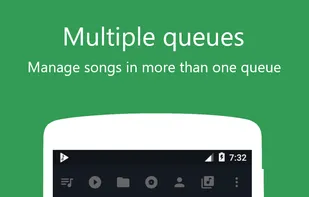
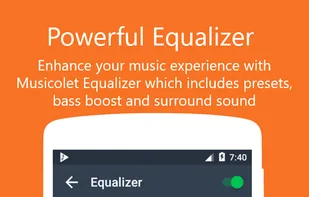
The only android music player with multiple Queues. One of the best offline music player for android with super light and unique UI Design. Has all necessary features. It is 100% Free. No Ads. No internet permission. Completely offline.
![Main screen and Features list of Musicolet, Best android music player app. [Completely (100%) free, no ads.]](https://d4.alternativeto.net/NcXp2qcno6Eqe43pMSIN05C-5XX6Lf8QDWLHmfHhaYw/rs:fill:309:197:1/g:no:0:0/YWJzOi8vZGlzdC9zL211c2ljb2xldC1tdXNpYy1wbGF5ZXJfOTU3NTg3X2Z1bGwucG5n.png)


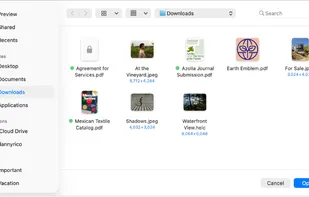
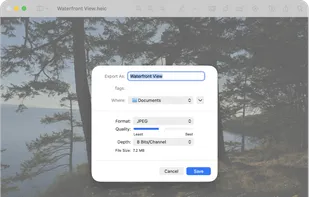
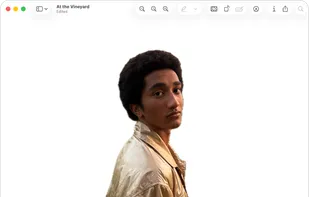
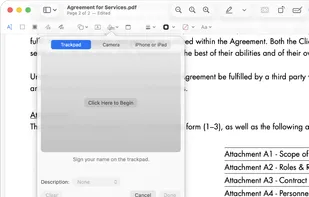
Native macOS tool for viewing, annotating, and editing images and PDFs, offers cropping, resizing, markup tools, page rearrangement, and export to multiple formats.

 Okular
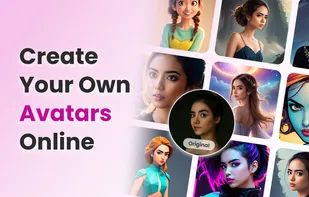
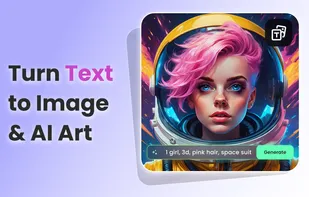
Online editor providing filters, frames, text, stickers, collage maker, graphic design tools, templates, batch editing, and social media sharing.



 Serbia
 United States




 Germany
 EU
EU

 South Korea


 Denmark


 Belgium
 Ukraine
 Israel
 Switzerland

 Japan
Japan
 Poland
 Canada


 India
India

 China
China