Apps tagged with 'Code Editor'

All apps in Apps tagged with 'Code Editor' category. Use the filters below to narrow down your search. 
Copy a direct link to this comment to your clipboard
  1. Notepad++ icon
     5005 likes

    Free open-source code editor and Notepad replacement supporting multiple languages, featuring high speed, low resource usage, privacy focus, and plugin extensibility.

    Cost / License

    • Free
    • Open Source

    Application types

    Platforms

    • Windows
    • PortableApps.com
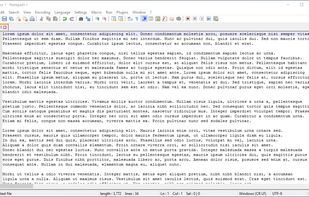
    Notepad++ screenshot 1
    Notepad++ screenshot 1
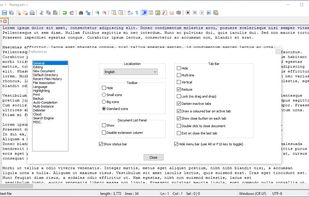
    Notepad++ screenshot 2
    +10
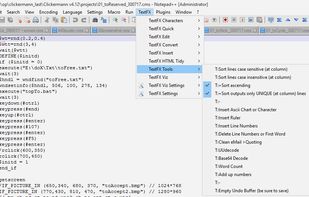
    TextFX plugin menu
    271 alternatives
    4.0
    Very Good97 ratings
  2. Visual Studio Code icon
     1466 likes

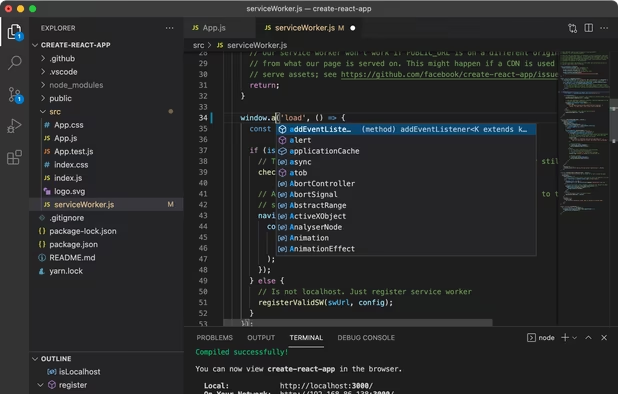
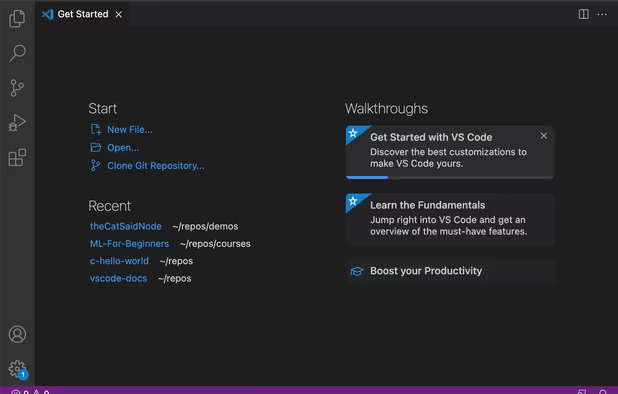
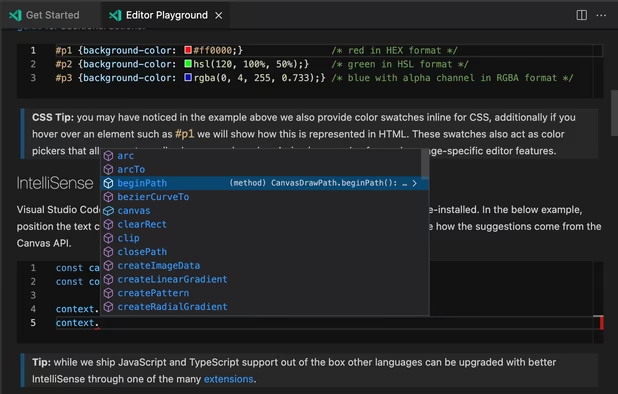
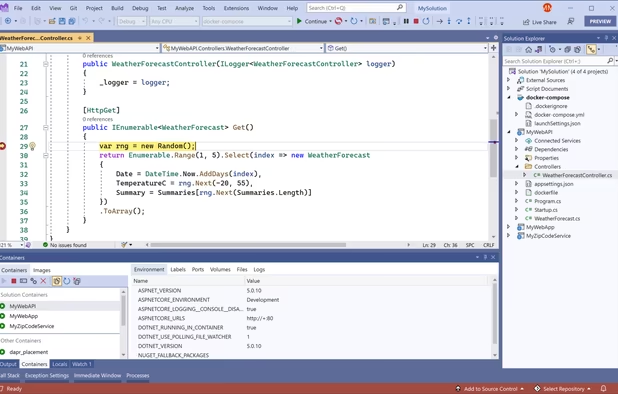
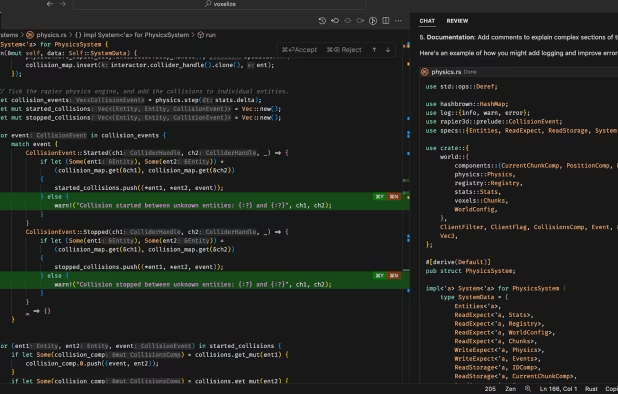
    Free, extensible code editor with Git integration, AI-driven IntelliCode, and 30,000+ extensions, supporting various languages like Python, Java.

    Cost / License

    • Free
    • Proprietary (MIT)

    Application types

    Platforms

    • Mac
    • Windows
    • Linux
    • Online
    • Chrome OS
    • Snapcraft
    Visual Studio Code screenshot 1
    Visual Studio Code screenshot 1
    Visual Studio Code screenshot 2
    +2
    Visual Studio Code screenshot 3
    233 alternatives
    4.2
    Very Good79 ratings
  3. Sublime Text icon
     2075 likes

    Sophisticated text editor for code with sleek interface, multi-select tabs, side-by-side definitions, and swift variable renaming using multiple selections.

    Cost / License

    • Freemium
    • Proprietary

    Application types

    Platforms

    • Mac
    • Windows
    • Linux
    • Snapcraft
    • Flathub
    • Flatpak
    Sublime Text screenshot 1
    Sublime Text screenshot 1
    Sublime Text screenshot 2
    +2
    Sublime Text screenshot 3
    220 alternatives
    4.0
    Very Good63 ratings
  4. VSCodium icon
     446 likes

    This repository contains a build file to generate FLOSS release binaries of Microsoft's Visual Studio Code - Open Source ("Code - OSS") project, the open source core of the proprietary Visual Studio Code.

    Cost / License

    • Free
    • Open Source (MIT)

    Application types

    Platforms

    • Mac
    • Windows
    • Linux
    • Flathub
    • Electron
    • Snapcraft
    • Homebrew
    • Chocolatey
    VSCodium screenshot 1
    221 alternatives
    4.8
    Excellent36 ratings
  5. Vim icon
     1370 likes

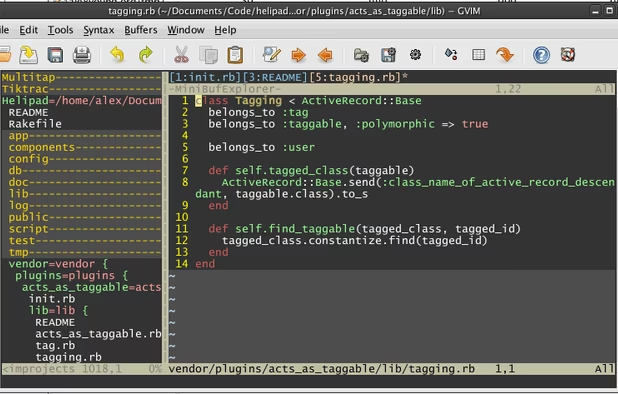
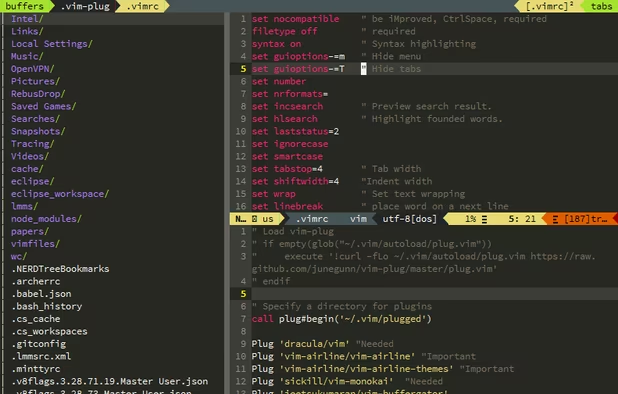
    Advanced text editor with multiple modes, syntax highlighting, word completion, plugin support, built-in help, command-line tools, cross-platform and open source.

    Cost / License

    Application types

    Platforms

    • Mac
    • Windows
    • Linux
    • BSD
    • Snapcraft
    • Flathub
    • Haiku
    • Flatpak
    • AmigaOS
    • OpenSolaris
    • MorphOS
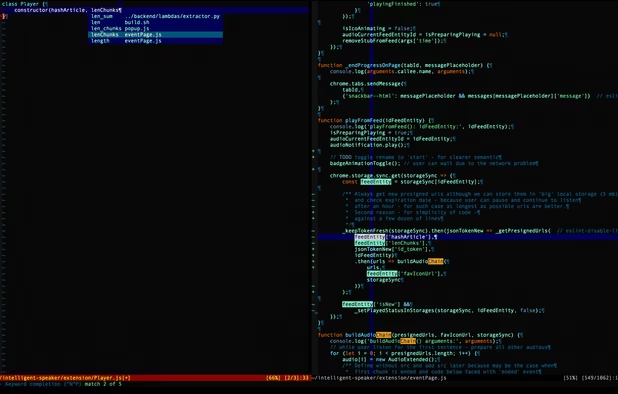
    Vim screenshot 1
    GVim with netrw+airlines+ctrlspace+xkb-switch+monokai theme+Source Pro font
    Plugin Gitgutter shows added lines as '+' and altere as '~'.
    234 alternatives
    4.4
    Very Good21 ratings
  6. Zed Editor icon
     150 likes

    Blazing fast, collaborative code editor with real-time multi-user support, built-in Vim mode, language-aware syntax trees, integrated terminal, and multi-buffers.

    Cost / License

    • Freemium
    • Open Source

    Application types

    Platforms

    • Mac
    • Windows
    • Linux
    • Flathub
    • Flatpak
    Zed Editor screenshot 1
    Zed Editor screenshot 1
    Zed Editor screenshot 2
    +6
    Zed Editor screenshot 3
    118 alternatives
    4.6
    Excellent13 ratings
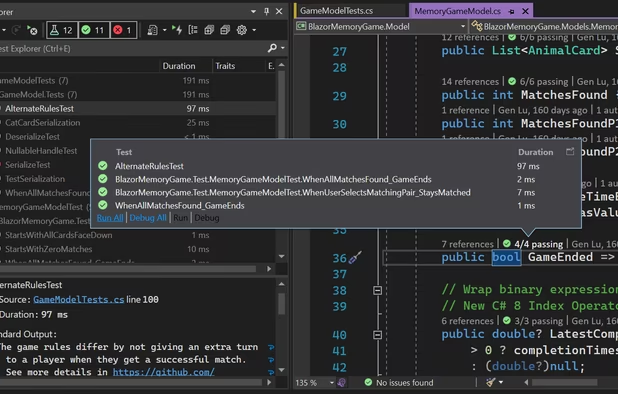
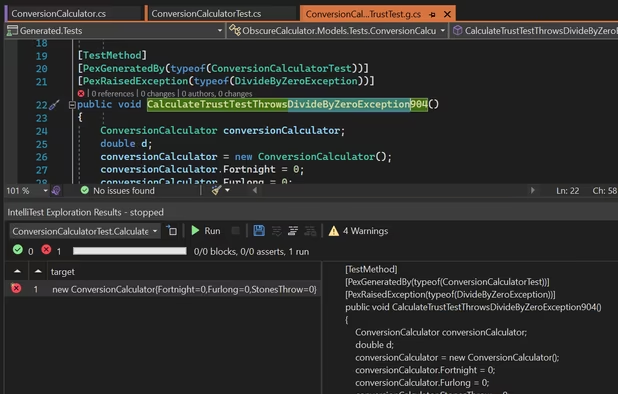
  7. Microsoft Visual Studio is an IDE used to create programs, apps, websites, and web services using various frameworks. It supports multiple languages and offers tools for coding, debugging, and design.

    Cost / License

    • Free Personal
    • Proprietary

    Application types

    Platforms

    • Windows
    • Online
    • .NET Framework
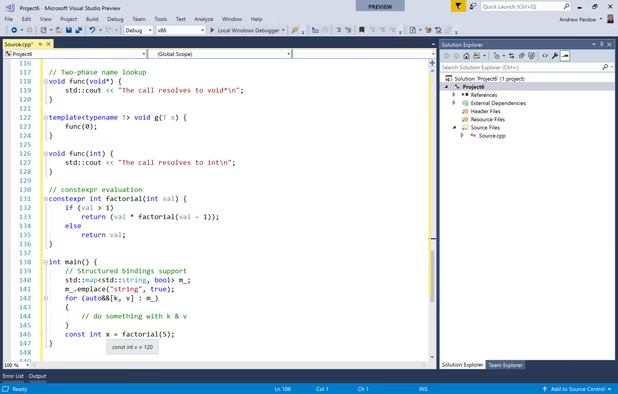
    Microsoft Visual Studio screenshot 1
    Microsoft Visual Studio screenshot 1
    Microsoft Visual Studio screenshot 2
    +5
    Microsoft Visual Studio screenshot 3
    112 alternatives
    3.4
    Fair16 ratings
  8. Eclipse icon
     1157 likes

    Eclipse is an extensible development platform with runtimes and application frameworks for building, deploying and managing software across the entire software lifecycle. Many people know Eclipse as a Java IDE, but it is much more than that- Eclipse actually consists of over 60...

    Cost / License

    • Free
    • Open Source

    Application types

    Platforms

    • Mac
    • Windows
    • Linux
    • BSD
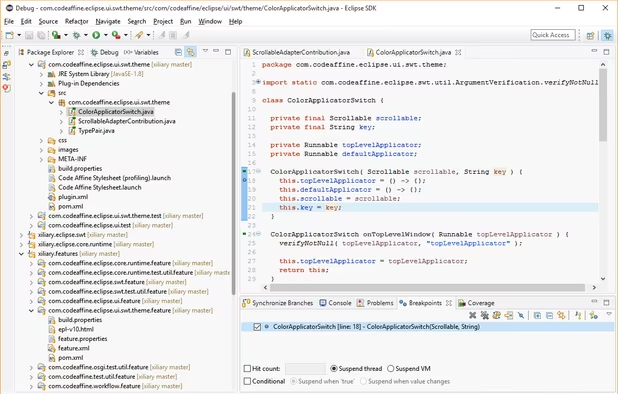
    eclipse on windows 10
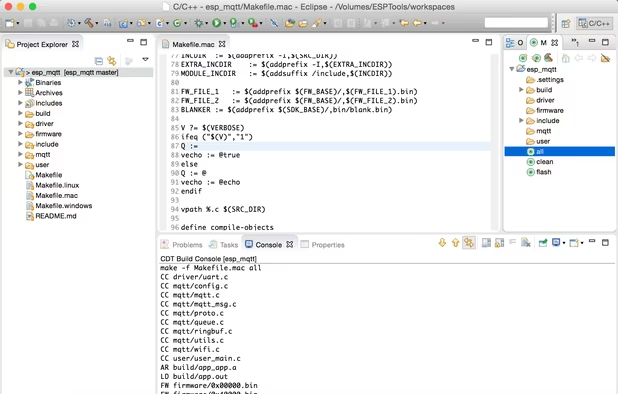
    eclipse on macOS
    149 alternatives
    3.6
    Good10 ratings
  9. Kate icon
     334 likes

    The Kate project develops two main products: KatePart, the advanced editor component which is used in numerous KDE applications requiring a text editing component, and Kate, a MDI text editor application.

    Cost / License

    Application types

    Platforms

    • Mac
    • Windows
    • Linux
    • BSD
    • KDE Plasma
    • Flathub
    • Flatpak
    • Snapcraft
    Kate screenshot 1
    Kate screenshot 1
    Kate with an ATOM color scheme using some RegEx to find and replace.
    166 alternatives
    4.5
    Excellent11 ratings
  10. Neovim icon
     205 likes

    Refactored version of Vim with enhanced extensibility and modern plugin architecture.

    Cost / License

    • Free
    • Open Source

    Application types

    Platforms

    • Mac
    • Windows
    • Linux
    • Chocolatey
    • Flathub
    • Snapcraft
    Neovim screenshot 1
    Neovim screenshot 1
    121 alternatives
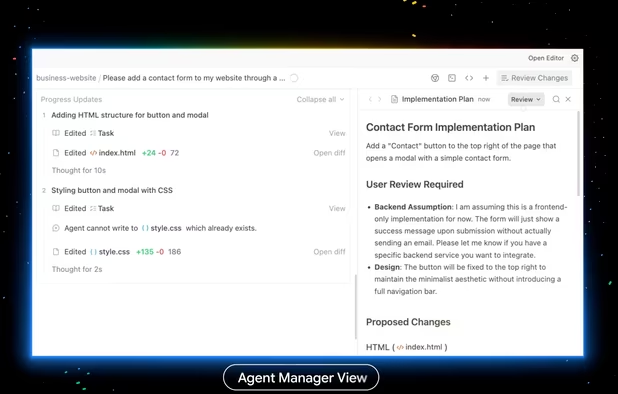
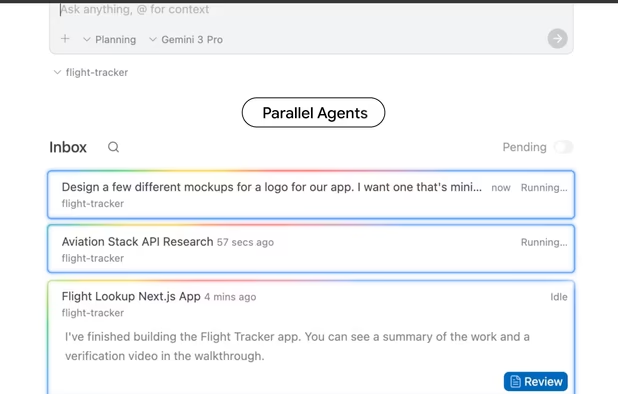
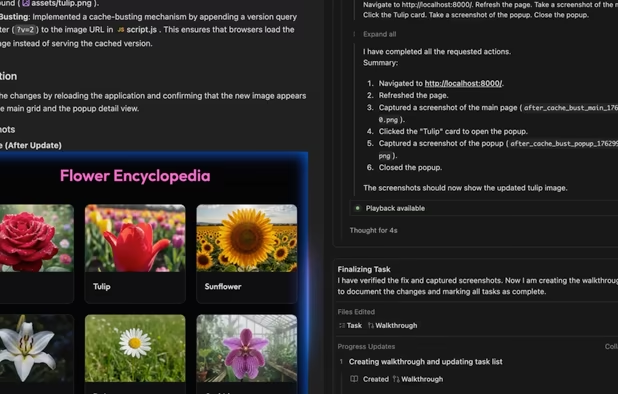
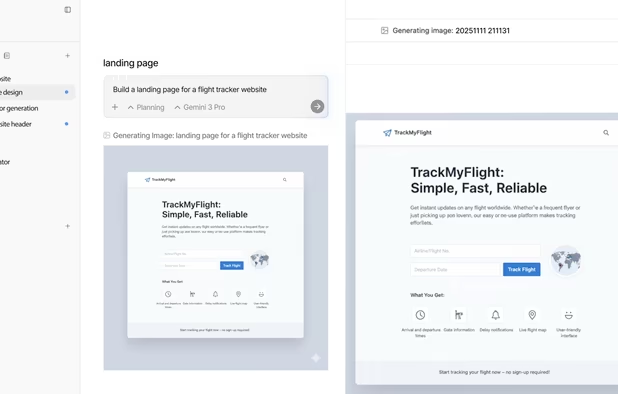
  11. Google Antigravity is an agentic IDE and coding environment designed to support real world software projects through autonomous development workflows. It provides an agent first workspace where developers set direction while AI agents carry out tasks such as coding, debugging...

    Cost / License

    • Freemium
    • Proprietary

    Application types

    Platforms

    • Mac
    • Windows
    • Linux
    • Visual Studio Code
    • Xcode
    • Microsoft Visual Studio
    • Zed
    • JetBrains IDE
    Google Antigravity screenshot 1
    Google Antigravity screenshot 1
    Google Antigravity screenshot 2
    +1
    Google Antigravity screenshot 3
    79 alternatives
  12. Geany icon
     583 likes

    Geany is a powerful, stable and lightweight programmer's text editor that provides tons of useful features without bogging down your workflow.

    Cost / License

    Application types

    Platforms

    • Mac
    • Windows
    • Linux
    • BSD
    • Snapcraft
    • Flathub
    • PortableApps.com
    • Flatpak
    • Haiku
    Geany screenshot 1
    Geany screenshot 1
    Geany screenshot 2
    +5
    Geany screenshot 3
    171 alternatives
    4.3
    Very Good19 ratings
  13. Apache NetBeans icon
     749 likes

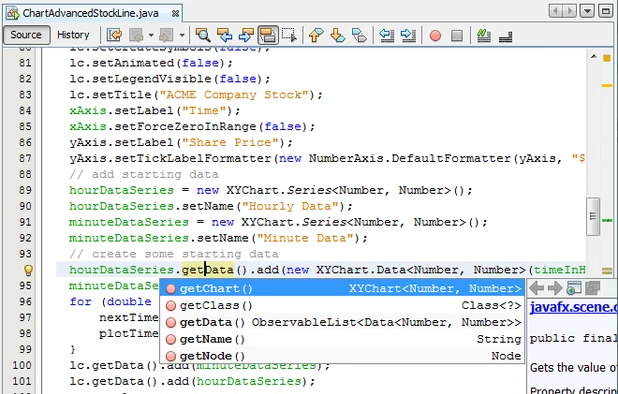
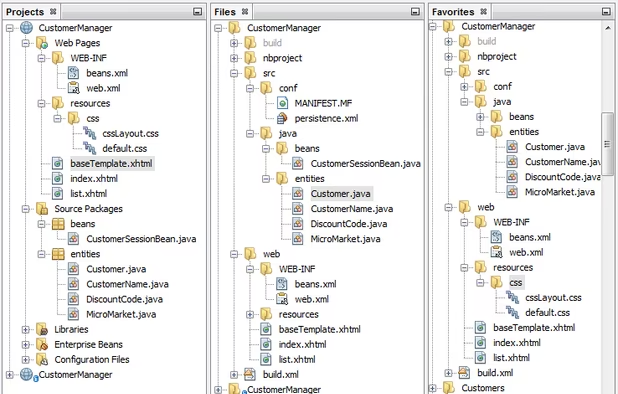
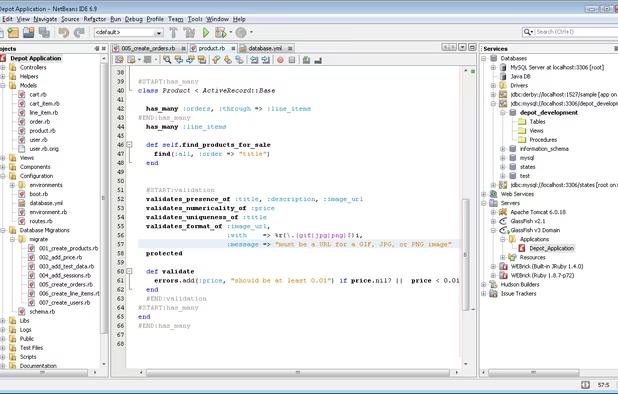
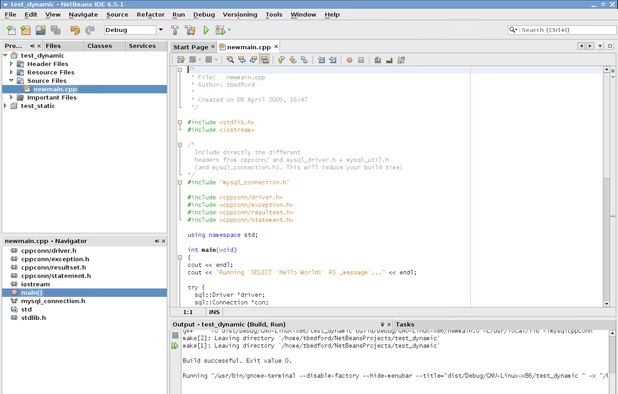
    A free, open-source Integrated Development Environment for software developers. You get all the tools you need to create professional desktop, enterprise, web, and mobile applications with the Java language, C/C++, and even dynamic languages such as PHP, JavaScript, Groovy, and...

    Cost / License

    Application types

    Platforms

    • Mac
    • Windows
    • Linux
    • BSD
    Editor
    Trees
    Windows
    +2
    Linux
    98 alternatives
    4.1
    Very Good9 ratings
  14. gedit icon
     702 likes

    Extensible text editor with UTF-8 support, syntax highlighting for many languages, remote file editing, customizable interface, and plugin integration.

    Cost / License

    Application types

    Platforms

    • Mac
    • Windows
    • Linux
    • Chrome OS
    • BSD
    • Flathub
    • GNOME
    • OpenSolaris
    The Default look under GNOME with Adwaita
    gedit screenshot 1
    gedit screenshot 2
    +2
    gedit screenshot 3
    211 alternatives
  15. IntelliJ IDEA icon
     451 likes

    IntelliJ IDEA is the JetBrains IDE for pro development in Java and Kotlin. Built for your comfort, it unlocks productivity, ensures quality code, supports cutting-edge tech, and protects your privacy.

    Cost / License

    • Freemium
    • Open Source

    Application types

    Platforms

    • Mac
    • Windows
    • Linux
    IntelliJ IDEA interface overview: the Project tool window (left) outlines the code structure and the Editor (right) is used to read, write, and explore the source code.
    Inspections help find probable bugs and dead code, detect performance issues, and improve the overall code structure by providing quick-fixes for any code that contains potential concerns.
    In the Search Everywhere window, you can search for files, actions, classes, symbols, settings, UI elements, and anything in Git, all from a single entry point.
    +1
    IntelliJ IDEA provides first-class support for leading frameworks with dedicated assistance for Jakarta EE, JPA, Reactor, Spring and Spring Boot, and other popular frameworks.
    68 alternatives
    4.1
    Very Good11 ratings
  16. GNU Emacs icon
     392 likes

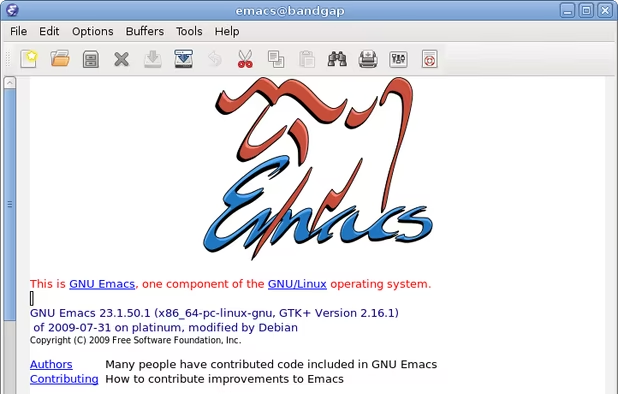
    GNU Emacs is an extensible, customizable text editor—and more. At its core is an interpreter for Emacs Lisp, a dialect of the Lisp programming language with extensions to support text editing. The features of GNU Emacs include:

    Cost / License

    Application types

    Platforms

    • Mac
    • Windows
    • Linux
    • Android
    • BSD
    • Snapcraft
    • F-Droid
    • Haiku
    • Debian
    • MacPorts
    • Homebrew
    The GNU Emacs Manual calls Emacs the extensible, customizable, self-documenting real-time display editor
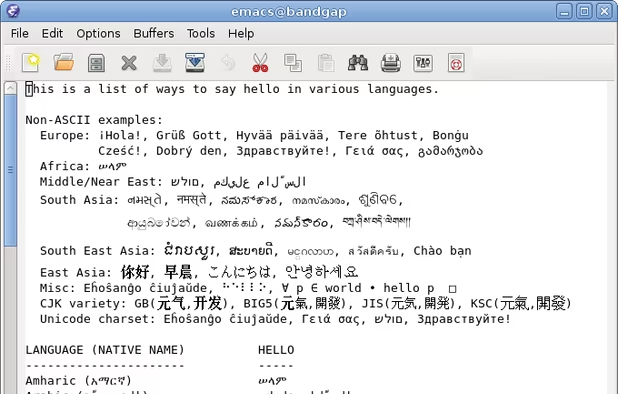
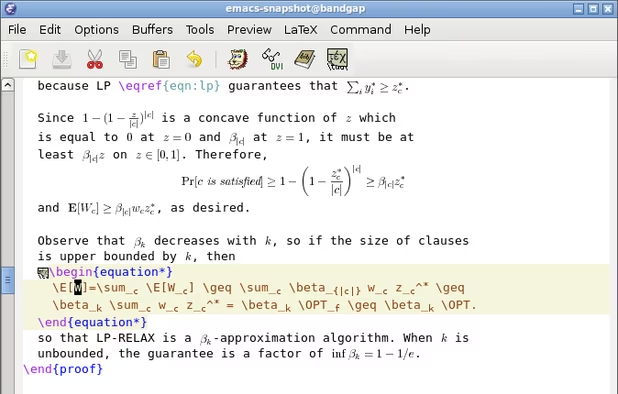
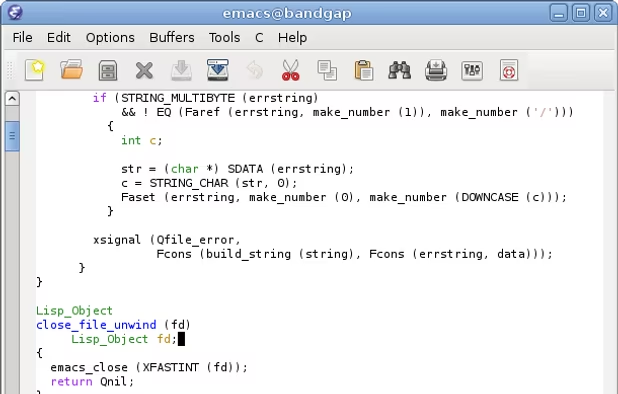
    Beyond just being able to edit plain text files, Emacs includes special features to help you write in many different human languages and programming/markup languages
    GNU Emacs screenshot 2
    +6
    GNU Emacs screenshot 3
    205 alternatives
    4.2
    Very Good13 ratings
  17. Micro icon
     91 likes

    Micro is a terminal-based text editor that aims to be easy to use and intuitive, while also taking advantage of the full capabilities of modern terminals.

    Cost / License

    • Free
    • Open Source (MIT)

    Application types

    Platforms

    • Mac
    • Windows
    • Linux
    • BSD
    • FreeBSD
    • OpenBSD
    Micro screenshot 1
    Micro screenshot 1
    Micro screenshot 2
    +2
    Micro screenshot 3
    57 alternatives
    4.4
    Very Good9 ratings
  18. Gram icon
     12 likes

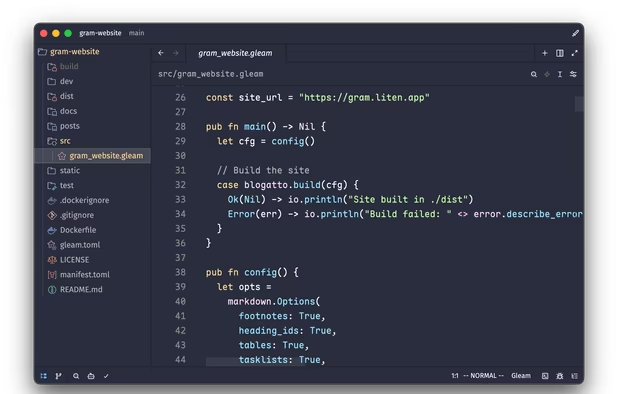
    Gram is a powerful and modern source code editor. It features solid performance and is highly configurable, yet comes with batteries included out of the box. Gram supports many popular programming languages and file formats, and can use Zed extensions to support additional...

    Cost / License

    • Free
    • Open Source

    Application types

    Platforms

    • Mac
    • Linux
    • Gentoo
    • Homebrew
    • Windows
    Gram screenshot 1
    64 alternatives
  19. Replit icon
     102 likes

    In-browser IDE supporting 50+ languages with an AI assistant, real-time collaboration, Git support, hosting, deployment, and live code sharing.

    Cost / License

    • Freemium
    • Proprietary

    Application types

    Platforms

    • Online
    • Android
    • iPhone
    • Android Tablet
    • iPad
    • Mac
    • Windows
    Replit screenshot 1
    Replit screenshot 1
    Replit screenshot 2
    +1
    Replit screenshot 3
    143 alternatives
  20. Pulsar Editor icon
     50 likes

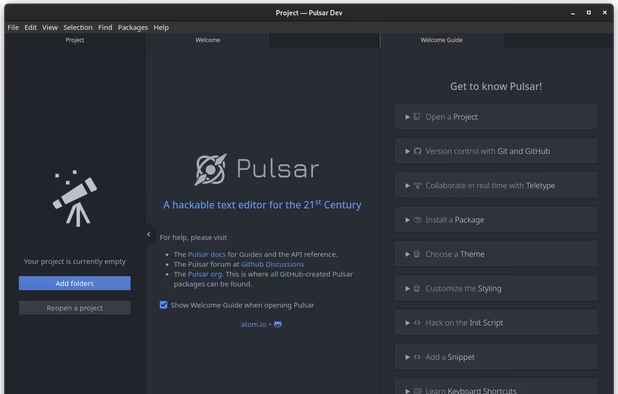
    A Community-led Hyper-Hackable Text Editor, built on Electron. and based on everything we love about our favorite editors.

    Cost / License

    • Free
    • Open Source

    Application types

    Platforms

    • Mac
    • Windows
    • Linux
    • Chrome OS
    • BSD
    • Electron
    Welcome tab
    93 alternatives
  21. CodePen icon
     125 likes

    A communal platform for front-end development offering real-time previews, project building, and showcases, enhancing skills through challenges.

    Cost / License

    • Freemium
    • Proprietary

    Platforms

    • Online
    Auto Updating Previews:
As you code, the preview updates automatically. Unless you don't want it to.
    Build Entire Projects:
Projects is the most powerful feature of CodePen. It's a full blown IDE right in the browser, with automatic preprocessing, drag and drop uploading, live previews, website deployment, and much more.
    Support For the Way You Code:
The CodePen Editor is highly customizable. There is autocomplete and Emmet for speed and accuracy. Plus you can set up smart defaults for starting new work.
    +4
    Keep Your Pens Private:
Nobody can see your private stuff until you want them to, because they are at secret unguessable, non-searchable, non-indexable URLs.
    69 alternatives