

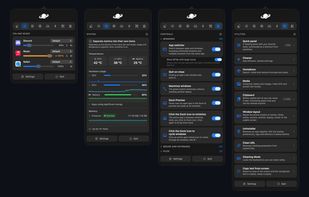
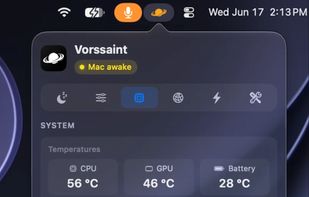
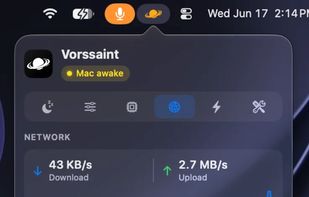
Menu bar toolkit for macOS combining system monitor, per-app volume, app switcher, window snapping, clipboard history, snippets, and more with no tracking.
Cost / License
- Free
- Open Source (GPL-3.0)
Application type
Platforms
- Mac



+5
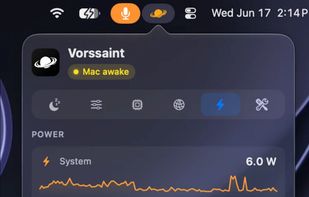


Menu bar toolkit for macOS combining system monitor, per-app volume, app switcher, window snapping, clipboard history, snippets, and more with no tracking.

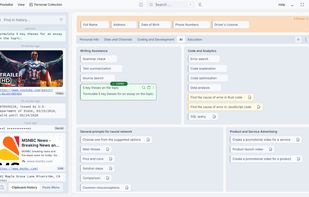
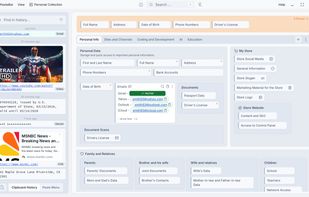
Free, open-source clipboard manager with unlimited history, local secure storage, advanced organization, backup, smart search, shortcuts, and workflow features.
 United States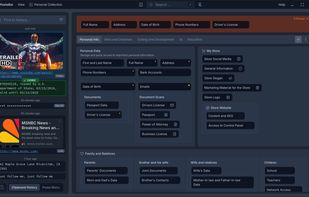

Advanced macOS tool for per-app volume, device switching, Multi-Output audio, external monitor control, AI transcription, and customizable on-screen HUD.
 Poland
 EU
EU



 Vibe Transcribe
Ultra-light macOS utility for hiding menu bar items, with launch at login, auto-hide options, global shortcuts, full bar mode, and RTL language support.
 Vietnam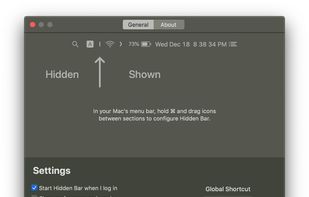

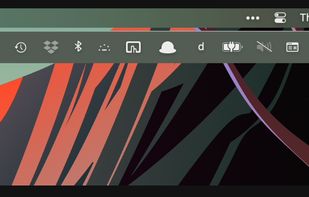
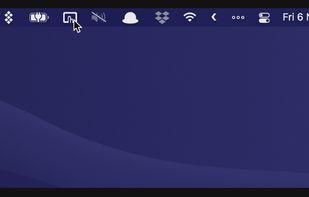
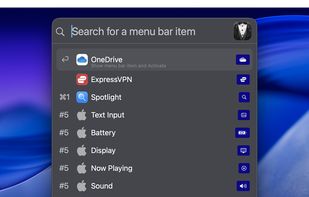
Organizes, hides, and rearranges menu bar items, reveals hidden icons, supports grouping, appearance customization, quick search, and flexible presets.
 Australia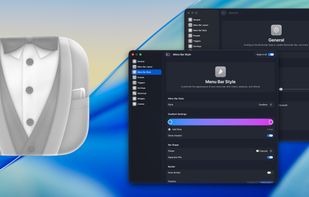



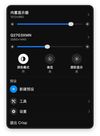
Free, open-source menu bar app for macOS that offers HiDPI scaling, DDC brightness controls, display presets, virtual displays, and drag-to-arrange monitor canvas.
 Norway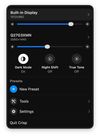



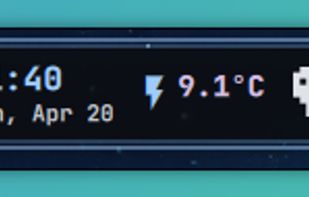
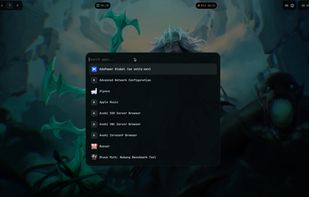
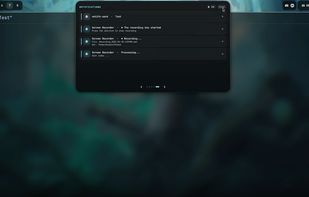
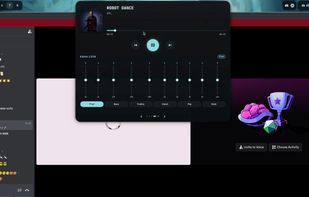
Open-source dynamic island UI for Hyprland with a top-center adaptive panel showing music, calls, screen recording, notifications, clock, weather, and more.

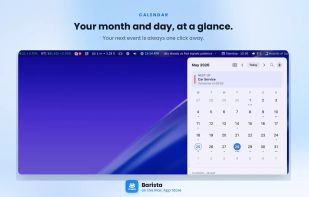
Calebar is a fast, friendly calendar that lives in your Mac menu bar. Click the date, a clean month slides open, jump to any day, see a simple glance at your events for the day, then snap back to today in one click.
United States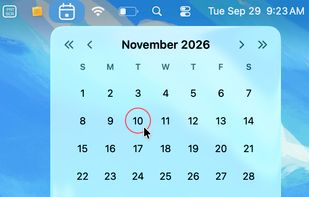



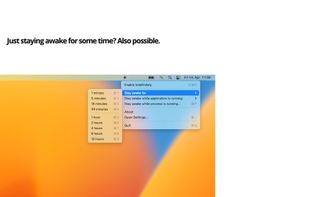
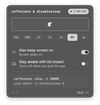
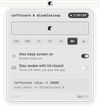
caffeinate & disablesleep replaces two macOS terminal commands: caffeinate -disu and sudo pmset -a disablesleep 1. One click keeps the Mac awake, with an option to stay awake when the lid is closed. Timed sessions run from 15 minutes to 8 hours, or forever.
Australia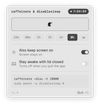


 Singapore

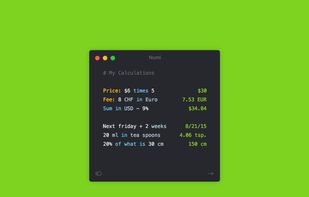
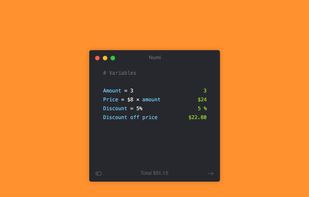
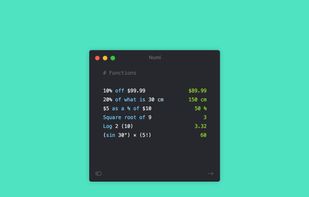
Numi is a handy calculator app for macOS. It allows to describe tasks the natural way and instantly get an accurate answer. For example, $20 in euro - 5% discount or today + 2 weeks. Numi is not limited to simple calculations, it can solve expressions of any complexity, with...
 Russia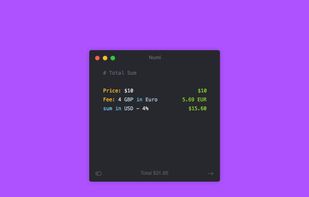



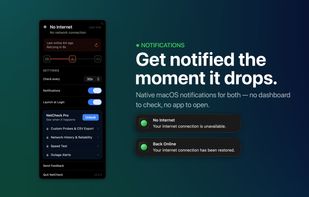
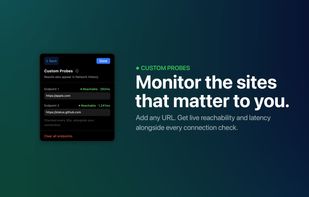
Detects real internet connection from the Mac menu bar with instant alerts, live response time, network history, customizable checks, and multilingual support.
 Bangladesh


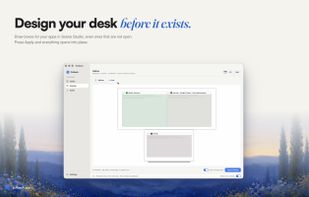
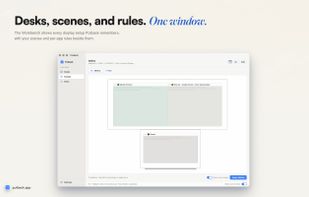
Automatically restores window layouts on macOS when displays change, designs and applies desk scenes, protects privacy, supports hotkeys, no data leaves device.
Australia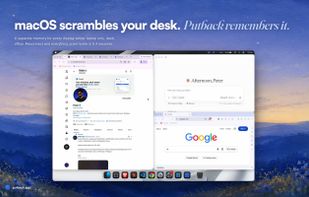


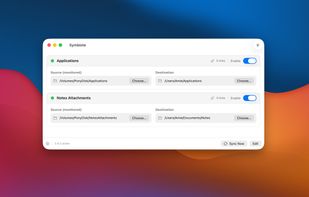
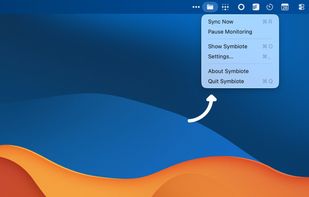
A native macOS menu-bar utility that frees up disk space by keeping apps and large files on an external drive using symbolic links, while they still appear where you expect them.


Menu-bar clipboard manager for macOS that enables automatic triggers, shell-style pipelines, fuzzy text search, persistent undo, OCR on images, and privacy-focused features.
United States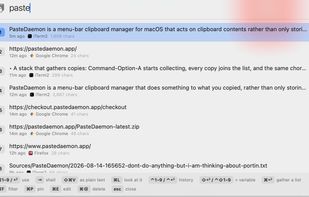

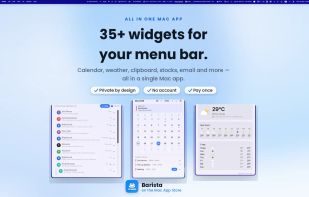
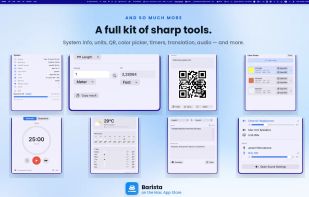
Features over 35 customizable Mac menu bar widgets, including calendar, email, reminders, system monitors, games, and a privacy-focused clipboard manager.


Hide and auto-hide menu bar icons, use keyboard shortcuts, enable advanced icon removal, and streamline system tray organization on Mac with customization.
Australia
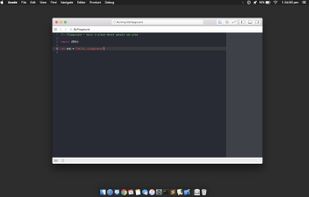
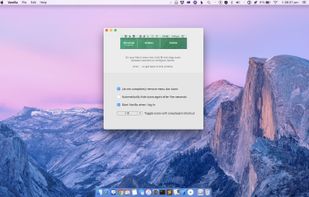
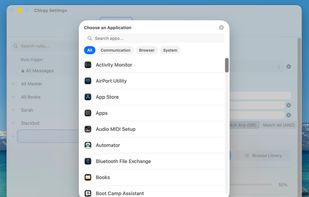
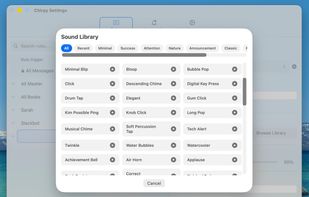
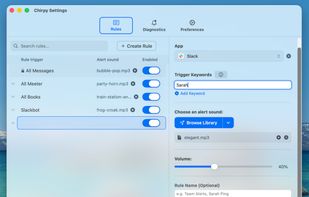
Plays a different notification sound for every Slack channel, contact, or Mac app, so you know what happened without looking.
 SpainEU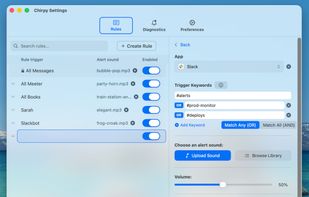


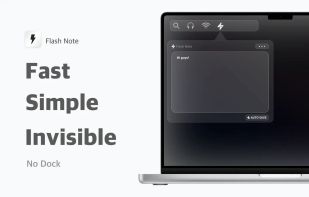
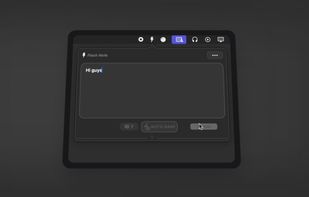
The fastest way to take notes on your Mac. Access instantly from the menu bar, without cluttering the Dock. Take notes instantly, distraction-free.

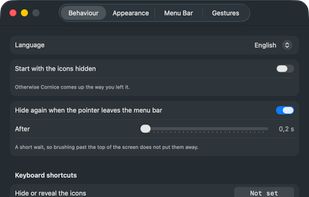
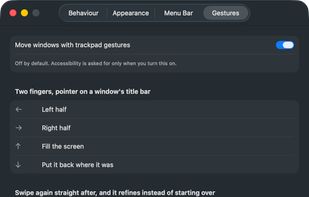
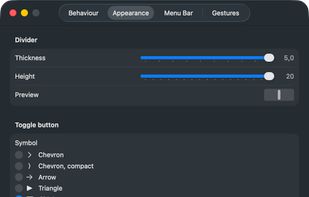
Free, open-source menu bar manager for macOS 26+. Hide and reveal with one click, and that half needs no permissions at all. Optional title-bar trackpad gestures for moving windows.
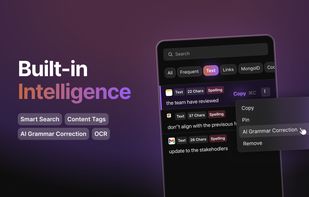
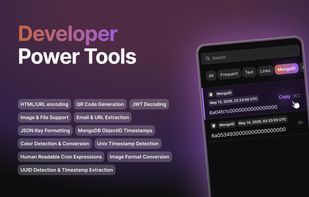
ClipBear is a smart macOS clipboard manager for developers. It detects and transforms developer content — JWTs, JSON, colors, cron, timestamps, ObjectIDs — inline and on-device. Free to use; Pro ($15/yr) unlocks unlimited history. 14-day Pro trial.
 GermanyEU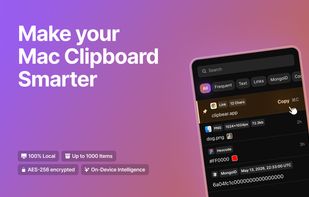

Tatami is a macOS workspace manager that combines automatic BSP tiling with virtual workspaces, without disabling SIP. You get the window tiling yabai is known for and fast app-grouping workspaces in one app.
 South Korea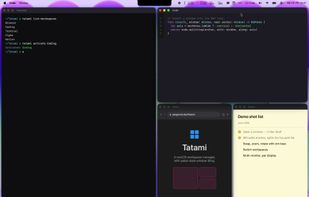

Menu bar app that reads what's inside your files — scanned PDFs, photos, emails — names and files them from their content, and searches inside every scan. New in 2.9: a safety net that undoes what AI agents do to your folders. On-device, $9 once.
 Chile
Chile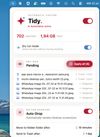


terminal –tags (“Terminal Tags”) does two jobs at once. First: it puts floating color-coded labels on your terminal windows so you can tell which window is running which task at a glance — no more hunting through 15 identical-looking Terminal tabs.
United States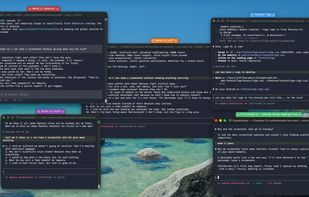

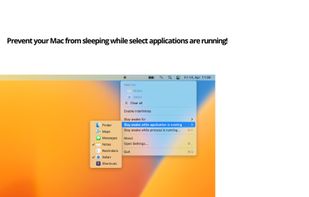
"Don't Go to Sleep Please" prevents sleep mode on the Mac until applications or processes are done.
GermanyEU