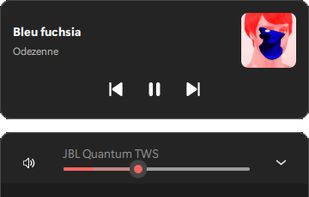
Advanced volume mixer for Windows 10 and 11 providing per-app control, device switching, audio visualization, hotkeys, automatic updates, and modern interface.
Cost / License
- Free
- Open Source
Application type
Platforms
- Windows
 United States


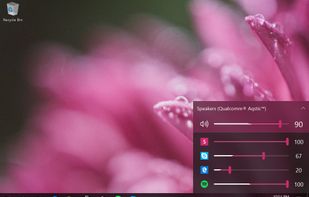

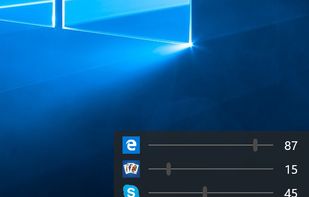


Advanced volume mixer for Windows 10 and 11 providing per-app control, device switching, audio visualization, hotkeys, automatic updates, and modern interface.
United States
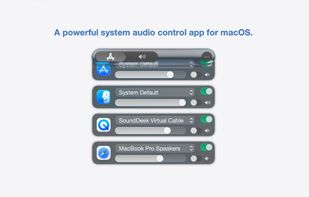
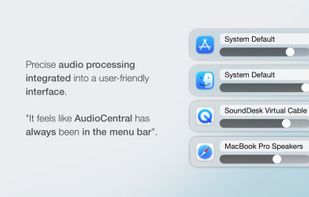
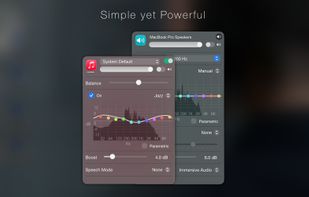
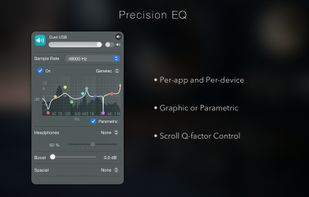
Menu bar tool for macOS enabling per-app and per-device audio control, app-to-device routing, 10-band EQ presets, real-time VU meters, volume boost, and persistent settings.
United States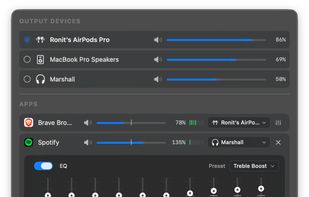
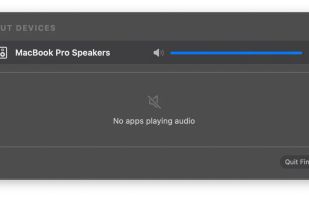


Advanced macOS tool for per-app volume, device switching, Multi-Output audio, external monitor control, AI transcription, and customizable on-screen HUD.
 Poland
 EU
EU
 Vibe Transcribe
Free software mixing console for Mac and Windows — captures system or per-app audio and routes it to up to 16 stereo outputs, with per-channel EQ, RTA + Auto-EQ, DriveRack-style crossover/align, feedback destroyer, CLAP plugins and recallable presets.
 GermanyEU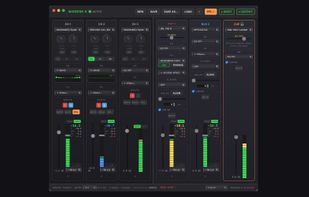
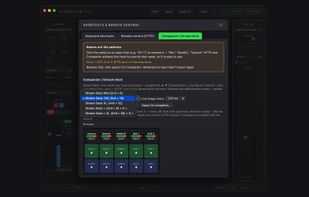
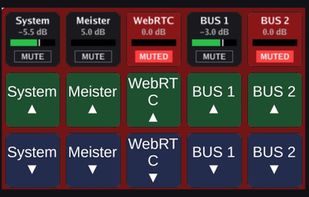
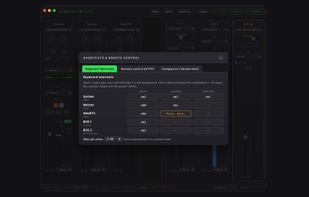


Volume2 is an advanced Windows audio mixer, a complete replacement for the standard Volume Control. This application lets you easily change the sound volume just by rotating the mouse wheel or by using keyboard hot keys or just mouse move on screen border.
 Russia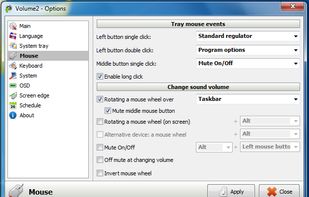

The best Windows 11 volume mixer and audio manager. Free and open source. Per-app volume control, custom themes, and media overlay.
 BelgiumEU



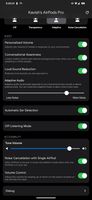
Enables exclusive features like noise control, adaptive transparency, ear detection, gesture answering, conversational awareness, battery status, and custom controls on non-Apple devices.
 India
India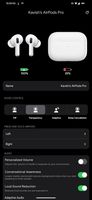

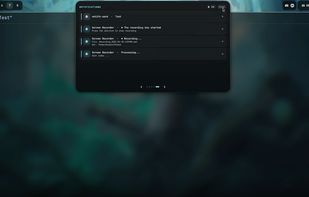
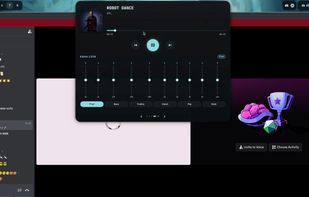
Open-source dynamic island UI for Hyprland with a top-center adaptive panel showing music, calls, screen recording, notifications, clock, weather, and more.


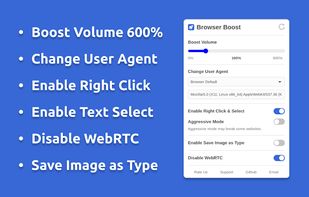
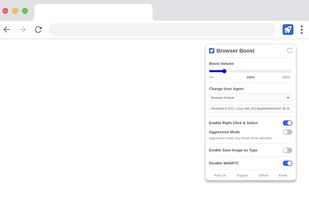
Browser extension to boost volume, change user agent, enable right click, copy & select, disable WebRTC, and save image as type (JPG, PNG & WebP).


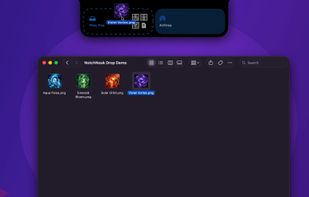
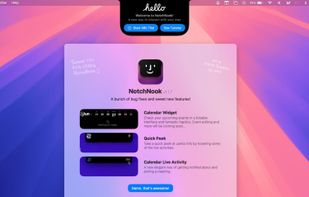
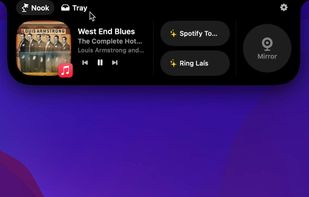
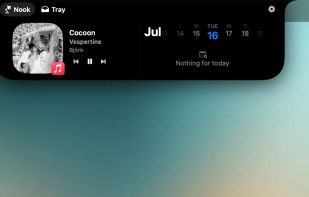
NotchNook brings music controls, calendar, notes, to-dos, timers, a camera mirror and Shortcuts to the top of your Mac display. The Tray keeps files close for drag-and-drop and AirDrop, on Macs with or without a notch and across multiple displays.


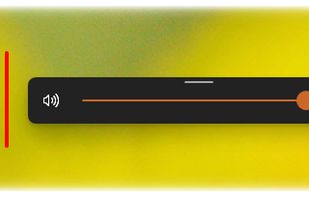
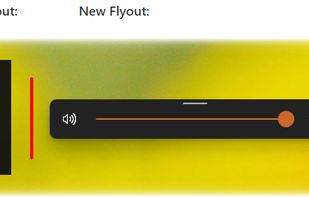
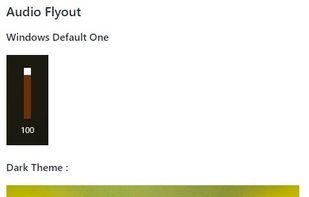
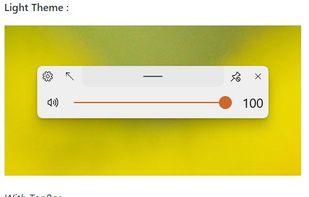
This application aims to provide a Fluent Design System based replacement for the old, built-in, Metro Design based Audio/Airplane mode/Brightness flyouts present in Windows (which haven't been updated since Windows 8 LOL) which are shown while pressing the media or volume...
 FluentFlyout
DuckDeck is a Windows tray app that puts your music volume on global hotkeys and ducks it automatically when someone talks in Discord.
 NetherlandsEU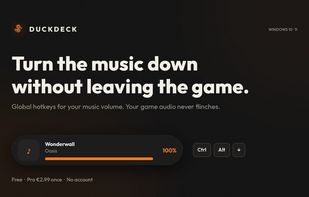
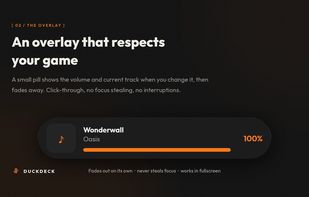
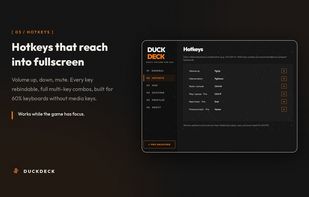
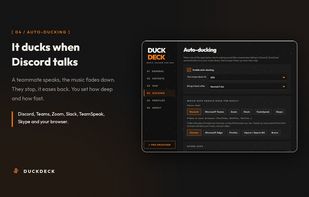

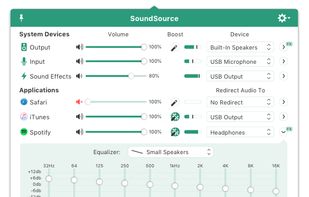
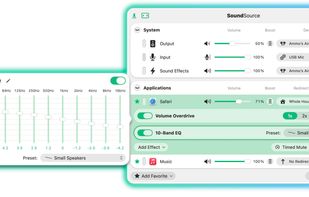
Control volume and audio output per application, apply individual equalizer settings, and access advanced sound features from the menu bar on macOS.
United States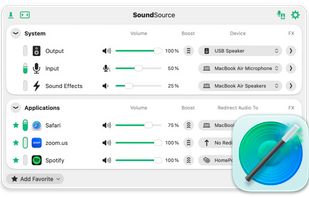

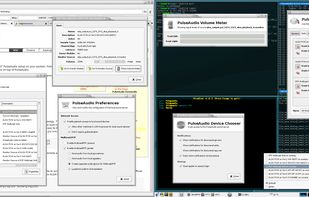
PulseAudio is a sound server system for POSIX OSes, meaning that it is a proxy for your sound applications. It is an integral part of all relevant modern Linux distributions and is used in various mobile devices, by multiple vendors.
United States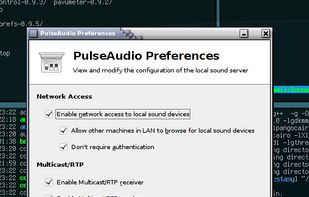


SoundSwitch makes it easier to switch playback devices (sound cards). With SoundSwitch you configure once between which Playback devices you want to toggle and then you can press Ctrl+Alt+F11 to toggle automatically!.
 FranceEU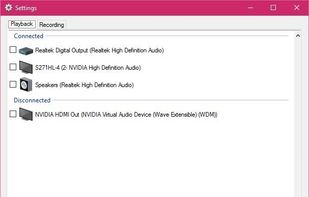
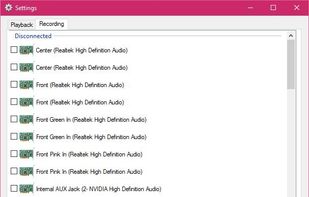

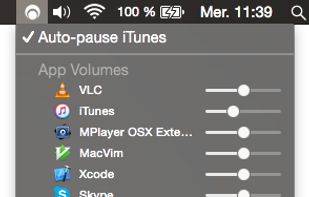
Background Music is a macOS audio utility that can automatically pause your music, set individual apps' volumes, and record system audio.
United States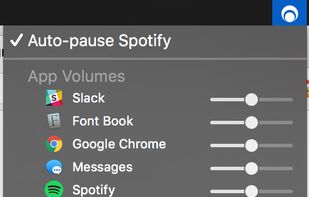

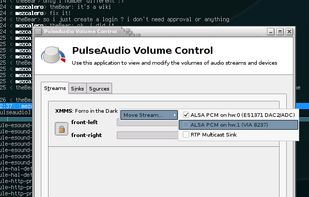
PulseAudio Volume Control (pavucontrol) is a volume control tool (“mixer”) for the PulseAudio server. In contrast to classic mixer tools, this one allows you to control both the volume of hardware devices and of each...


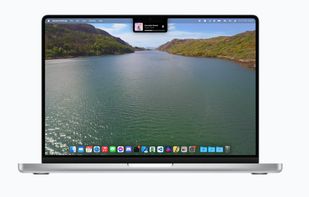
New, fresh visuals for changing your volume, brightness and now playing media throughout the Notch from your MacBook Pro.
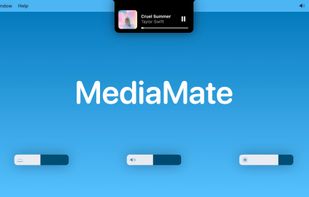
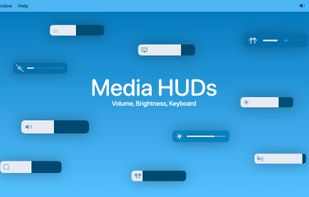
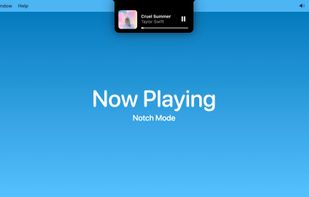

From authors website:
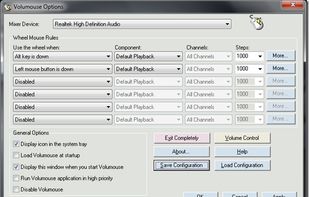
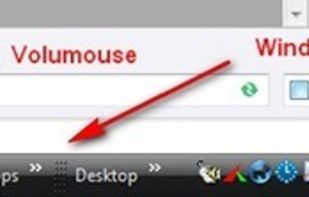
Volumouse provides you a quick and easy way to control the sound volume on your system - simply by rolling the wheel of your wheel mouse.
It allows you to define a set of rules for determining when the wheel will be used for changing the sound volume. For.

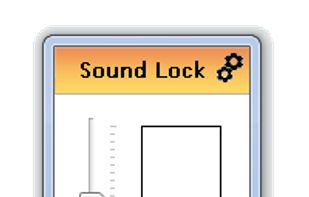
By using the »neighbour friendly« Sound Lock application, you will no longer disturb the people around you while watching your favorite movies and shows
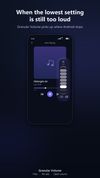
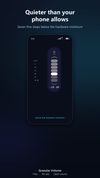
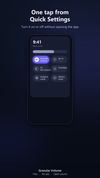
A floating dial that adds six quiet volume steps below Android's minimum and stands in for broken volume buttons. No ads, no account, open source.

Free, open-source menu bar app for macOS: per-app volume faders, one-click audio output switching, and Bluetooth headphone control.
PolandEU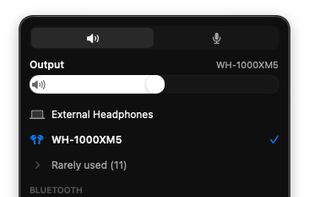
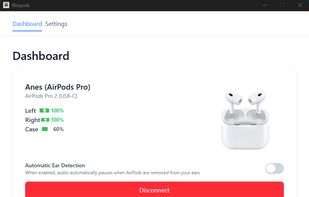
Lightweight Windows tool offering real-time AirPods battery monitoring, connection status, audio controls, low battery alerts, and a movable desktop widget.
 Türkiye