





PasteDaemon
1 like
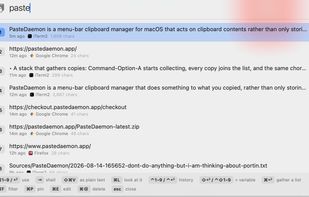
Menu-bar clipboard manager for macOS enabling automatic triggers, shell-style pipelines with variable referencing, persistent undo per entry, fuzzy-searchable and time-filtered history, hotkeys, paste queue, per-app exclusion, image OCR, import options, robust privacy, and local HTTP API.

Cost / License
- Freemium (Pay once)
- Proprietary
Application type
Platforms
- Mac


Features
PasteDaemon News & Activities
Highlights All activities
Recent activities
 Paul added PasteDaemon as alternative to Pasly
 Deepender Yadav added PasteDaemon as alternative to Edge-Drop
 SuperCommands added PasteDaemon as alternative to SuperCommands
 Paul added PasteDaemon as alternative to Look
 vivenario added PasteDaemon as alternative to ClipboardMenu
- Paul added PasteDaemon as alternative to Clippy for macOS
- Paul added PasteDaemon as alternative to Clipped for macOS
- Ben liked PasteDaemon
 Mysdes added PasteDaemon as alternative to Frset
- Danilo Venom updated PasteDaemon


PasteDaemon information
Developed by
 Armand Halbert
 Licensing
Proprietary and Freemium product.Pricing
One time purchase (perpetual license) ranging between $5 and $20 + free version with limited functionality.Alternatives
61 alternatives listedBadge
Get an embeddable badge for PasteDaemonSupported Languages


No comments or reviews, maybe you want to be first?