The xterm program is a terminal emulator for the X Window System. It provides DEC VT102 and Tektronix 4014 compatible terminals for programs that can't use the window system directly.
 United States
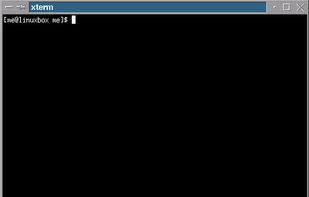


The xterm program is a terminal emulator for the X Window System. It provides DEC VT102 and Tektronix 4014 compatible terminals for programs that can't use the window system directly.
United States
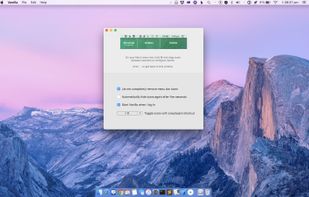
Hide and auto-hide menu bar icons, use keyboard shortcuts, enable advanced icon removal, and streamline system tray organization on Mac with customization.
 Australia



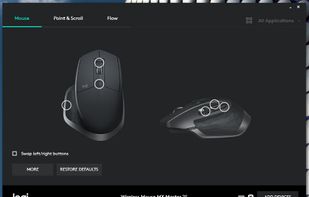
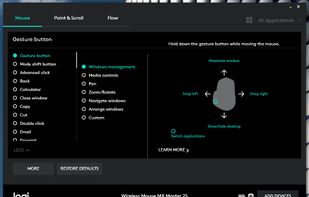
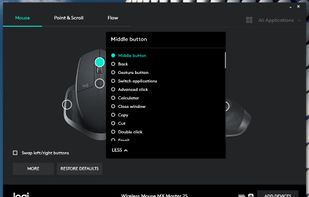
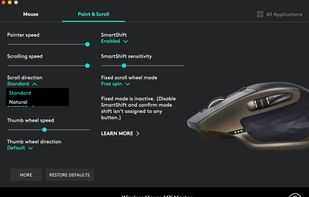
Customisation of Logitech mouse or keyboard settings, device information, additional functionality such as sharing input devices over multiple computers.
 Switzerland
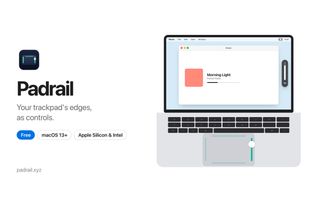
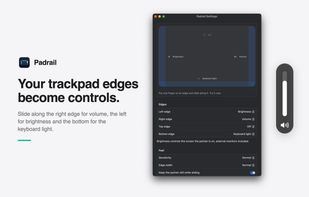
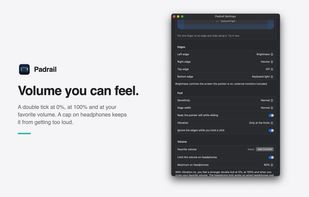
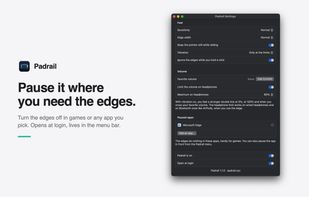
A free macOS menu bar utility that maps MacBook trackpad edges to volume, display brightness, keyboard backlight and app-aware actions.
 Italy
 EU


 United States


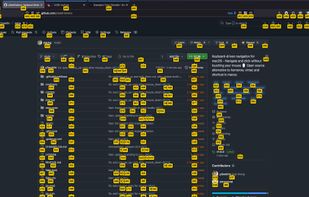
Neru is a cross platform software that enhances keyboard-driven navigation, eliminating the need for a mouse. It offers three navigation modes: Recursive Grid Mode, Grid Mode, and Hints Mode, all of which can be used across all apps and windows.
 Malaysia


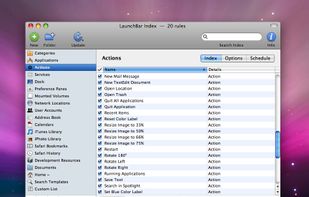
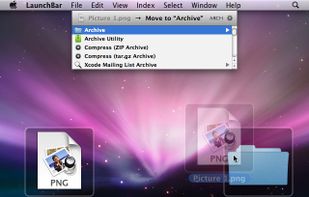
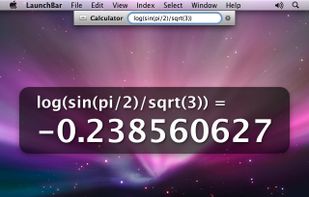
LaunchBar is a smart and powerful, keyboard driven productivity utility that lets you access and control every aspect of your digital life. Whatever you want to get done on your Mac – with LaunchBar it’s only a few keystrokes away.
 AustriaEU

macOS menu bar tool for tracking unlimited global city clocks in real time, nicknaming locations, showing time differences, and simplifying international scheduling.
 Brazil




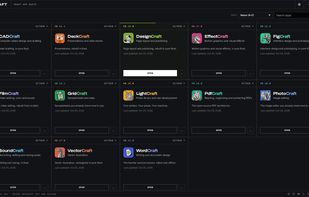
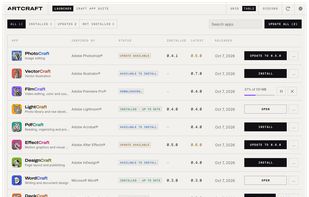
Independent native Rust launcher for the ArtCraft application family. Install, launch and update your creative tools.

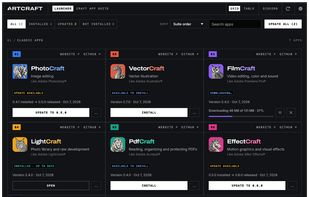

 CyprusEU
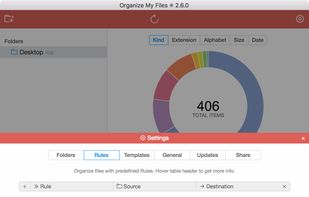
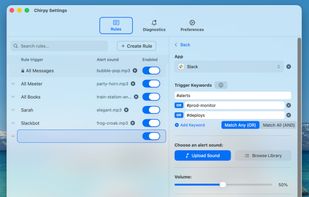
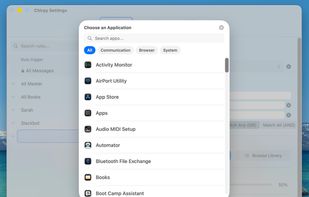
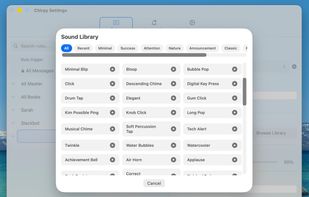
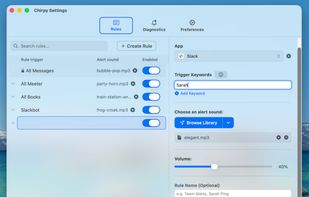
Plays a different notification sound for every Slack channel, contact, or Mac app, so you know what happened without looking.
 SpainEU


MacUpdate is the most complete resource to find and download free software for Mac OS X, iPhone, and iPad. Read and post software reviews with the brightest Mac minds from around the world. Find alternatives to the apps you already use.
United States


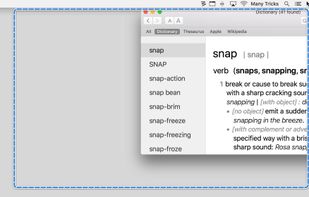
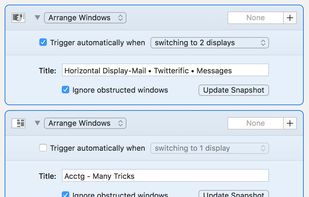
Moom makes window management as easy as clicking a mouse button—or using a keyboard shortcut, if you're one of those types of people.
AustriaEU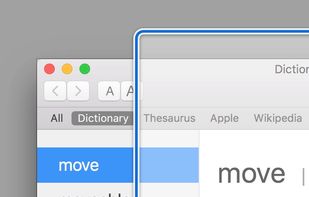
 Microsoft PowerToys

Auto-tiles all macOS terminal sessions into a single fullscreen or grid window, instantly grouping by project with color coding, zero setup, and native Swift performance.
Australia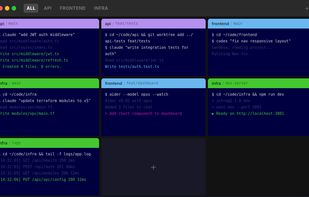

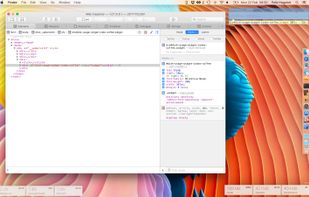
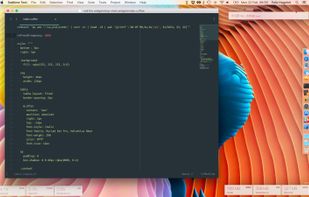
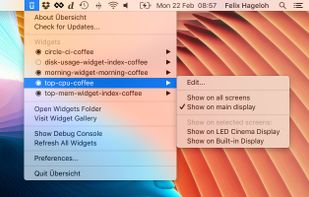
Übersicht lets you run system commands and display their output on your desktop in little containers, called widgets. Widgets are written using HTML5, which means they

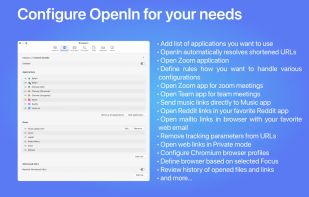
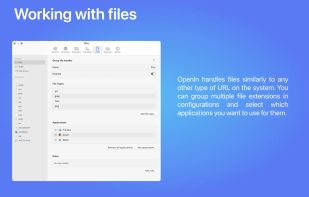
Remember the last time you double-clicked an app and regretted it right away? Because fully loaded IDE was a default application for a Markdown file, you wanted to edit? No more. We give you a list of applications that support a specific file type, so you can choose which...
United States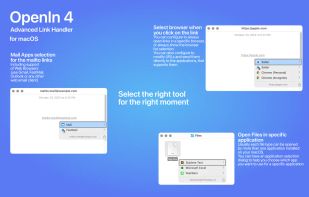

 Browser Tamer

Advanced utility for real-time HDD and SSD health analysis, early failure detection, health and performance ratings, temperature monitoring, alerts, and email reporting.
United States


A Second Dock. Elegant, Efficient, Intuitive. Pin any file, folder, or app — and keep it always accessible in Another Dock.
 China
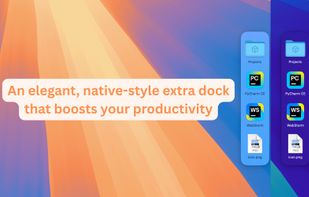
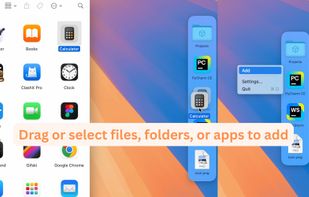
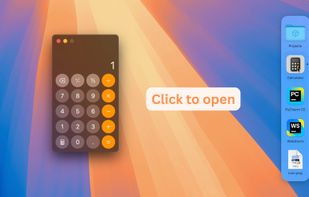
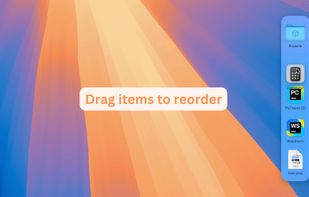
 AppGrid for KDEand


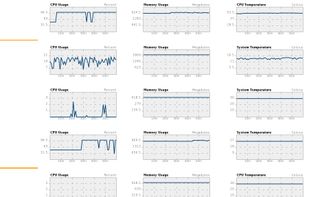
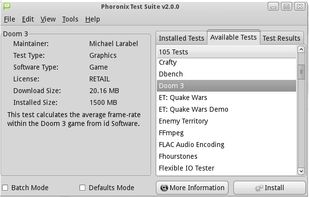
The Phoronix Test Suite carry out automated tests. It is open source. It has access to more than 450 test profiles and over 100 test suites. These tests range from battery power consumption monitoring for mobile devices to multi-threaded ray-tracing benchmarks and span the CPU...
United States


 Arch Linuxand
 CachyOS
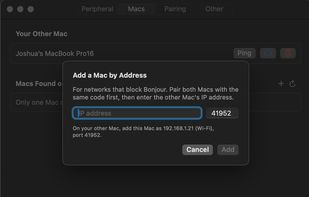
Magic Switch is a simple macOS menu bar utility that lets you quickly (and securely) switch Magic Keyboard, Magic Trackpad, Magic Mouse, and other Bluetooth peripherals between Macs with one click.
 PolandEU
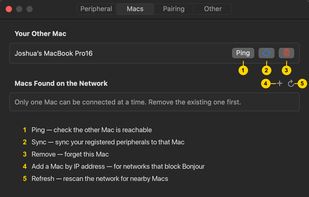
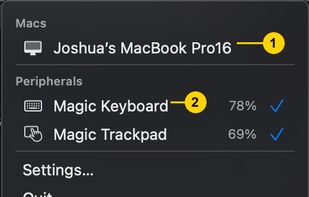
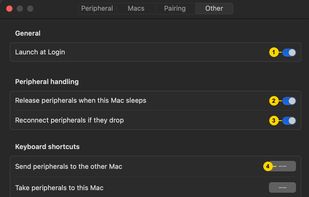

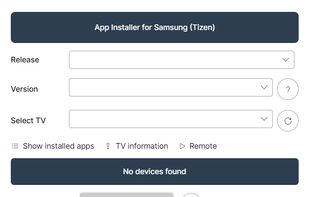
One-click app installer for Samsung TVs, projectors and smart monitors (Tizen) — Jellyfin, Moonlight, and the whole community catalog.

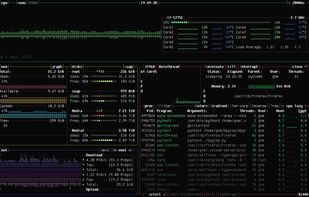
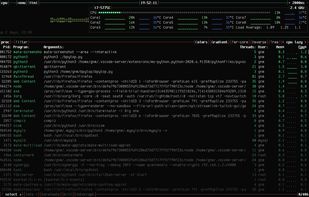
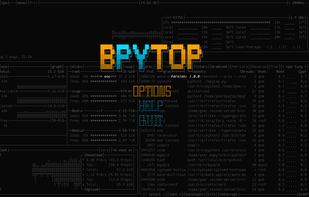
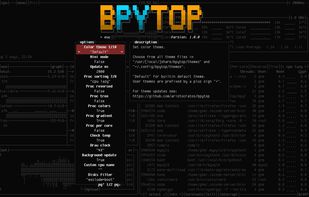
Resource monitor that shows usage and stats for processor, memory, disks, network and processes.
Python port of bashtop.


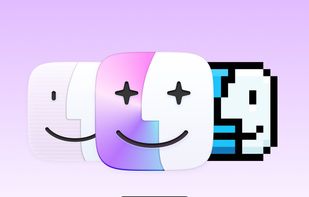
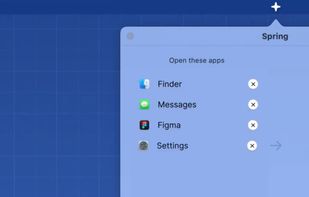
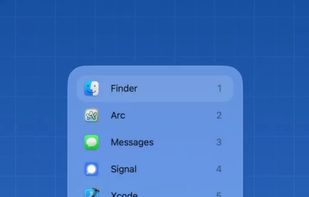
Transform your macOS Dock with Spring! This powerful yet easy-to-use app lets you create personalized shortcuts for any Mac app by selecting custom icons. With Spring, you can easily customize your Dock to match your style.


 StayHere