
 United States



 United States

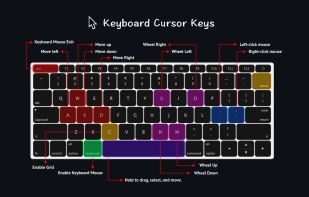
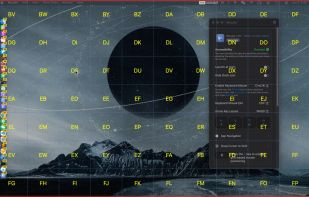
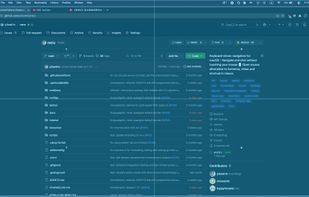
Control the cursor, click, and drag using only keyboard shortcuts. Features resizable on-screen grid navigation, focus highlighting, multi-display support, and customizable Dock-style launcher.
 China

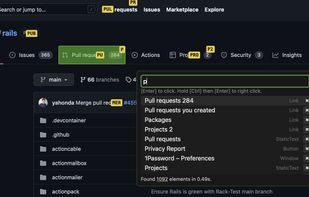
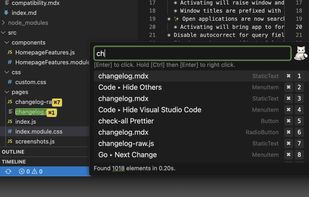
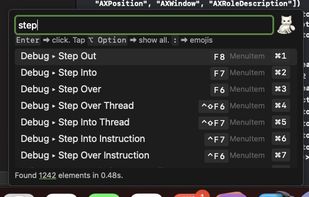
Keyboard tool for macOS enabling users to interact with interface elements by searching and clicking using shortcuts, compatible with most applications.
 Australia


Replace Firefox's default control mechanism with one modelled on the one true editor, Vim. Implementing Vimperator/Pentadactyl as a WebExtension.

Neru is a cross platform software that enhances keyboard-driven navigation, eliminating the need for a mouse. It offers three navigation modes: Recursive Grid Mode, Grid Mode, and Hints Mode, all of which can be used across all apps and windows.
 Malaysia


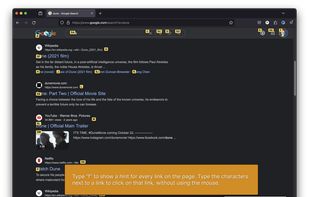
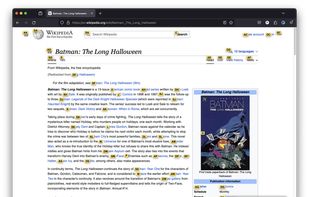
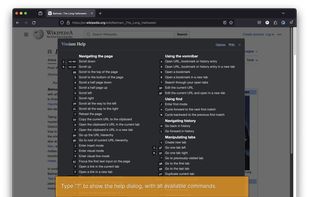
Web browser extension adding rich shortcuts to click links/switch tabs/scroll pages or capture full page, use Chrome like vim for productivity.
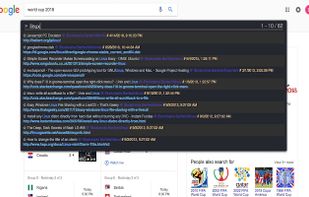

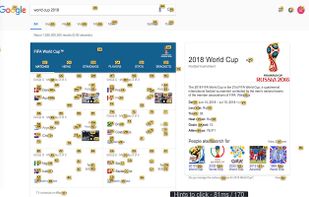
 qutebrowserand
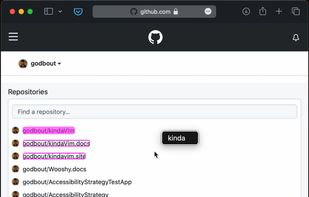
 Vimium

 Netherlands
 EU

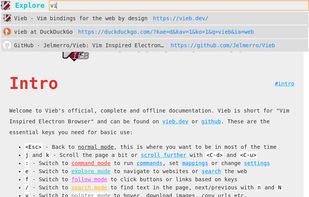

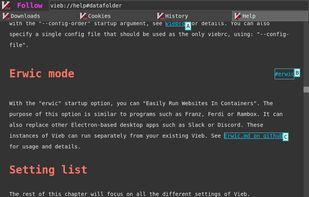 qutebrowser

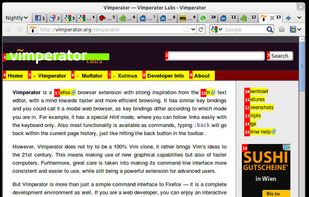
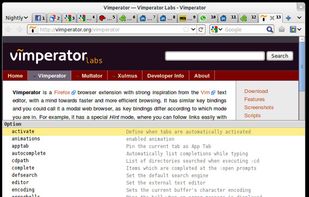
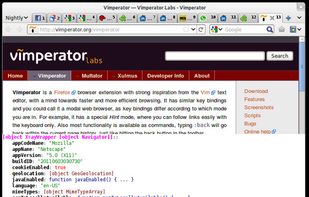
Vimperator is a Firefox browser extension with strong inspiration from the Vim text editor, with a mind towards faster and more efficient browsing. It has similar key bindings and you could call it a modal web browser, as key bindings differ according to which mode you are in.
 qutebrowserandVimium

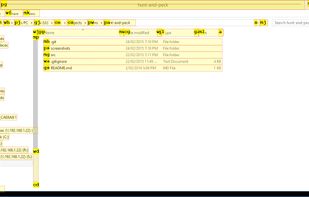
Simple vimium/vimperator style navigation for Windows applications based on the UI Automation framework. In essence, it works the same as screen readers or accessibility programs but with the goal of making any Windows program faster to use.
 Vimium

 Canada



A Customized Vimium (to click web page content and manipulate browser windows using only keyboard) having Chinese support, global Commands and injection functionality, in C-style code for quicker action and less resource cost.
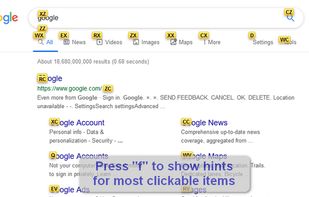
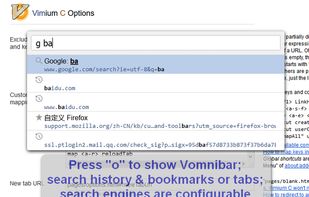
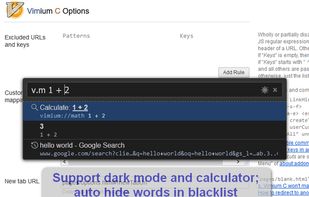
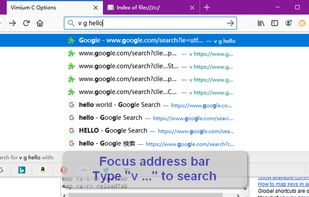
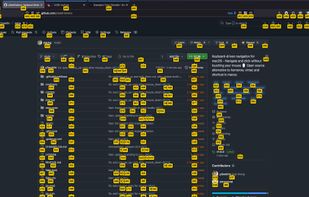
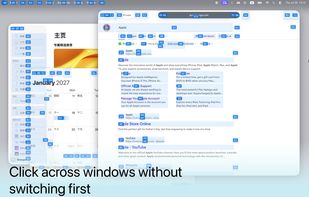
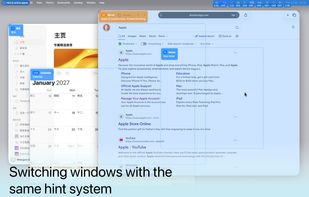
macOS utility using predictable hints to navigate elements and windows, control pointer movement and scrolling, edit text, use OCR, and run scripts.
China
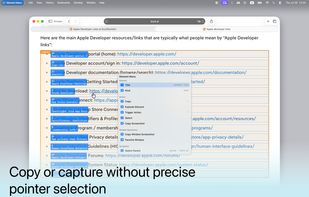

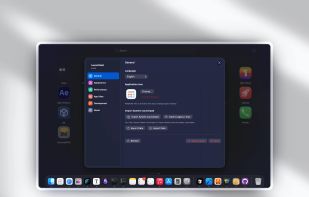
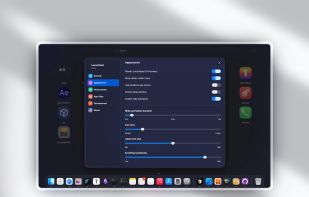
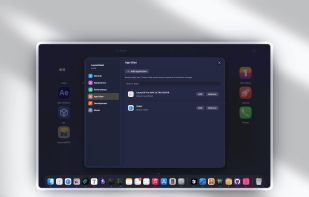
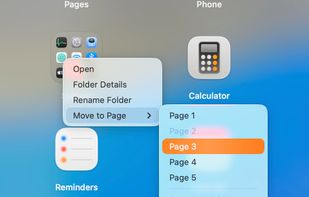
Free open-source macOS launcher with fullscreen grid, Floaty HUD, instant bilingual search, app organization, custom backgrounds, and accessibility.
 IrelandEU
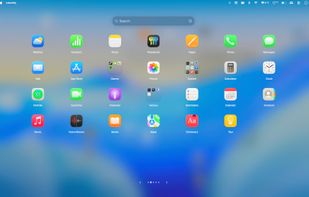
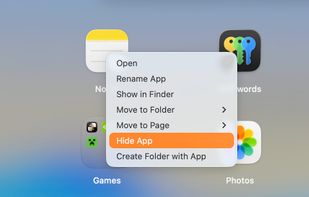

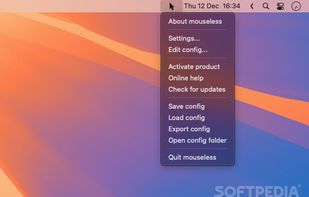
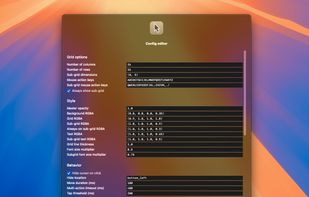
Keyboard-based mouse control offering instant clicks with coordinates, overcoming slow mouse keys while guiding with an on-screen overlay.
United States


Alternative MacOS launchpad supporting Tahoe and classic styles with customizable folders, icon rearrangement, app search, and complete keyboard navigation.
China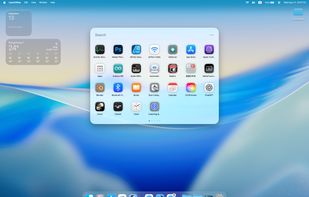
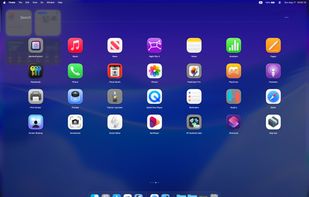

Navigate your Mac without touching your mouse. Boost productivity, reduce wrist strain, and stay in your flow state with KeyboardStack.
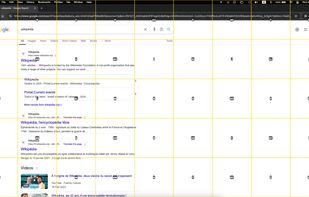
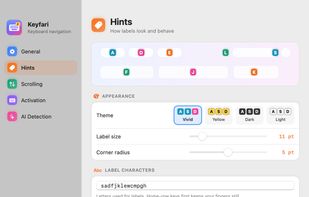
Keyboard-driven navigation for macOS: every button, link and menu item gets a short label, and typing the label clicks it.




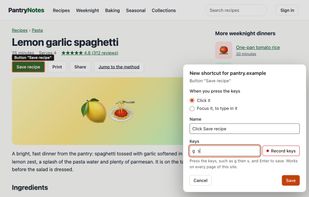
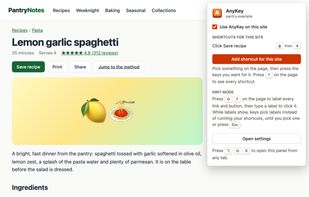
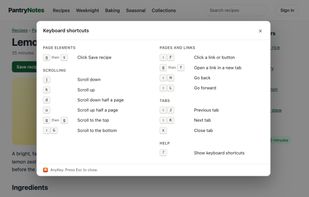
AnyKey is a Chrome extension for using websites from the keyboard. It runs on every site, and it works in Brave and other Chromium browsers too.
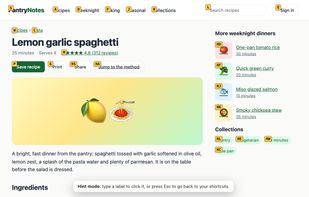
 Vimiumand

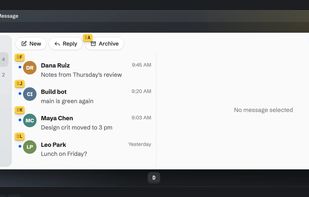
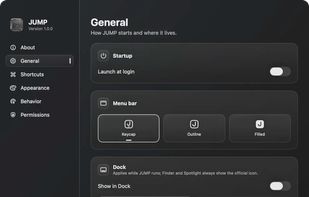
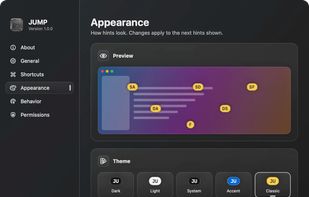
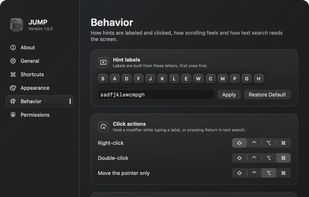
JUMP is a keyboard navigation utility for macOS. Press a shortcut and every clickable element in the focused window gets a short label. Type the label and JUMP clicks it. Hold Shift to right-click, Command to double-click or Option to only move the pointer.
 Mexico

Enables full keyboard navigation of Dock, menu bar, and status bar on macOS with system-wide shortcuts, allowing users to operate their interface without mouse use.
 FranceEU