


 United States





Apps similar to Vimium-C include Vimium, which is free and open source. Other options are Mousio, Tridactyl, Vimperator and Superkey. You can choose from more than 10 Keyboard Navigation Utilities like Vimium-C for Mac, Windows, Linux and the web.
United States
Operate the cursor entirely from your keyboard by moving, clicking, or dragging with shortcut keys. Includes resizable grid navigation, multi-display compatibility, customizable Dock-style panel for launching actions, and focus highlighting for precise work.
 China


Replace Firefox's default control mechanism with one modelled on the one true editor, Vim. Implementing Vimperator/Pentadactyl as a WebExtension.


Vimperator is a Firefox browser extension with strong inspiration from the Vim text editor, with a mind towards faster and more efficient browsing. It has similar key bindings and you could call it a modal web browser, as key bindings differ according to which mode you are in.


 United States
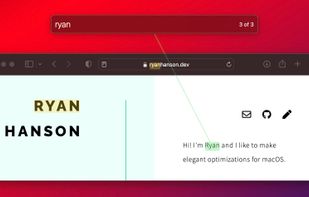
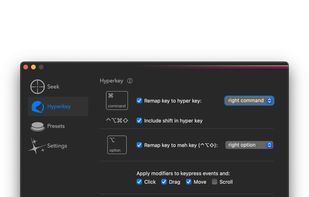
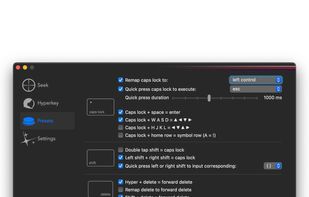
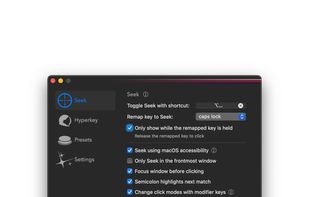


Experience mouse control through keyboard-driven input, enabling rapid clicks in less than two seconds with an on-screen overlay for effortless navigation. It's ideal for enhancing productivity, reducing strain from prolonged trackpad use, and providing accessibility for those who cannot use traditional mice.
United States

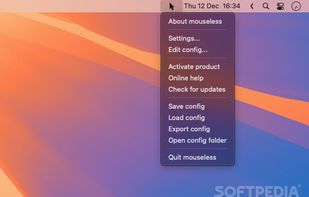
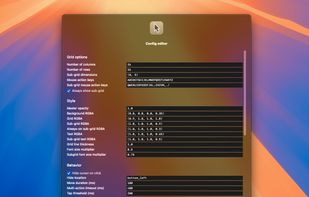


Spotlight for the macOS user interface. Navigate macOS with just the keyboard.
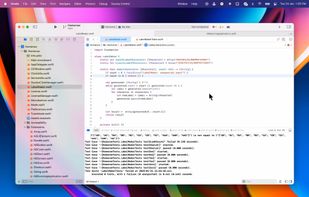


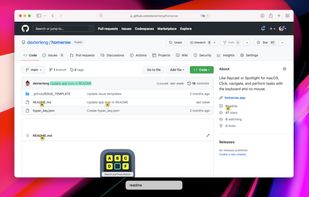


VimFx is a Mozilla Firefox extension which introduces Vim-style keyboard shortcuts for browsing and navigation, significantly reducing the use of mouse, and allowing your hands to rest on the home row.


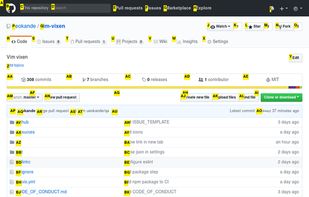
Vim Vixen is a Firefox add-on which allows you to navigate with the keyboard on the browser. Firefox started to support WebExtensions API and will stop supporting add-ons using legacy APIs from version 57. For this reason, many legacy add-ons do not work on Firefox 57.


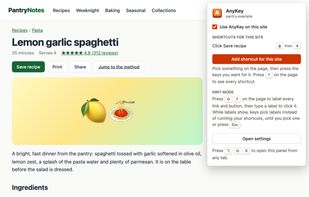
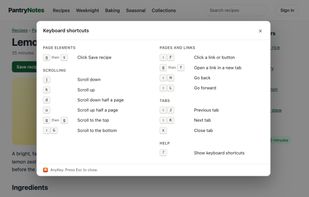
AnyKey is a Chrome extension for using websites from the keyboard. It runs on every site, and it works in Brave and other Chromium browsers too.
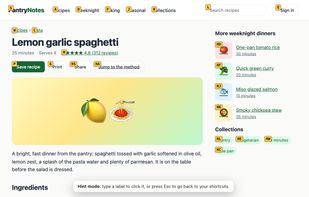
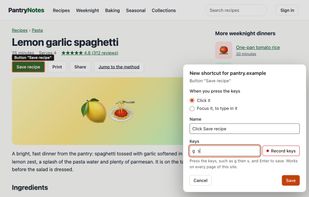


Intelligently detects and highlights clickable elements on page as you type or hold [SHIFT] key. BrowseCut is the new, fast way of using your Browser:.
 Latvia
 EU


 Ukraine


 France


