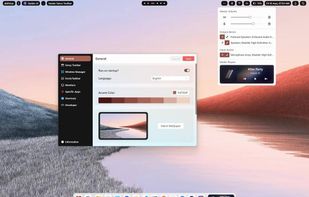
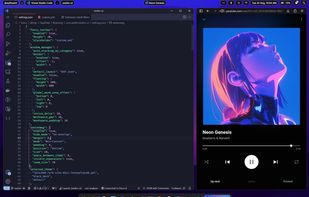
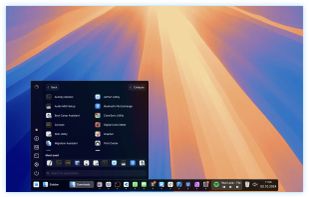
Web-based customizable desktop environment for Windows 10/11 with tiling window management, widget personalization, theme adjustments, and taskbar layouts.
Cost / License
- Free
- Open Source (AGPL-3.0)
Application type
Platforms
- Windows
 Ecuador




+5
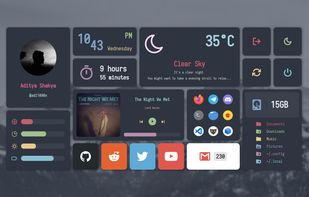


Web-based customizable desktop environment for Windows 10/11 with tiling window management, widget personalization, theme adjustments, and taskbar layouts.
Ecuador
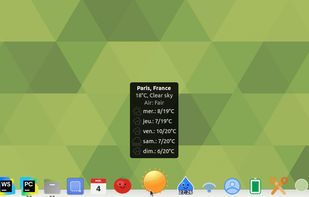
A lightweight, feature-rich dock for Linux written in Python with GTK 3 and Cairo. Inspired by Plank and Cairo-Dock, with an extensible applet system for custom widgets.
 France
 EU
EU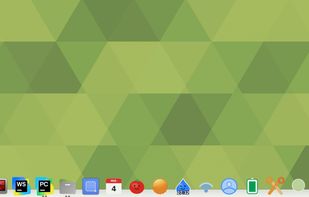


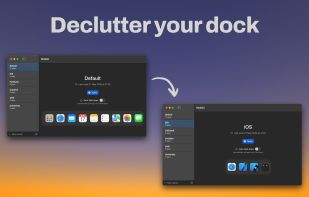
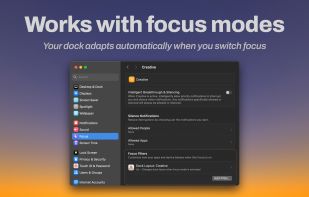
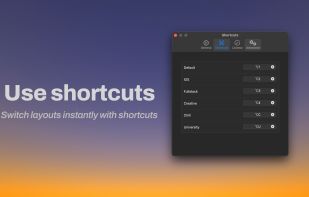
Modoki lets you effortlessly create multiple Dock layouts and automatically applies them when changing macOS Focus modes (or manually if you prefer).
 Ukraine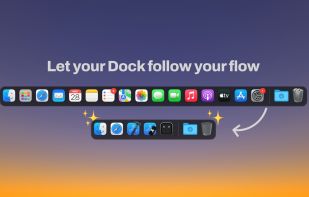


Animated and customizable dock for Linux desktops offering hardware acceleration, multi-docks, taskbar integration, launchers, and detachable applets as widgets.
FranceEU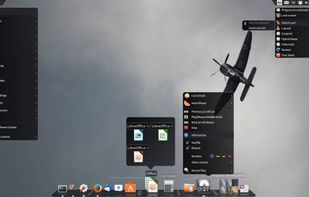


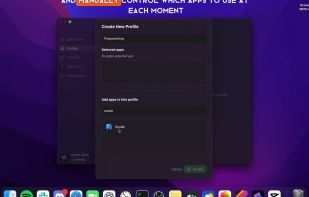
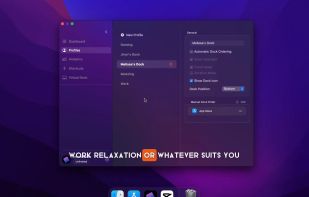
DockProfiles lets you save and switch between different macOS Dock layouts instantly. Whether you’re gaming, working, designing, or studying, one click loads the right apps, folders, and websites.
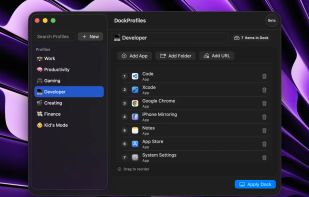
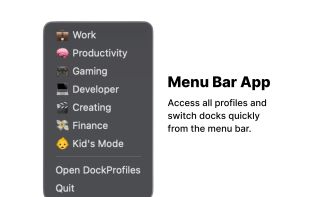


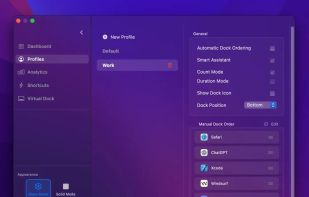
Organize your Mac Dock like never before with custom profiles for different workflow, manual profiles and automatic dock ordering!.
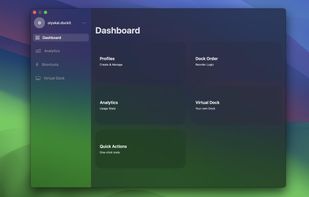

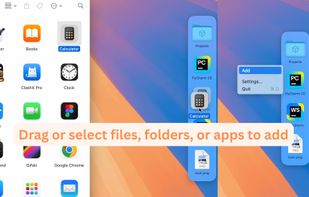
A Second Dock. Elegant, Efficient, Intuitive. Pin any file, folder, or app — and keep it always accessible in Another Dock.
 China
China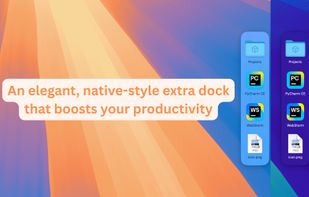
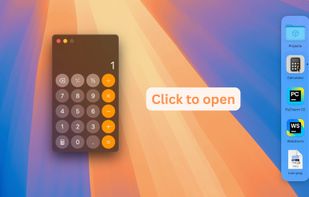

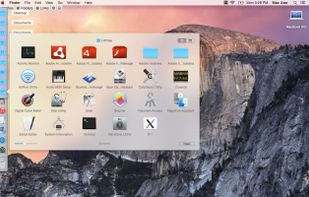
 AppGrid for KDEand
HyperDock adds Windows 7 like features and more to Mac OS X.
Select individual application windows & tabs just by moving the mouse on a dock item, use mouse clicks to quickly open new windows and many more."
Window Previews Ever wondered how to activate a single wind.
 GermanyEU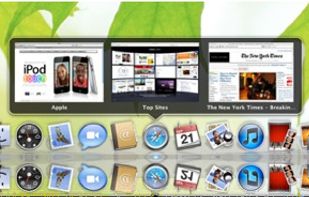



InfyniDock is a macOS Dock alternative and Mac window manager for exact window switching. It can run as a Menu Dock from the menu bar, a FloatDock visual switcher, or a full window-first Dock. It helps users preview and switch to individual windows across apps, displays, and Spaces.
China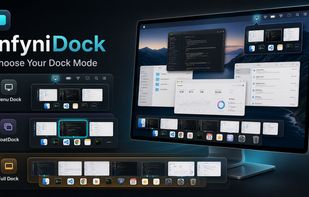
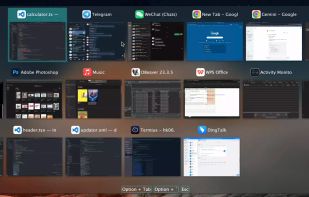

Enhances macOS Dock with customizable Sidebar, offering multi-screen support, window previews, and WindowSnap for managing window positions.
 United States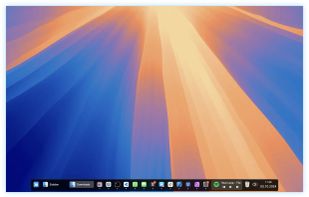
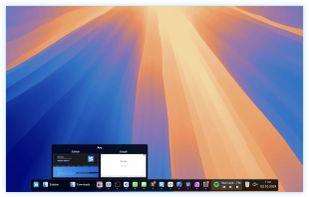
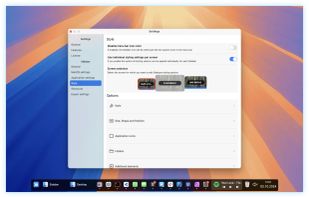


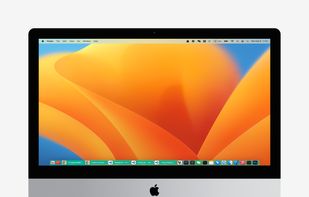
In macOS, the Dock is used as a repository for any program or file in the operating system. It can hold any number of items and resizes them dynamically to fit while using magnification to clarify smaller resized items.
United States

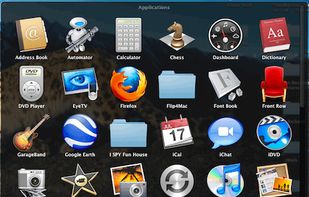
 RaycastandAppGrid for KDE
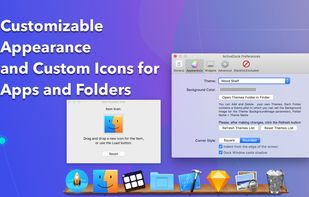
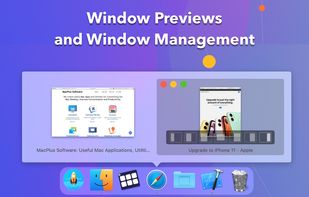
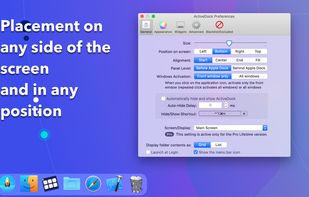
ActiveDock 2 is a customizable alternative to the standard macOS Dock, offering advanced features for app launching, window management, appearance customization, and more. It fully replaces the classic Apple Dock and Launchpad while preserving their familiar look and behavior...
Ukraine


DockFinity lets you create and switch between different Dock configurations. Save profiles for different contexts like "Work", "Gaming", or "Design" and switch between them instantly.
GermanyEU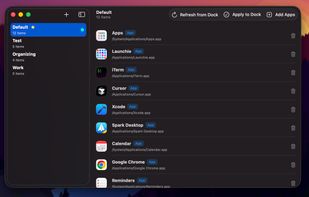

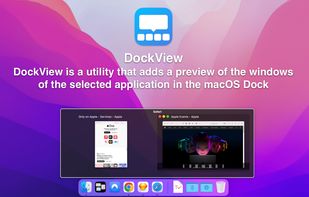
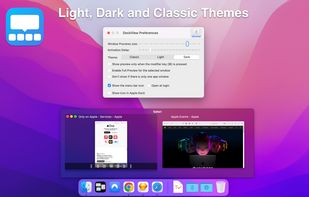
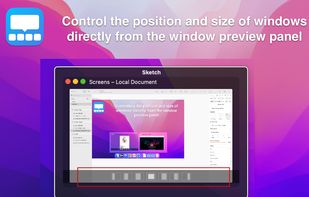
DockView is a macOS utility that shows live previews (thumbnails) of an application’s open windows when you hover over its icon in the Dock. You can quickly switch, minimize, or close windows directly from that preview panel — all without altering the system Dock itself.
Ukraine

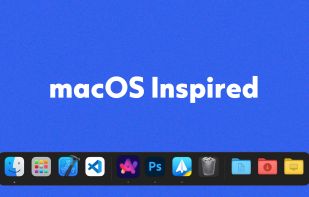
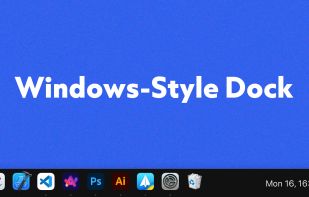
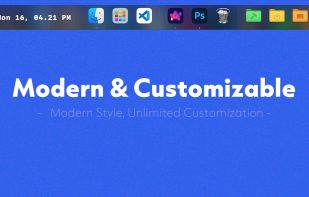
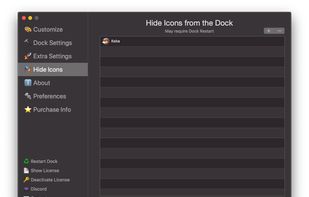
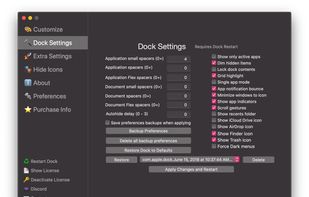
DockFix unlocks hidden settings and features that Apple doesn't want you to know about, giving you full control over your macOS Dock.
 DenmarkEU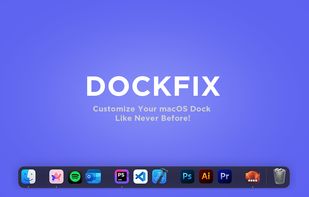


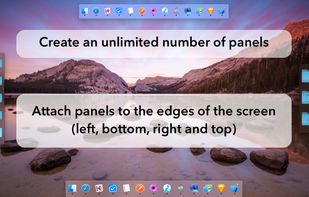
MultiDock is a simple application that allows you to organize frequently used applications, documents and folders using small panels (Dock’s).
Ukraine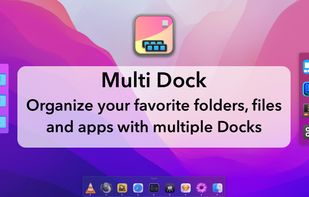


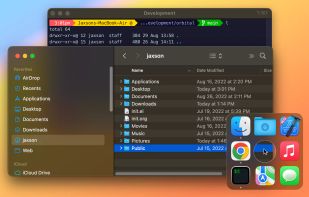
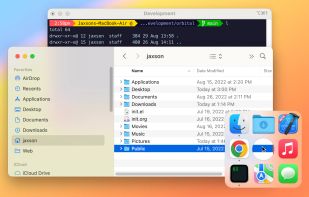
Easily launch and switch between macOS apps while staying focused on your work. Orbital lets you manage your Mac apps with an orbiting dock that appears next to your work, on command.

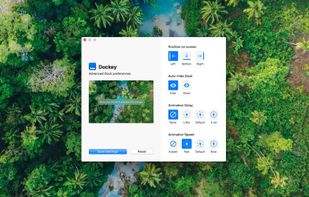
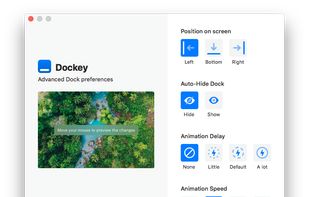
Dockey makes changing some of the more advanced Dock preferences as easy as clicking a button. With integrated preview, you can see how it would look and feel like and save changes you're happy with the result.


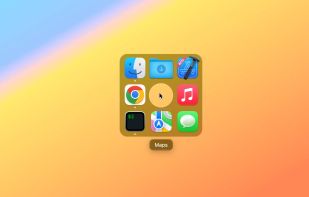
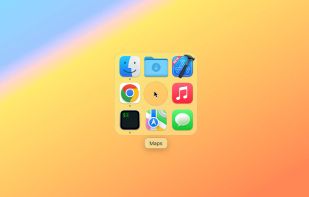
Did you ever wish your Dock could do more or handle more of your apps and files? DockShelf lets you place unlimited docks around your desktop so you never run out of space again for your commonly used files, folders and applications!


 United States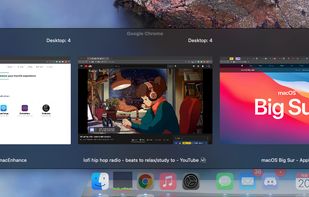
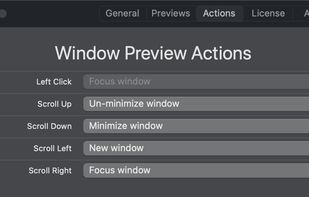
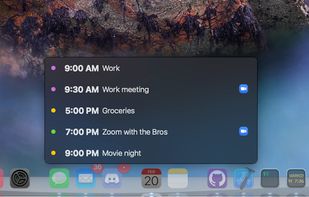

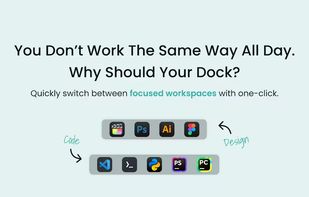
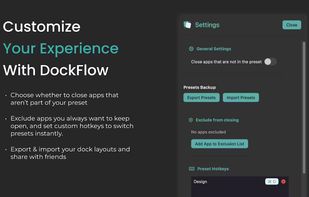
Boost your productivity with DockFlow. Instantly save, manage, and switch between multiple macOS Docks. It's simple and built for focus.
 Israel


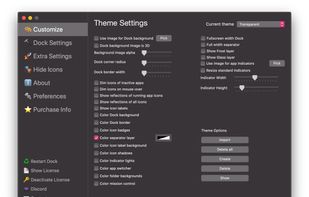
cDock 3 gives you full control over the Dock. There are tons of ways to customize the look and feel of the Dock. You can even enable some awesome hidden features. cDock is designed to make theming your Dock easy and robust on macOS 10.10 and up.
United States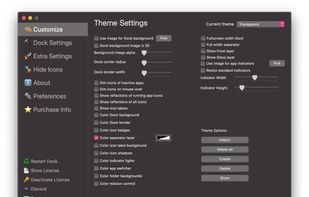
Tweaks the dock of your jailbroken iPhone so that it can fit five icons instead of four.
United States


SSuite Mac Dock is a very simple Windows utility designed to create a Mac OS X-like dock on your desktop, allowing you to launch certain programs with just a single click, just like you do with the ones in the Quick Launch.
 South Africa

Infinidock is the ultimate dock customization tool for jailbroken iOS devices. You can add an unlimited number of icons, or however many you want to each page, and the dock will grow to accommodate them.
United States