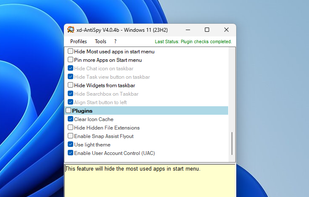
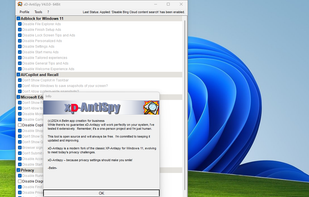
XD-AntiSpy is a tweaking tool for Windows 11, derived from the xp-AntiSpy tool for Windows XP. It is a small application, less than 350 kilobytes, that can run without installation.
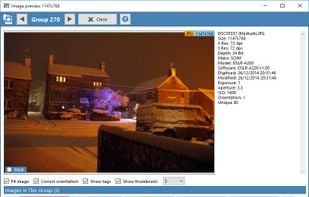
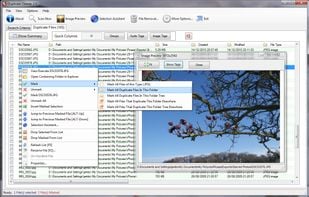
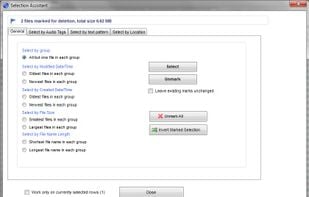
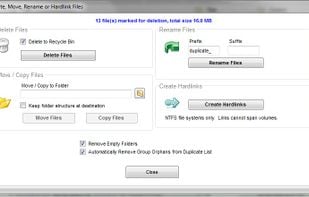
Duplicate Cleaner is a tool for finding and removing duplicate files from your computer or network drives; It is intended to be used on user content - documents, photos, images, music, but can be used to scan any type of files.
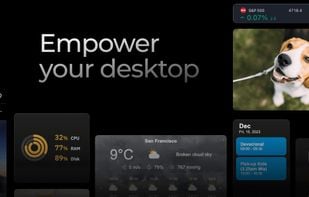
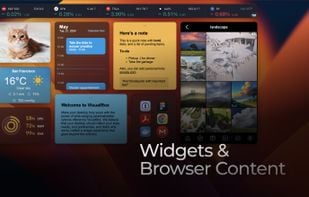
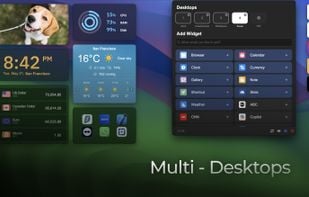
Make your desktop truly yours with the power of wide-ranging personalization options offered by ViBox. We believe that your desktop should reflect your style, needs, and preferences, and that's why we've crafted a widget experience that goes beyond the ordinary.
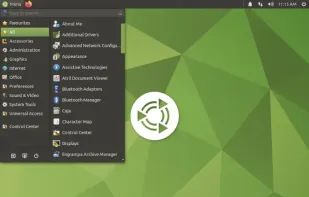
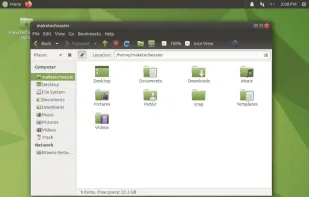
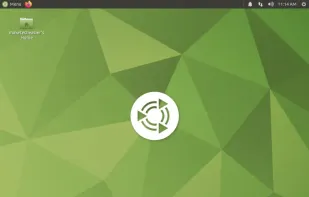
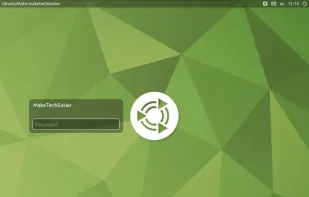
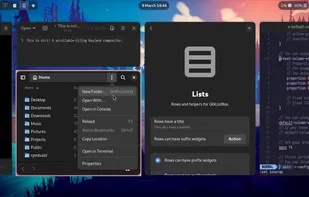
Many users of GNOME 2 dislike GNOME 3. MATE is a fork of the good old GNOME 2. It provides an intuitive and attractive desktop environment using traditional metaphors for Linux and other Unix-like operating systems.
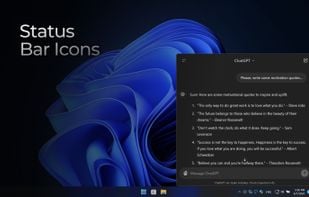
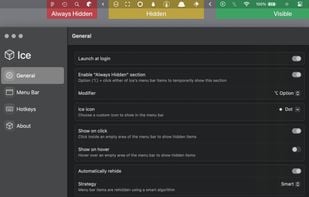
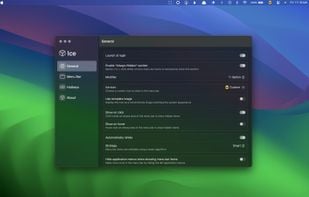
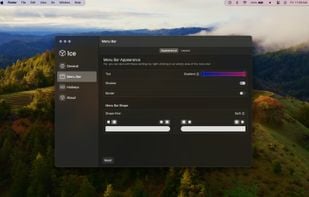
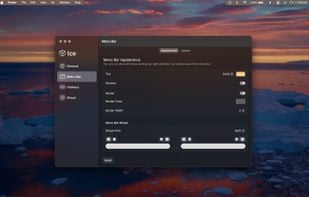
Ice is a powerful menu bar management tool. While its primary function is hiding and showing menu bar items, it aims to cover a wide variety of additional features to make it one of the most versatile menu bar tools available.
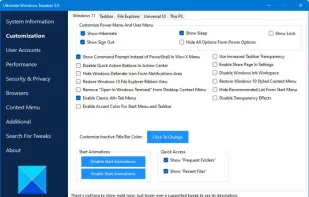
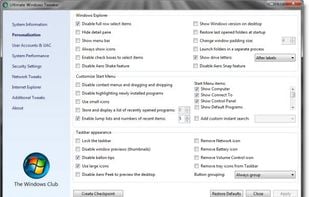
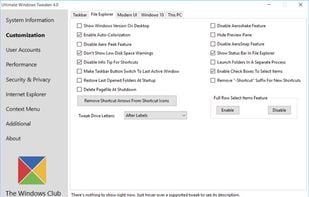
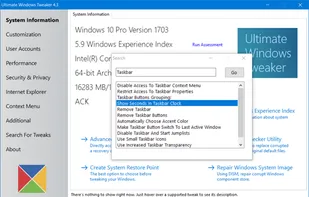
Ultimate Windows Tweaker 5 for Windows 11 is now available for download! This popular Windows tweaking software adds tweaks for the new operating system and is widely regarded as the best Windows 11 tweaker.
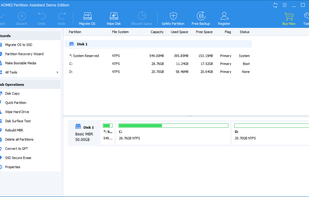
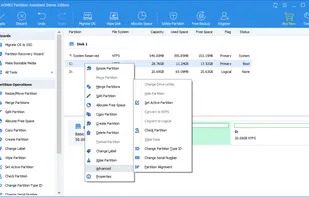
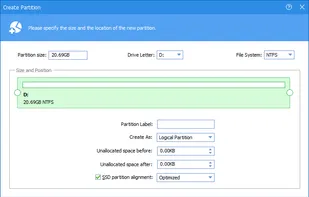
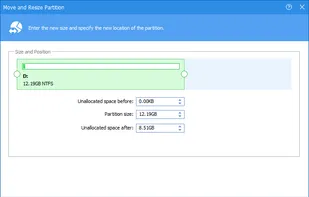
Safely manage disk partitions, resize, merge, split or copy drives, allocate space, and solve low disk space issues with sector-level data protection technology.
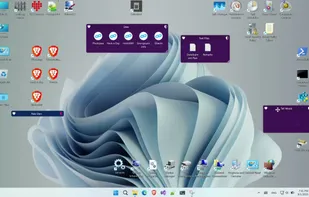
Enables virtual fences for desktop icon organization on Windows, providing enhanced visual effects, right-click customization, portability, and no registration required.
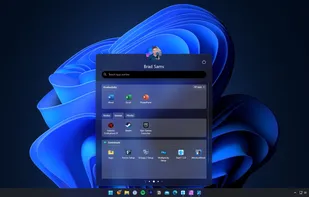
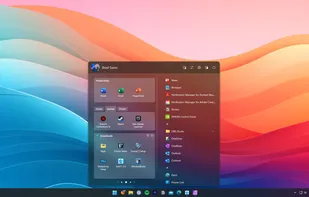
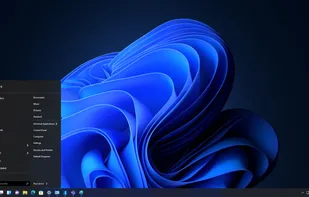
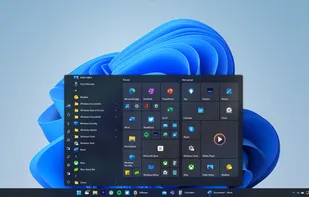
The Windows 11 version of the Startisback replacement shell. This software allows you to make Windows 11 look like previous versions of Windows or a modified version of itself.
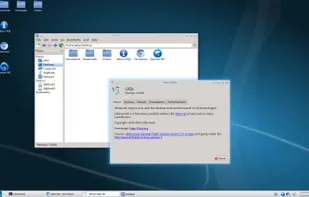
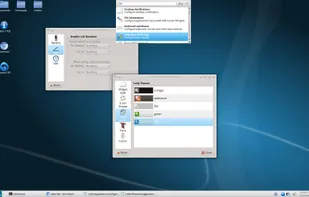
LXQt is the Qt port and the upcoming version of LXDE, the Lightweight Desktop Environment. It is the product of the merge between the LXDE-Qt and the .
Replicant is a fully free Android distribution running on several devices, a free software mobile operating system putting the emphasis on freedom and privacy/security. It is based on LineageOS and replaces or avoids every proprietary component of the system, such as user-space...
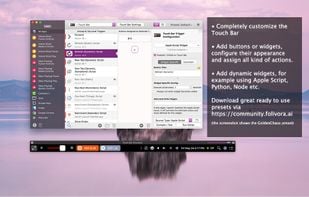
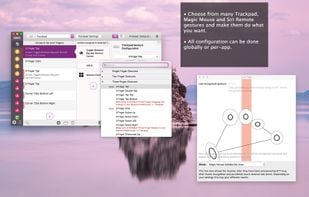
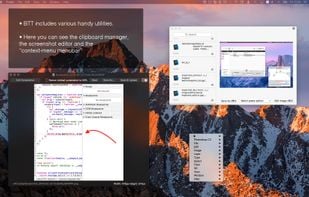
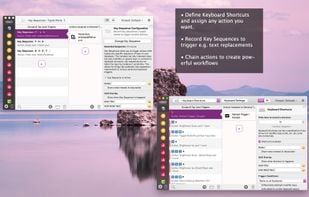
BetterTouchTool is a great, feature packed app that allows you to configure many gestures for your Magic Mouse (1 & 2), Macbook Trackpad and Magic Trackpad (1 & 2) and also Mouse Gestures for normal mice.
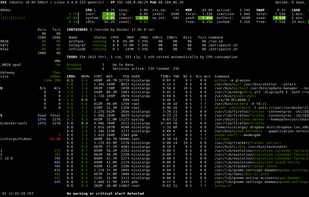
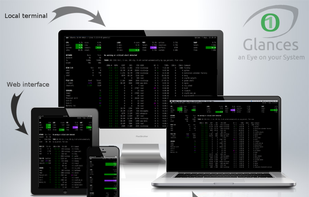
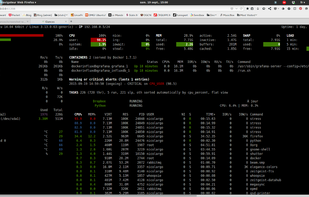
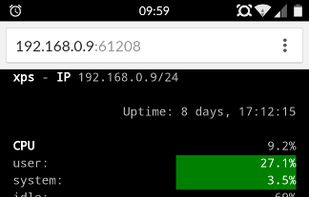
Glances is a cross-platform monitoring tool which aims to present a large amount of monitoring information through a curses or Web based interface. The information dynamically adapts depending on the size of the user interface.
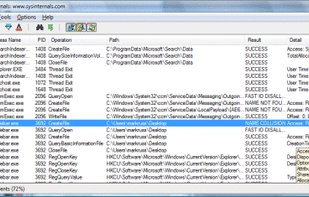
Process Monitor is an advanced monitoring tool for Windows that shows real-time file system, Registry and process/thread activity. It combines the features of two legacy Sysinternals utilities, Filemon and Regmon, and adds an extensive list of enhancements including rich and...
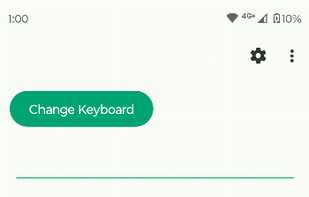
Introducing Fossify Keyboard – your go-to solution for effortless and efficient typing. Experience a seamless typing experience designed to cater to all your needs, whether chatting with friends or inserting texts, numbers, or symbols.
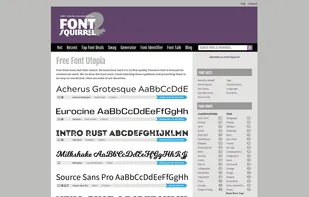
Font Squirrel is a collection of free fonts for commercial use. We scour the internet for truly free, AND, high quality fonts. We also have the world's greatest, and only of it's kind, @font-face font generator.
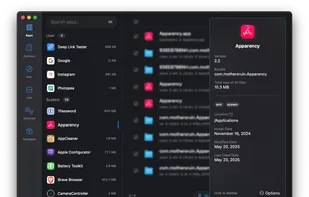
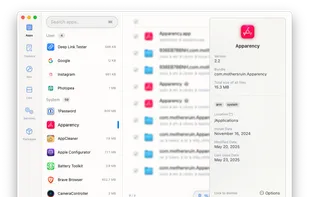
An open-source mac app cleaner inspired by Freemacsoft's AppCleaner and Sun Knudsen's Privacy Guides post on his app-cleaner script. This project was born out of wanting to learn more. There's probably parts of the code that could be done better as I'm fairly new...
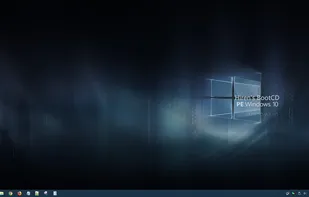
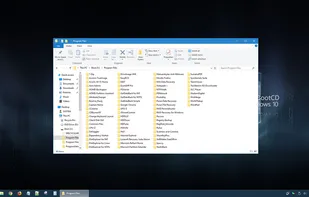
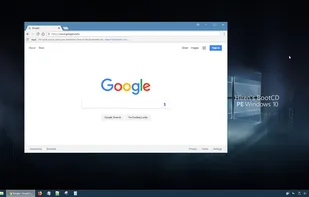
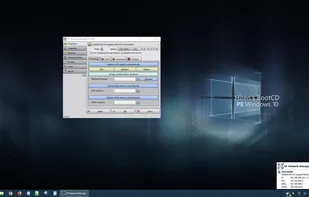
Hiren’s BootCD PE (Preinstallation Environment) is a restored edition of Hiren’s BootCD based on Windows 10 PE x64. PE version is being developed by Hiren’s BootCD fans. it supports UEFI booting and requires minimum 2 GB RAM.








 KDE Plasmaand
 GNOME
GNOME



 Tailsand

 Microsoft PowerToys

 GParted







 AutoHotkeyand





 HeliBoardand

 Google Fontsand


 Rescuezillaand

 United Kingdom


 United States


 France
 EU
EU
 India
India


 China
China


 Taiwan


 Germany
 Russia


 Romania

