


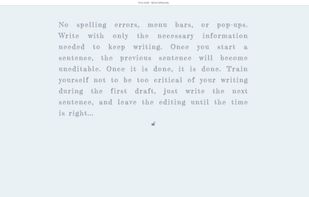
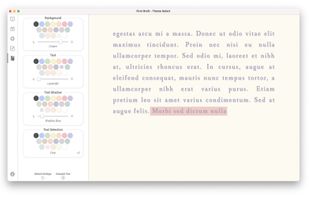
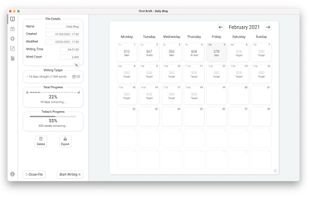
Fullscreen software that tracks writing targets from start to finish, promoting focus by limiting text visibility and offering customizable goal setting.
Platforms
- Mac
- Windows



Best alternatives are 
 ghostwriter
44 alternatives ghostwriter

Fullscreen software that tracks writing targets from start to finish, promoting focus by limiting text visibility and offering customizable goal setting.
ghostwriter
Browse the web like it should be – free of nags to accept cookies or privacy invasive tracking. It's tiny, fast, free, open, secure and without any access to your data.
 Sweden
 EU
EU
 uBlock Originand
 NextDNS
 SwedenEU

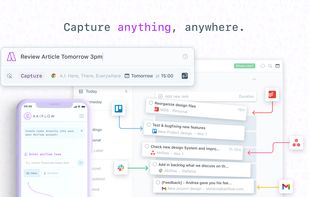
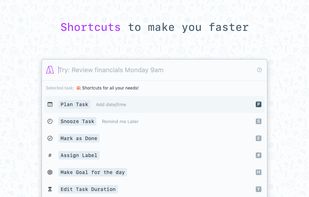
Akiflow is a personal task manager + calendar desktop app (win+mac) that will help you keep yourself always organized.
 ItalyEU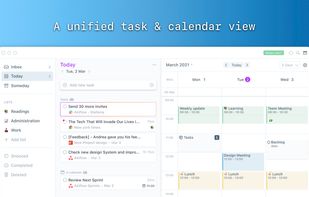
 Super Productivityand

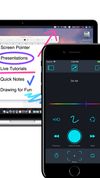
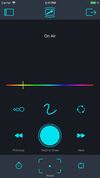
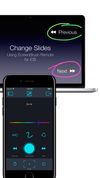


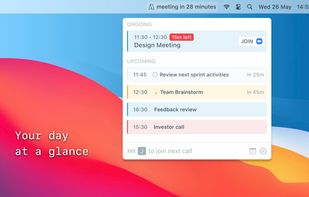
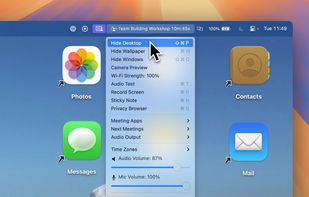
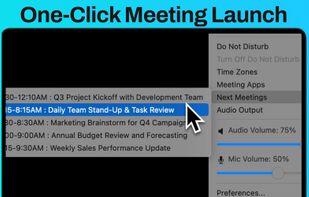
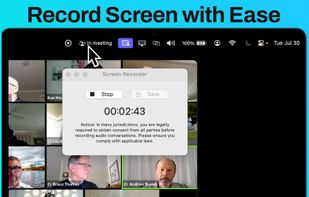
This all-in-one tool simplifies your meetings, placing every essential feature in your menu bar: meeting countdown timers, quick meeting launches, live camera previews, screen recording, private browsing mode, sticky notes, time zone management, WiFi signal strength checks, and more.



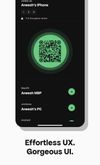
Arc is a seamless, secure and cross-platform file sharing service by Quadren. Arc aims to recreate the magic of Airdrop between your own devices, but without the platform limitations. Arc works perfectly between your phone, laptop and desktop.



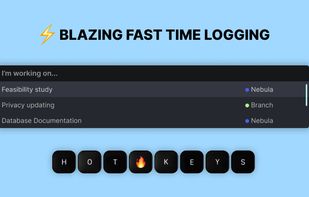
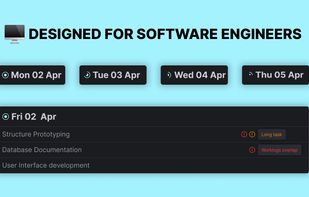
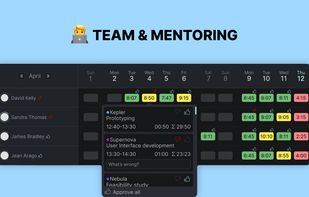
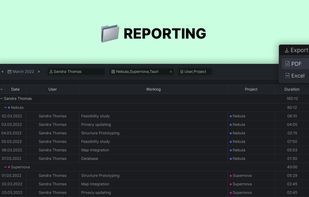
Worklog is a time-tracking tool that has been specifically designed for software engineers.
 Super Productivity
Minimal sticky notes sync across Mac, Windows, Linux, iOS, Android, and web with offline editing, end-to-end encryption, and no ads or data use.
 United States



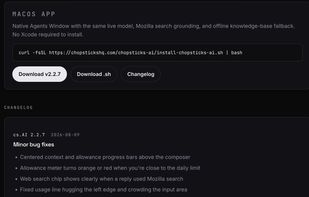
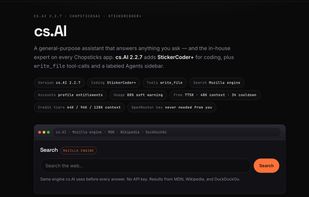
An honest AI assistant that grounds answers in real knowledge and live search — no hallucinations, no API key required. Works offline. Open source.
United States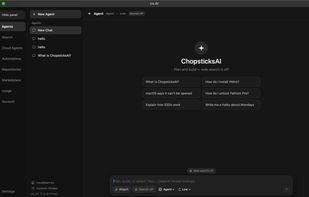
 Lumo by Protonand
 ChatGPT
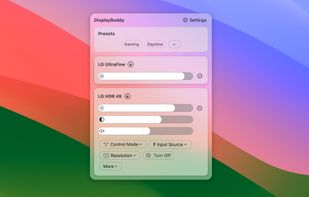
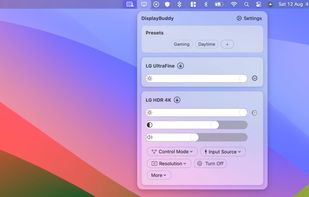
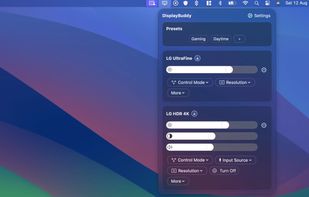
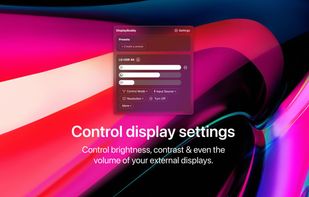
DisplayBuddy lets you control external displays connected to your Mac right from your menu bar! No need to touch your clunky monitor buttons!


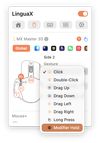
Give any third-party mouse a native macOS feel: tunable smooth scrolling, gesture and side-button mapping, and per-app overrides — a lightweight Logi Options+ alternative.


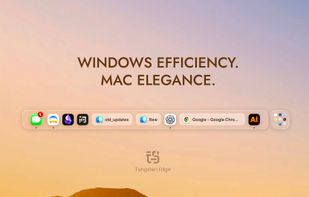
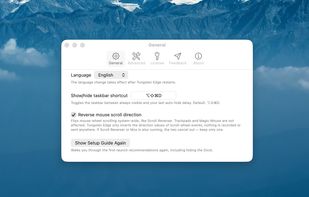
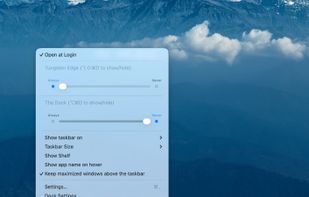
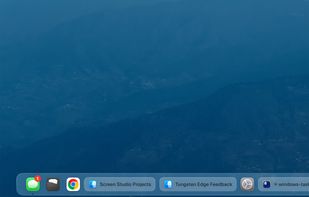
Tungsten Edge is an open-source Dock replacement for macOS that organizes by window instead of by app. Every open window gets its own labeled card at the bottom of the screen, so you can switch straight to the window you want with a single click — no Mission Control, no cycling...
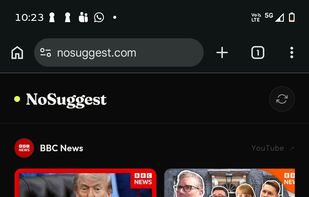
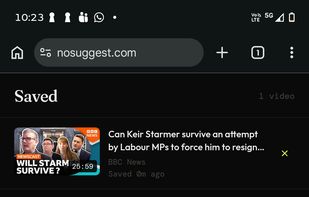
Removes all recommendations and algorithmic feeds, showing only recent videos from manually selected YouTube channels with no sign-in or data collection.
 Australia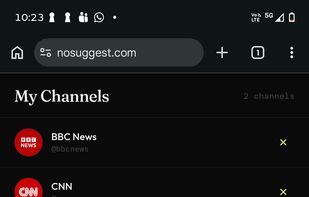
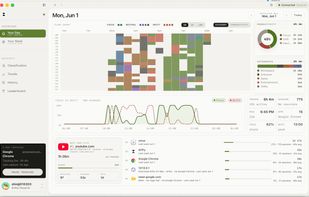
drifty is a context-aware AI time tracker for Mac. It helps users understand where their workday actually goes by automatically tracking laptop activity and classifying it into Focus, Drift, Learning, and Communication.



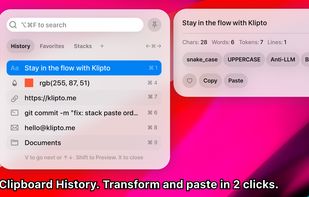
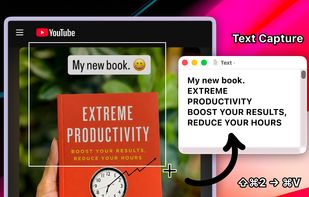
Clipboard tool for macOS built around a paste queue: collect several items, then paste them back one at a time in order, with text transformations and text capture from images.

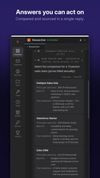
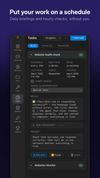
Autonomous AI agents that take a goal, plan the steps and deliver finished work — research, reports, code fixes, follow-ups — then report back when they're done.
United States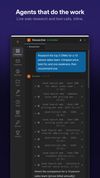
 OpenClawand
 Mistral Vibe
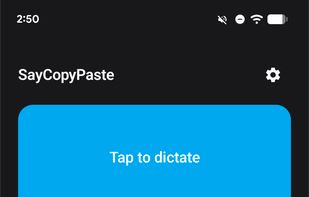
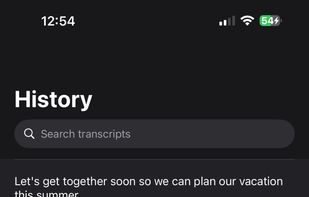
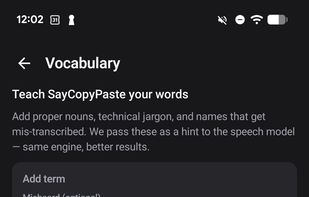
SayCopyPaste is a dictation utility for macOS, Windows, Linux, iOS, and Android, with a cloud library accessible on the web. Press and hold the Globe key on Mac or a custom hotkey on desktop, speak, and release — your transcript lands on the clipboard, ready to paste anywhere...
United States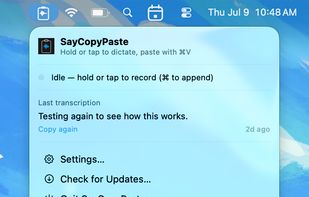


 Super Productivity
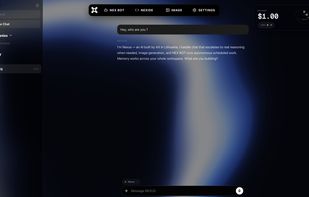
Nexus is one AI platform for founders. It combines chat with real reasoning, image generation, persistent memory across your entire workspace, and autonomous scheduled bots that take real actions on your behalf.
 LithuaniaEU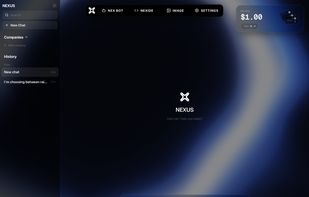
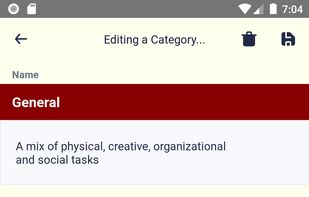
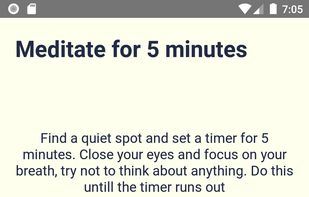
With Improvement Roll, you can create category of tasks that you want to do (in no particular order). Then press the button and it will randomly give you a task to do from said list.


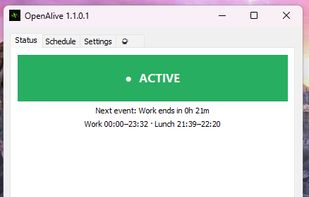
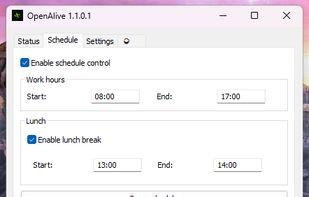
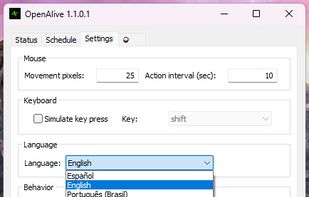
Keeps your Windows PC active with scheduled mouse & keystroke simulation — respects work hours and lunch breaks, zero telemetry.

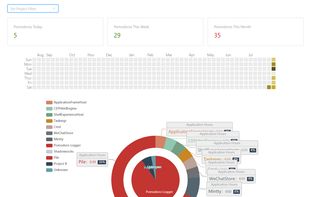
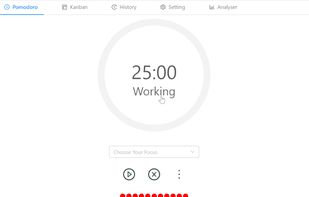
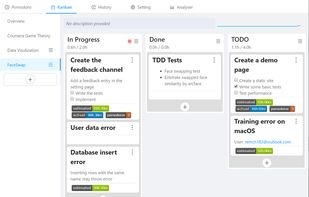
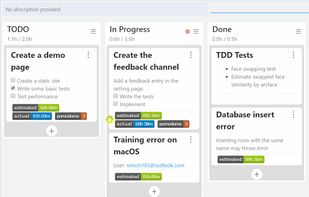
A flexible cross-platform desktop Pomodoro timer where work and break time share one cycle, so you can switch phases anytime.
Super Productivity











 France


 Russia