Cost / License
- Free
- Open Source (MIT)
Application types
 United States
Platforms
- Windows
- clink
- ConEmu
- Windows Command Prompt
- PowerShell

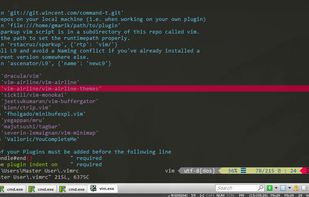

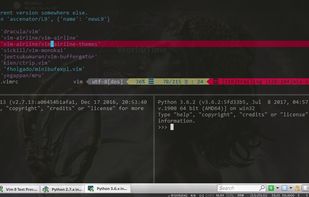


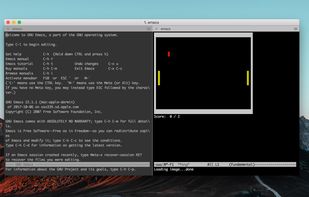
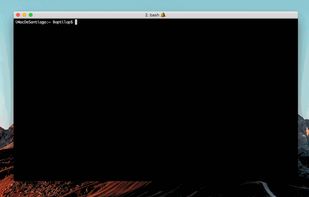
Terminal emulator for macOS supporting split panes, session restoration, advanced search, inline images, SSH connections, automation, and tmux integration.

PhotoRec is file data recovery software designed to recover lost files including video, documents and archives from hard disks, CD-ROMs, and lost pictures.


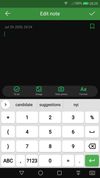
FlorisBoard is an open-source keyboard aimed at providing you with an easy way to type while respecting your privacy.
 HeliBoardand

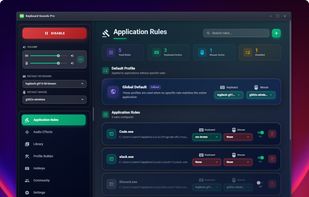
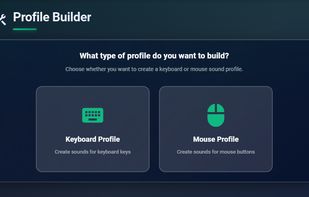
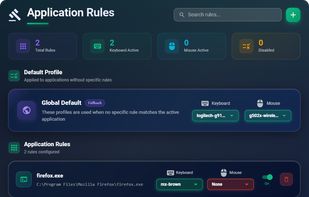
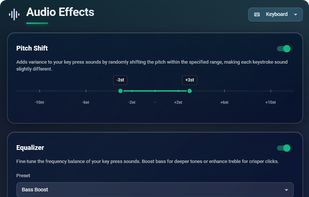
Keyboard Sounds Pro is a free, cross-platform application that transforms any standard keyboard into a mechanical keyboard experience through realistic audio feedback. With 20 built-in audio profiles for keyboards and mice, the application brings the satisfying click and clack...


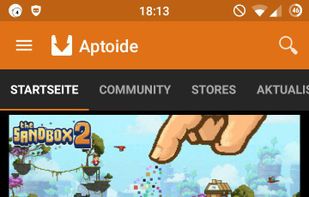
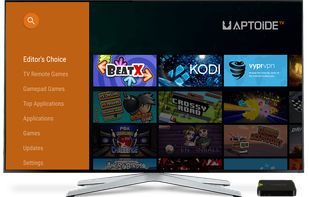
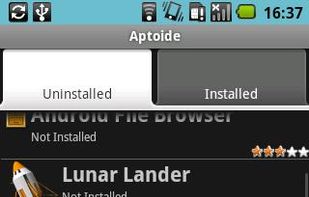
Aptoide is a distributed marketplace for mobile applications which runs on the Android operating system. In Aptoide, unlike the default Google Play Store, there is not a unique and centralized store but each user manages their own store.
 F-Droidand

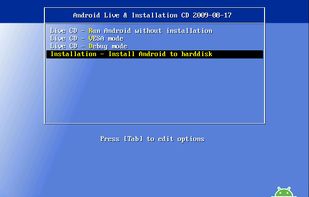
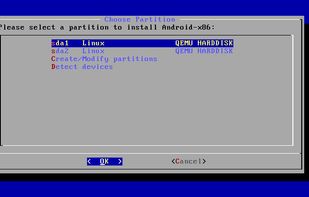
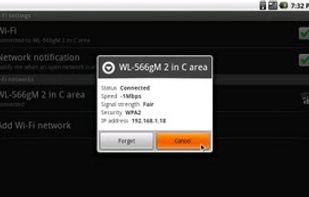
This is a project to port Android open source project to x86 platform, formerly known as "patch hosting for Android x86 support". The original plan is to host different patches for Android x86 support from open source community.

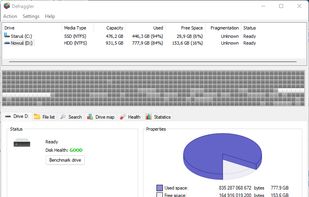
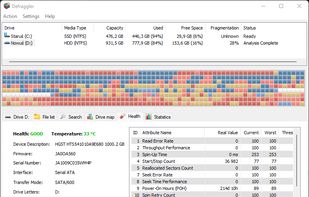
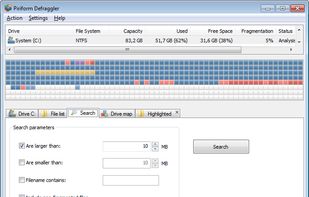
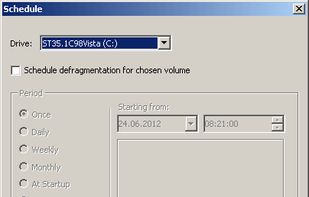
It differs from other defrag tools on the market, by enabling you to quickly and simply defrag the files you want to, without having to process the whole drive. You can defrag only if the computer is idle for a definable time, so Defraggler does not slow down the computer if you...

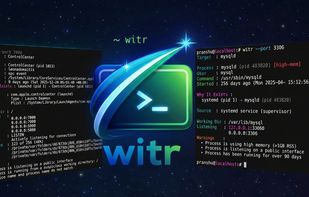
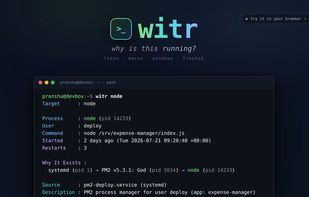
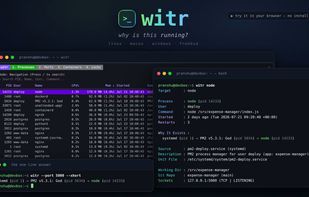
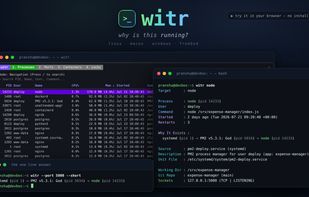
A command line diagnostic tool that explains why a process is running, not only that it exists. Supports cross-platform analysis, details origins, context, supervising sources, and risk signals.


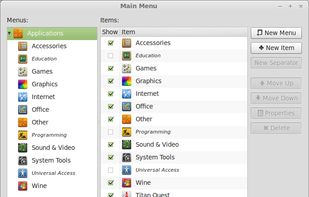
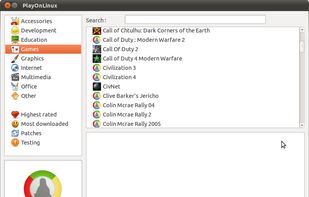
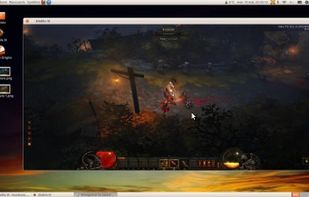
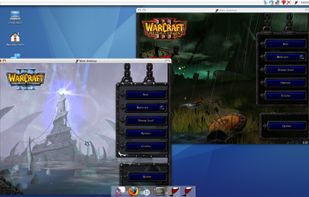
PlayOnLinux is a graphical frontend for the Wine software compatibility layer which allows Linux and Mac users to install Windows-based video games, Microsoft Office (2000 to 2010), Microsoft Internet Explorer, as well as many other applications.

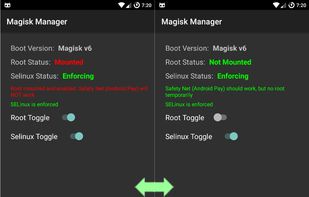
Provides systemless root access, module installation, system property editing, and evasion of SafetyNet or integrity checks while keeping source fully open.

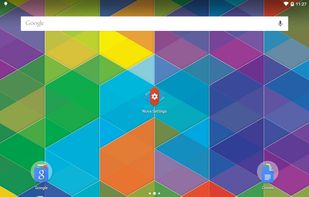
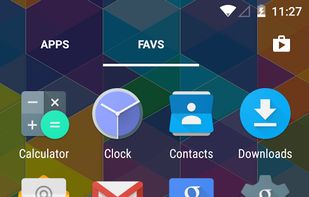
Highly customizable Android home screen replacement with color and icon themes, scrollable docks, custom app drawer, widgets, gestures, and backup options.


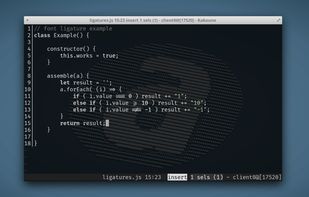
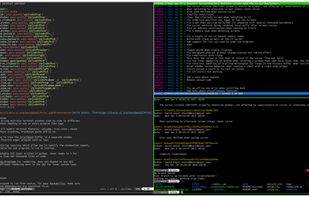
Kitty ( not to be confused with KiTTY ) is a powerful, cross-platform GPU-based terminal emulator. It offloads rendering to the GPU and uses OpenGL for fast, cross-platform performance with built-in tiling layouts as well as graphic, unicode...

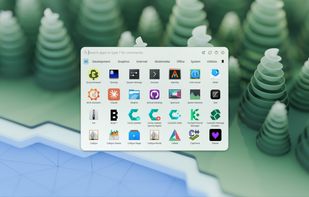
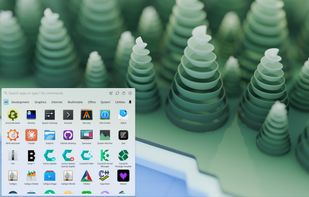
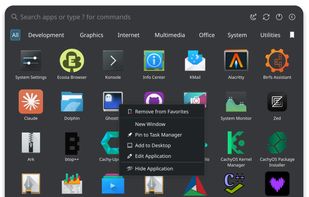
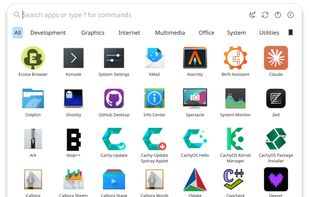
A modern application launcher for KDE Plasma, inspired by macOS Launchpad, COSMIC, and Pantheon.

Lubuntu is a fast and lightweight operating system with a clean and easy-to-use user interface. It is a Linux system, that uses the minimal desktop LXDE/LXQT.


 Linux Mintand
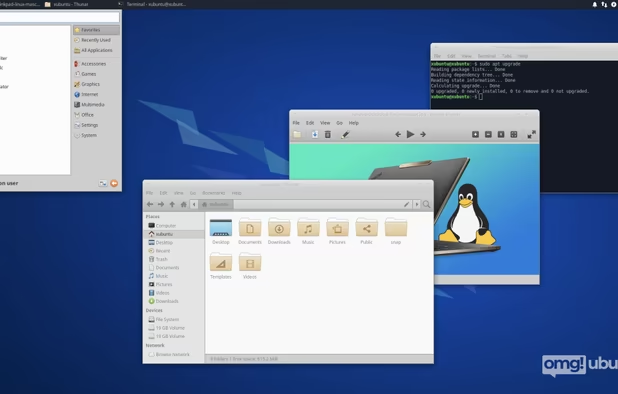
 Ubuntu
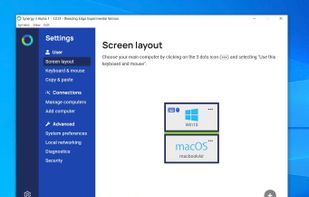
Synergy combines your desktop devices together in to one cohesive experience. It's software for sharing your mouse and keyboard between multiple computers on your desk. It works on Windows, macOS and Linux.


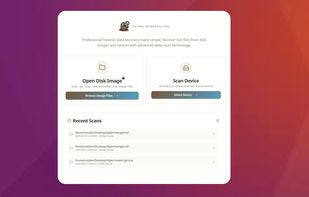
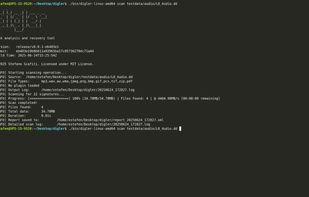
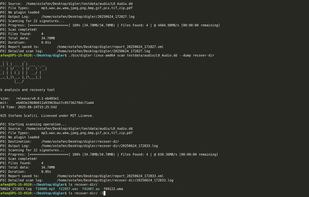
Forensic tool for disk analysis and file recovery supporting broad image formats, physical disks, DFXML reporting, plugin extensity, and efficient CLI operation.

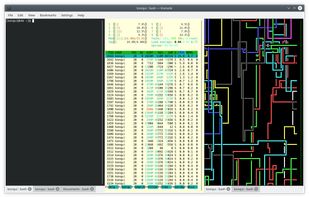
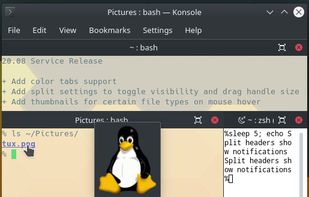
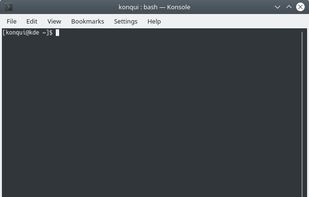
Konsole is a terminal to run a command shell. It provides a command line interface for directly controlling your computer.


 Linux MintandUbuntu
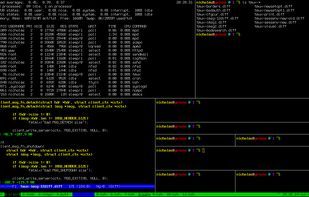
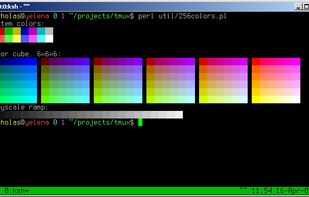
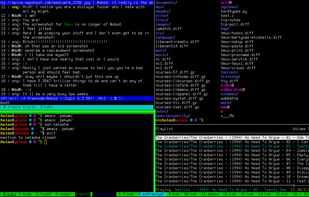
tmux is a terminal multiplexer: it enables a number of terminals (or windows), each running a separate program, to be created, accessed, and controlled from a single screen. tmux may be detached from a screen and continue running in the background, then later reattached.


Aurora is a delightful KDE desktop experience for end-users that are looking for reliability and developers for the most-hassle free setup. Zero maintenance included.
 Linux MintandUbuntu
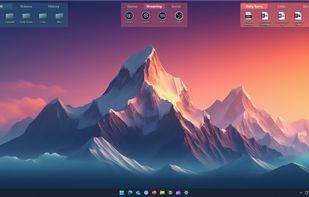
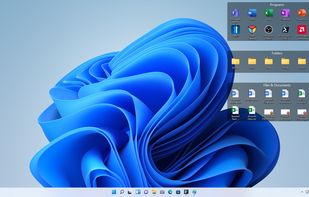
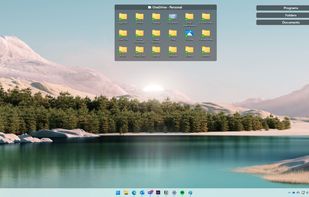
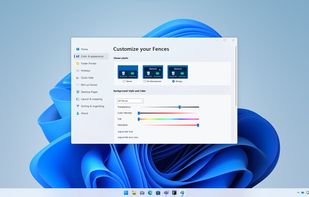
Desktop organizer for Windows 10/11, arranging files in customizable shaded areas. Features include quick access, snapshot layouts, and enterprise tools.


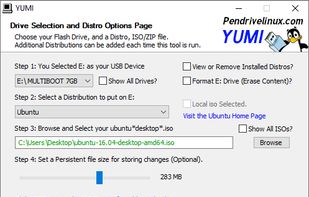
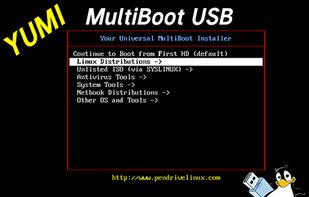
The YUMI exFAT (Your Universal Multiboot Installer) media creation tool can be used to automatically create an exFAT bootable USB flash drive containing multiple operating systems, antivirus utilities, disc cloning, diagnostic tools, and more.

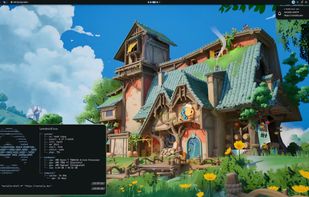
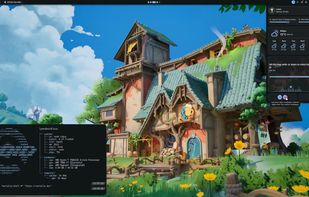
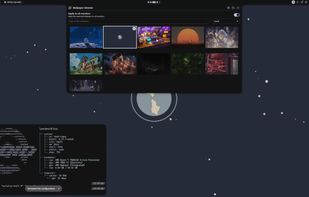
Noctalia is a beautiful, minimal desktop shell for Wayland built with Quickshell. It’s designed with a “quiet by design” philosophy, providing a complete desktop experience that stays out of your way.

 KDE Plasmaand
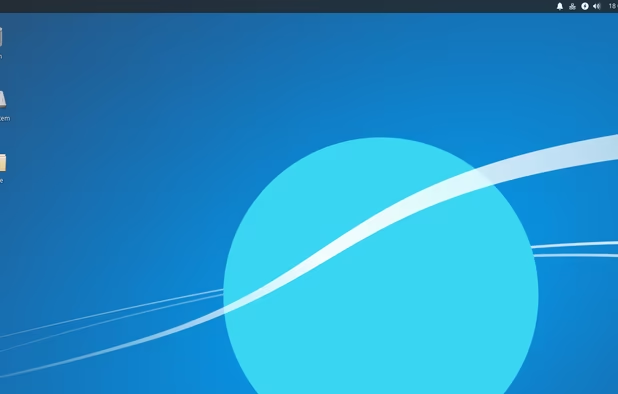
 Xfce
Xfce
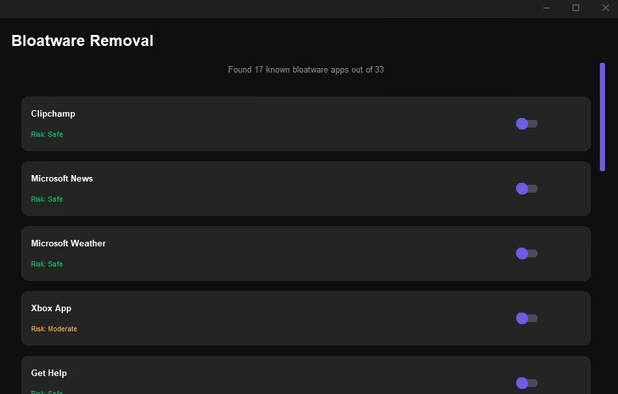
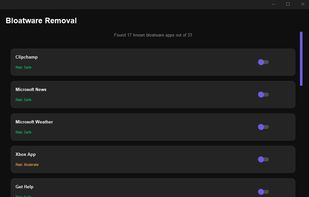
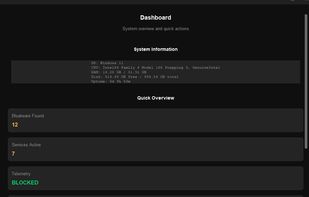
A modern, professional-grade Windows debloating and privacy hardening tool. Remove bloatware, optimize performance, harden privacy, and reclaim control of your system.


 France
 EU
EU


 Germany


 Portugal


 United Kingdom


 Taiwan


 India
India


 Italy
Italy