

 Brazil
Best alternatives are  GIMPand
 Adobe Photoshop
14 alternativesGIMPandAdobe Photoshop
 GIMPandAdobe Photoshop
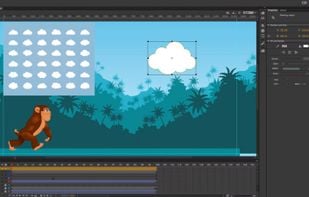
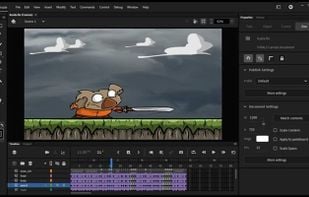
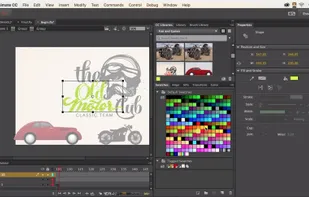
A versatile tool for creating multimedia and animations, previously known as Flash Professional. Supports 4K export, HTML5, 360° canvas, and more.


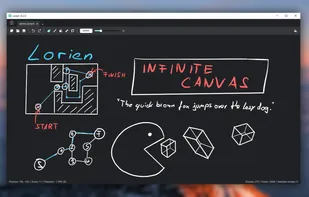
Lorien is an infinite canvas drawing/note-taking app that is focused on performance, small savefiles and simplicity. It's not based on bitmap images like Krita, Gimp or Photoshop; it rather saves brush strokes as a collection of points and renders them at runtime (kind of...


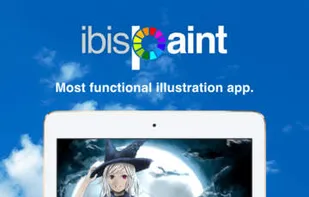
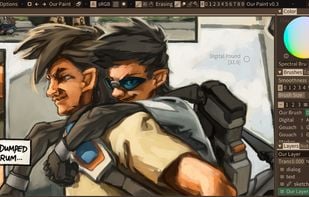
ibis Paint is an easy yet powerful drawing app made with tools for sketching manga right at your fingertips.
 KritaandAdobe Photoshop
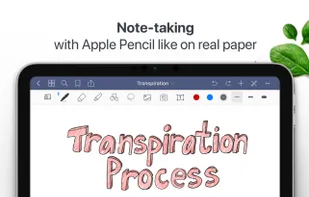
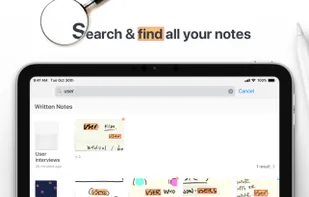
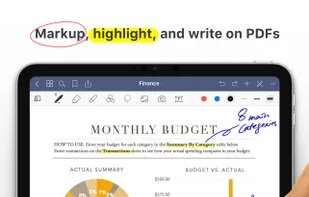
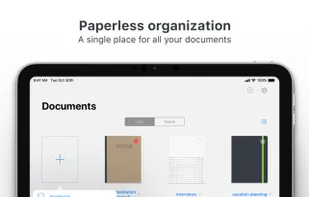
Easily take notes on mobile devices, annotate PDFs, and organize in folders. Handwritten notes are searchable and sync across devices with iCloud.
 Obsidian
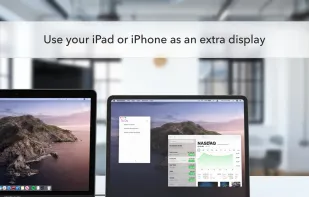
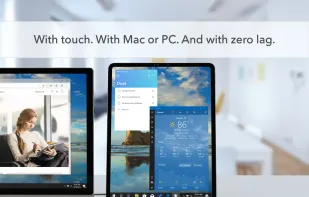
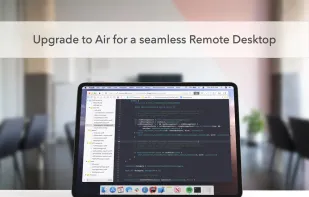
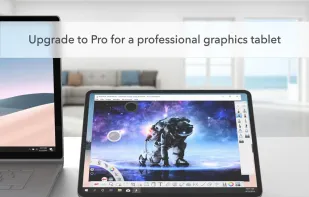
Transforms tablets or smartphones into a low-latency, high-res second screen or graphics tablet for Mac and PC, with secure remote access and touch support.

 RustDesk

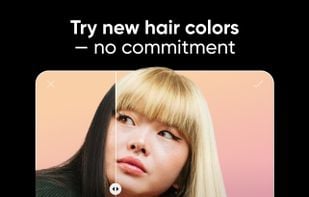
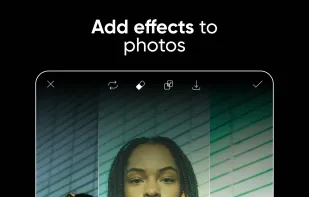
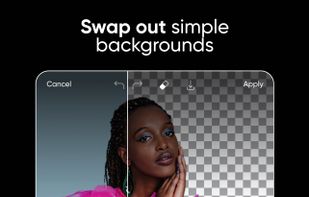
Edit photos with filters, magic effects, drawing tools, stickers, and text overlays. Share creations in a global community or on social networks. Crop, rotate, adjust colors, and make collages.
 Adobe Photoshopand
 Pixelfed
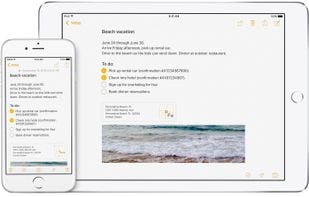
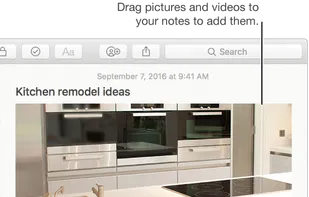
Use Notes to capture a quick thought, create checklists, sketch ideas, and more. And with iCloud, you can keep your notes up to date across all your devices.

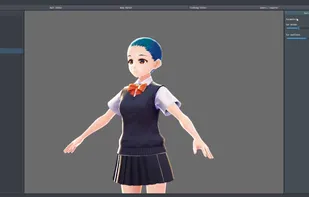
VRoid Studio is a 3D character creation software developed for you to freely express yourself, even without 3D modeling expertise. The software is easy-to-use. Even first-time users can fully enjoy the software by picking preset items and playing around with the parameters’...

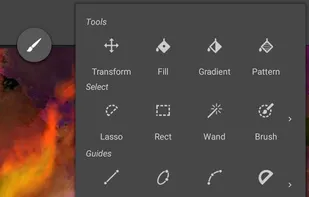
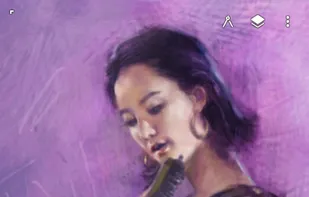
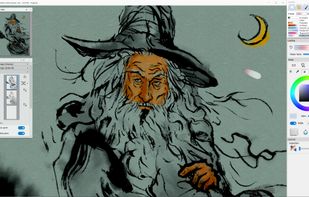
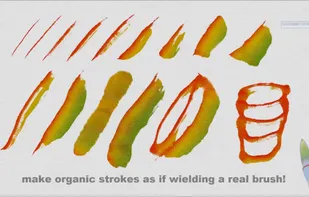
Infinite Painter is an advanced painting app created for mobile with natural brushes, realistic blending, and an unparalleled toolset.

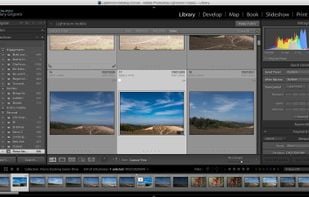
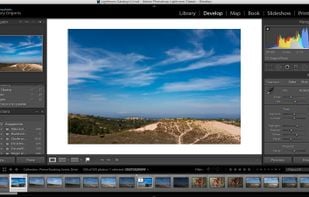
Desktop-based photo editing software with advanced controls, offering tools for enhancing, organizing, and sharing photos. Includes new masking tools and Content-Aware Remove.

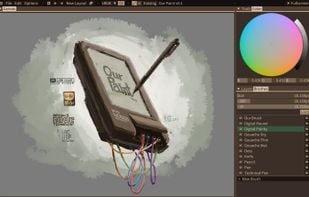
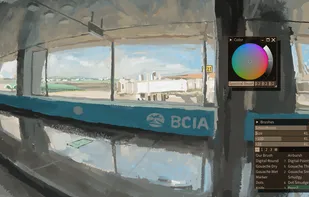
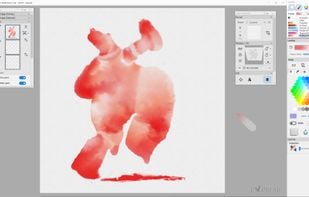
Simulates watercolor, acrylic, and dry media artwork with real-world color blending, wet diffusion, paint drying, custom brushes, and textured canvas.
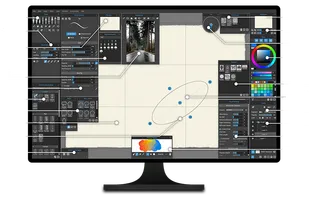
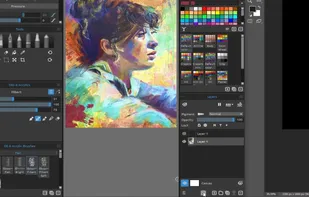
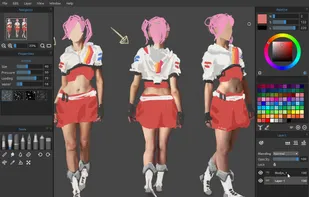
 KritaandAdobe Photoshop
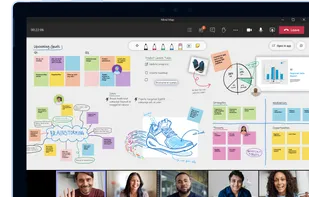
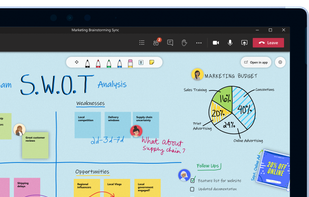
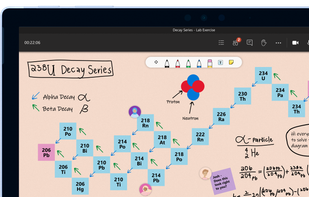
Meet the freeform digital canvas where ideas, content, and people come together.

Kleki is a multi-platform web app for painting and editing. It features: 4 different brushes; pressure sensitivity for Wacom tablets; up to 8 layers; numerous filters with real-time preview; import to PSD, PNG, JPEG; export to JPEG and PNG; upload to imgur.com; local storage.
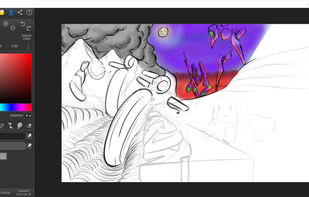

Pastela is a drawing app designed around the motto: "Draw out your creativity for the world."
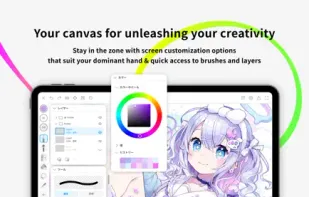
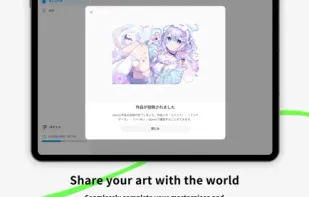

KRESKA.art is a free online drawing and painting app that lets you create art directly in your web browser. It offers a simple interface, diverse brushes, and unique features like auto-color tracing. You can use it to sketch and paint without any downloads or installations.
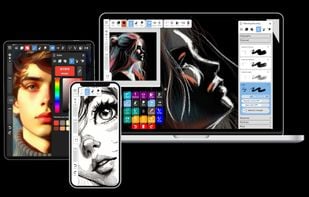

Remini makes old, blurred or low quality photos taken with old cameras or mobile phones to high-definition and clarity.

RoughAnimator is a fully featured hand drawn animation application that runs on Android, iOS, Mac OS, and Windows.
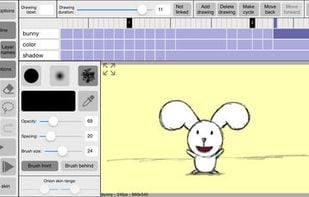
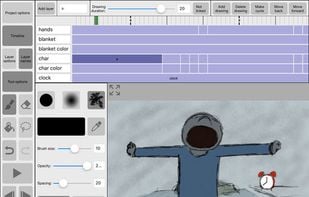

Pro Draw is the ultimate drawing app for artists of all skill levels! With Pro Draw, you can unleash your creativity and bring your ideas to life with a wide range of powerful drawing tools, including brushes, pencils, markers, and more.
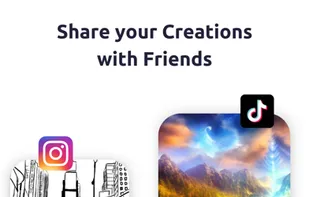
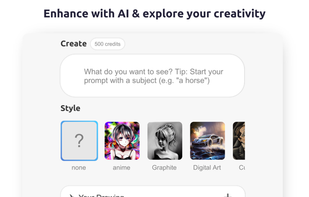


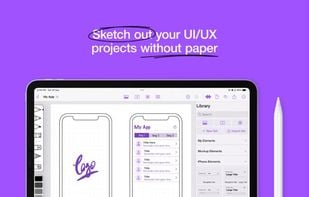
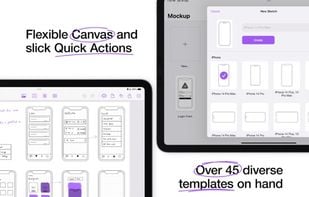
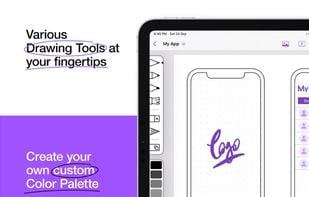
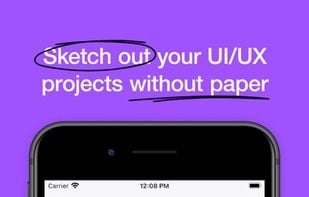
Mockup redefines the entire process of sketching UI & UX projects for iOS. With the extensive collection of tools and features that Mockup provides, it's the ideal app for brainstorming and planning your next app and web design.

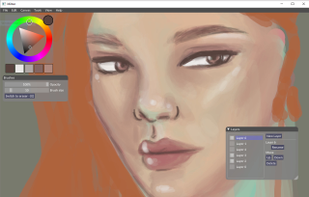
Milton is an open source application that features an infinite canvas. It feels raster-based but internally it works with vectors. It lets you export your work at any resolution.

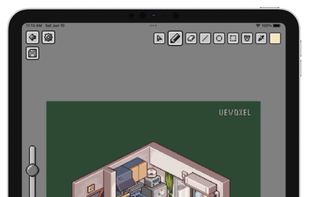
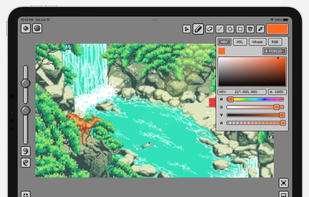
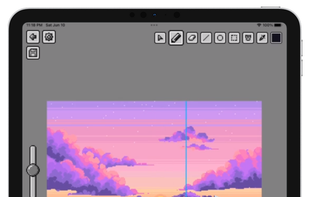
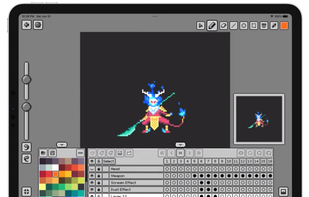
Pixquare is a powerful pixel art app for iPad. If you are looking for an app with a simple UI, easy workflow, and advanced features for pixel art creation, then Pixquare is a good choice for you!.

 United States

 Japan
Japan
 Hong Kong SAR China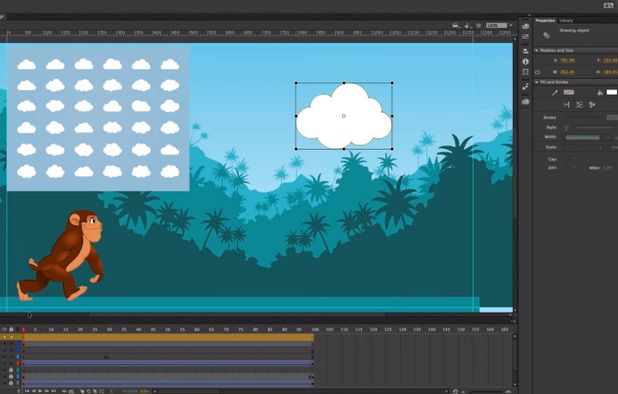


 China
China


 Slovakia
 EU
EU


 Germany




 Poland




 Morocco


