

 Germany
 EU
EU
+9


4.9
Excellent14 reviews


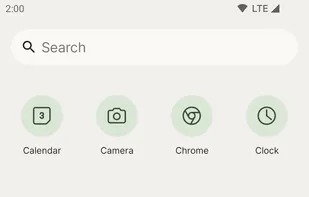
Open-source Android launcher with customizable icons, layout, and integration of Google Feed, offering Pixel Launcher features without root access.


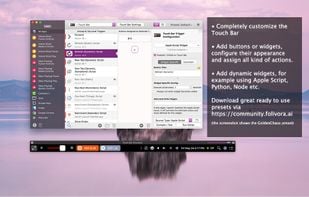
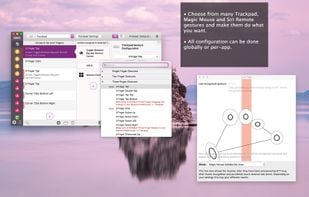
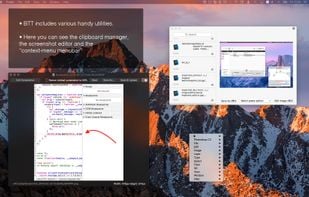
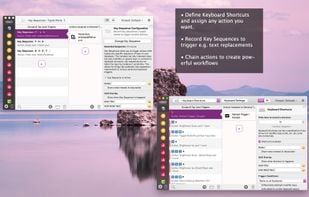
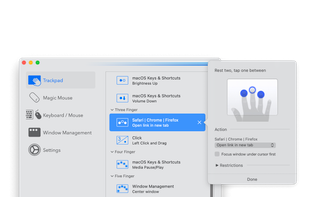
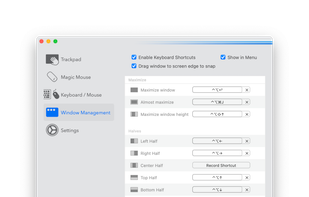
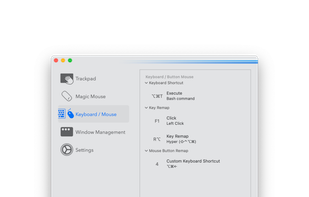
BetterTouchTool is a great, feature packed app that allows you to configure many gestures for your Magic Mouse (1 & 2), Macbook Trackpad and Magic Trackpad (1 & 2) and also Mouse Gestures for normal mice.
 AutoHotkeyand

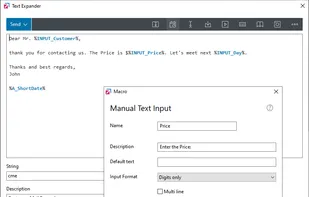
All in one Windows automation software. Fully configurable text expander, start menu, shortcuts, auto complete and mouse gestures. User-defined commands to run files, open webpages, send macros or automate anything. Incredibly powerful but yet simple to use.
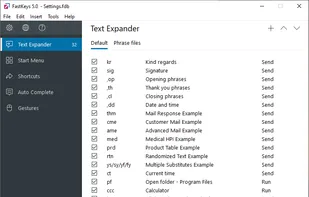
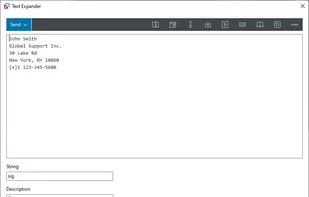
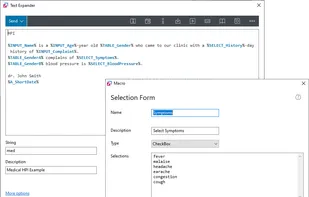 AutoHotkeyand

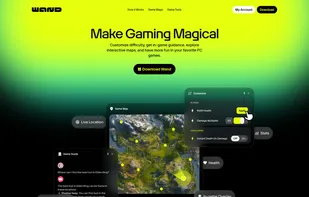
Customize difficulty, get in-game guidance, explore interactive maps, and have more fun in your favorite PC games.
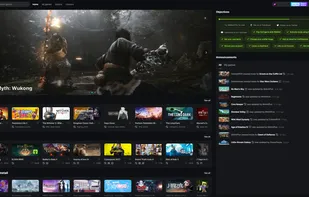


The new operating system from OnePlus, based on Android. OxygenOS is light and essential with subtle, useful features.

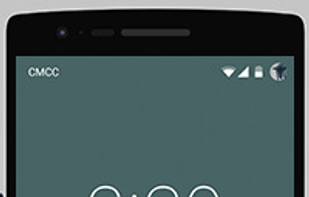
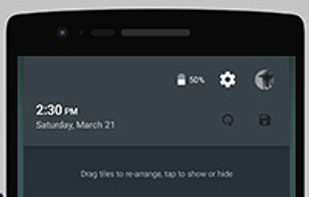

 LineageOS
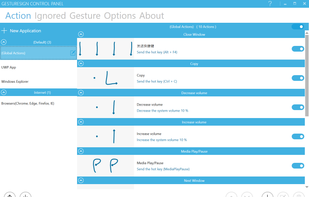
Create and assign touchscreen gestures to actions on a windows tablet. Use to interact in a more user friendly way with the user interface e.g. mimic keyboard shortcuts, employ functions of the operating system ect.


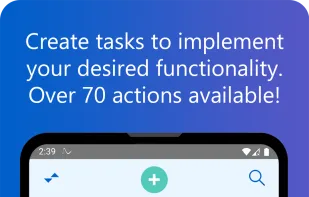
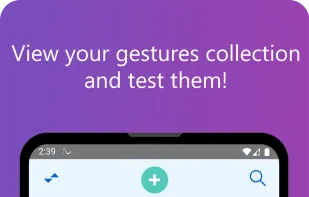
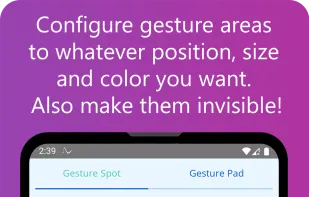
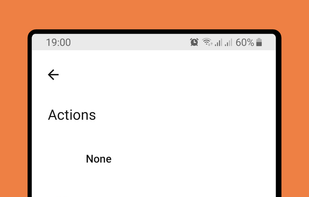
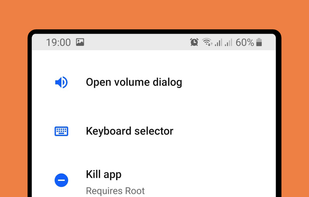
Gesture Suite is an advanced automation tool providing users with a personalized device experience through unique touch and air gestures, voice commands, task scheduling, and device event responses, enabling custom tasks and automated actions across 70+ actions.


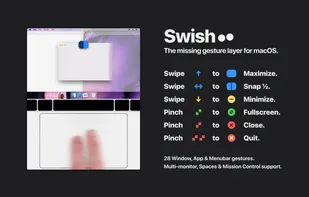
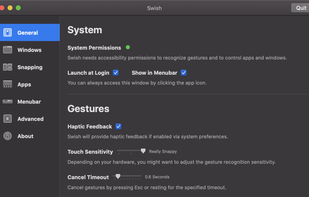
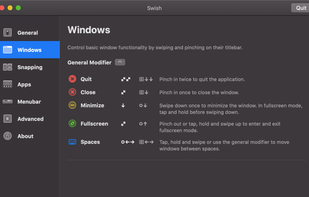
Easily add more multitouch gestures to macOS, and customize what the gestures do. Multitouch is the most elegant Mac app for utilizing the power of your Magic Trackpad and Magic Mouse.

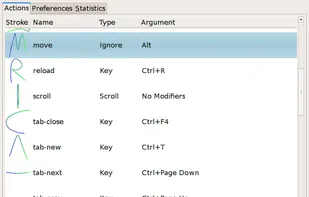
Easystroke is a gesture-recognition application for X11. Gestures or strokes are movements that you make with you mouse (or your pen, finger etc.) while holding down a specific mouse button. Easystroke will execute certain actions if it recognizes the stroke; currently...


 AutoHotkey
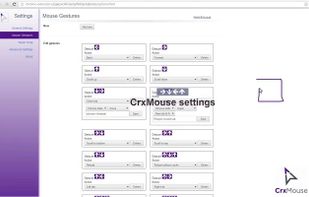
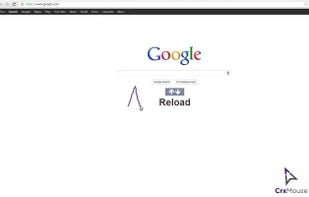
crxMouse Chrome Gestures extension brings the power of the Chrome browser to your fingertips, boosting your productivity by unlocking fully customizable mouse gestures, keystrokes, and actions.




GestureFlow is an Android application that allows you to control your device with simple motion gestures. It uses the accelerometer and gyroscope sensors to detect gestures and perform actions, providing a touch-free way to interact with your device.


Fusuma is multitouch gesture recognizer. This gem makes your linux PC able to recognize swipes or pinchs and assign shortcuts to them.


Command Stick is a floating widget operated by dragging through its four sections. Fluid, patented, gesture-based controls significantly improve on Android’s standard UI by removing the need to reach for the notification shade, creating a far more ergonomic and flexible experience.

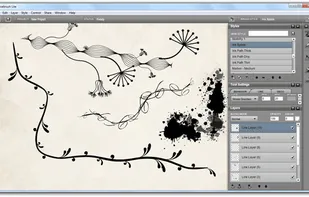
Livebrush is a drawing application. It employs an easy-to-use brush tool that reacts to your gestures through the use of velocity and other motion controls. By combining simple motion controls with customizable brush styles, Livebrush offers a fun and unique way to create...
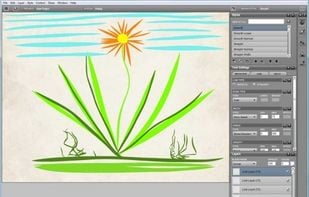
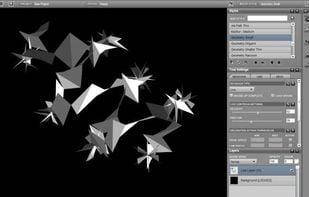
 Kritaand
 Adobe Photoshop
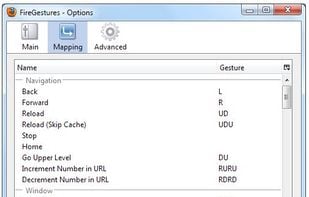
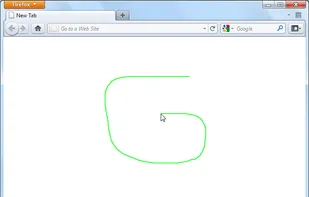
FireGestures is a Firefox extension which enables you to execute various commands with five types of gestures:

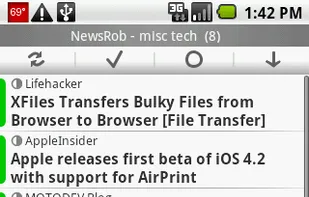
[NewsRob was discontinued with Google Reader on 1st July 2013 and the source code was released under the MIT open source license.]

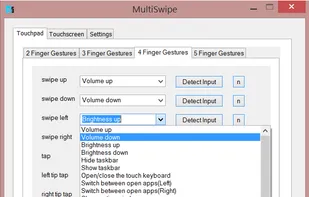
Map any keyboard key or action to one of MultiSwipe's 88 gestures, change desktops, toggle apps, minimize windows, change volume or even log out. All at the tip of your fingers.


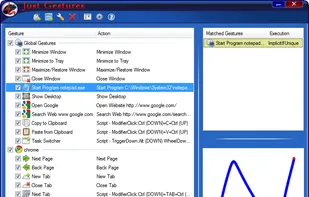
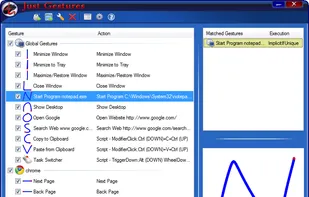
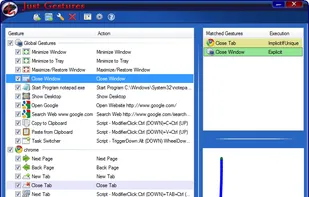
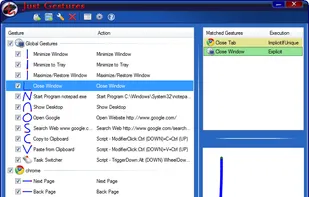
Just Gestures represent an easy and elegant way how to enhance your mouse with endless possibilities. The main idea is to get maximum efficiency of mouse and to use keyboard as less as possible. The program allows you to create mouse gestures with user-defined actions by...

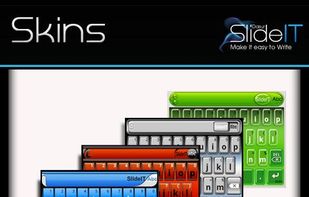
SlideIT provides a revolutionary new way to enter text on touchscreen devices. Just slide your finger along the letters, and watch it type your message!


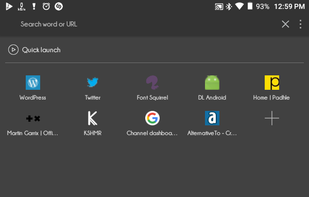
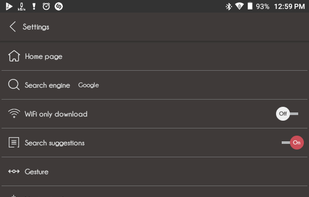
It's a great alternative to any browser. It's very less space taking, has inbuilt VPN from various DNS servers like Cloudfare, Google & many more, has inbuilt Video & Image Downloader which automatically detects media, ad blocker & many more features.
 Mozilla Firefoxand
 Brave
Brave
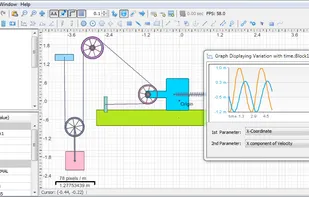
Simphy is a simulation software to create 2D and 3D simulations with easy drag and drop options. You can create different types of bodies inside its physics world with different parameters like restitution, friction, velocity etc.


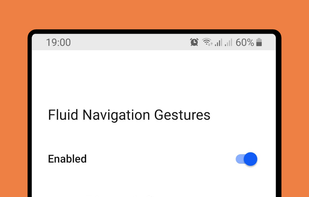
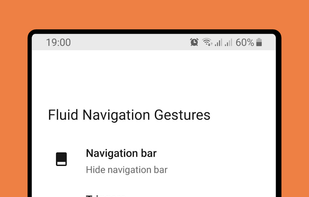
Give fresh new look to your phone with Fluid N.G, the navigation gestures app inspired by Breccia's concept.
 AutoHotkeyand
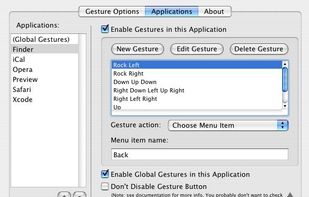
xGestures brings mouse gestures to all aspects of Mac OS X. Use xGestures to add normal directional mouse gestures and rocker gestures to the Finder, Safari, any of your favorite applications, or to the entire system as a whole.


 United States
 China
China

 Italy
Italy


 Japan
Japan


 United Kingdom


 Spain
Spain