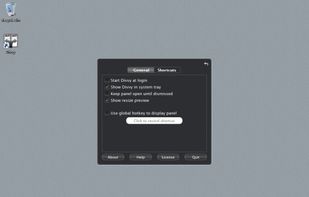
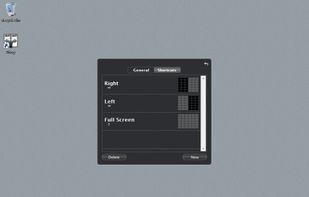
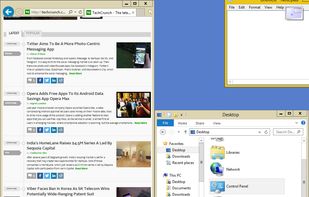
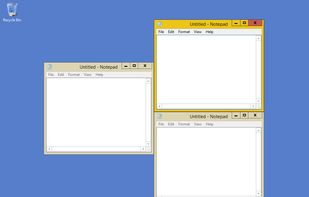
Optimize your desktop environment with this management tool offering window docking, snapping, multi-monitor support, and keyboard shortcuts for enhanced productivity.
 France
 EU



+9
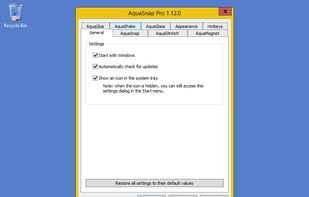


Apps similar to Swish include AutoHotkey, which is free and open source. Other options are BetterTouchTool, Karabiner Elements, Loop - Window Management and AquaSnap. Window Managers like Swish are a crowded field, with more than 50 alternatives for Mac, Windows, Linux and Android.
Optimize your desktop environment with this management tool offering window docking, snapping, multi-monitor support, and keyboard shortcuts for enhanced productivity.
FranceEU
AutoHotkey is an open-source Windows scripting language for task automation. It crafts scripts for operations like form filling and auto-clicking, initially starting with hotkeys yet evolving into a complete script language. Converts scripts to executables, works offline, and supports debugging.
 United States



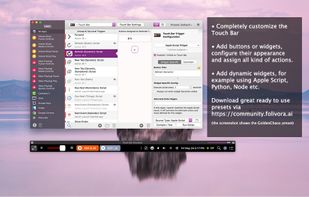
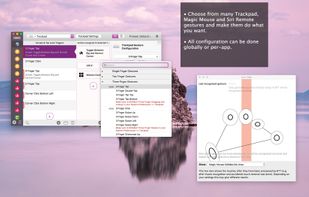
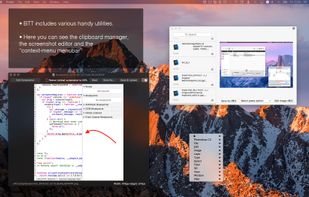
Customizes input devices on macOS by enabling gesture and button mapping, keyboard shortcut assignment, window snapping, automation, scripting, multi-device integration, and iOS app control. Features include touch bar, Apple Remote, and per-app profiles.
 GermanyEU
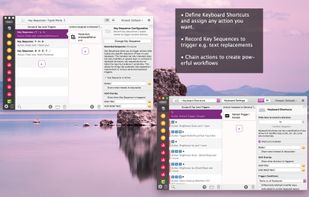


Karabiner, previously called KeyRemap4MacBook, is a very powerful keyboard remapper for Mac OS X. In addition to simple key remapping, it has special remapping modes like Emacs-mode, SandS-mode (Space and Shift).
 Japan


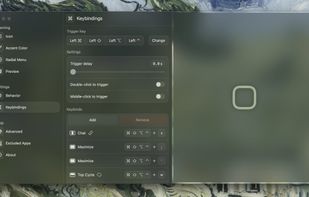
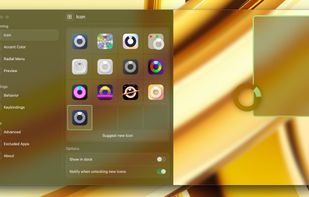
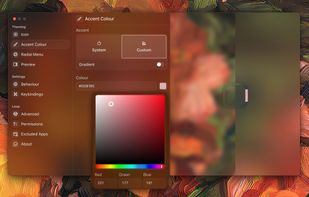
Loop is a macOS app that simplifies window management for you! You can effortlessly choose your window direction using a radial menu triggered by a simple key press, and customize it according to your preferences with personalized colors and settings.


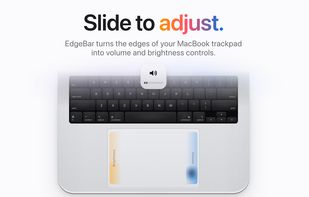
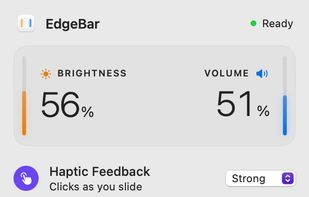
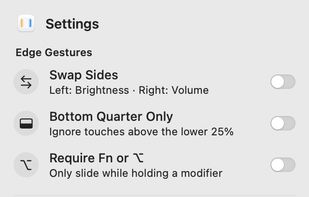
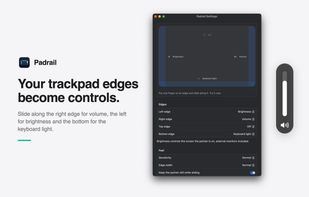
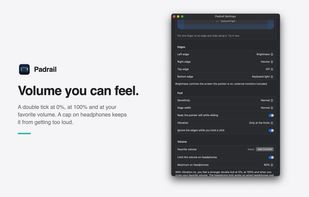
macOS menu bar utility mapping right-edge slides to volume and left-edge slides to display brightness, using the standard on-screen indicators and haptic ticks. Bottom-edge gestures handle track skipping and playback, while corner actions can run shortcuts.
 India

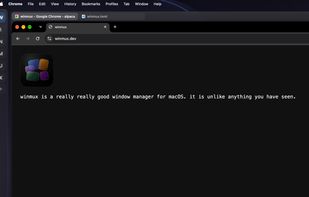
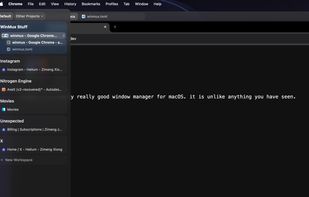
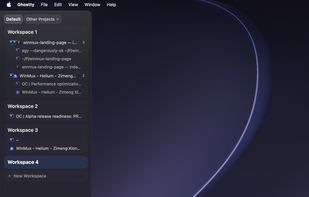
Sidebar-first macOS window manager supporting project hierarchies, drag-and-drop window and tab group organization, fully adjustable window gaps, browser-style tab groups with tab reordering, auto-hiding sidebar, Liquid Glass support, and robust workspace navigation.


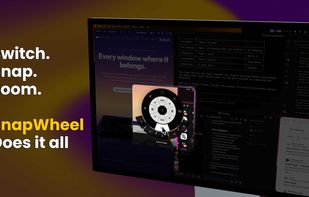
Every window where it belongs. AI analyzes your open windows and organizes them into project-focused stages automatically. Then switch your entire multi-monitor setup between them instantly — no animations, no lag.
United States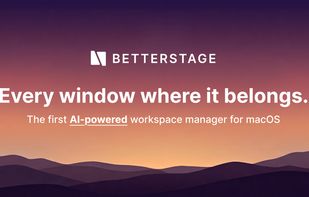

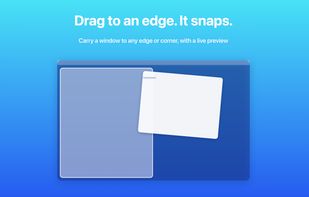
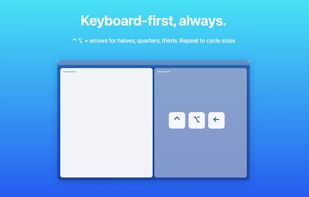
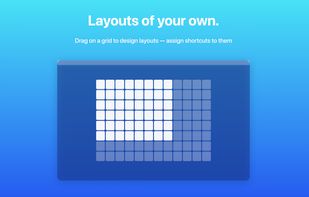
Arrange macOS windows into halves, thirds, quarters, or custom grid layouts using live previews, drag actions, or fully remappable shortcuts. Restore positions with one key, move windows across displays, manage layouts via the menu bar, and customize every action.
Japan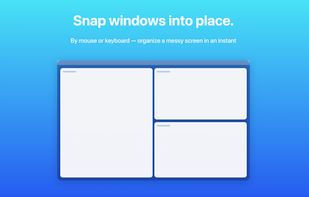

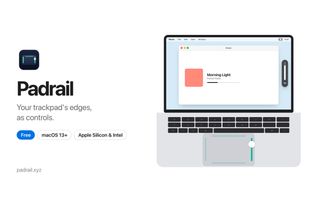
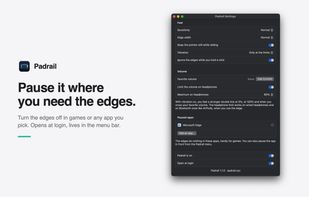
A free macOS menu bar utility that turns MacBook trackpad edges into sliders for volume, display brightness and keyboard backlight. The top edge adapts to the front app to switch tabs, zoom, skip tracks or change desktops, and edges are ignored while typing or holding a click.
 ItalyEU


Moom makes window management as easy as clicking a mouse button—or using a keyboard shortcut, if you're one of those types of people.
 AustriaEU
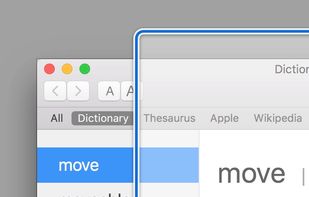
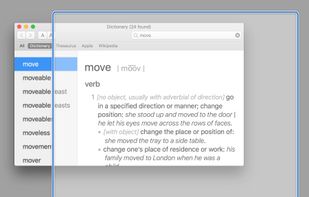
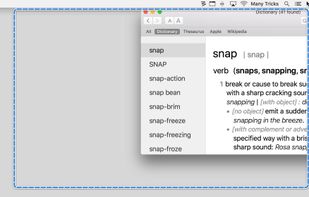
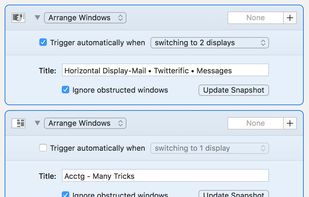





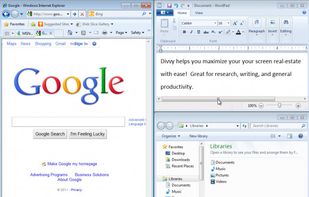
Divvy is an entirely new way of managing your workspace. It allows you to quickly and efficiently "divvy up" your screen into exact portions.
United States