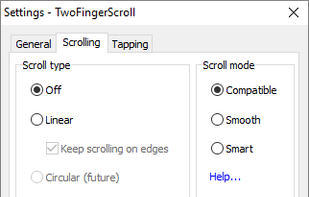
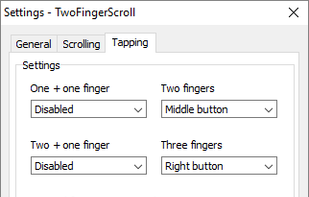
This project aims at providing a tool for Windows platform adding some useful two finger gestures to Synaptics TouchPads. These TouchPads can be found in many today's laptops and many of them support multiple finger gestures.
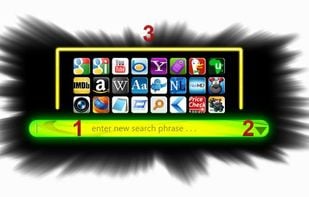
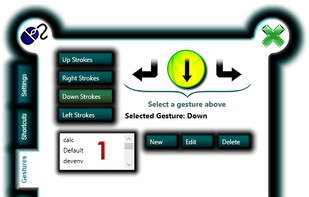
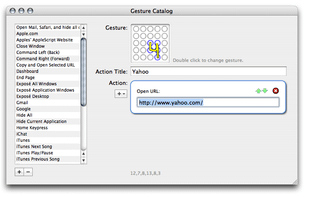
Add instant productivity to any application with hot spot shortcuts, mouse gestures, extra button assignments, text selection tools, Paste2 search utility, clipboard extender and quick text manager.
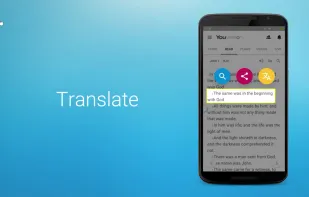
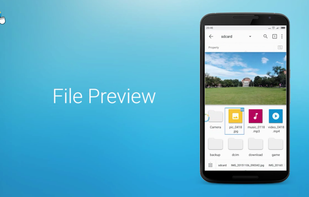
fooView - Float Viewer is a magic floating button. It's a system enhancement tool to help you access your favorite websites, apps, games, files, music, photos, videos, and screen contents by a gesture using one hand.
Synaptics is probably the company that has built your touch pad if you own a Windows based laptop PC. They usually provide drivers via your manufacturer (like dell, hp and so on).
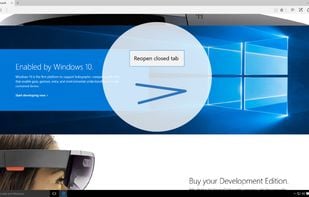
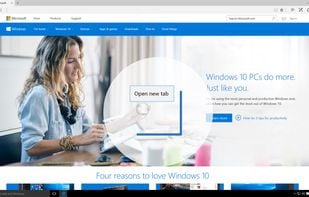
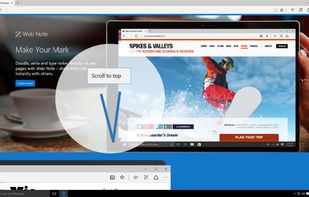
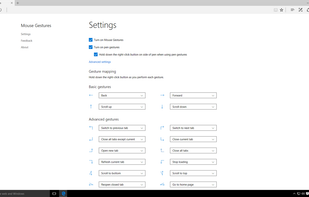
An extension for Microsoft Edge that allows customers to perform basic browsing tasks by right-clicking and then gesturing with the mouse. For example, right-click and hold, then move the mouse down and to the right to close the current tab, or move the mouse right to left to go...
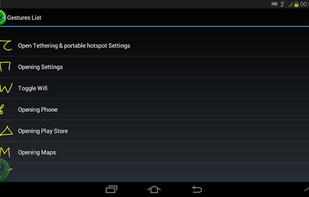
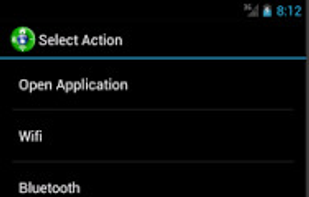
Using G2L Gesture Launcher, you can define gestures, to launch apps, make calls, play songs and so on. The most comprehensive gesture based launcher app in the market.
Touchégg initially going to be designed to provide Egg Window Manager window management through gestures, but eventually I decided to extend this funcionality, so Touchégg is compatible with any window manager, and providing more options.
Cesturefy is a Chromium adaptation of the popular Robbendebiene/Gesturefy mouse gesture extension originally for Firefox, bringing the same smooth gesture control to Chrome, Edge, and other Chromium-based browsers.
LISN.js is a flexible, full-featured and simple to use library for handling user gestures and interactions (like scrolling) as well as observing elements for changes in viewport position, size and so on.
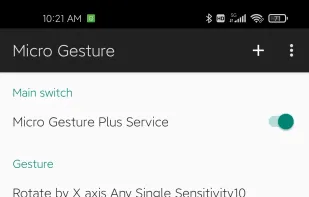
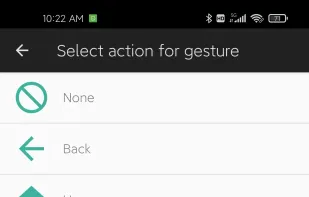
Micro Gesture is a motion gesture application utilizing gyroscopes to recognize small movements, enhancing large-screen phone operation by supporting customizable actions along three axes, adjustable motion sensitivity, and a variety of built-in actions, including automation scripts.
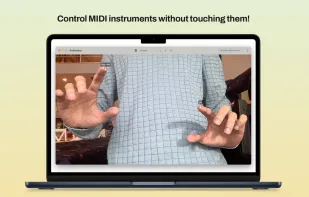
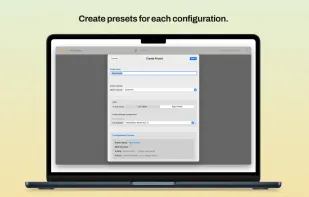
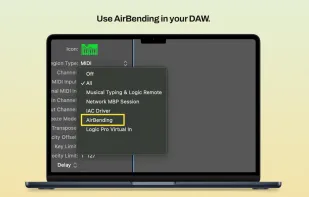
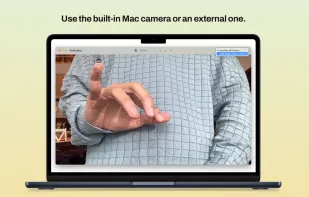
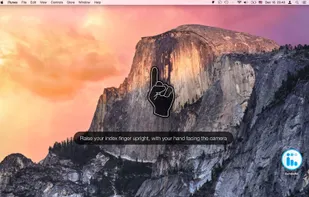
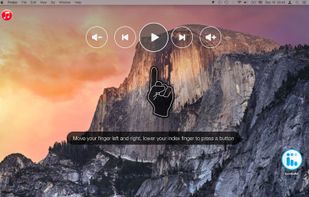
Transform your hand gestures into expressive MIDI control. Using your Mac's built-in camera or an external camera and advanced computer vision, it tracks your hand movements in real-time.


 Singapore


 Poland
 EU
EU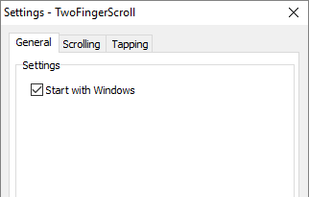




 China
China



 United States












 United Kingdom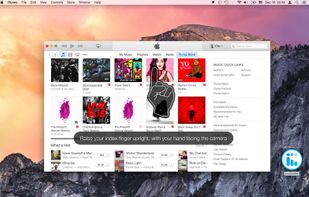






 Estonia