


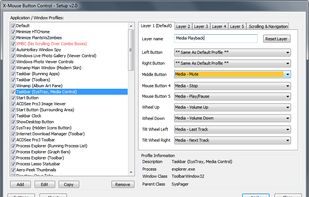
X-Mouse Button Control is a Windows application to remap your mouse buttons and expand the capabilities of your mouse!
Cost / License
- Free
- Proprietary
Application type
Platforms
- Windows
 United Kingdom


Apps similar to Smooze include X-Mouse Button Control, which is free. Other options are MOS, LinearMouse, Piper and SteerMouse. You can choose from more than 10 Mouse Remapping Apps like Smooze for Mac, Windows, Linux, the web and Android.
X-Mouse Button Control is a Windows application to remap your mouse buttons and expand the capabilities of your mouse!
United Kingdom
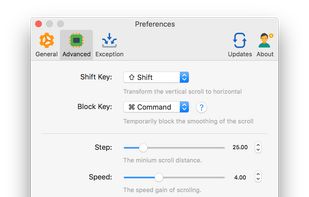
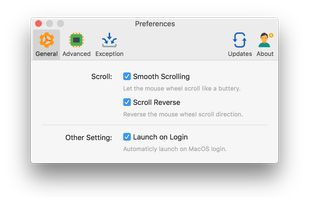
Mos is a lightweight tool used to smooth scrolling and set scroll direction independently for your mouse on MacOS.
 China
China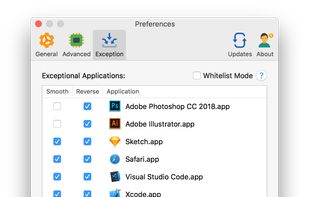


LinearMouse is a free and open-source utility for macOS which aims to improve the experience and functionality of third-party mice.
China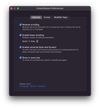
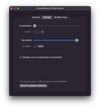
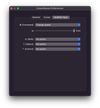


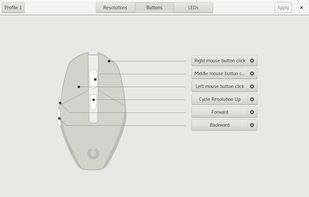
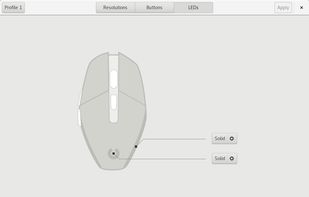
Piper is a graphical user interface to configure gaming mice. Configuration options include changing the resolution (DPI) of the mouse, adding and removing profiles, setting LED colors and changing button behaviors.
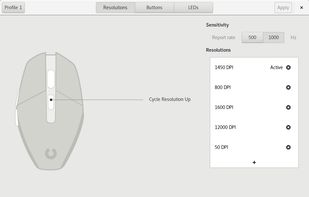


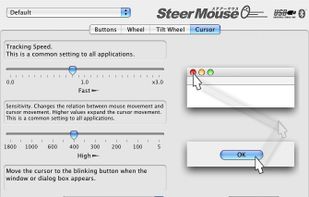
SteerMouse is a utility that lets you freely customize buttons, wheels and cursor speed. Both USB and Bluetooth mice are supported.
 Japan
Japan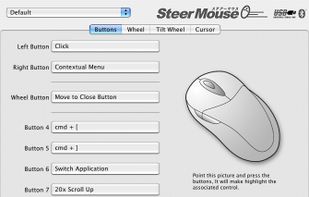


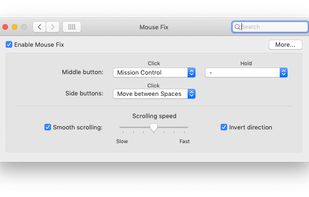
Switch between Spaces, use Windows-style Back and Forward, and more - right from your mouse. Also features a refined Smooth-Scrolling algorithm that strikes a perfect balance between fluidity and control.
 Germany
 EU
EU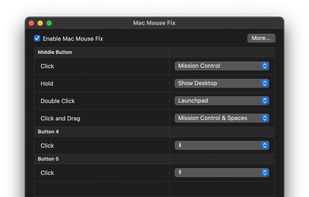




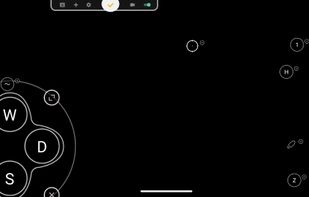
Support Android 12! The activator updated, please download the activator again and activate it on PC.





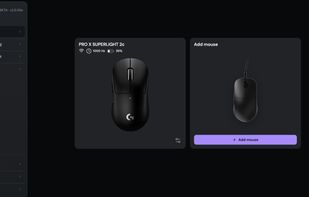
Browser-based control panel for supported gaming mice — change DPI, polling rate, and sensor settings without installing a driver.


It’s a macOS utility app that gives you smooth mouse scrolling, cursor speed control, and powerful mouse/keyboard bindings.


If you use third-party mice with your Mac, you've surely noticed just how useless the side buttons are. By default, they act as a sort of crippled middle click, consigned to opening new links out from under you when you least expect it.


