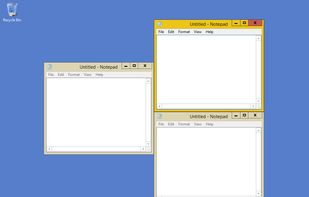
Optimize your desktop environment with this management tool offering window docking, snapping, multi-monitor support, and keyboard shortcuts for enhanced productivity.
 France
 EU



+8
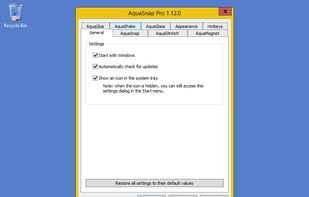


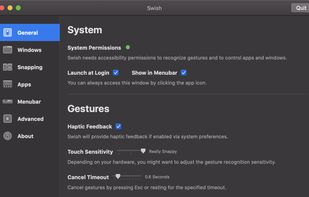
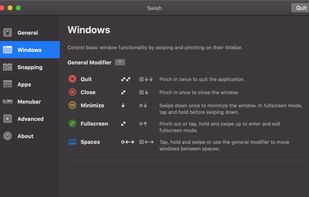
Fluid Navigation Gestures has been discontinued. Similar apps include AutoHotkey, which is free and open source. Other options are Rectangle, BetterTouchTool, Karabiner Elements and AquaSnap. Window Managers like Fluid Navigation Gestures are a crowded field, with more than 50 alternatives for Mac, Windows, Linux and Android.
Optimize your desktop environment with this management tool offering window docking, snapping, multi-monitor support, and keyboard shortcuts for enhanced productivity.
FranceEU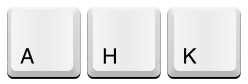
AutoHotkey is an open-source Windows scripting language for task automation. It crafts scripts for operations like form filling and auto-clicking, initially starting with hotkeys yet evolving into a complete script language. Converts scripts to executables, works offline, and supports debugging.
 United States

Move and resize windows on macOS with keyboard shortcuts. Rectangle is a window management app based on Spectacle Wndow Manager, written in Swift (programming language).
United States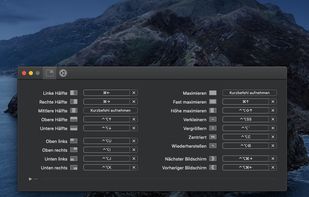

Customizes input devices on macOS by enabling gesture and button mapping, keyboard shortcut assignment, window snapping, automation, scripting, multi-device integration, and iOS app control. Features include touch bar, Apple Remote, and per-app profiles.
 GermanyEU
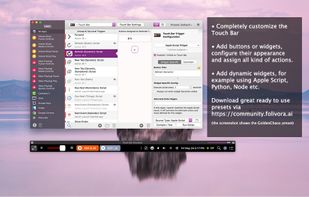
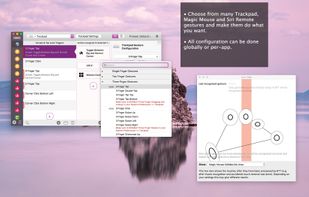
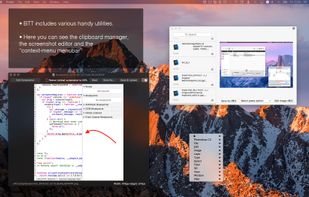
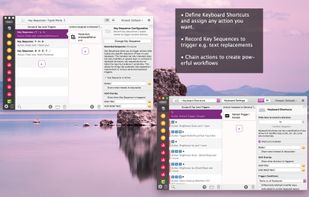


Karabiner, previously called KeyRemap4MacBook, is a very powerful keyboard remapper for Mac OS X. In addition to simple key remapping, it has special remapping modes like Emacs-mode, SandS-mode (Space and Shift).
 Japan


Organize windows with ease using SnapZones. Enjoy magnetic snapping, predefined and custom layouts, multiple display configuration, and seamless transitioning between workspaces. SnapZones auto-starts at login, ensuring streamlined productivity for macOS users in any environment.
 AustriaEU
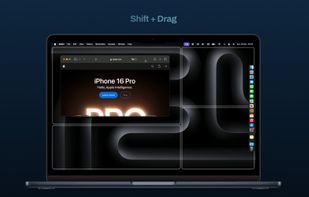
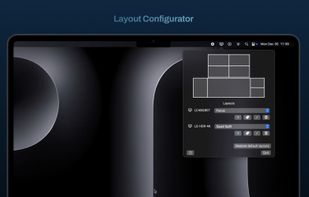

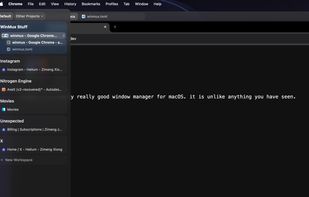
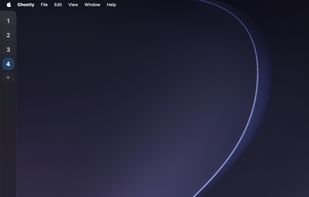
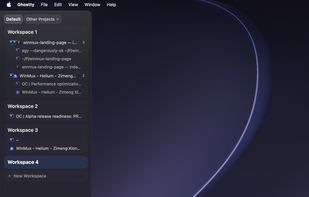
Sidebar-first macOS window manager supporting project hierarchies, drag-and-drop window and tab group organization, fully adjustable window gaps, browser-style tab groups with tab reordering, auto-hiding sidebar, Liquid Glass support, and robust workspace navigation.

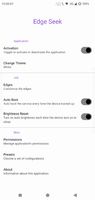
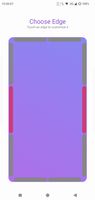
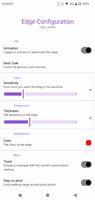
Control the audio and/or brightness by sliding your fingers alongside the edges of your screen. Each edge can be configured separately. Use the 'Control Brightness with Dimmer' feature to go below zero when controlling the brightness.




Moom makes window management as easy as clicking a mouse button—or using a keyboard shortcut, if you're one of those types of people.
AustriaEU


Repeat is a full-fledged, Java mouse/keyboard record/replay and automation hotkeys/macros creation using modern programming languages, and more advanced automation features. Working across three major OSes: Windows, OSX, and Linux.


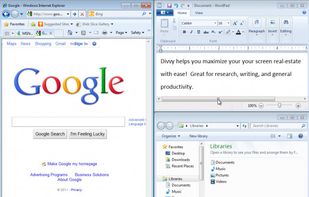
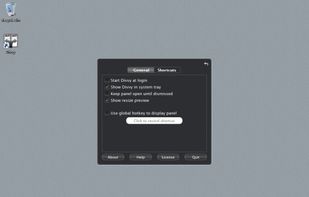
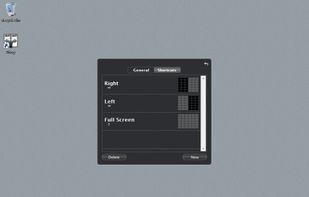
Divvy is an entirely new way of managing your workspace. It allows you to quickly and efficiently "divvy up" your screen into exact portions.
United States


AltDrag allows you to move and resize windows much easier. When you have it running you can simply hold down the Alt key and then use your mouse to drag any window, and it doesn't matter where in the window you click.
 SwedenEU