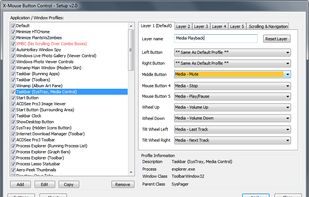
X-Mouse Button Control is a Windows application to remap your mouse buttons and expand the capabilities of your mouse!
Cost / License
- Free
- Proprietary
Application type
Platforms
- Windows
 United Kingdom


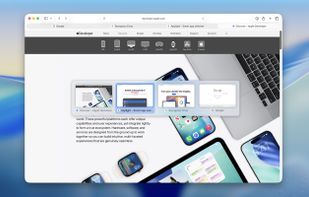
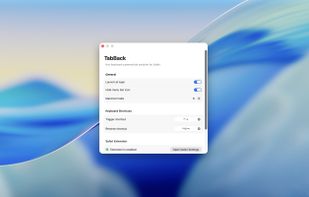
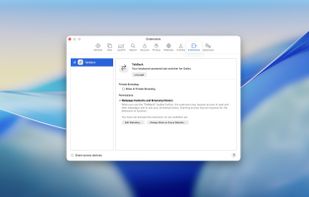
Easystroke has been discontinued. Similar apps include X-Mouse Button Control, which is free. Other options are Piper, Gesturefy, Mouse Actions and TabBack for Safari. You can choose from more than 10 Mouse Gestures Tools like Easystroke for Windows, Linux, Mac, the web and Android.
X-Mouse Button Control is a Windows application to remap your mouse buttons and expand the capabilities of your mouse!
United Kingdom
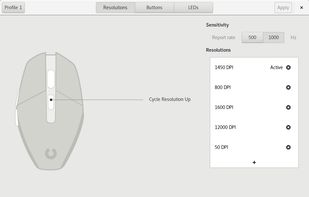
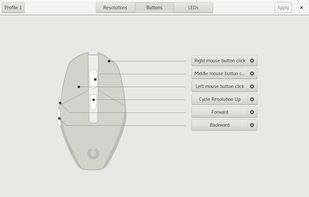
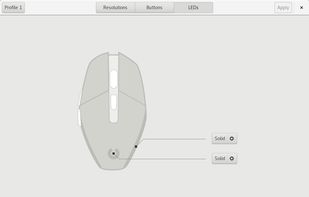
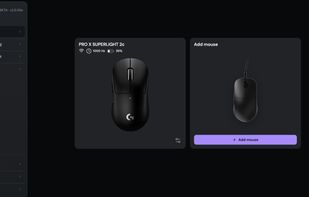
Piper is a graphical user interface to configure gaming mice. Configuration options include changing the resolution (DPI) of the mouse, adding and removing profiles, setting LED colors and changing button behaviors.


Customizable mouse gesture addon, which supports over 40 different actions.
Features:
Mouse gestures (Move mouse while holding the left, middle, or right button) Rocker gestures (Left-click with holding right-click and vice versa) Wheel gestures (Scroll wheel while.
 Germany
 EU
EU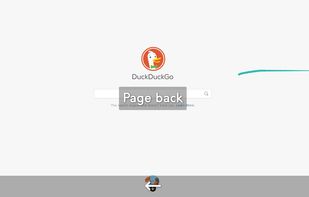
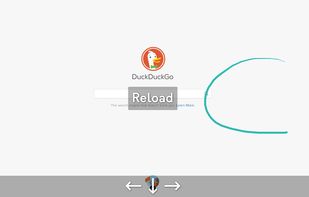




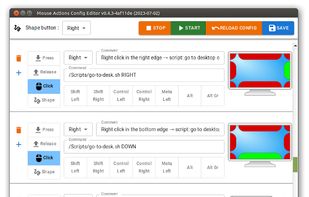
You can control your computer with mouse gestures. You can assign different commands to mouse events, such as clicking, scrolling, or moving the mouse to the sides or edges of the screen. You can also draw shapes with the mouse to trigger specific commands.




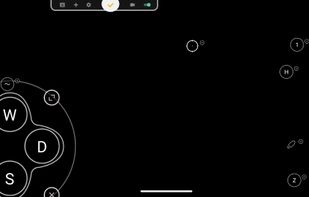
Support Android 12! The activator updated, please download the activator again and activate it on PC.




This add-on allows you to jump back/forward in the browser's history by swiping horizontally with two fingers on your touchpad.
 ItalyEU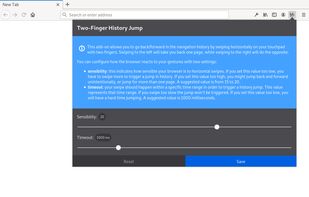



Browser-based control panel for supported gaming mice — change DPI, polling rate, and sensor settings without installing a driver.


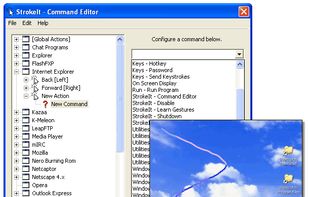
StrokeIt is an advanced mouse gesture recognition engine and command processor. What is a mouse gesture? Mouse gestures are simple symbols that you "draw" on your screen using your mouse. When you perform a mouse gesture that StrokeIt can recognize, it will perform the...


A web extension that allows you to jump back/forward in the browser's history by swiping horizontally with two fingers on your touchpad.