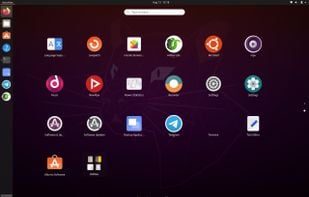
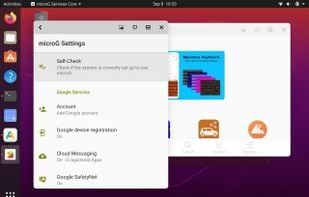
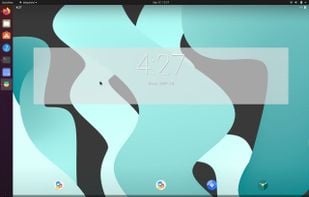
Waydroid uses Linux namespaces (user, pid, uts, net, mount, ipc) to run a full Android system in a container and provide Android applications on any GNU/Linux-based platform.
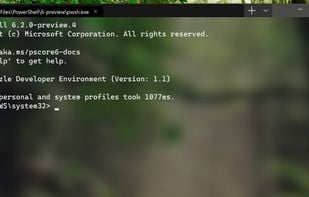
PowerShell (including Windows PowerShell and PowerShell Core) is a task automation and configuration management framework from Microsoft, consisting of a command-line shell and associated scripting language built on the .NET Framework.
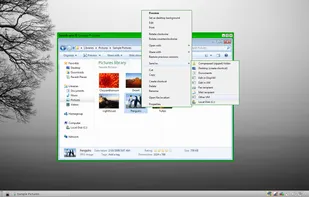
Customize Windows programs with downloadable mods for appearance, behavior, or features; rollback and update easily, no source code or system changes required.
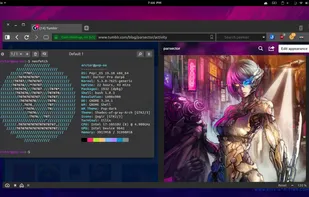
EndeavourOS is an Arch-based distro that provides an Arch experience without the hassle of installing it manually for both x86_64 and ARM systems. After installation, you’re provided with a lightweight and almost barebones environment ready to be explored with your terminal...
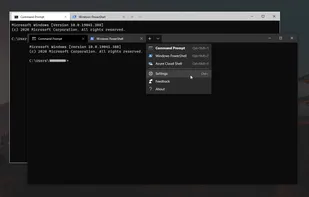
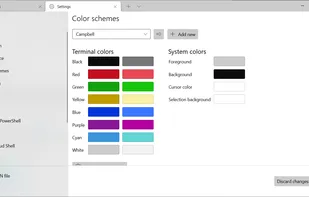
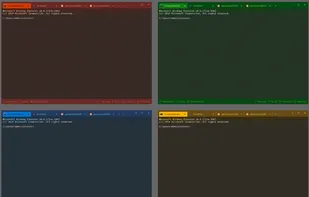
Windows Terminal is a new, modern, feature-rich, productive terminal application for command-line users. It includes many of the features most frequently requested by the Windows command-line community including support for tabs, rich text, globalization, configurability...
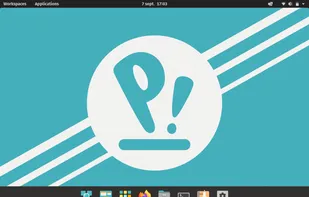
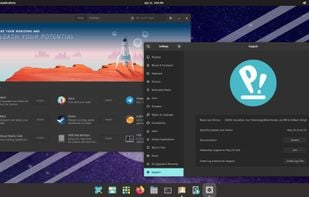
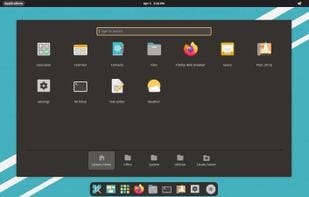
Pop!_OS is an operating system for STEM and creative professionals who use their computer as a tool to discover and create. Unleash your potential on secure, reliable open source software. Based on your exceptional curiosity, we sense you have a lot of it.
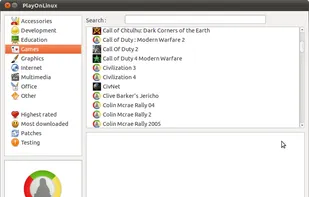
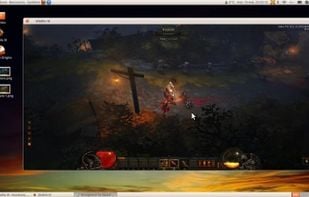
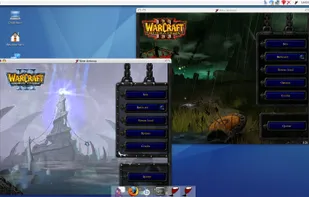
PlayOnLinux is a graphical frontend for the Wine software compatibility layer which allows Linux and Mac users to install Windows-based video games, Microsoft Office (2000 to 2010), Microsoft Internet Explorer, as well as many other applications.
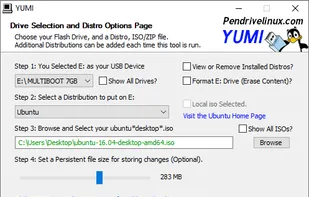
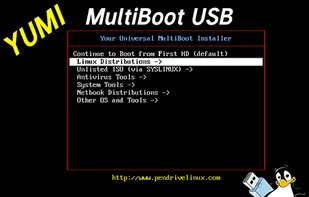
The YUMI exFAT (Your Universal Multiboot Installer) media creation tool can be used to automatically create an exFAT bootable USB flash drive containing multiple operating systems, antivirus utilities, disc cloning, diagnostic tools, and more.
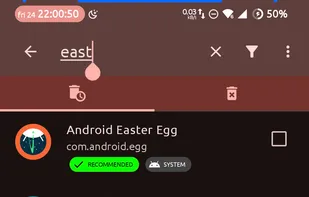
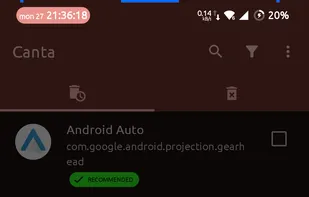
Canta is a software tool designed to facilitate the uninstallation of apps from your device, irrespective of whether root access is available or not. It provides a solution for removing any application, even those that might be deeply ingrained within the system.
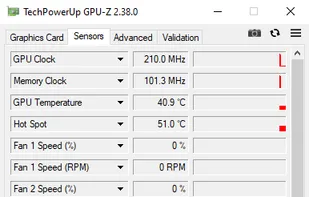
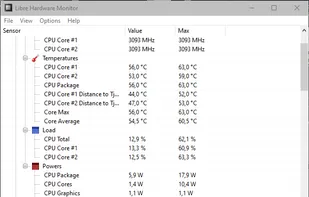
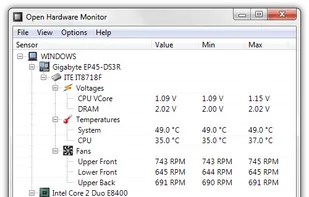
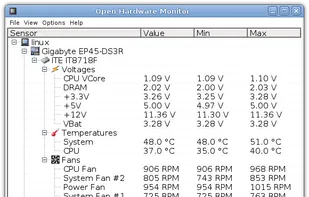
Libre Hardware Monitor, a fork of Open Hardware Monitor , is free software that can monitor the temperature sensors, fan speeds, voltages, load and clock speeds of your computer.
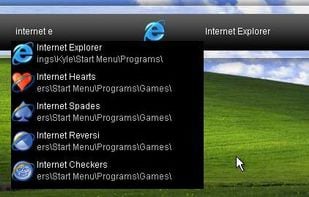
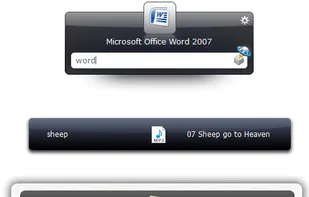
Launchy is a free Windows and Linux utility designed to help you forget about your start menu, the icons on your desktop, and even your file manager. Launchy indexes the programs in your start menu and can launch your documents, project files, folders, and bookmarks with just a...
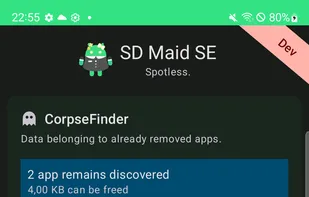
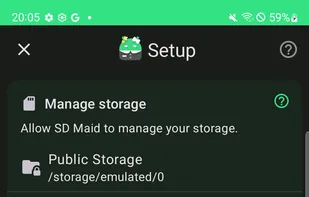
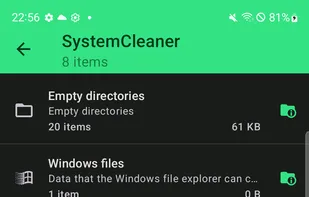
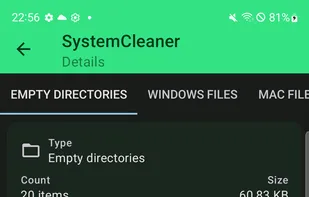
SD Maid SE (aka SD Maid 2) is a file management tool for Android that specialises in maintenance. Its core purpose is freeing up space and removing unwanted data.
Cinnamon is a Linux desktop which provides advanced innovative features and a traditional user experience. The desktop layout is similar to GNOME 2. The underlying technology is forked from GNOME Shell.
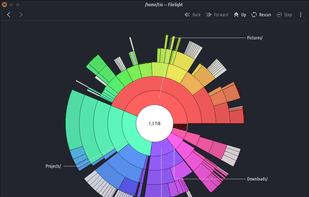
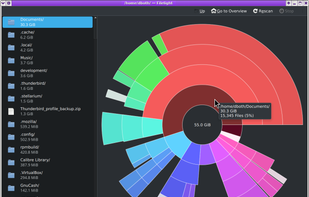
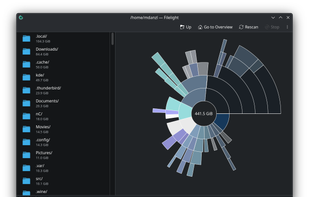
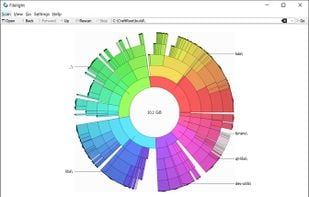
Displays disk usage visually with interactive segmented rings, scans local and remote disks, allows direct file management, and integrates with KDE file managers.
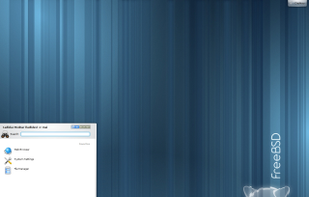
FreeBSD is an operating system used to power modern servers, desktops, and embedded platforms. A large community has continually developed it for more than thirty years. Its advanced networking, security, and storage features have made FreeBSD the platform of choice for many of...
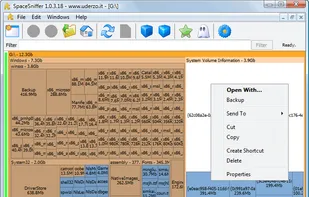
SpaceSniffer is a tool application that gives you an idea of how folders and files are structured on your disks. By using a Treemap visualization layout, you have immediate perception of where big folders and files are situated on your devices.


 United States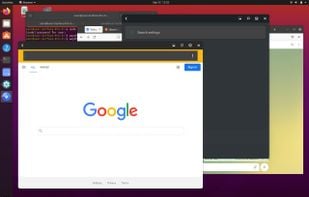


 Germany
 EU
EU















 Netherlands










 France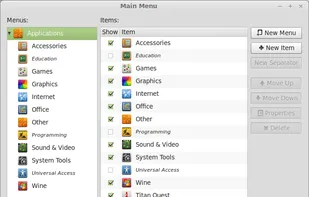




 Slovenia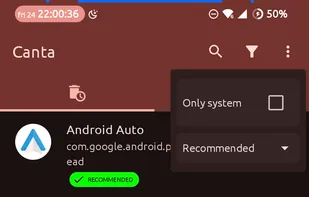












 Ireland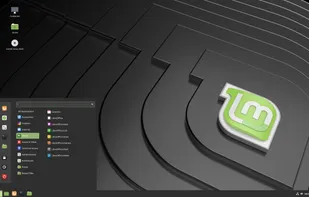






 Italy
Italy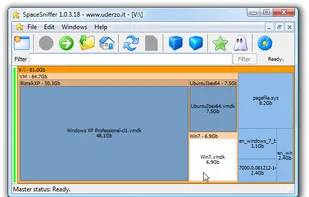


 Russia