


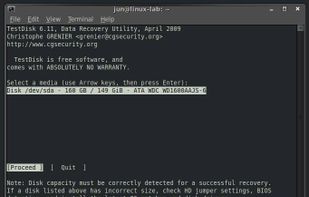
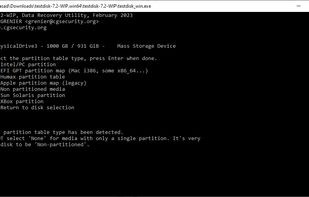
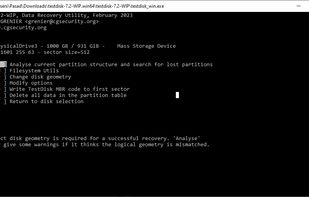
Free command-line tool for recovering lost partitions, repairing non-booting disks, supporting multiple file systems and converting disks to basic format.
 France
 EU
EU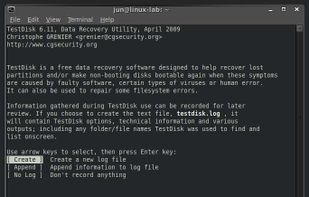



+1


4.8
Excellent17 ratings


Free command-line tool for recovering lost partitions, repairing non-booting disks, supporting multiple file systems and converting disks to basic format.

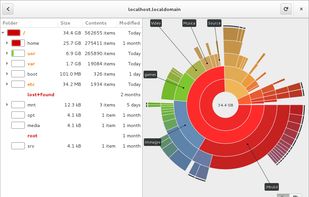
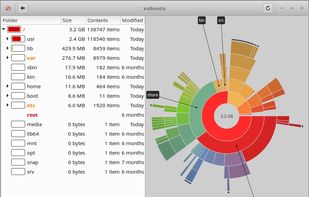
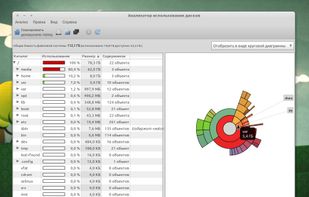
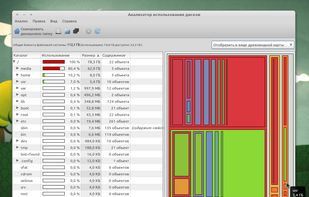
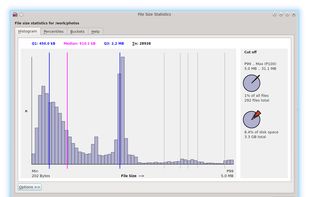
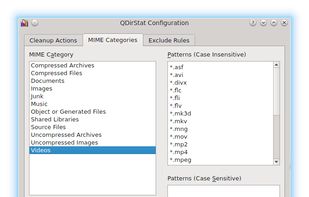
Graphical GNOME application that analyzes disk usage with detailed graphical representation, supporting scans of both local and remote directories.
 WinDirStatand

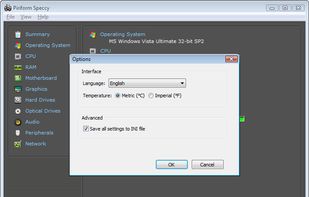
Advanced system info tool offering fast, lightweight scans and detailed hardware overview with real-time temperature monitoring. Portable and ad-free.



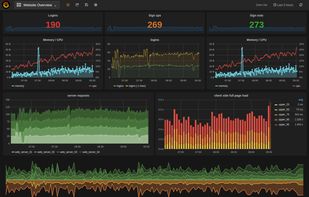
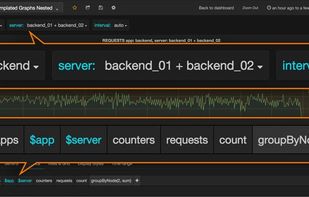
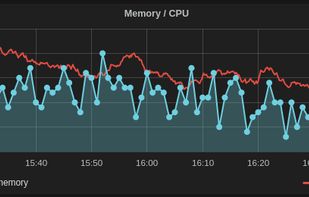
Grafana provides a powerful and elegant way to create, explore, and share dashboards and data with your team and the world.


Podman is a daemon-less container runtime for managing containers, pods, and container images. It is intended as a counterpart to CRI-O, to provide low-level debugging not available through the CRI interface used by Kubernetes.
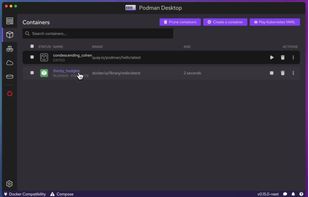
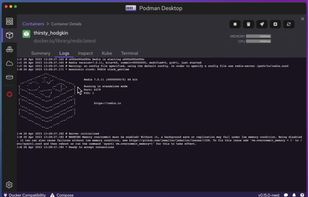
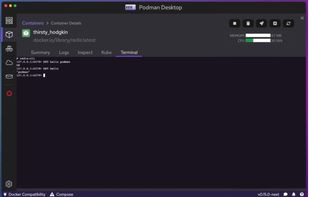
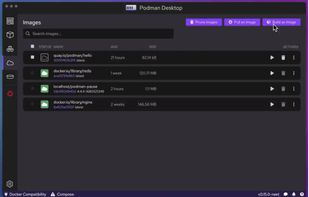
 Dockerand
 Docker Desktop
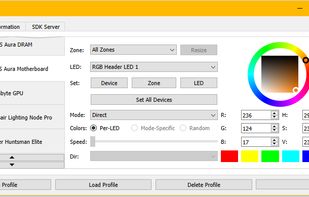
Open source RGB lighting control that doesn't depend on manufacturer software. For Windows, Linux, MacOS.





 Google Wallet
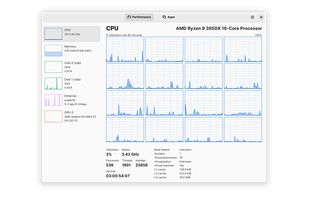
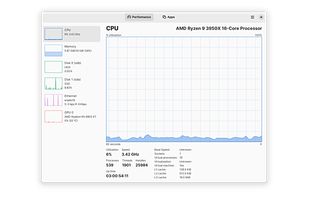
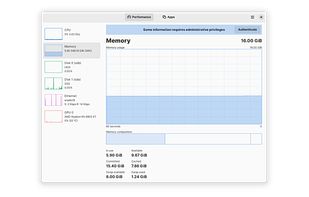


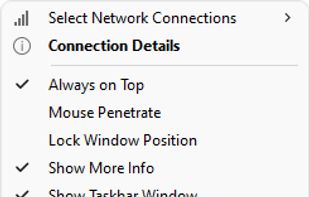
Monitors real-time network speed, CPU, and memory usage on Windows with a floating window or taskbar widget, customizable skins, and traffic history.

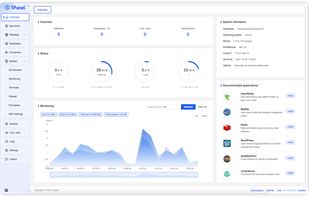
Open-source control panel for Linux server management, offering host monitoring, file management, database admin, container control, and WordPress integration.

Twinkle Tray enables brightness control on external displays in Windows 10 & 11. Even th Windows is capable of adjusting the backlight on most monitors, it doesn't support external monitors natively.


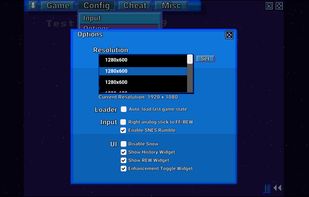
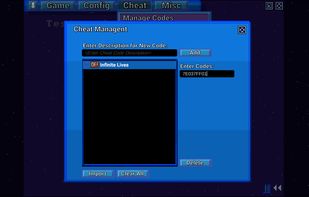
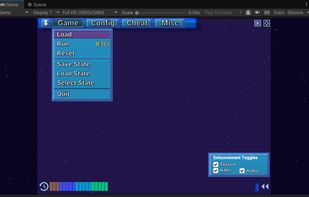
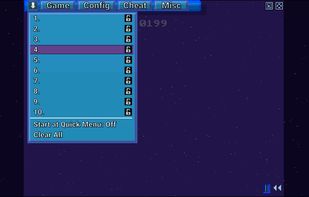
GPU-powered SNES emulator with enhanced accuracy, high-res Mode 7, advanced game-specific enhancements, HD classic UI, fast forward, rewind, and save options.

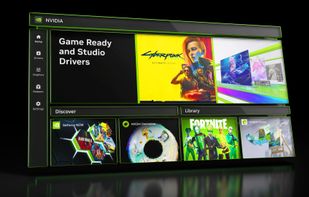
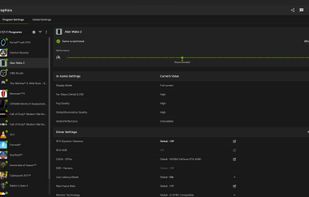
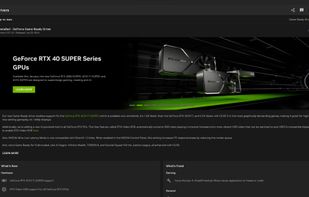
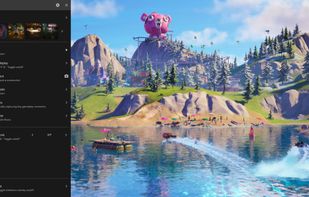
The NVIDIA app updates your PC with the latest drivers and technology, optimizes games and applications through a unified GPU control center, provides recording tools via in-game overlay, and highlights the latest NVIDIA tools and software.
 OBS Studioand
 Lutris
DiskUsage provides a way to find out which files and directories on the SD card of your Android phone are consuming the most space. It displays diagram with directories/subdirectories proportional to their size. Users are allowed to zoom in to look at specific directory content.
 WinDirStatand
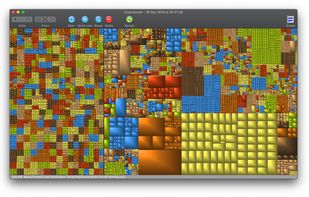
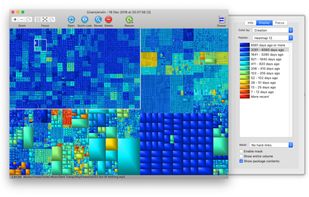
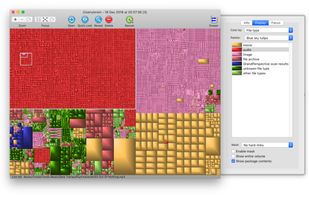
GrandPerspective is a small utility application for Mac that graphically shows the disk usage within a file system. It can help you to manage your disk, as you can easily spot which files and folders take up the most space.
 WinDirStatand
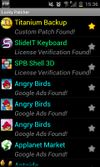
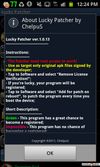
Lucky Patcher is a free Android app that can mod many apps and Games, Block ads, remove unwanted system apps, backup apps before and after modifying, Move apps to SD card, remove license verification from paid apps and games etc.


 WinDirStatand
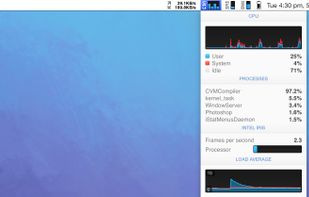
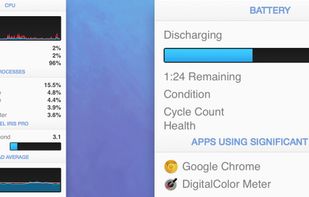
System monitor for Mac tracking CPU, GPU, network, sensors, disks, memory, and weather with menubar stats, notifications, privacy options, and custom views.


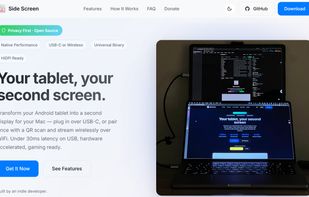
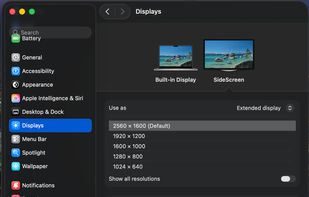
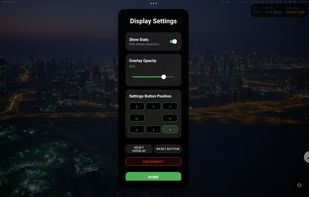
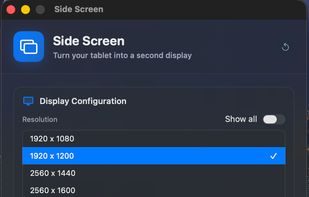
Enables an Android tablet as a second display for Mac using USB-C or WiFi, offering H.265 hardware streaming, touch input, HiDPI, and Gaming Mode.

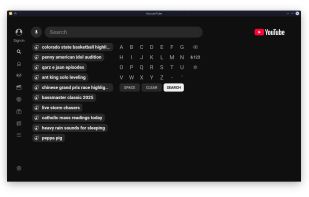
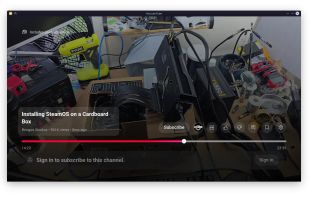
VacuumTube is an unofficial wrapper of YouTube Leanback (the console and Smart TV version of YouTube) for the desktop, with a built-in adblocker and minor enhancements.
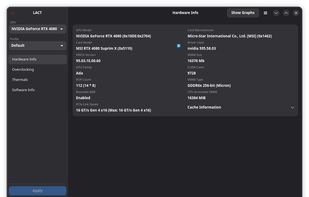
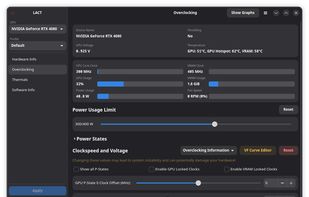
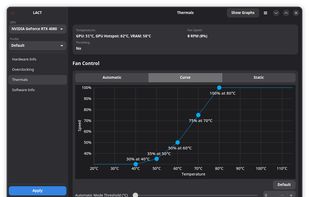
Controls AMD, Nvidia and Intel GPUs on Linux with power, thermal, and fan curve monitoring, overclocking, voltage adjustment, and power state configuration for enhanced management.


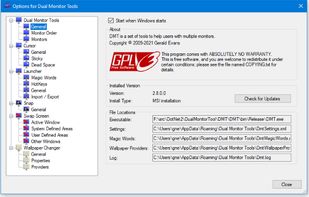
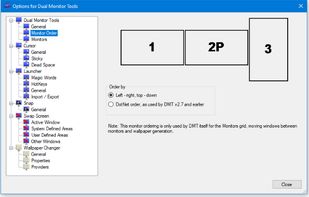
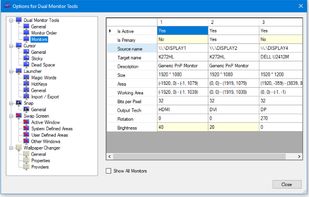
Dual Monitor Tools is a software package for Windows users with dual or multiple monitor setups.
All the tools are open source and free, and each tool is independent so you only need to install or run what you want.

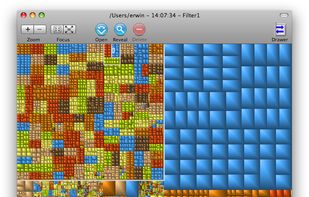
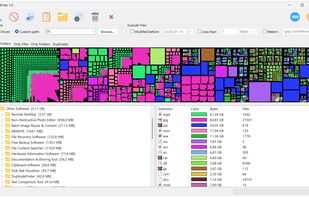
A visual disk space analyzer for Windows. It displays files, folders, and duplicate items as proportional colored blocks, helping users find large files, compare folder sizes, review file types, and locate duplicate files.
 WinDirStatand
PipeWire is a project that aims to greatly improve handling of audio and video under Linux. It provides a low-latency, graph based processing engine on top of audio and video devices that can be used to support the use cases currently handled by both PulseAudio and JACK.


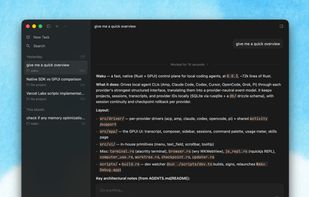
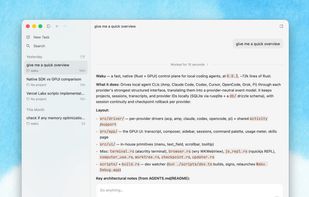
Waku is a fast, native desktop app for working with local coding agents. It is built in Rust with GPUI and keeps projects, sessions, transcripts on your machine.

 United States


 United Kingdom


 Sweden


 China
China


 Hong Kong SAR China


 Canada


 Netherlands


 Russia


 Germany


 Australia


 Vietnam


 Cyprus


 Belgium


 Singapore


