
Utilize Spacedesk to transform any network-connected device, from Android tablets to iOS devices, into additional monitors. Requires a Windows primary machine for efficient screen sharing, perfect for office or remote collaboration.
 Germany
 EU
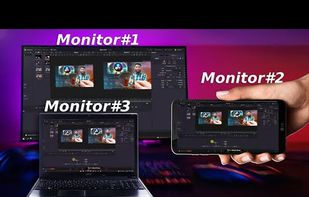

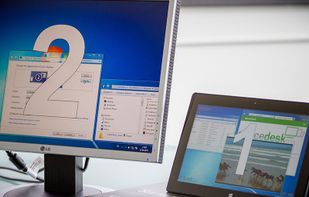




Apps similar to Side Screen include Spacedesk, which has a free version. Other options are Deskreen, Duet Display, Tab Display and Weylus. Screen Mirroring Apps like Side Screen are a crowded field, with more than 25 alternatives for Mac, Windows, iPad, Android and iPhone.
Utilize Spacedesk to transform any network-connected device, from Android tablets to iOS devices, into additional monitors. Requires a Windows primary machine for efficient screen sharing, perfect for office or remote collaboration.
GermanyEU
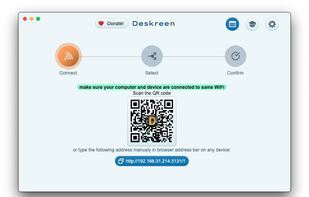
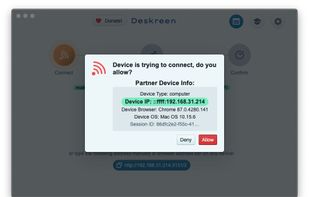
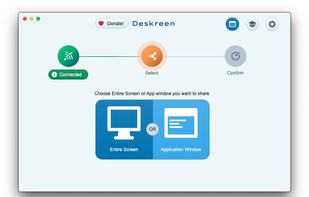
Enables any device with a browser to act as a second screen for computers, featuring secure end-to-end encrypted streaming, entire screen or app sharing, multi-device connections, cross-platform support, advanced video quality controls, and easy WiFi setup.
 Ukraine
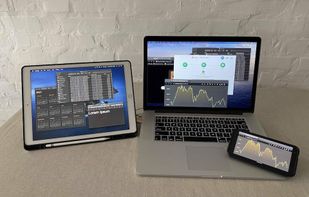


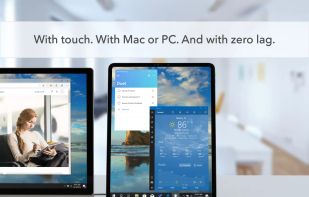
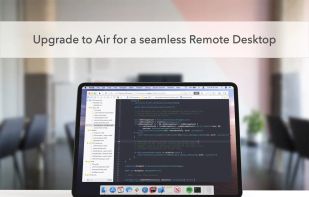
Turns iOS or Android devices into efficient second displays or graphics tablets for Mac and PC, delivering zero-lag, high-resolution output with touch, gesture, and touch bar support, hardware-free setup, secure remote desktop capabilities, and end-to-end encryption.
 United States
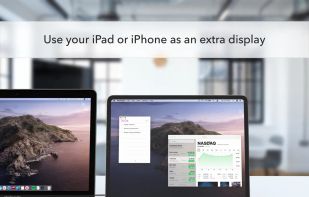
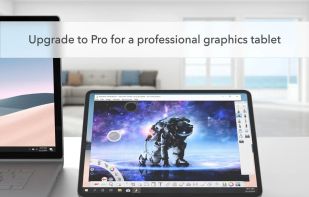


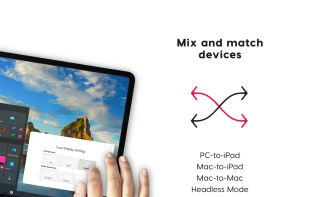
Allows extension of a Mac or Windows workspace to iPad, Android, macOS, or Windows devices as portable second screens, supporting multiple connections, wireless linking, cross-platform use, and practical multitasking like separating documents, chat, or meetings.
 South Korea
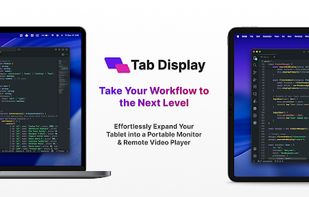
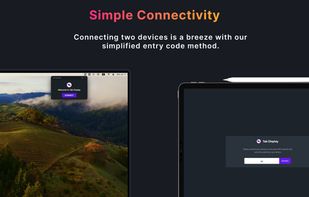
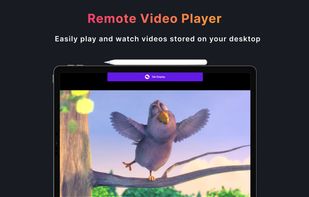


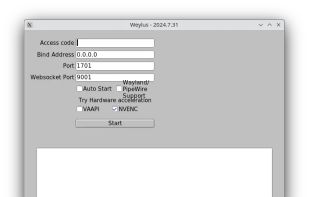
Transforms tablets or smartphones into graphic tablets or touchscreens for computers, enabling mouse control, screen mirroring, hardware video encoding, keyboard input, stylus support with pressure and tilt on Linux, multi-touch, window capture, and use as a second screen.

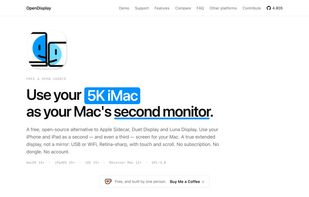
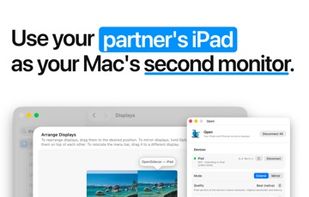
Free, open-source Sidecar/Duet alternative — use your iPhone or iPad as a true second monitor for your Mac over USB or WiFi. Low latency H.264, Retina HiDPI, touch input.


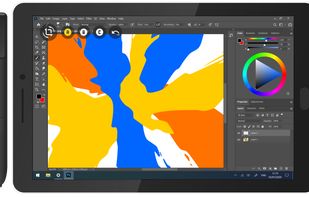
Convert an Android device into a high-performance USB monitor for Windows 10, enabling duplication or extension of the desktop, low-latency operation, graphics tablet functionality, pressure-sensitive stylus use, and compatibility with phones or tablets.
 FinlandEU
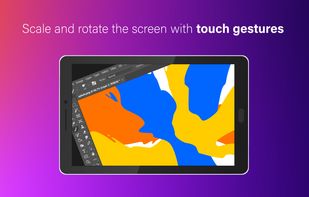
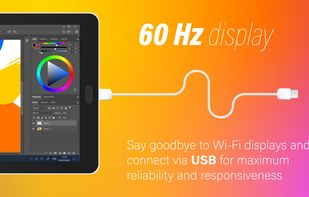

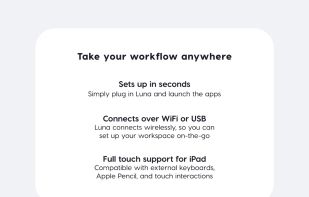
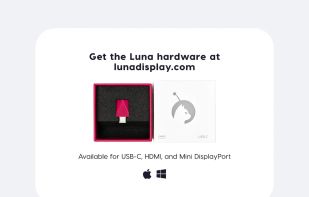
Converts a tablet or computer into a wireless, low-latency secondary display for Mac or PC with USB-C/HDMI connectivity, touch, Apple Pencil, and keyboard support. Offers multiple modes, high-quality images at 60 fps, and integrates with drawing applications for versatility.
United States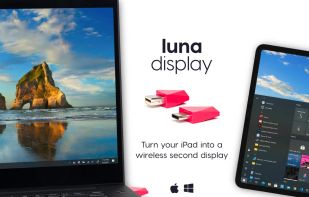

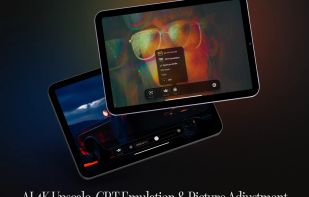
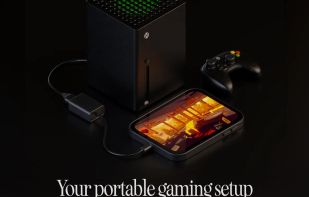
Enables tablets to function as HDMI monitors for external devices such as cameras, gaming consoles, and VHS. Features AI-powered upscaling for sharper visuals, CRT emulation for retro games, image adjustments, screenshot sharing, and portable use.
United States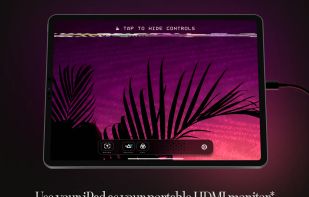



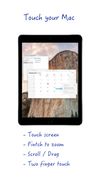
Yam Display turns your iPad/iPhone into an external monitor for your Mac. Wired by USB, browse documents or watch videos without delay. Touch your Mac and pinch to zoom on beautiful retina display. For multitasking enabled iPads, you can utilize every single pixel of your screen...
United States
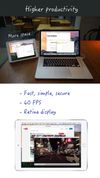


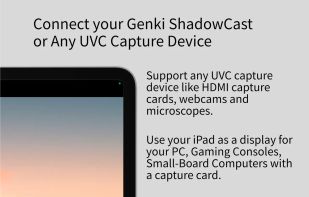
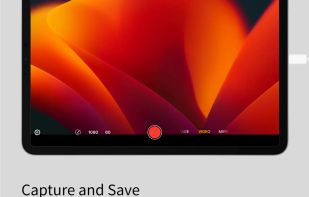
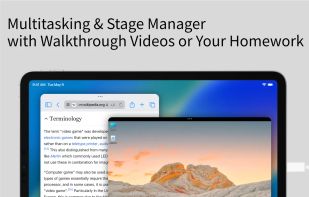
Genki Studio is a software that turns your iPad into a portable monitor and video capture device. It connects to a Genki ShadowCast or any USB UVC device, with features like external monitor support, Apple Pencil markup, and multitasking.
United States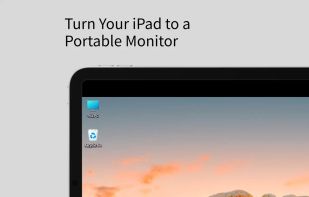

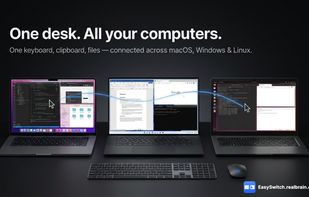
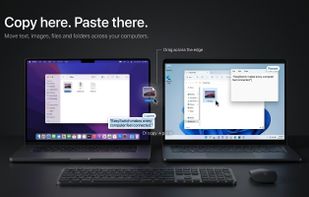
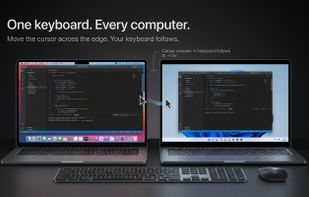
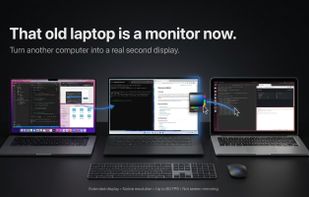
Turn your Mac, Windows, and Linux computers into one seamless workspace with shared keyboard, mouse, clipboard, file transfer, and virtual displays.