





Luna Display
Like
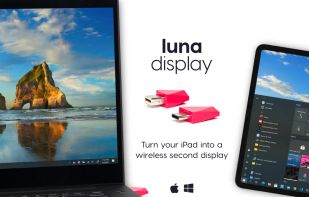
Converts a tablet or computer into a wireless, low-latency secondary display for Mac or PC with USB-C/HDMI connectivity, touch, Apple Pencil, and keyboard support. Offers multiple modes, high-quality images at 60 fps, and integrates with drawing applications for versatility.

Cost / License
- Pay once
- Proprietary
Platforms
- Mac
- Windows
- iPad


Features
Highlights All activities
Luna Display News & Activities
Recent News
No news, maybe you know any news worth sharing?
Share a News Tip
Recent activities
 ssssaaaa added Luna Display as alternative to OpenDisplay
 Neville-Gee added Luna Display as alternative to DeskJoin Screen
 SwiftinHK added Luna Display as alternative to TouchNow
 Scrivix added Luna Display as alternative to Scrivix
- Danilo Venom updated Luna Display
 Danilo Venom added Luna Display as alternative to Side Screen
 Danilo Venom added Luna Display as alternative to MacDisplay


Developed by
 Astro HQ LLC
 Licensing
Proprietary and Commercial product.Pricing
One time purchase (perpetual license) that costs $90.Alternatives
18 alternatives listedBadge
Get an embeddable badge for Luna DisplaySupported Languages


No comments or reviews, maybe you want to be first?