Cost / License
- Freemium
- Proprietary
Application type
Platforms
- Online


Best alternatives are 

40 alternatives



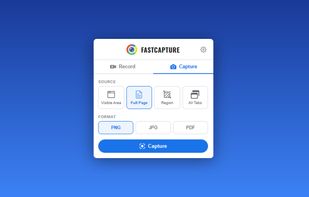
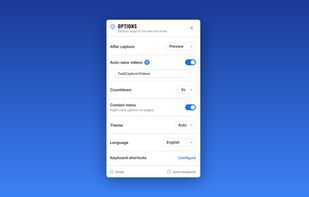
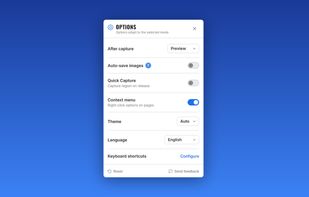
Record your screen, capture screenshots, annotate, and share them instantly. FastCapture is a lightweight, all-in-one Chrome extension for video recording, image capture, and annotation - no upload to external servers. Everything is processed locally in your browser.
 United States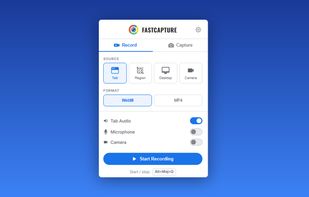

ScreenX is a native Windows screenshot utility designed for speed and aesthetics. Built on a lightweight Rust (Tauri) backend, it replaces slow, memory-heavy Electron apps with a buttery-smooth React interface.
 Nigeria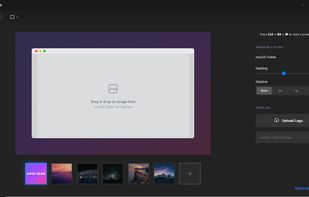

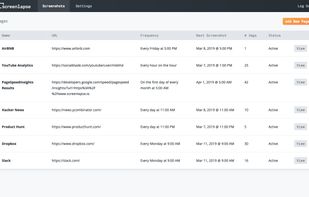
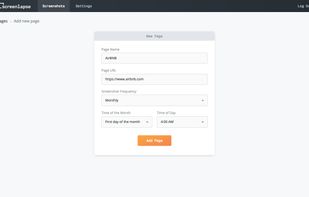
Screenlapse automates the repetitive and tedious task of screenshotting websites regularly over a period of time. Keep track of website performance statistics, monitor competitors, document ad placement for advertisers, and archive your digital history.



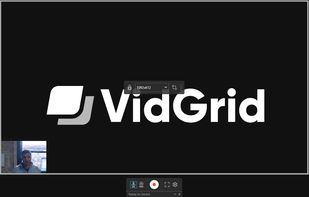
Video capture, screen recording, in-video questions, call to actions, video management, sharing, LMS integrations, hosting, analytics, and closed captioning inside one app.

 OBS Studio
Screenix is a native Linux screen recorder and screenshot editor for tutorials, product demos, quick updates, and visual documentation.
 France
 EU
EU
 OBS Studioand

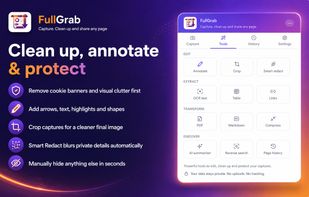
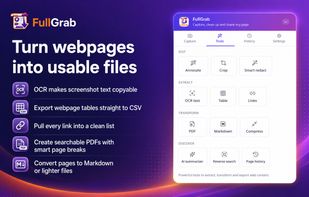
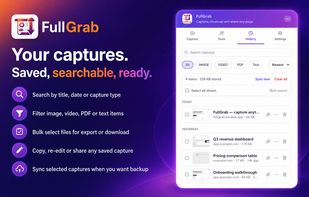
Capture webpages, regions, elements and recordings; annotate or redact them, extract text, tables and links, then export searchable PDFs locally.
United States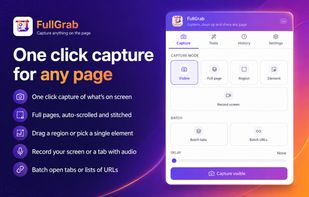

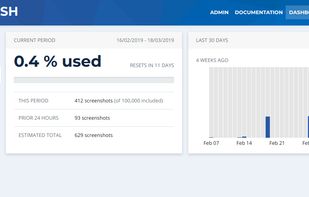
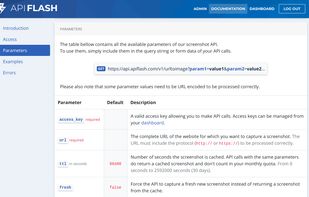
ApiFlash is a screenshot API based on Chrome Headless and AWS Lambda. It allows businesses around the world to add crisp screenshots from any URL.
FranceEU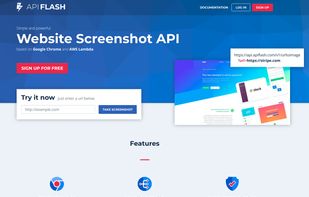


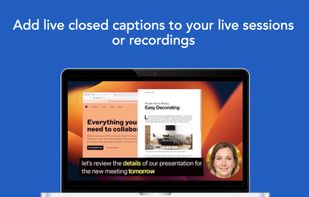
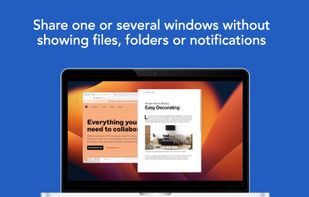
Share or record any number of windows over a clean background, without icons, folders or notifications.
United States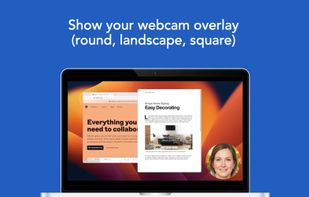

 ShareX
Facilitates easy creation and organization of step-by-step guides, keeping documentation current and spreading information quickly across teams.

 Mimikand

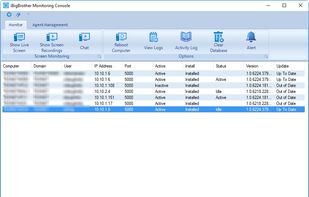
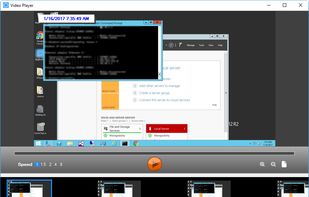
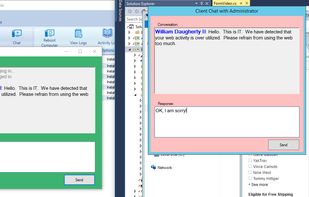
iBigBrother is packed with all of the right features. It is not bloated and hard to use like the other applications in its space. It is simple and to the point. A simple install on the server allows you to deploy agents to the clients silently.


Tired of losing track of your screenshots within your photo gallery? Capture is an app that allows you to organize and act on the information within your screenshots.




Recording the computer screen is a useful solution for the video tutorials, for a webinar recording, for an important presentation. A good screen recording software that fits your needs will help you save a lot of time.





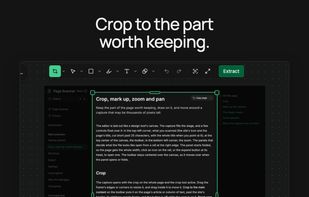
Page Scanner is a browser extension for Chrome and Edge that saves a whole web page as a PDF whose text is still text: selectable, searchable, with working links, and with graphics that stay sharp at any zoom.
 South Korea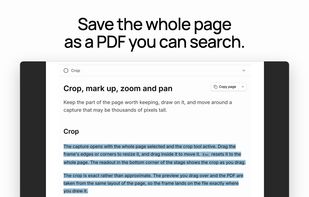


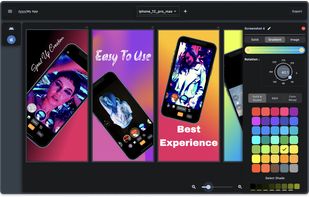
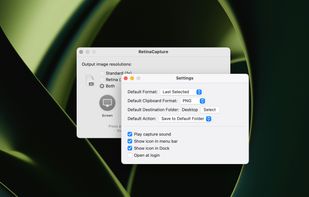
Say you're working on a blog post and want to take screenshots that look their best on both Retina and non-Retina Macs.
United States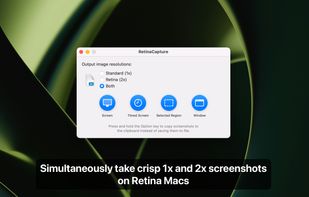


AI-powered screenshot utility with region, window, or full capture, background removal, OCR text extraction, editing, watermark, signature, and enhancement tools.
 China
China

Full page screenshot tool and recorder. Annotate, crop, and batch-capture a whole sitemap or open tabs. 100% local & private.
 United Kingdom



Fast, lightweight and offline-first Snipping tool for Windows with integrated high-accuracy OCR. Capture any screen area and extract text instantly without any cloud processing.
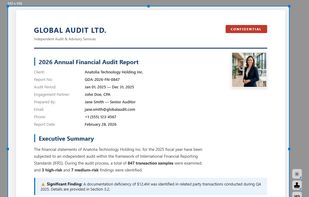

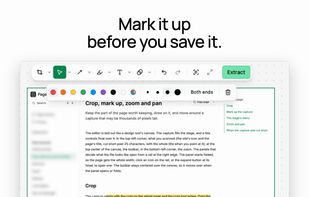
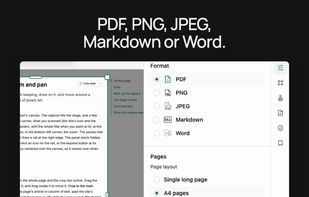
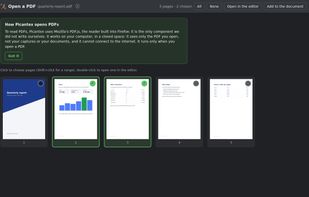
Chrome extension that captures web pages or opens PDFs, annotates them and saves them as PNG, JPEG or searchable PDF, entirely on your computer.
 ItalyEU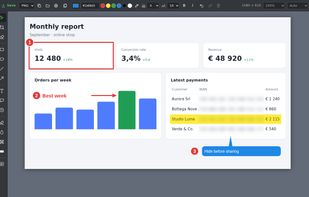
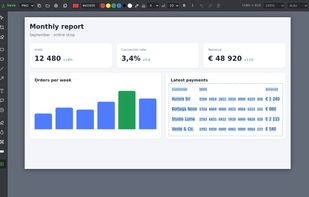
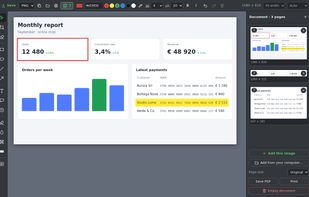

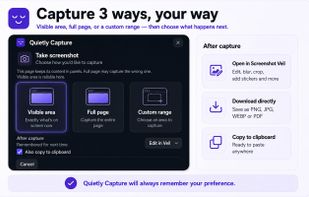
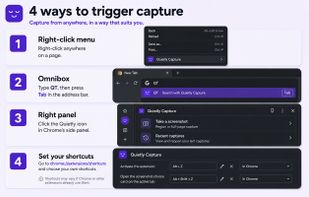
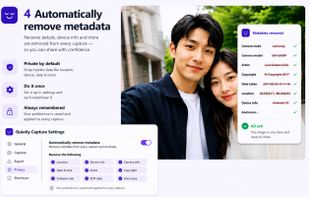
Quietly is a free browser extension for Chrome, Firefox and Edge that takes full page screenshots, including the parts you have to scroll to. Before you share, you can blur, pixelate or black out names, emails and numbers.
 India
India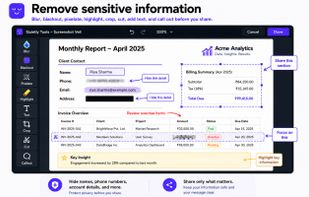


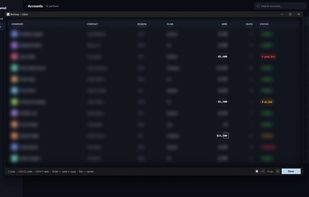
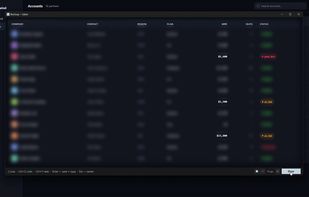
BlurSnap is a Windows screenshot utility built around an inverted workflow: instead of capturing a screen and then hunting for sensitive details to hide, the capture opens fully blurred and you paint to reveal only the parts you actually want to show.
 Ukraine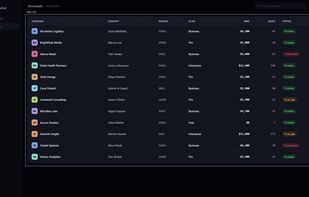
 Greenshotand

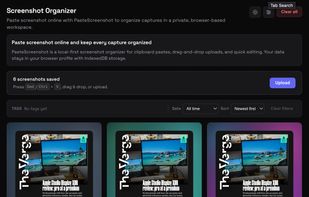
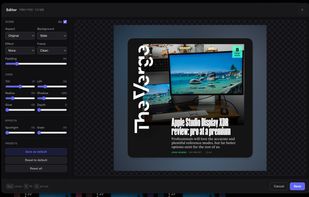
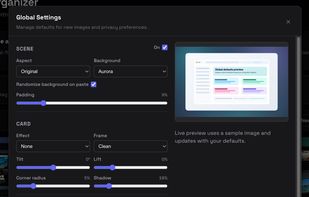
PasteScreenshot is a local-first screenshot organizer that lives entirely in your browser. Paste from your clipboard, drag and drop image files, do quick edits, and keep every capture neatly organized — no account, no uploads to a server, no privacy worries.


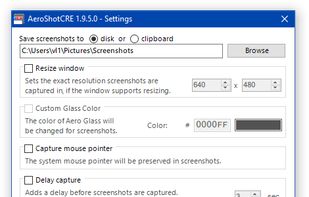
AeroShotCRE is an open source improved fork of AeroShot developed by Cvolton aimed for Crazy Error videos. Despite that it can be used as a regular window screenshotting tool.
 ShareXand

Do you save many screenshots for work or to avoid forgetting something you saw on your device? Do you have the photo album on your phone full of screens that you can never find quickly? Screenshot PRO lets you better manage your screenshots
ItalyEU