

SnipFor
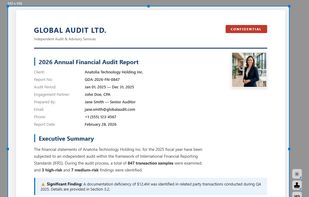
Fast, lightweight and offline-first Snipping tool for Windows with integrated high-accuracy OCR. Capture any screen area and extract text instantly without any cloud processing.
Features
Properties
- Privacy focused
- Lightweight
Features
- Works Offline
- Support for Multiple Monitors
- Annotate Screenshot
- No Tracking
- Dark Mode
- No registration required
- OCR
- Offline
SnipFor News & Activities
Recent activities
SnipFor information
What is SnipFor?
SnipFor is a professional-grade productivity tool designed for users who need speed, privacy, and precision. Originally developed for IT professionals and developers, it bridges the gap between static screenshots and editable text.
Key Highlights:
Privacy-Focused: Unlike many other OCR tools, SnipFor processes everything locally on your machine. No data is ever uploaded to the cloud, making it safe for strict corporate environments. High-Accuracy OCR: Built on an optimized engine, it allows you to instantly extract text from Zoom meetings, video tutorials, RDP sessions, or protected PDFs. Lightweight Performance: Zero bloatware. It is designed to be as fast and resource-efficient as possible, even on older Windows machines. Smart Annotations: Add arrows, highlights, and shapes to your captures in real-time, helping you communicate ideas faster. Community Driven: 100% free for individual users with no hidden subscriptions or limits.


