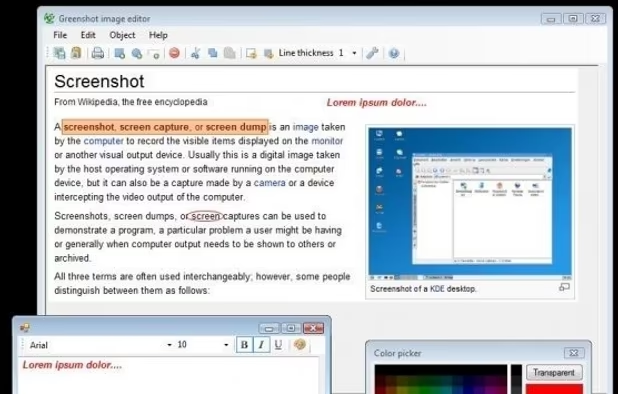
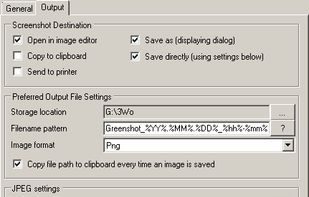
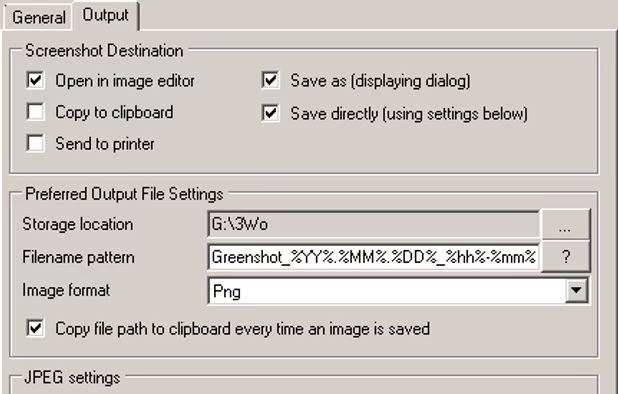
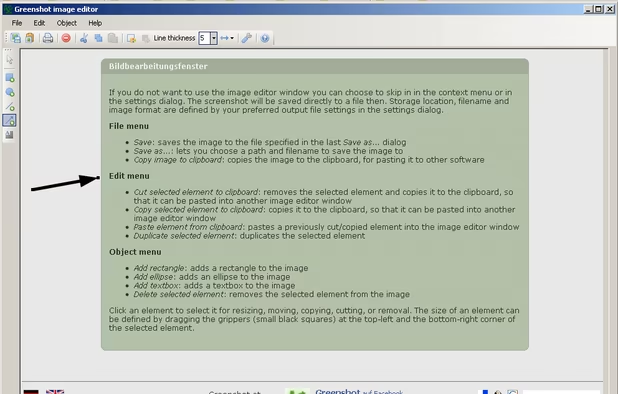
Lightweight screenshot tool offering OCR, exports to Office apps and online storage, integration with external commands, supporting 32 languages and minimal space requirement.


BlurSnap is described as 'Windows screenshot utility built around an inverted workflow: instead of capturing a screen and then hunting for sensitive details to hide, the capture opens fully blurred and you paint to reveal only the parts you actually want to show' and is a screenshot capture tool in the photos & graphics category. There are eight alternatives to BlurSnap for a variety of platforms, including Mac, Windows, Android, iPhone and Android Tablet apps. The best BlurSnap alternative is Greenshot, which is both free and Open Source. Other great apps like BlurSnap are CleanShot X, GNOME Obfuscate, Point Blur and DataBlur.
Lightweight screenshot tool offering OCR, exports to Office apps and online storage, integration with external commands, supporting 32 languages and minimal space requirement.


Capture and record screens on Mac with CleanShot X, featuring seamless recording, custom keyboard shortcuts, customizable wallpapers, Quick Access Overlay, and Desktop icon toggle for a tidy user interface.


Apply customizable blur, mosaic, or pixelation to entire images or specific traced areas with adjustable strength, using three brush types, an eraser, and cropping tools for privacy protection and quick social media-ready edits on Android.


Blur or redact sensitive data on your screen in one click — before you share, record or screenshot. Auto-detects emails, cards, API keys. 100% local.


Redacted is a fast and efficient way to quickly hide sensitive parts of an image, using a blur, pixelation or black bar. Just drop an image into the app or paste it in and make your changes. Then share on social networks right from the app.


The polished, native Windows screenshot tool — capture, design, annotate, redact and remove backgrounds on-device, then export to 30 social & App Store sizes.