





Quartz Studio
3 likes
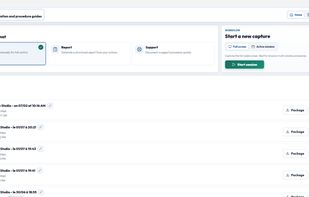
A local-first Windows alternative to cloud-based workflow documentation tools. Capture real actions, protect sensitive data and export professional guides — with no subscription.

Cost / License
- Pay once
- Proprietary
Application typeApplication types
Platforms
- Windows


Features
Highlights All activities
Quartz Studio News & Activities
Recent News
No news, maybe you know any news worth sharing?
Share a News Tip
Recent activities
 Mauricio B. Holguin added Quartz Studio as alternative to GlideClip
 StepForge added Quartz Studio as alternative to StepForge
 tronghoang123 added Quartz Studio as alternative to Wayfare
- Red Viciousse updated Quartz Studio
- Red Viciousse replied to a comment / review on Quartz Studio
- Red Viciousse replied to a comment / review on Quartz Studio
Starting using this application is convenient and it gets work done in a couple of minutes. Automatic step by step click captures work like a piece of cake.
Thumb's up
Starting using this application is convenient and it gets work done in a couple of minutes. Automatic step by step click captures work like a piece of cake.
Thumb's up
- Explorer-Alternative15 liked Quartz Studio
Solid alternative to forge with lifetime licence!


Developed by
Red Viciousse - Independent Software StudioLicensing
Proprietary and Commercial product.Pricing
One time purchase (perpetual license) ranging between $15 and $20.Alternatives
23 alternatives listedBadge
Get an embeddable badge for Quartz StudioSupported Languages



Comments and Reviews
Starting using this application is convenient and it gets work done in a couple of minutes. Automatic step by step click captures work like a piece of cake.
Thumb's up
Thanks a lot for the feedback Glad the click-based capture feels smooth and helps you create step-by-step documentation quickly.
Solid alternative to forge with lifetime licence!
Thank you! 🙌 We’re glad Quartz Studio feels like a solid alternative. The lifetime license is meant to keep things simple: one purchase, no subscription.
Quartz Studio makes easy reporting that is helpful in the workplace. It provides excellent tools to meet your deadlines.
Thank you for the feedback! Quartz Studio was built to make workplace reporting faster, clearer, and easier to deliver on time — especially for support, QA, and operations teams.