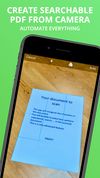
Simple Scan is the quick, easy way to scan paper documents to optimized, searchable PDF documents (or images) and send them almost anywhere.
Cost / License
- Freemium
- Proprietary
Application typeApplication types
Platforms
- iPhone
- iPad
 United States
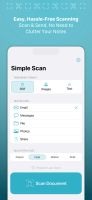

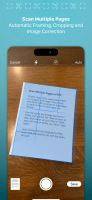

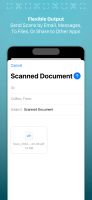


Simple Scan is the quick, easy way to scan paper documents to optimized, searchable PDF documents (or images) and send them almost anywhere.
United States
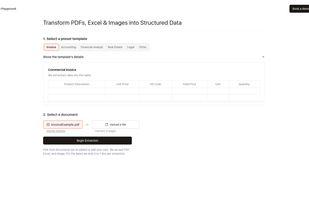
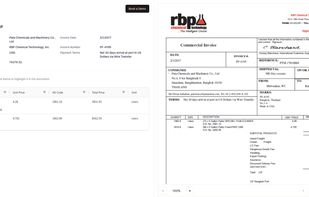
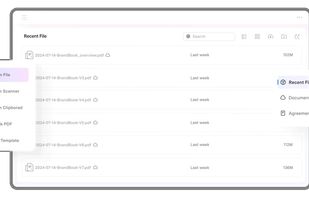
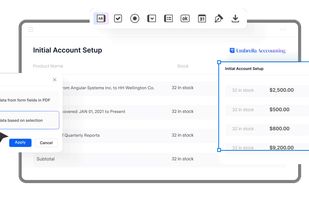
Convert PDFs and images into structured data effortlessly. Automate data entry, populate spreadsheets, and integrate with existing systems accurately.


DottedSign is the most comprehensive and easy-to-adopt e-signature solution, offering businesses enterprise-level security standards, equipping them for mobile-first hybrid work environment.
 Taiwan
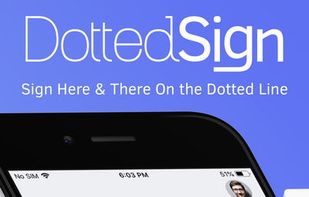

Edit text, images, and objects within PDFs, annotate, convert to Word or other formats, use OCR, fill and sign forms, merge, split, and manage pages.
 China
China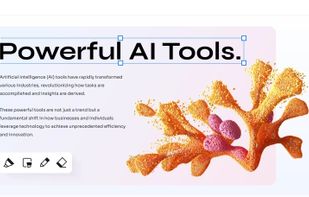

 LibreOffice - Writer
 Spain
Spain EU
EU
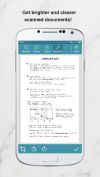


The Adobe Scan scanner app turns your device into a powerful portable scanner that recognizes text automatically (OCR) and allows you to save to multiple file formats including PDF and JPEG.
United States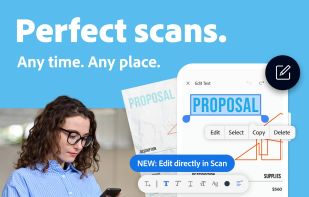

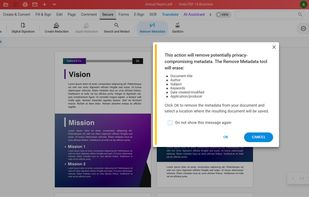
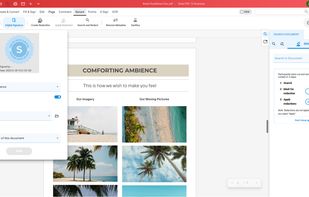
Soda PDF was created with the user in mind. Smart, reliable, and accessible, our software is designed with a focus on giving you the most useful features in an easy-to-use package.
 FranceEU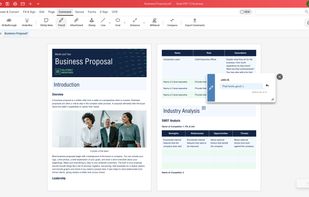
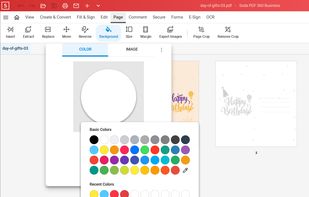


Menu bar app that reads what's inside your files — scanned PDFs, photos, emails — names and files them from their content, and searches inside every scan. New in 2.9: a safety net that undoes what AI agents do to your folders. On-device, $9 once.
 Chile
Chile


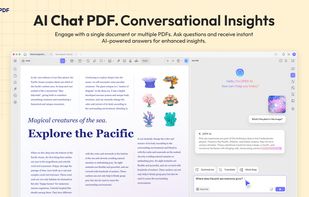
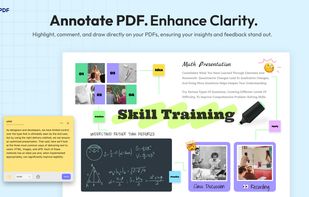
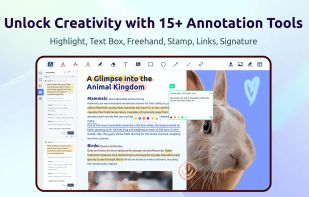
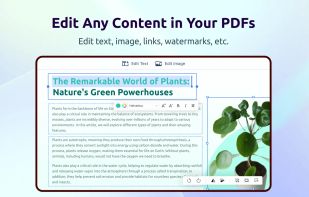
UPDF is a PDF editor offering a variety of features such as editing, annotating, converting, protecting, and organizing PDFs. It allows users to modify text and images, apply annotations like highlighter, underline, sticky notes, and links.
China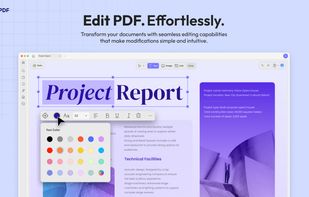
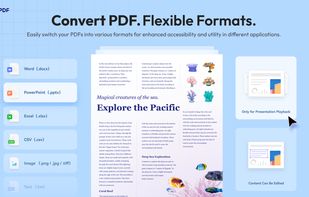


The app is 100% FREE, with NO ads and NO data collection. Donations are possible to support the project.
 ItalyEU

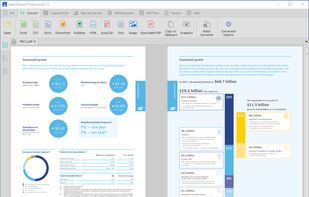
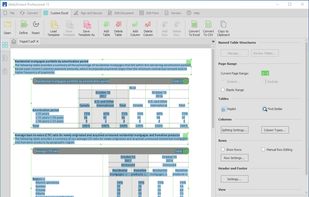
Professional PDF tool for Windows offering editing, markup, batch processing, 3D PDFs, OCR, forms, collaboration, security, file organization, and CAD integration.
United States


Work with historical documents. Transcription of handwritten documents. Possible use of computational Handwritten Text Recognition.
 AustriaEU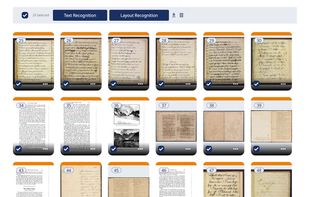
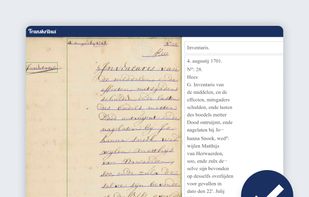
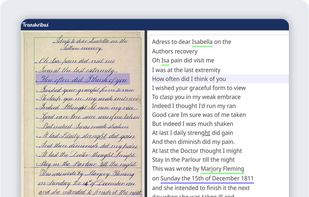


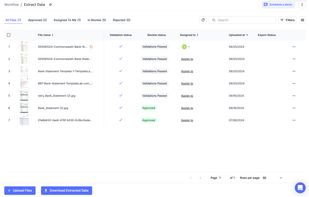
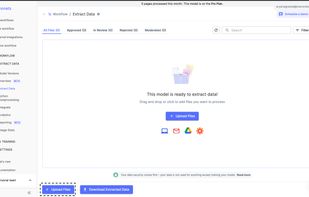
Nanonets is an LLM based OCR solution that that automates document processing and data extraction workflows. With models that do not rely on pre-defined document templates, Nanonets helps companies automate document-heavy business processes like accounts payable, order...
United States


OCR software and web service to extract text from image files and PDF. The application is available as online OCR web app, OCR API, or simple to install Windows store application.
 GermanyEU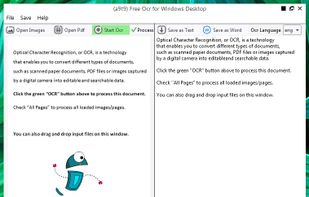


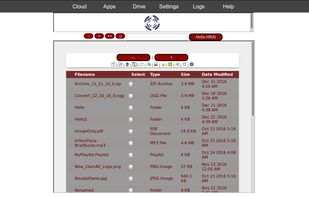
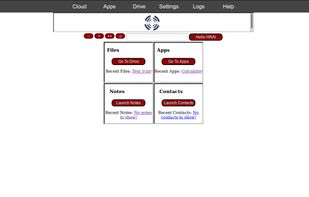
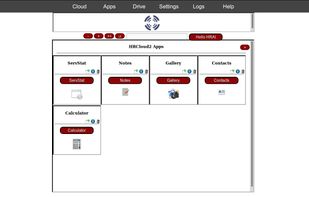
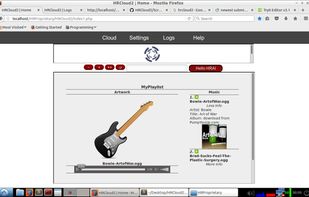
A full-featured home-hosted Cloud Drive & Personal Assistant. Convert files, create archives, scan for viruses, perform OCR on images or documents, stream media, edit images and more! Compatible with HRC2 Apps!.

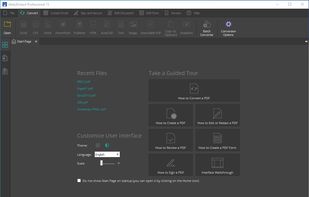
Cross-platform PDF suite with precise conversion to Word, Excel, PowerPoint, and AutoCAD, advanced editing, annotation, redaction, batch tools, and secure digital signatures.
United States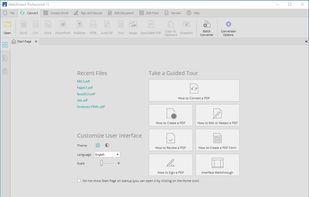
 Adobe Acrobat DCand

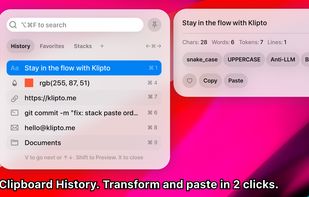
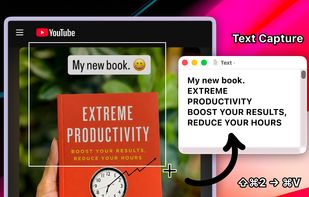
Clipboard tool for macOS built around a paste queue: collect several items, then paste them back one at a time in order, with text transformations and text capture from images.

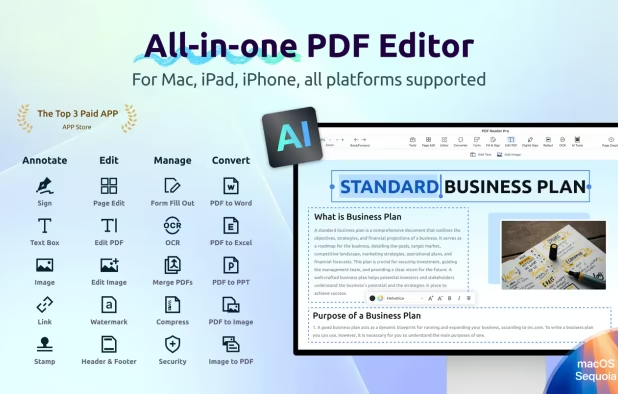
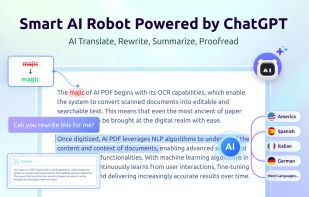
Edit, annotate, sign, and convert PDFs with AI tools, OCR in 50+ languages, offline export, password security, and text-to-speech across all major platforms.
Taiwan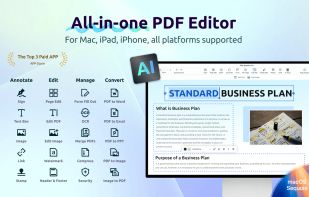

 Okular
ZingPDF is a .NET 8 library for reading, editing, creating, templating, and saving PDF files in C#. It's free for non-commercial use.
 Australia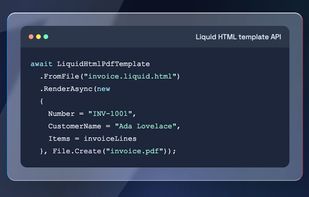

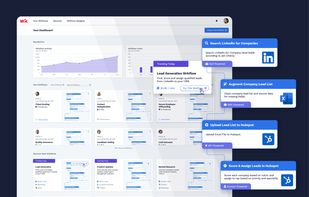
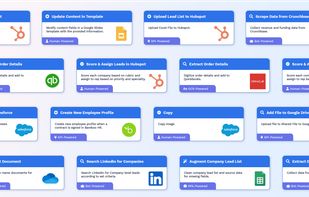
Automate your processes in minutes with the Wrk Platform. Drag-n-drop blocks that represent a single step in your process, powered by technology like APIs, bots, and actual skilled humans who can complete real work on your behalf. All this in one platform with zero code.
United States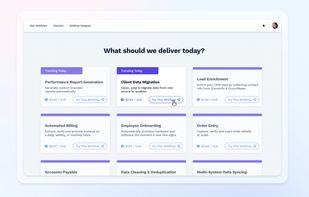


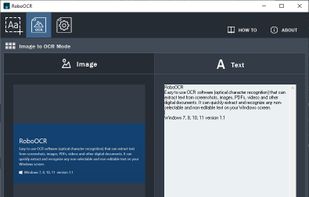
RoboOCR is an easy to use OCR software (optical character recognition) that can capture text from screen, images, PDFs, videos and other digital documents.
 Malaysia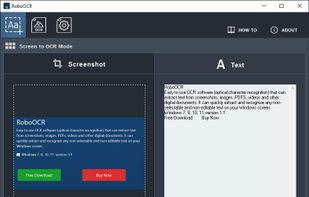


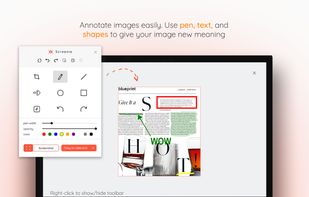
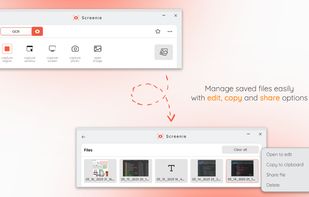
💥 Capture and share your ideas quickly and easily with Screenie - the ultimate screenshot tool for designers, developers, and anyone who needs to share information efficiently. Simply take a snap, annotate it, and copy it to the clipboard in seconds.
 Canada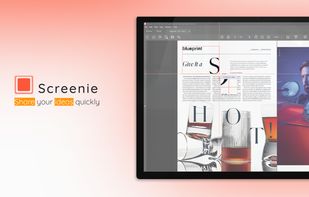
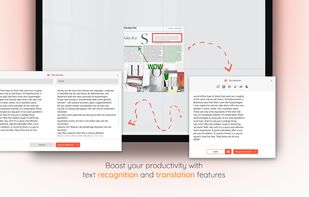

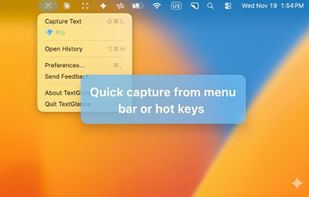
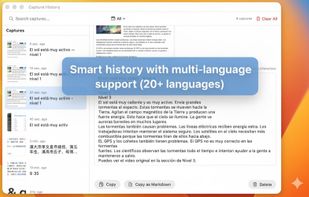
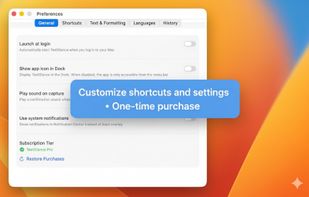
TextGlance makes it effortless to grab text from anywhere on your Mac. See text you can't select in videos, images, or PDFs? Just drag a lasso and get editable text instantly. On-device OCR, no cloud uploads.
United States