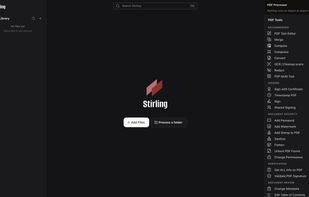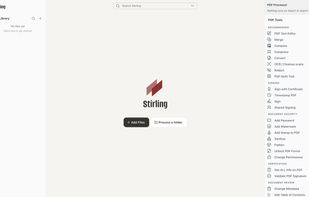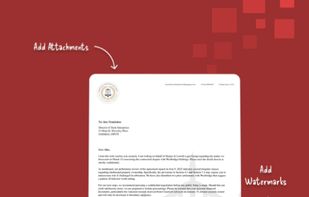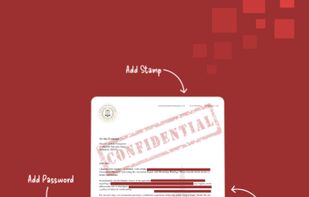
locally hosted web application that allows you to perform various operations on PDF files.
Cost / License
- Freemium
- Open Source
Application types
Platforms
- Mac
- Windows
- Online
- Self-Hosted
- Cloudron
- Docker Hub



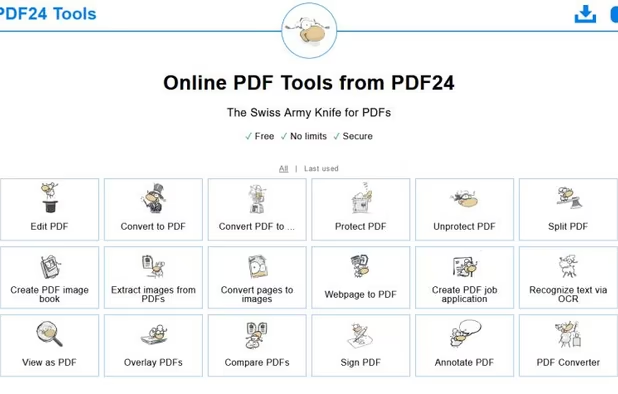
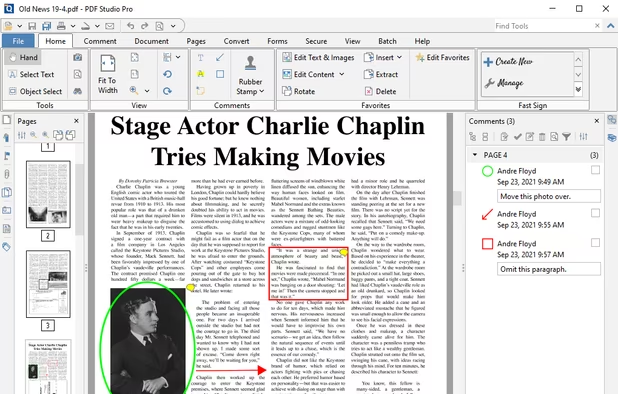
Soda PDF is described as 'Was created with the user in mind. Smart, reliable, and accessible, our software is designed with a focus on giving you the most useful features in an easy-to-use package' and is a PDF Editor in the office & productivity category. There are more than 50 alternatives to Soda PDF for a variety of platforms, including Windows, Mac, Web-based, Android and iPhone apps. The best Soda PDF alternative is Stirling-PDF, which is both free and Open Source. Other great apps like Soda PDF are PDF24 Creator, PDFCreator, PDF24 Tools and Qoppa PDF Studio.
locally hosted web application that allows you to perform various operations on PDF files.


PDF24 Creator is free and feature-filled PDF creation, merging and conversion tool for Windows. Its unique feature among the free PDF printer tools is an editor, which allows to easily assemble, create and modify PDF files with Drag & Drop.


PDFCreator is a virtual PDF printer that converts any printable document into a PDF file. It works with all Windows applications, including Word, Excel, browsers, and design tools.


Create, Convert, Review and Edit PDF Documents on Windows, macOS, and Linux.


doPDF allows you to freely convert documents to PDF files. It installs as a printer driver, enabling you to print from any Windows application.


Nitro offers comprehensive PDF solutions for editing, creating, and converting, alongside OCR and e-signature tools. Supports Mac, Windows, and iOS, providing a user-friendly interface with industry-standard security features. Ideal as an Adobe Acrobat alternative.


A feature-rich, privacy-focused PDF app built with Jetpack Compose and Material 3. View, edit, and manage PDFs with 12 powerful tools including merge, split, compress, rotate, lock/unlock, and more. Supports bookmarks, table of contents, full-text search, and auto-scroll for...


Privacy-first, offline PDF editor for Android. Merge, split, compress, convert and annotate PDFs — 100% on-device, no internet required.


Provides editing of text, images, and objects in PDFs, annotation options, OCR for scanned files, conversion to multiple formats, form filling and signing, page management, merging and splitting, cloud integration, camera to PDF functionality, and sharing tools.