

KSUploader is a instant sharing tool, you can capture screens, upload files or your clipboard.
Cost / License
- Free
- Open Source
Application type
Alerts
- Discontinued
Platforms
- Mac
- Windows
- Linux


KSUploader is a instant sharing tool, you can capture screens, upload files or your clipboard.

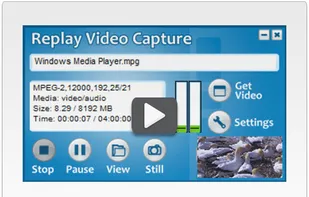
Screen recorder with ultra high-quality video capture, unique Background Mode, up to 50 FPS recording, and continuous capture even when videos are hidden.
 OBS Studio
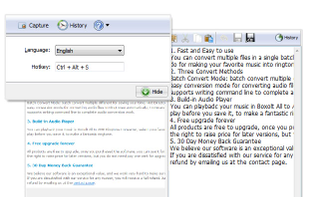
Boxoft Screen OCR is fast and easy-to-use software which helps to extract any area on your screen, recognize every character and then save as TXT file. Price: 27 USD. The smart tool enables you to select text from anywhere on the screen, including areas that you cannot highlight...

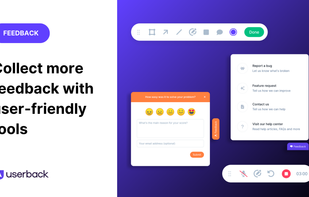
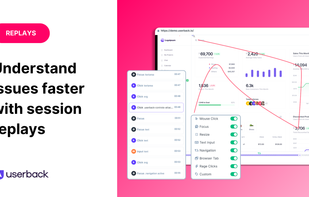
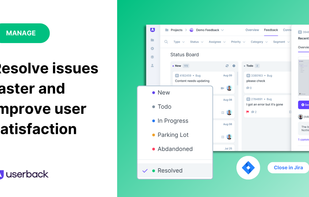
Userback is a user feedback platform that empowers product teams to collect, understand, and act on user feedback with unprecedented speed and clarity.


The smallest free tool for taking screenshots of different size. Just open SnapaShot, resize it's window to fit the area you want to save, and press "save it" button.
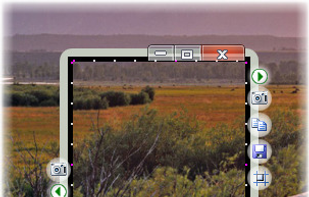

A Easy way to Screen recording while doing screen control + drawing on screen at the same time.


khtml2png is a command line program to create screenshots of webpages. It uses libkhtml (the library that is used in the KDE webbrowser Konqueror).


shotgun can take a PNG of the screen, a specific window or a custom area. Minimal and fast.


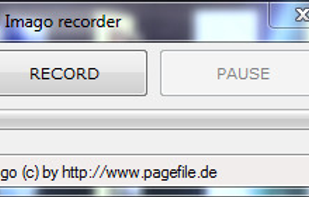
Imago Recorder can record the activities of the system operations.
A simple tool that can record the system activity, which enables report content to be saved for later recall and review by a third person. Numerous settings can be changed. The result is a zippded report with sc.


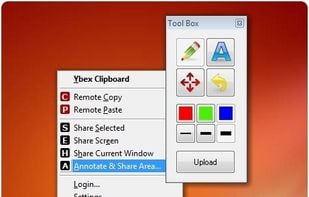
Ybex Clipboard is an easy to use tool and a free web service to capture, annotate and share your screen, texts and images.

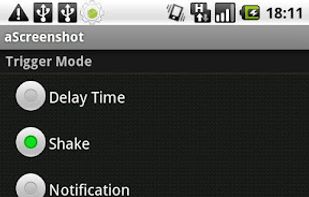
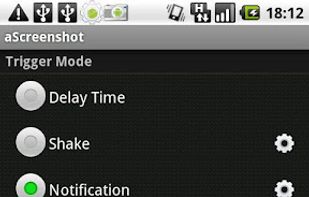
aScreenshot, as its name implies, is a screenshot app, which capture your device's current screen display and save as a PNG or JPEG file.


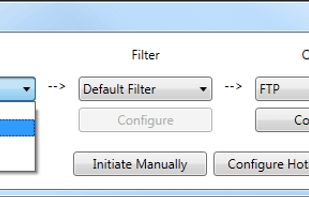
TeenyGrab is a free alternative to TinyGrab. TinyGrab is a popular application for quickly uploading screenshots, and sharing them. The only problem is, the full version (with features such as uploading to a custom FTP server) costs $$$.
 Greenshotand

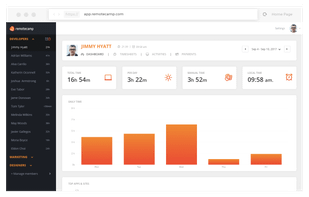
RemoteCamp is designed to manage virtual employees and remote workforce smarter and faster. It tracks time employees spent on their activities and takes screenshots to find out what they’re doing at a particular moment.


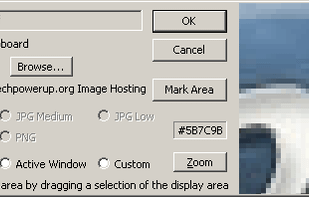
TPUCapture is an easy to use screenshot utility with a small memory footprint that resides in the system tray.

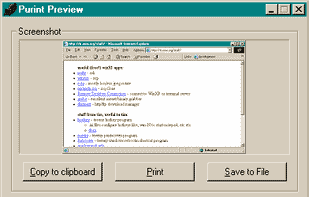
Make your PrintScreen button work the way it ought. Save to file, print to printer, or copy to dumb ol clipboard.

Urlbox.io allows users to easily and quickly add a full page screenshot of any website to their own website, app, email, blog or anywhere that allows you to display an image!



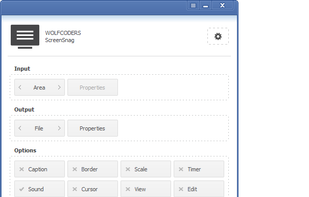
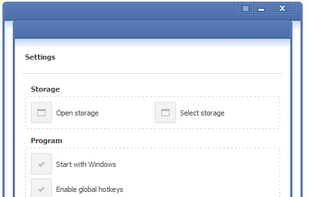
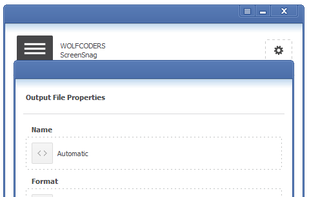
ScreenSnag provides a quick and easy way to take a photo of your computer screen. Capture the entire screen, a region of the screen, a window, or an element on the window with a single hotkey or click. You can also use Timer option to perform captures at intervals that you...

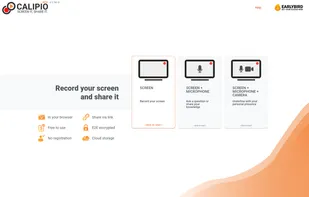
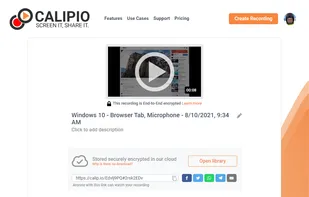
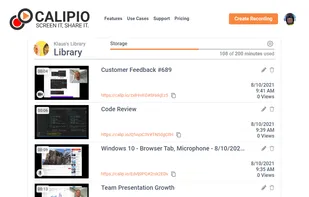
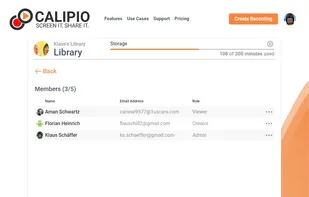
Free Online Screen Recorder - Record your screen and webcam. No download required. Protected by end-to-end encryption. Free to use on Windows, Mac, Linux, iOS, Android.
 OBS Studio
Shot Management - Copernicus doesnt just take screenshots, its a virtual photo gallery too. Take as many pictures as you like, then save them one at a time or all at once. Copernicus is perfect for taking many screenshots.
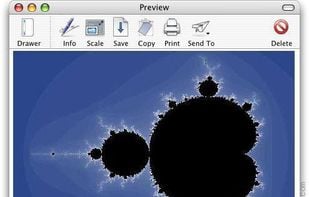


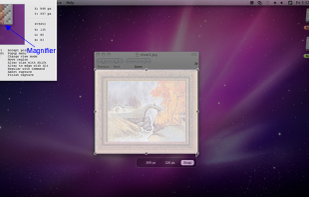
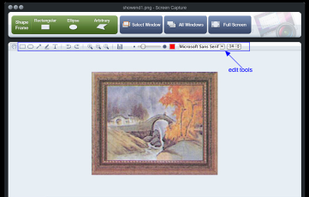
Onde Screen Capture for Mac is currently the most professional and powerful screen grabbing utility running on Mac OS, by which you can easily capture any part on your Mac desktop such as rectangular or ellipse region, freehand region, full screen, active window or all windows...
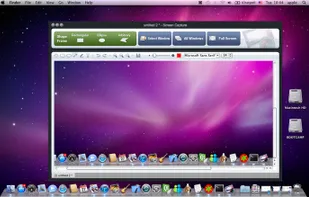

 Greenshotand
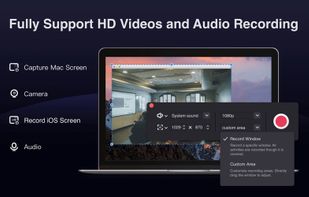
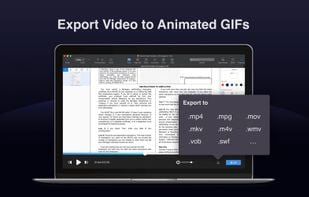
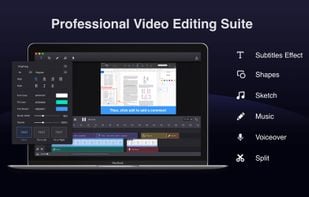
Filmage Screen is an all-in-one screen recording and video editing software, allowing you to make videos amazing.
 Adobe Premiere Pro

 United States
 China
China
 Australia




 Germany
 EU
EU
 Russia


 United Kingdom


