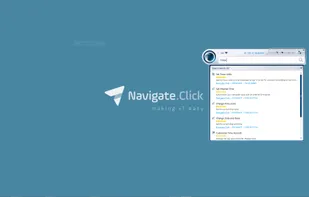
With navigate.click, you can support your users on any Windows based applications, including Windows 7, 8.1 and 10 directly on their screens. The wizard catalog keeps on growing with the addition of new locally installed and web applications.
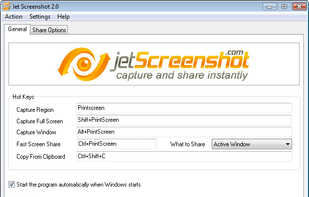
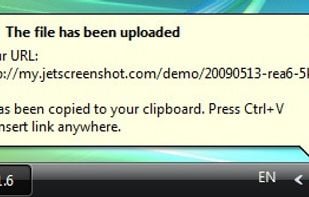
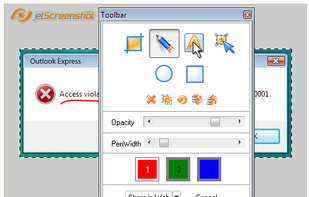
Jet Screenshot is a freeware utility enabling you to share screenshot via the internet in seconds. It allows you to take a screen snap, edit it and send it to the Web, so that you can immediately provide anyone with a link to the image.
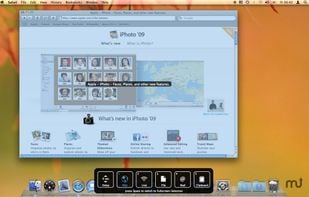
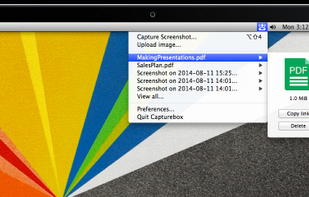
Snapplr is a revolutionary tool to efficiently take and share screenshots. It completely replaces Mac OS Xs native capabilities and works in the same way as the system tool, but offers a wide range of options. Its main feature is to upload screenshots automatically to Snapplr.
Record what you see on your PC screen exactly as it appears. GOM Cam also records all audio outputs from your PC, allowing you to make more dynamic videos. Record your computer screen, webcam video or games, and share with others on YouTube, Google Drive or Facebook.
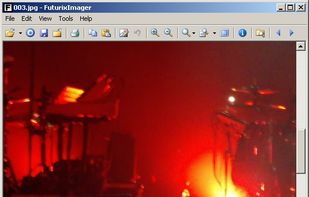
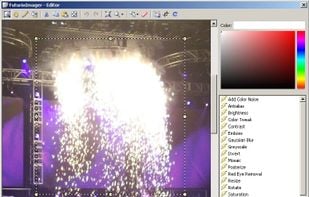
FuturixImager is a compact and customizable image viewer. It is capable of opening more then 50 file types, including all most popular ones (GIF, JPEG, PNG, TIFF, JPEG2000, raw, DNG).
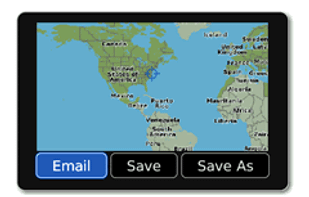
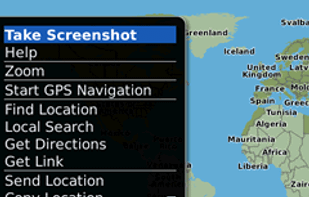
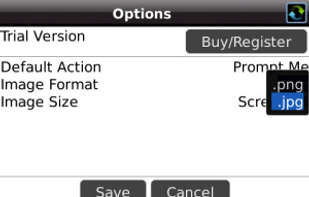
Email Screenshot app allows you to take screenshots on your BlackBerry® device then quickly and easily send screenshots to your contacts. Customisable options are provided with this app. It's user-friendly and saves high-quality Screenshots on a selectable folder on the...
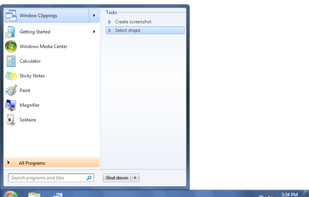
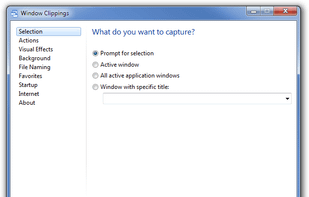
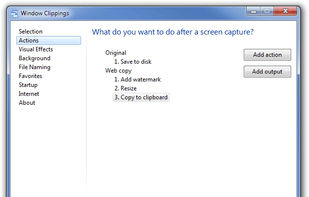
Window Clippings is screenshot app that capture the full Aero glass and shadows interface in screenshots. You can use it to capture shots of windows, menus, or even a free-form selection quickly and easily.
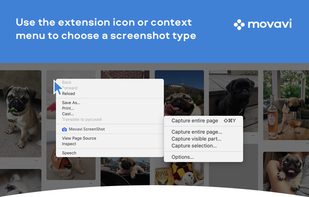
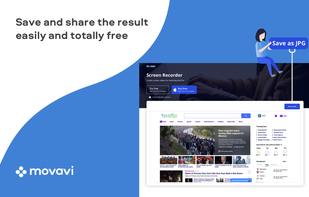
Movavi ScreenShot is a screenshot extension for Chrome and Firefox that lets you grab full and partial screen captures as well as save screenshots in multiple formats.
Easemon is an all-in-one employee monitoring solution for Windows and macOS that monitors keyboard entries, Internet usage, application usage, desktop activities by screenshots, IM conversations, emails sent and more.
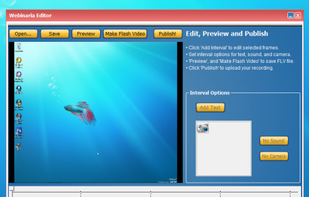
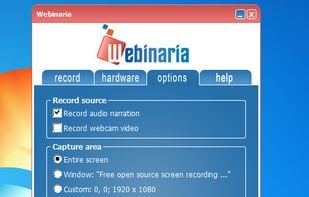
Webinaria is an easy to use screen recording and screen-casting tool. It allows you to record your screen or just a specific window. The integrated editor allows you to annotate your screen-cast before publishing it as a flash video.
7capture is free screen capture software for Windows 7, Vista and XP.
7capture automatically handles complicated transparency problems such as rounded corners and Aero semi-transparent windows backgrounds.
No matter what Windows version you are using, 7capture will do it's m.
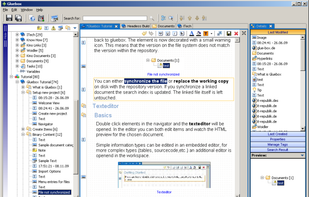
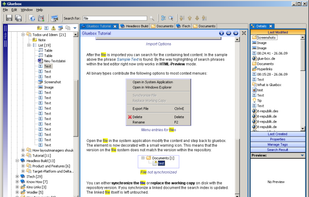
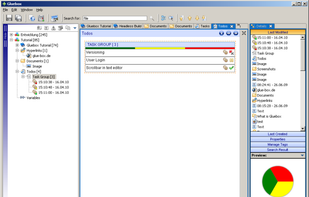
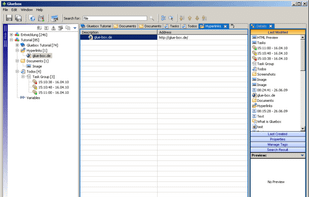
Gluebox is a free platform independent Wiki-like notetaking and information gathering tool with a strong focus on project documentation and document management. It provides an easy and comfortable way to capture all your ideas, images, hyperlinks, notes, working results and...
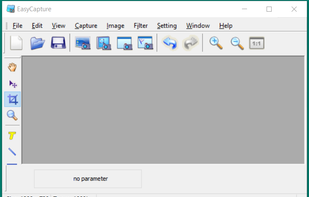
EasyCapture is a powerful and easy-to-use free screen capture software.
It allows you to capture whole windows, scrolling windows, selected-regions, fixed-size rectangles (regions) and window controls. It has a delayed capture mode, so that you can capture the target window dur.
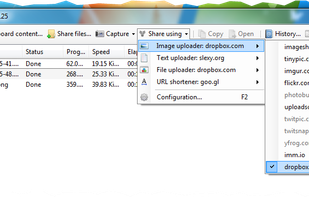
ShareXmod is an open-source program that lets you take screenshots, save them in your clipboard, hard disk or upload them to over 20 different remote locations. ShareXmod can capture screenshots with different shapes: rounded rectangle, ellipse, triangle, diamond, polygon and...
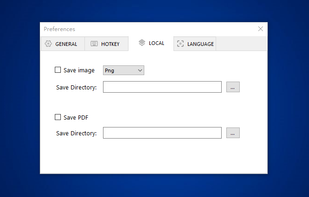
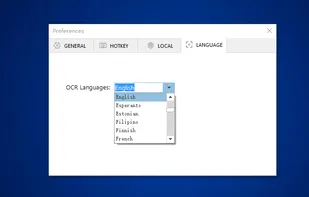
You can use Easy Screen OCR to capture a snapshot and start OCR process. this program will detect the text from the image and start OCR process immediately. You can extract the text to copy and paste in seconds.




 Ukraine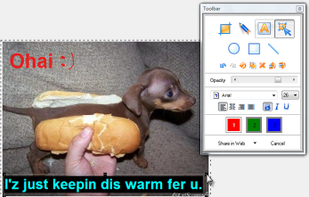




 Russia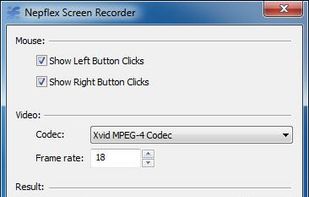


 Austria
 EU
EU




 Netherlands












 Cyprus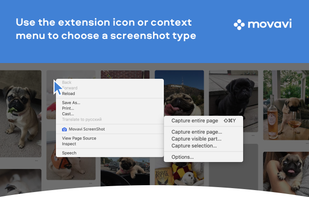





 China
China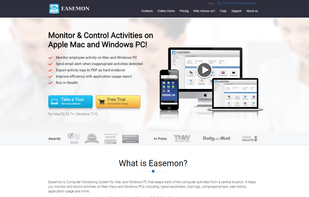






 France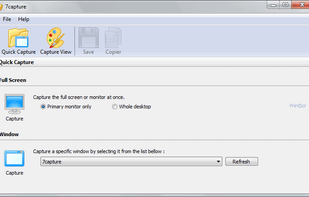






 United States