

Screenshot organization and smart search, for effortless memory retrieval. Categorized screenshots by keywords, topic, and source -- so that you can find the memory you're looking for.
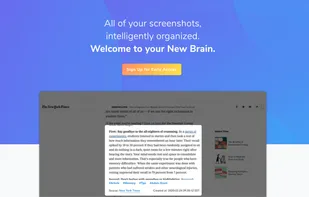
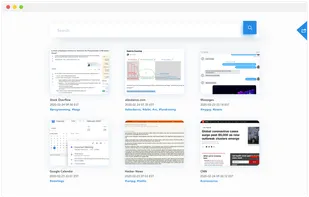
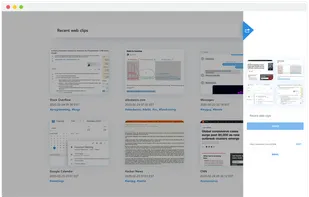


Screenshot organization and smart search, for effortless memory retrieval. Categorized screenshots by keywords, topic, and source -- so that you can find the memory you're looking for.

This extension is able to capture 100% of both the vertical and horizontal content appearing on any webpage on the Internet.
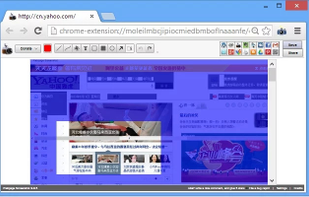
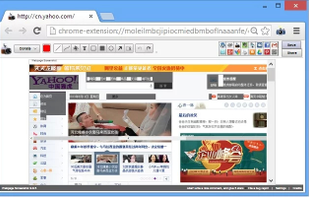
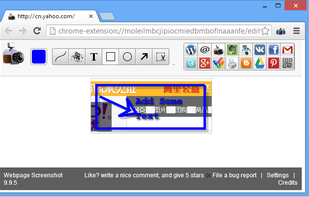
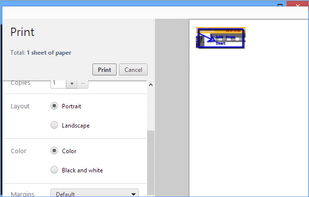

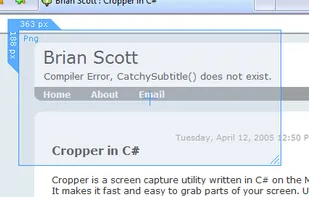
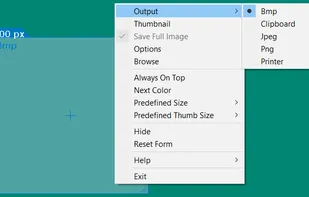
Cropper is a screen capture utility written in C#. It makes it fast and easy to grab parts of your screen. Use it to easily crop out sections of vector graphic files such as Fireworks without having to flatten the files or open in a new editor.

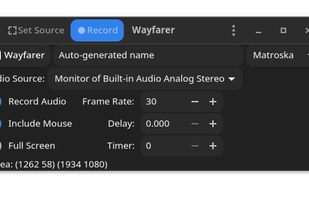
 OBS Studioand
 ShareX
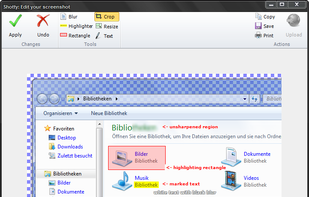
Taking screenshots with Shotty is so natural and easy, you just have to try it. Edit them in minimalistic editor and the upload them with one click. Focusing on simplicity and usability, this tool is probably the most intuitive screenshot utility out there.
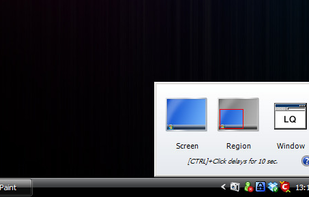
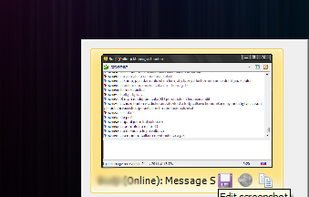
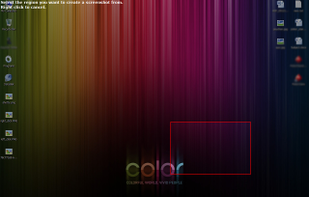

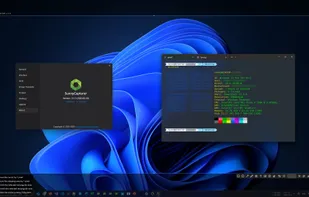
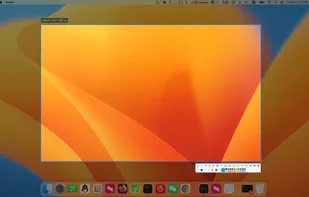
SunnyCapturer is a simple and beautiful cross-platform screenshot software that supports OCR for extracting text from images, image translation, custom stickers, and pinning images to the screen. Supports Windows, MacOS, Linux operating systems.

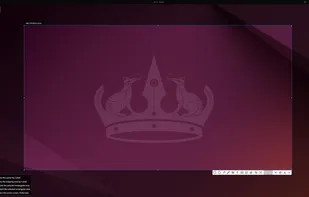

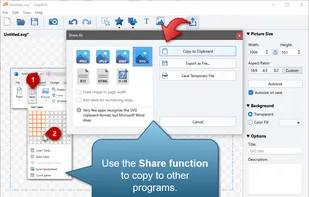
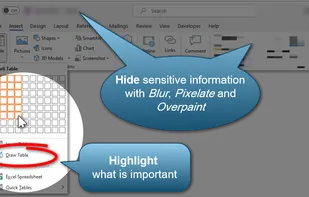
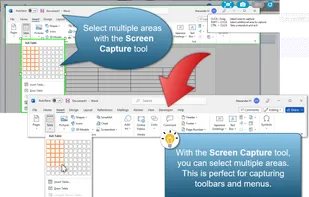
SnipSVG is designed to be really simple to use and very fast. Plenty of clever helper functions such as auto-remembered styling and a favorites gallery deliver stunning results with just a few mouse clicks.

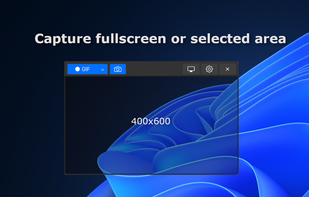
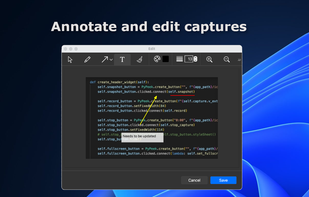
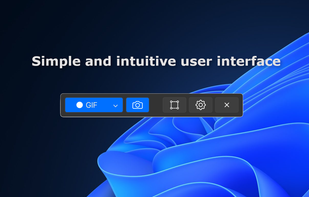
Peek is a simple screen recorder that allows you to record your screen as gif or mp4, capture a screenshot as jpg, and annotate your recordings with drawing, text, arrows, and highlights.

 Kooha
Kooha
KISS is a small handy program that allows you to take screenshots, edit them and quickly upload to the Internet.
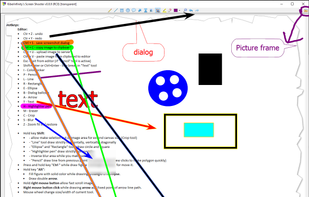
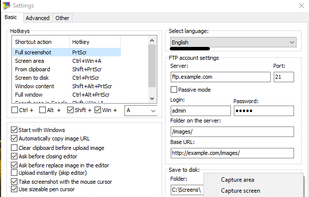

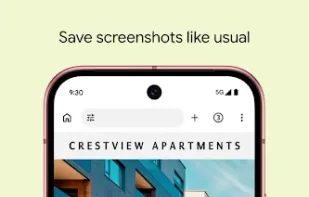
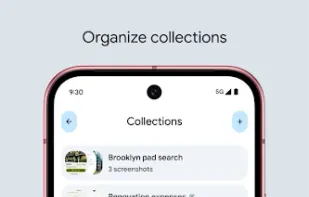
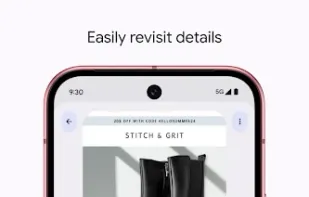
Pixel Screenshots makes organizing, recalling, and using your screenshots a breeze.



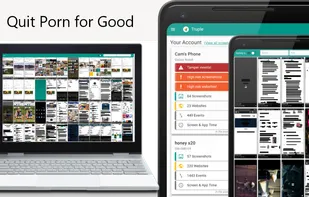
Truple protects your loved ones against porn & other online filth. It holds your loved ones accountable in a way that's near impossible to bypass by capturing and sharing screenshots. If other apps have failed you, this is the one that will work.

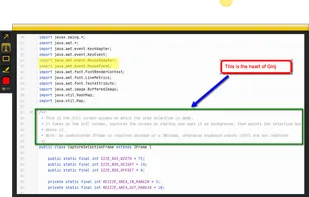
An open source multi-platform screen capture and recording tool for simple "capture / annotate / share" workflow. Ginj was inspired by Jing (now discontinued), but although there are similarities in the way both tools behave, Ginj is not Jing.

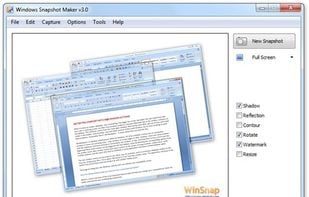
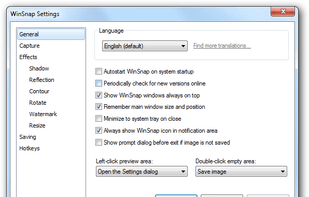
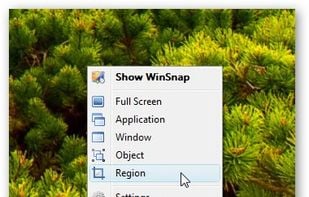
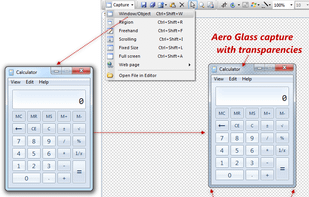
WinSnap is a small enhancement utility for taking and editing screenshots. Standard features include easy capture of non-rectangular windows with customized and transparent backgrounds, simple and automatic canvas transformations, coloring effects, and the addition of eye-candy...

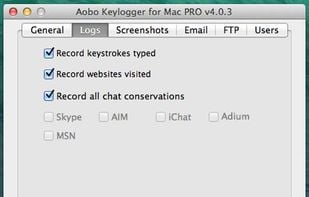
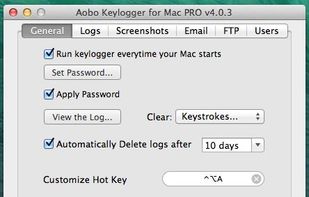
The invisible Keylogger for Mac that records passwords. Aobo Keylogger for Mac is the best spy software for keystrokes recording on Mac OS X. It also logs websites, chats, takes screenshots and sends the log reports by email/FTP.


Free Screen Video Recorder is a compact, yet full-featured screen video recorder and screenshot capture tool that allows you to easily record screen activities and capture anything on the screen including windows, objects, menus, full screen and rectangular regions.
 OBS StudioandShareX
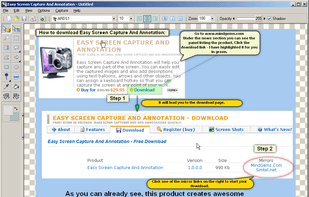
Easy Screen Capture and Annotation lets you capture and annotate any part of the screen. The main goal of the product is to speed up the capture and editing process saving you valuable time by automating repetitive tasks.

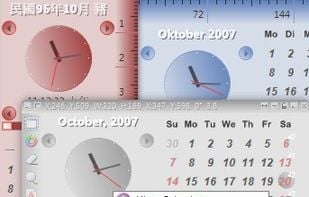
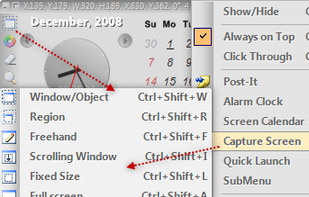
Capture .NET Free is an integrated, multi-functional, powerful and general-purpose System, Design, File, Desktop and Develop utility tool. Includes many helpful tools: Capture Screen/Image Editor/Capture Color/Post-It/Screen Clock/Screen Calender/Screen Reminder/Screen...


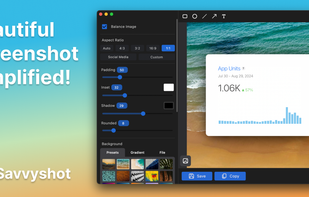
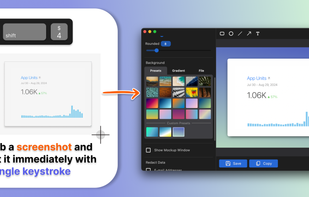
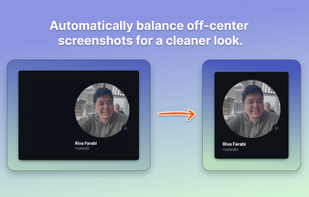
Capture attention with stunning screenshots! Savvyshot, a lightweight app for Windows and MacOS, lets you instantly edit, auto-align, and create shareable screenshots—no design skills or complicated tools needed. Make your screenshots shine effortlessly! ?🚀.

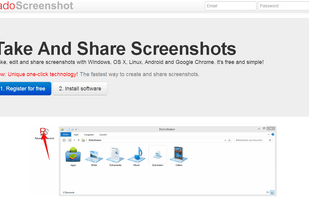
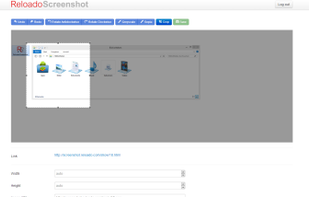
Take, edit and share screenshots with Windows, OS X, Linux, Android and Google Chrome. It's free and simple!

Wise Shark Screenshot allows you to create a screenshot of your Android screens.
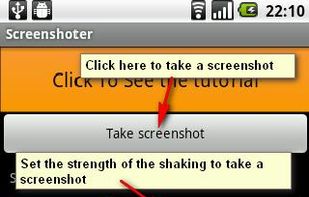
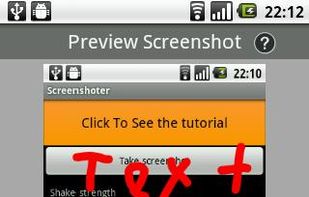
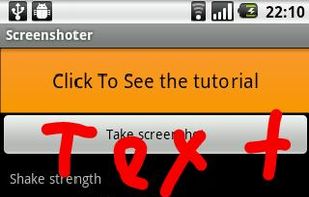
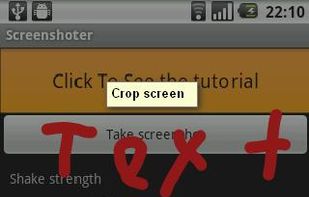

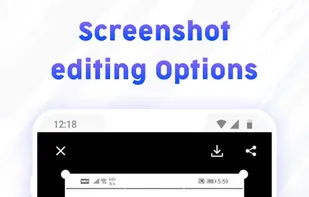
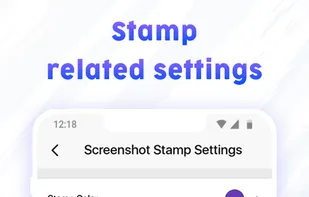
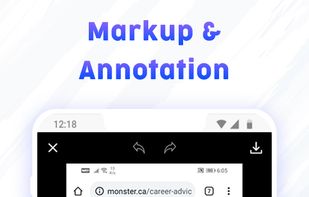
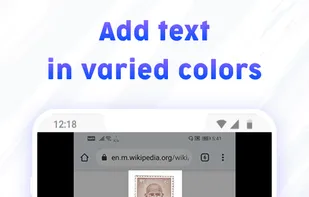
Gives you options to capture screenshots, click longshots, add markup, stitch picture and add date timestamp on screenshots.


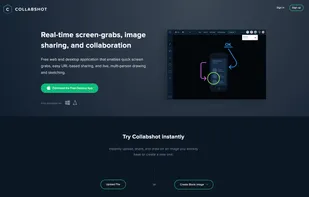
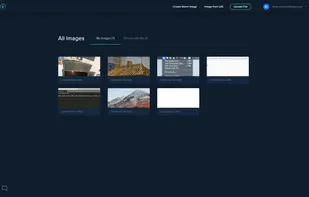
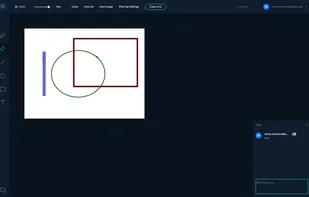
Free web and desktop application that enables quick screen grabs, easy URL-based sharing, and live, multi-person drawing and sketching.


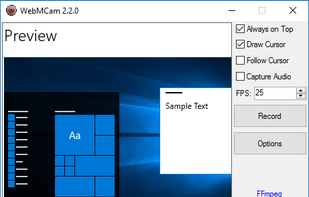
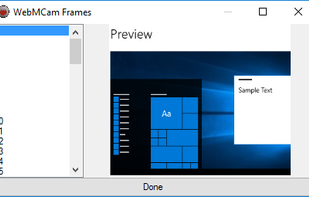
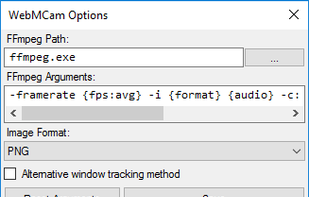 OBS StudioandShareX
It's a tool for creating animated GIFs from a screen recording. Client-side only, no data is uploaded. Modern browser required.
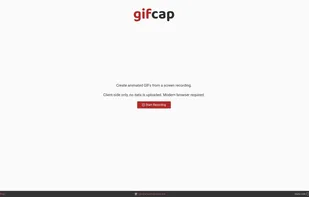 ShareXand


 Germany
 EU
EU


 Austria


 United States


 Russia
 China
China
 United Kingdom

 Taiwan
 France
 Indonesia


 Poland

