

AI-driven app that categorizes, summarizes, and tags screenshots for streamlined management while ensuring local privacy and secure cloud processing.
 India
India
+4


AI-driven app that categorizes, summarizes, and tags screenshots for streamlined management while ensuring local privacy and secure cloud processing.

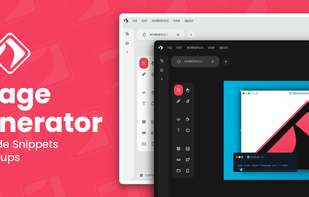

Screenshot Tile offers a variety of features designed to enhance your experience when taking and managing screenshots. One of the key benefits of our app is the ability to customize storage location, format, and notification settings to suit your preferences.

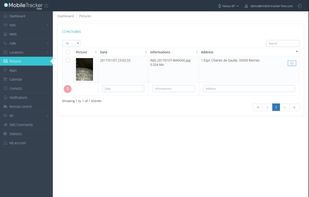
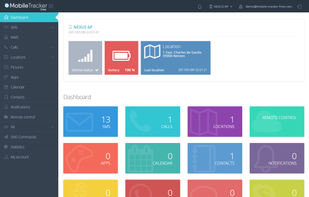
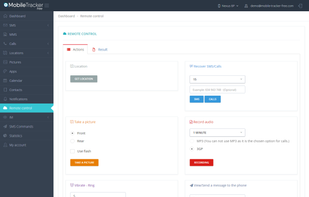
Mobile Tracker Free is a free application for monitoring your phone. Track SMS/MMS, Call logs/recording, Location, Contact, Photos, Facebook, WhatsApp, Application tracker and more features.

Shots Studio turns your chaotic screenshot gallery into an intelligent, organized archive. Backed by powerful AI, it makes your screenshots searchable, taggable, and easy to browse — all while giving you control.


Everyone takes screenshots.You may be a student, researcher, traveler, influencer, foodie, photographer, architect, engineer, entrepreneur or just a meme lover (well who doesn’t love memes) & If you go scroll through your screenshots, you’ll be reminded of moments you...


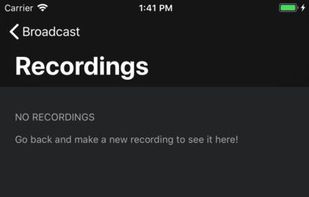
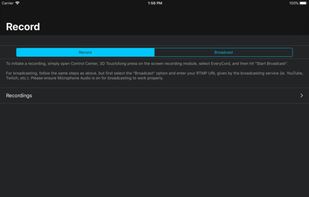
 OBS Studio
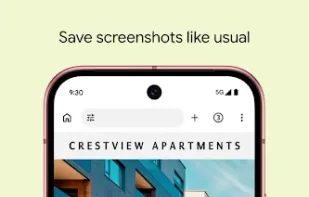
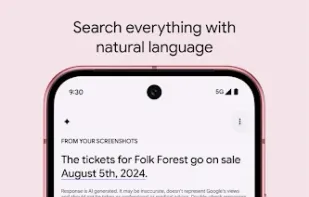
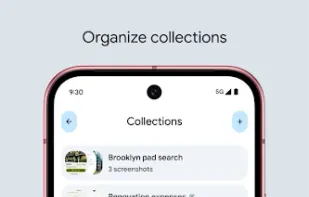
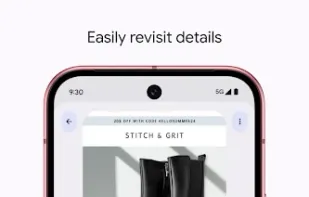
Pixel Screenshots makes organizing, recalling, and using your screenshots a breeze.

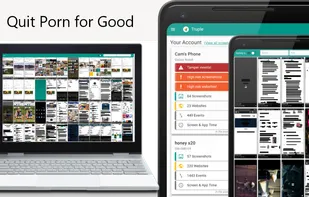
Truple protects your loved ones against porn & other online filth. It holds your loved ones accountable in a way that's near impossible to bypass by capturing and sharing screenshots. If other apps have failed you, this is the one that will work.

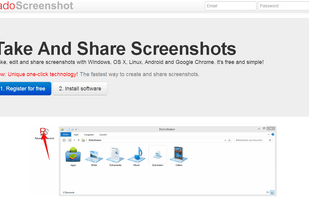
Take, edit and share screenshots with Windows, OS X, Linux, Android and Google Chrome. It's free and simple!
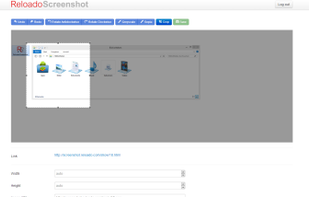

Wise Shark Screenshot allows you to create a screenshot of your Android screens.
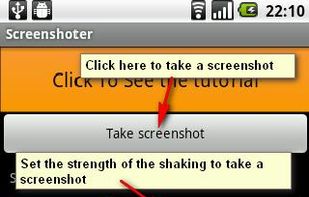
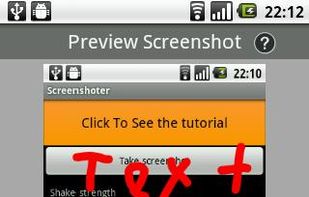
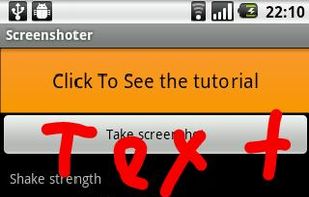
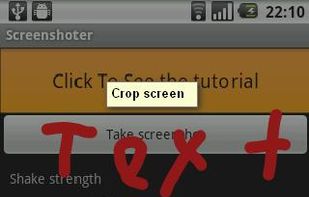

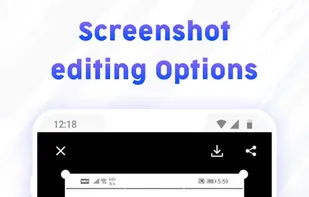
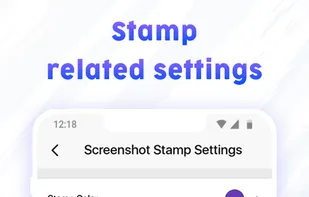
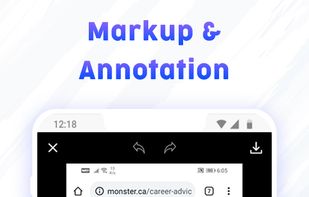
Gives you options to capture screenshots, click longshots, add markup, stitch picture and add date timestamp on screenshots.


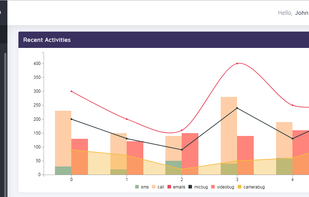
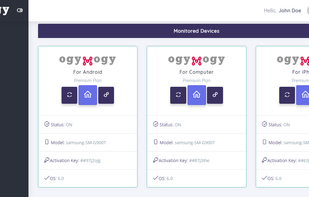
Ogymogy is best PC parental controls & monitoring software for smartphones. Ogymogy supports spying on Android Phone , iOS, Windows as well as surveillance on Mac operating system. This PC & Phone tracker app contained tracking, monitoring and remote control features for...


Screen Master is a free, easy-to-use, no rooting required screenshot & photo markup tool. With Screen Master, you can capture screen by touching the floating button or shaking device, lets you take screenshot on your tablet, phone or other Android device the easy way!

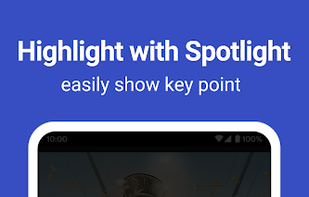


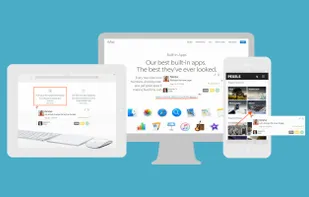
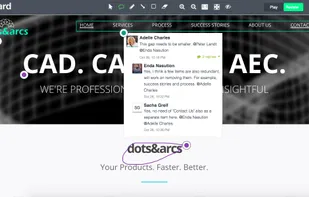
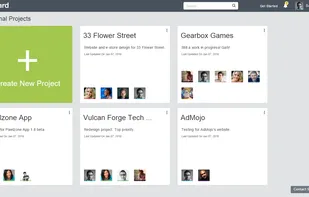
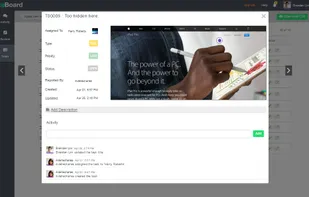
Annotate web pages and e-learning courses with real-time bug tracking and visual feedback, fostering collaboration and task management in development teams.



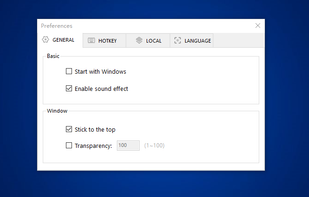
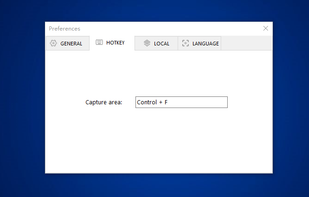
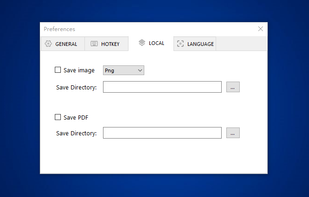
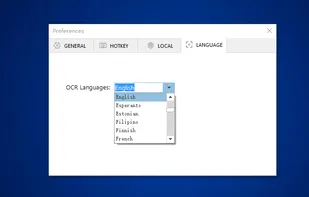
You can use Easy Screen OCR to capture a snapshot and start OCR process. this program will detect the text from the image and start OCR process immediately. You can extract the text to copy and paste in seconds.

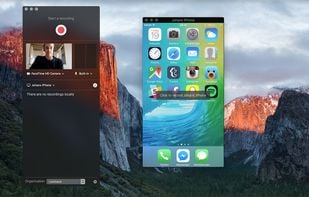
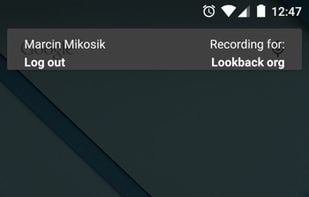
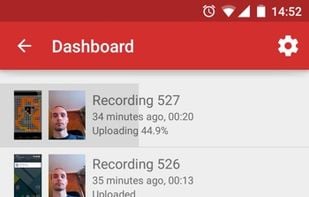
Lookback is a UX research platform for building better apps and websites. Lookback lets you capture the screen, face, voice and all the touches/clicks on a device, and then automatically upload it to your dashboard for you to view, collaborate, and share.






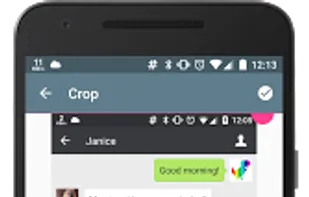


Apowersoft Screenshot is a free yet efficient app that lets you surf the Internet, take screenshots and edit images on your phone. This app is equipped with a built-in browser which provides various tips on how to screenshot on mobile devices.
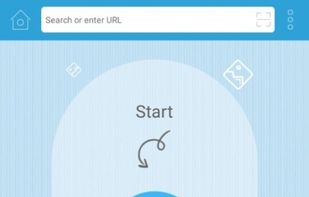
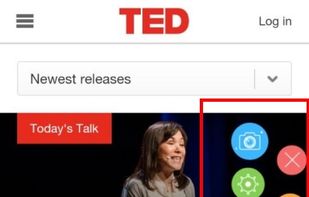
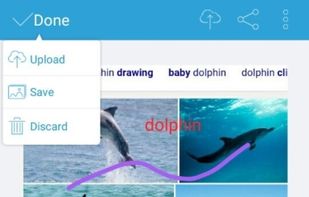


A Easy way to Screen recording while doing screen control + drawing on screen at the same time.
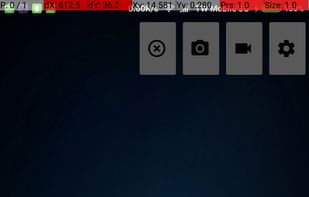
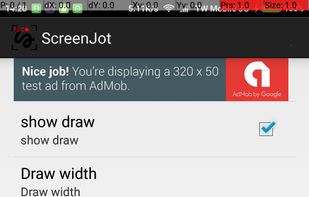


aScreenshot, as its name implies, is a screenshot app, which capture your device's current screen display and save as a PNG or JPEG file.
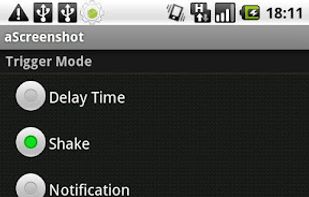
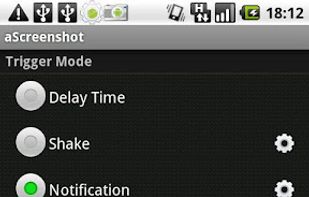


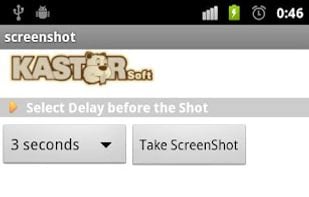
Screenshot allows to take screenshots of your phone's screen. You can set a delay in second before capture (timer). Files are saved in Bitmap, PNG or JPG format in the screenshots's directory.

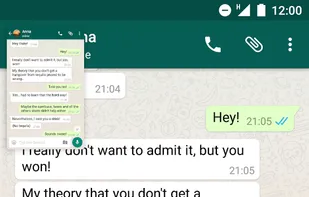
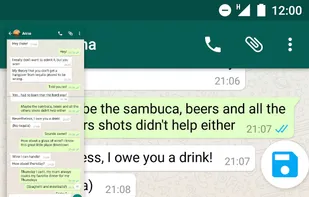
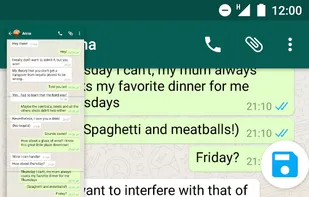
Easily stitch multiple screenshots in one long screenshot! Did you ever wanted to share a conversation, made screenshots of it and struggled to see which one was first and which was last? And after you carefully arranged them, you sent them and they got all mixed up?


 France
 EU
EU


 United States


 Russia

 Poland


 China
China

 Sweden


