

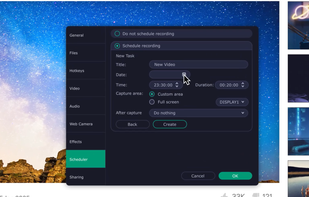
Grab screenshots in a stealth mode, and start the capturing process at a user-defined time with the help of this simple to use and efficient software tool.
Cost / License
- Free
- Proprietary
Application types
Platforms
- Windows
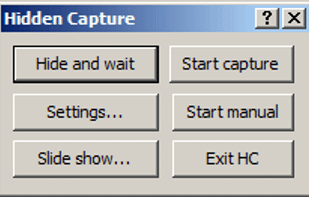
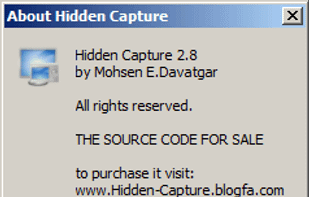
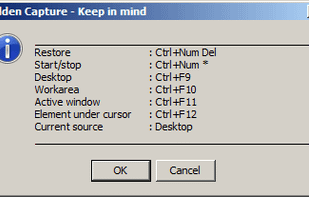
+10
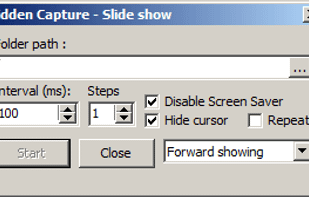


Grab screenshots in a stealth mode, and start the capturing process at a user-defined time with the help of this simple to use and efficient software tool.

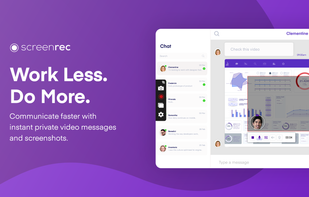
If you spend too much time on email and chat, try sending instant video messages and screenshots with ScreenRec. You'll get your point across faster and save precious hours.
 OBS Studioand
 ShareX
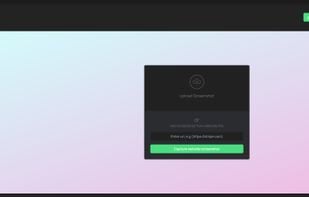
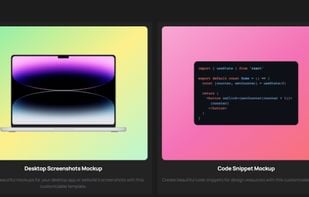
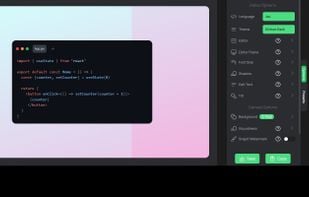
Want to share what you've worked on with friends or co-workers but think a plain screenshot is a bit bland? Screely instantly turns your screenshot into a beautiful image you can share.

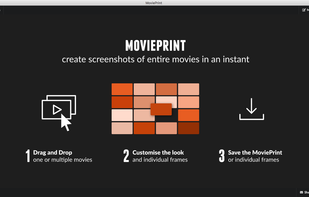
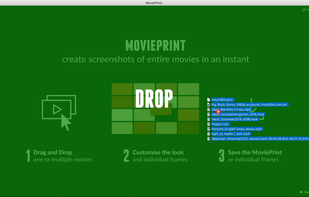
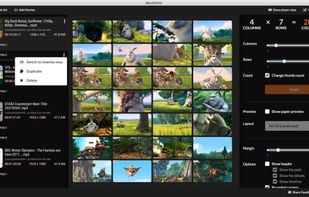
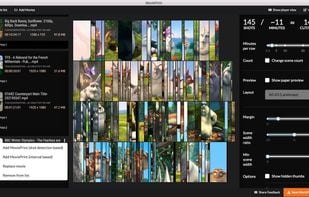
MoviePrint lets you create screenshots of entire movies in an instant. Contact sheet, index print, thumbnail view, whatever you want to call it. Create custom representations of a movie in a single image.
 ShareX
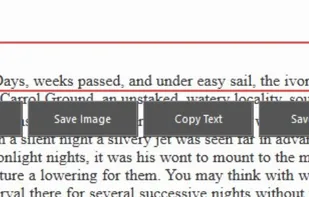
Meet MiniSnip, the smallest and fastest way to capture your screen and extract text with OCR on Windows. Open-source, feather-light, uses minimal resources, and stays completely out of your way.
Just one hotkey (Ctrl+Shift+C) is all you need to start.

Everyone takes screenshots.You may be a student, researcher, traveler, influencer, foodie, photographer, architect, engineer, entrepreneur or just a meme lover (well who doesn’t love memes) & If you go scroll through your screenshots, you’ll be reminded of moments you...
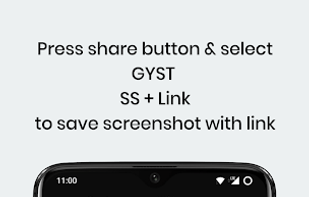
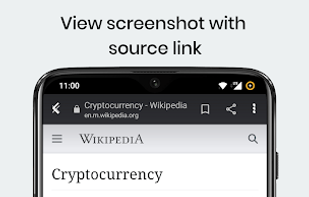
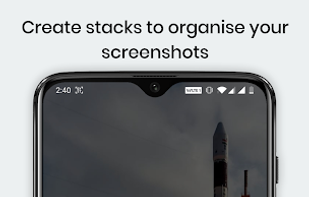


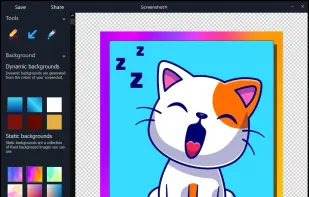
ScreenshotX is a new, lightweight app for Windows for creating beautiful screenshots. It's freeware, it doesn't come with any spyware and you can also share your screenshots without the need to register or any other nonsense.
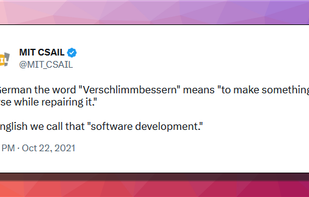

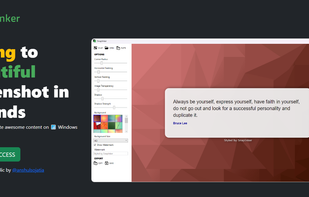
If you are using Windows, SnapInker is an easy way for beautifying your screenshots with effects such as Background Images, Shadow effects, and more.

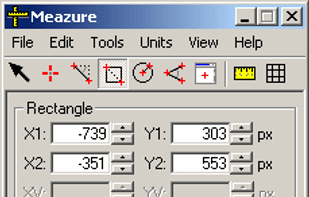
What are the dimensions of that image? How big is this window? Does this layout fit on an NTSC display? What color are these pixels? What does this icon look like close up? How can I capture an arbitrary portion of the screen?

Monosnap allows you to save screenshots easily, conveniently, and quickly, sharing them with friends and colleagues at once.
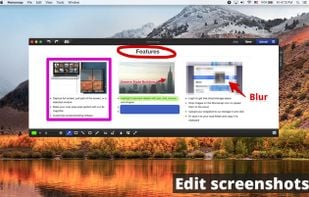
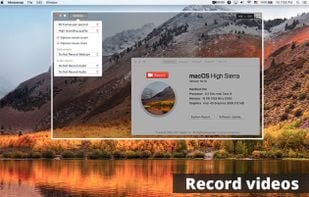
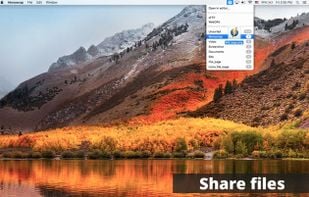

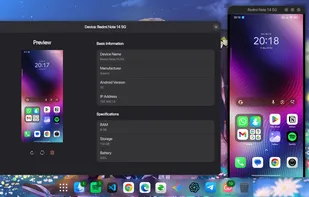
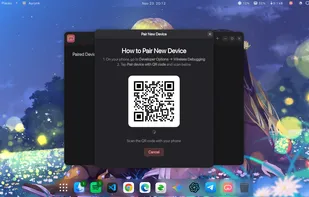
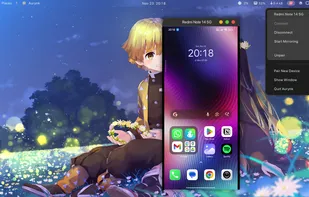
Aurynk (Aura + Sync, pronounced “aw-rink”) makes managing your Android devices from Linux simple and wireless. No more cables, no more complicated setup - just scan a QR code and you're connected!

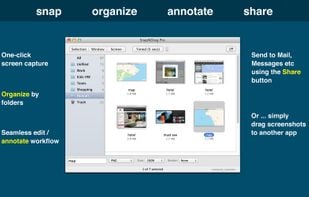
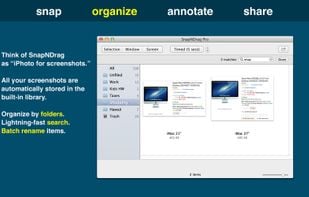
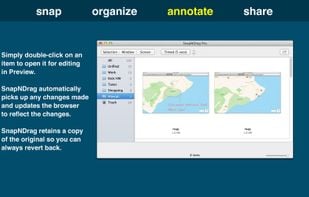
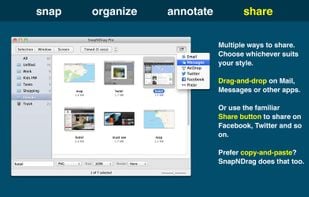
SnapNDrag makes taking screenshots super easy. Click, select and the screenshot is added to your library. SnapNDrag maintains a library of all the screenshots you have ever taken. Think of it as iPhoto for screenshots.

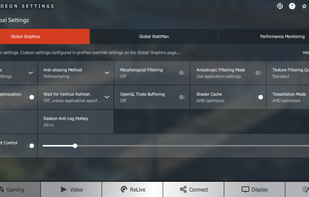
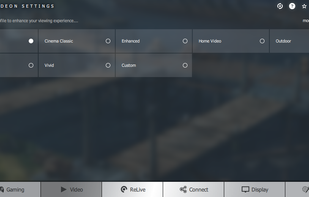
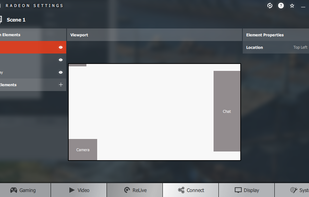
Capture, stream and share your greatest moments and gaming wins with Radeon ReLive. Modify settings quickly, conveniently, and play seamlessly with the easily accessible in-game toolbar. Express yourself in bold new ways with custom scene layouts.
 OBS Studioand

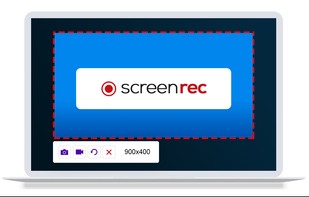
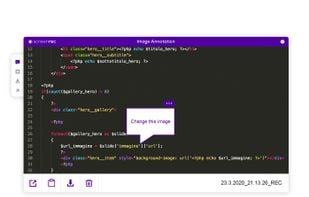
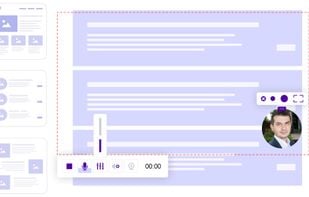
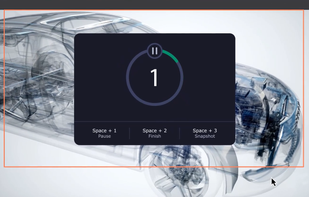
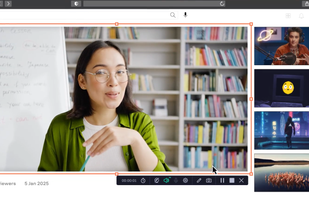
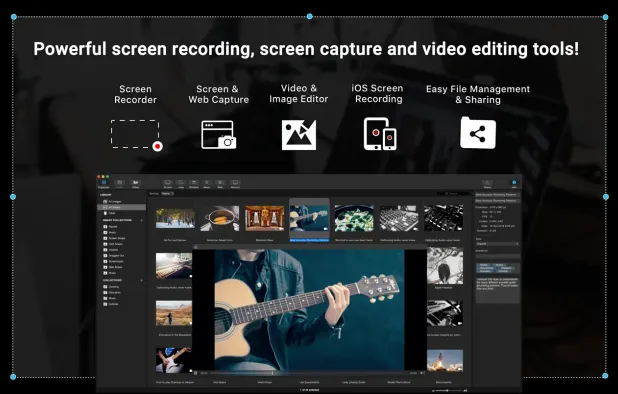
Capture your entire screen or any specific area, record system and voiceover audio with webcam footage, and annotate in real time for versatile use.
 OBS StudioandShareX
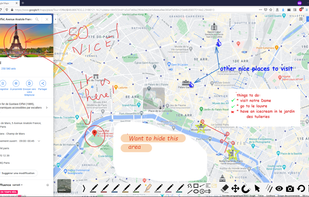
Snapit is a tool to capture, annotate, and share screenshots with just few buttons. Take a screenshot of anything on your screen and we’ll make it look amazing in seconds. Creating beautiful screenshots has never been so easy!


It creates workflows based on screenshots in a very simple and intuitive way. Tango is a magical tool for creating how-to guides.



 Gradiaand

💥 Capture and share your ideas quickly and easily with Screenie - the ultimate screenshot tool for designers, developers, and anyone who needs to share information efficiently. Simply take a snap, annotate it, and copy it to the clipboard in seconds.
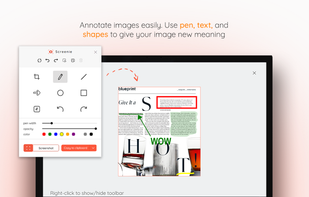
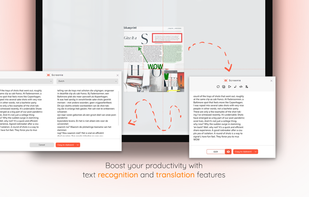
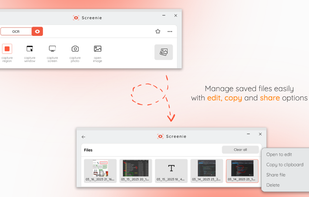

Capture, Customize, and Share Effortlessly with PixEase. We understand the value of your time, which is why we've designed our app to make the process of creating stunning visuals quick and seamless.
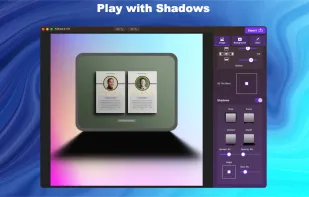
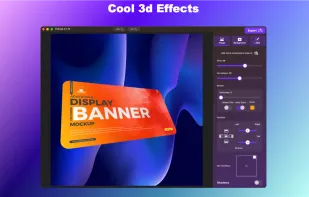
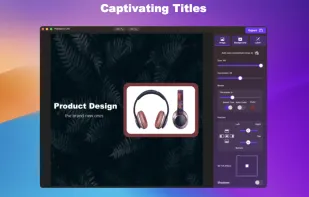
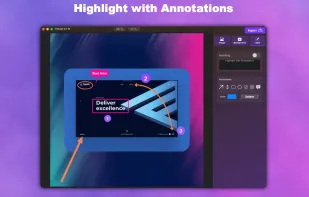

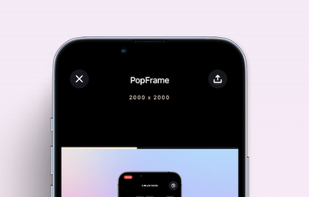
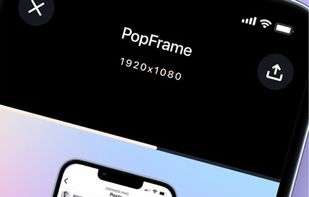
PopFrame is a software application that transforms screen recordings and screenshots into engaging graphics on your mobile device. It enhances mobile screens and screen-recordings for sharing or presentations.


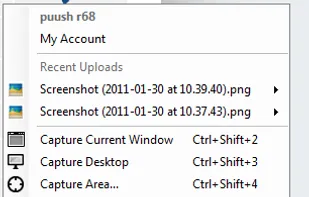
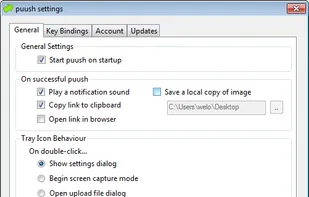
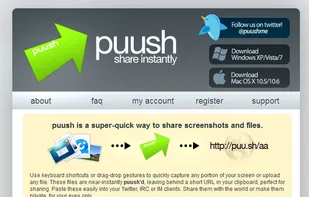
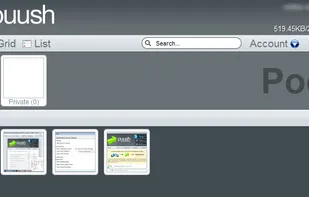
puush is a super-quick way to share screenshots and files. Quickly capture any portion of your screen, upload any file, and share them with a short URL automatically placed in your clipboard. Share them with the world or make them private, for your eyes only.

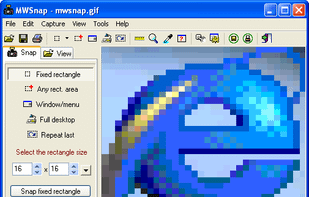
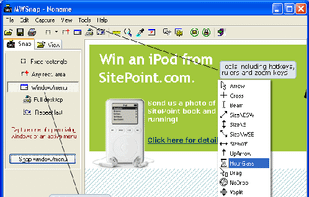
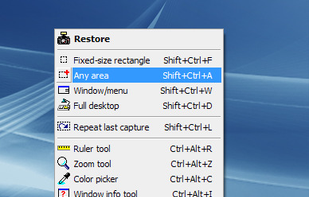
MWSnap is a small yet powerful Windows program for snapping (capturing) images from selected parts of the screen.

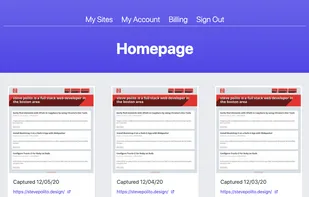
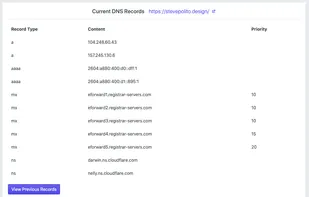
Captures screenshots, downloads source code, and monitors DNS records helping you keep track of changes on your websites without needing to restore from a backup. Think of it like the Wayback Machine on steroids.



 Bulgaria
 EU
EU


 Germany
 United States


 United Kingdom


 Cyprus
 India
India


 Australia
 Poland