

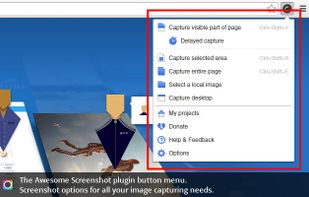
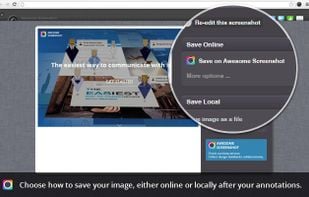
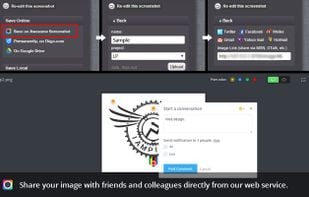
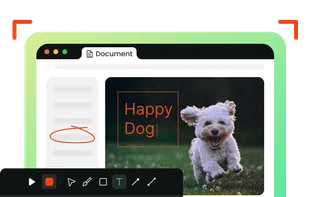
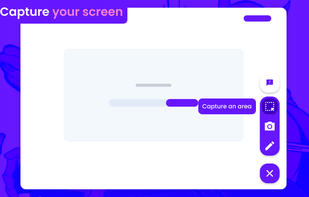
Capture the whole page or any portion, annotate it with rectangles, circles, arrows, lines and text, one-click upload to share.
Cost / License
- Freemium
- Proprietary
Application types
 United States
Platforms
- Mac
- Windows
- Google Chrome
- Safari
- Firefox
+5
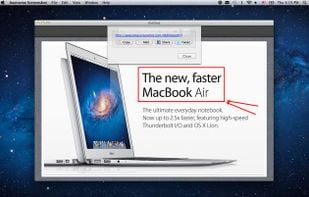


Capture the whole page or any portion, annotate it with rectangles, circles, arrows, lines and text, one-click upload to share.

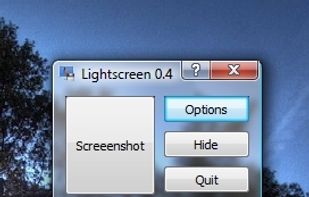
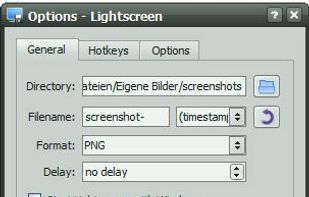
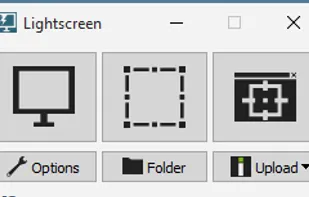
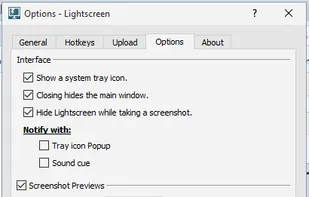
Lightscreen is a lightweight screen shooting application for Windows and linux used to automate the process of saving and cataloging screenshots.

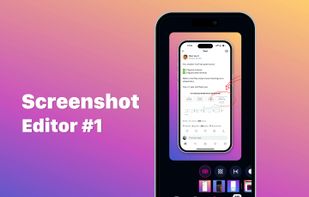
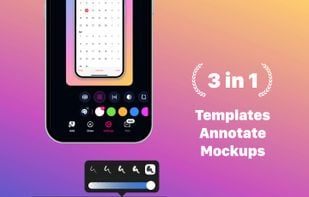
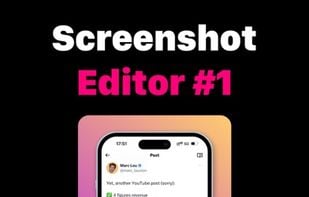
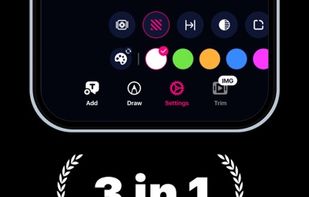
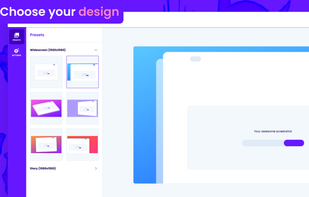
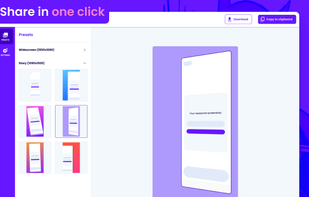
Screencut is useful app for iPhone for creating amazing image for a viral posts. Easily create screenshots in a powerful editor that supports photos and videos, adding notes, overlaying text and GIF animations, and flexible settings for shadows and fillets.
 Gradiaand

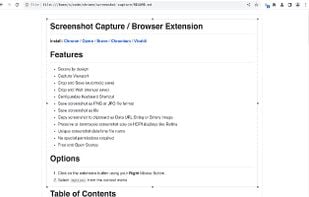
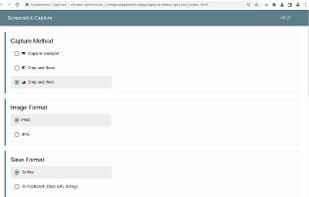
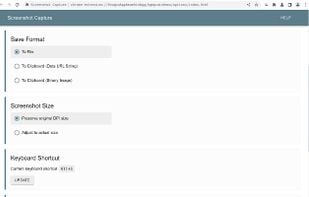
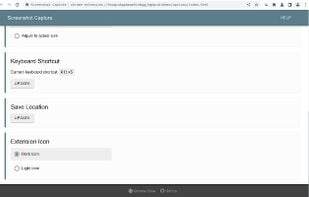

Shots Studio turns your chaotic screenshot gallery into an intelligent, organized archive. Backed by powerful AI, it makes your screenshots searchable, taggable, and easy to browse — all while giving you control.



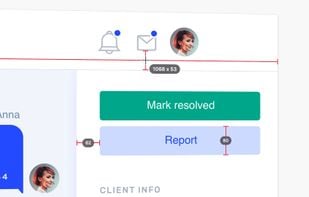
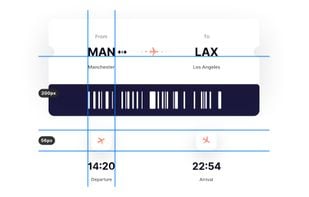
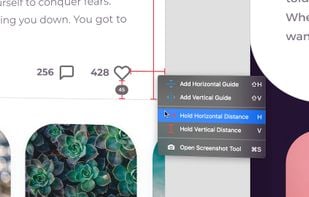
PixelSnap is an app for macOS that makes it easier for designers and web-developers to measure anything on their screens by just clicking and dragging around the cursor.

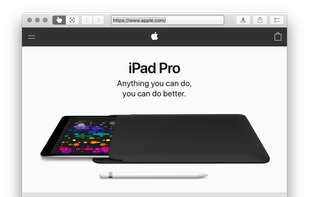
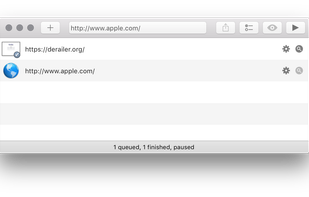
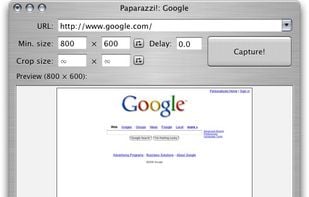
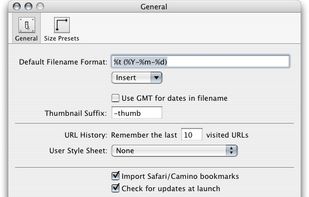
Paparazzi! is a small utility for Mac OS X that makes screenshots of webpages.
It’s written in Objective-C using the Cocoa API and the WebKit framework.
It was inspired by webkit2png which is a commandline tool written by Paul Hammond in pyObjC, so all intellectual credit for t.

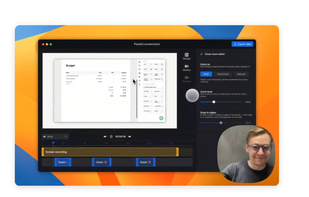
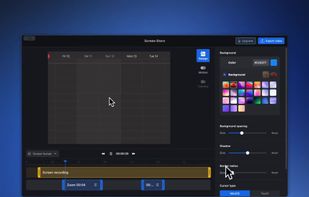
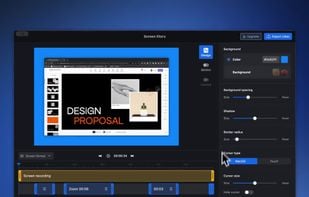
A screen recorder comes with automated editing. Automatically track cursor movement, apply dynamic zoom and click effects, add a pleasant background, and generate a professional-looking video/gif that is ready to use.
 OBS Studioand

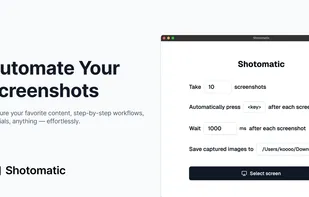
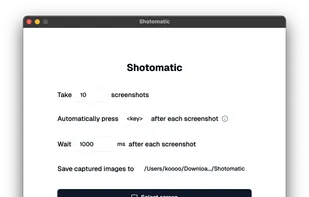
Shotomatic captures, schedules and scripts screenshots on Mac so you can archive your favorite content, create timelapses, record bug reports and tutorials without lifting a finger.

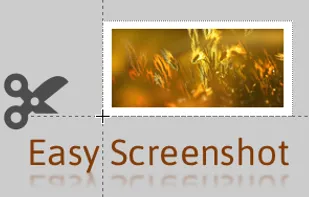
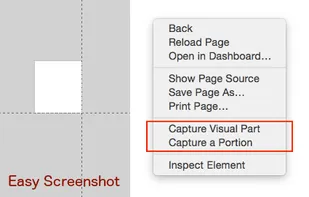
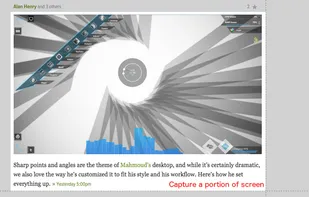
Easy Screenshot is an easy to use screen capture tool. Simply press one of the context menu items to capture entire or a portion of your screen.

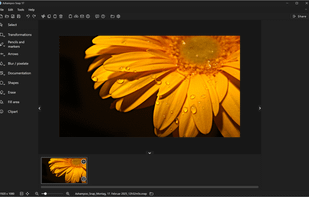
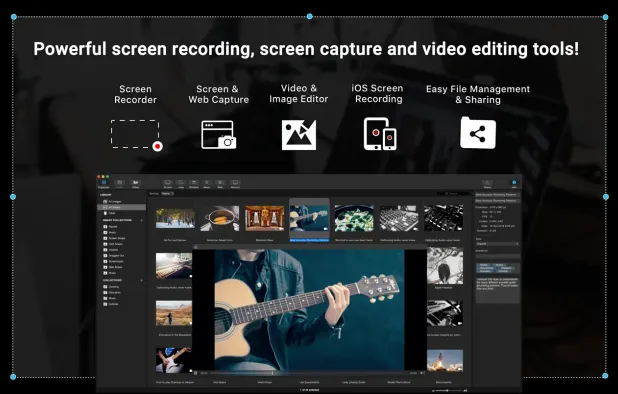
Capture, edit, and share screenshots or videos effortlessly with a robust feature set including OCR, multi-display support, and advanced editing tools.
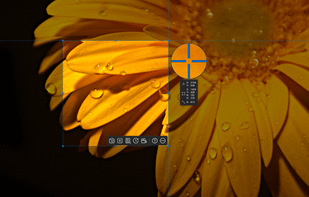
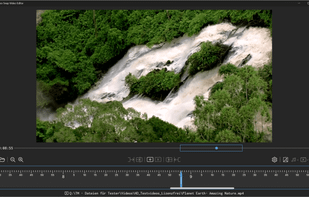
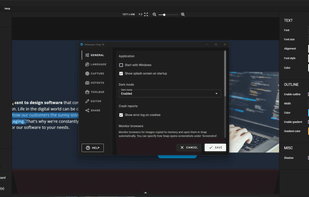

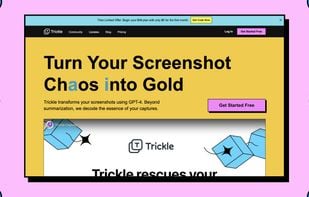
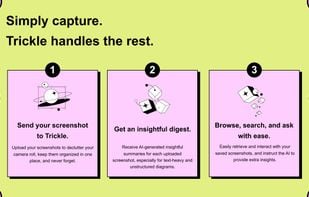
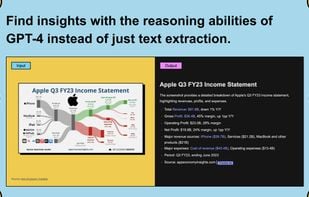
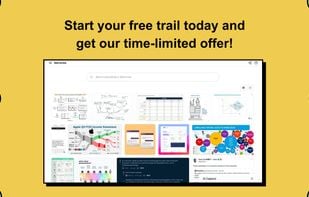
Trickle helps you summarize and organize screenshots, extracting insights for easy search and query. Transform visual chaos into an intelligent archive, allowing you to screenshot anything and effortlessly retrieve and utilize its contents later.

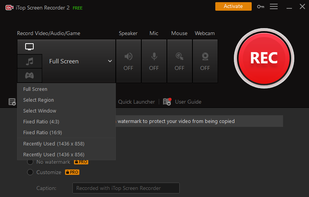
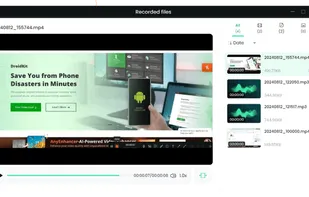
iTop Screen Recorder is a free screen recording software with a built-in video editor. It captures important events and allows the refinement of the recorded video. The software can record video conferences, webinars, lectures, presentations, gaming sessions, and 4K films.
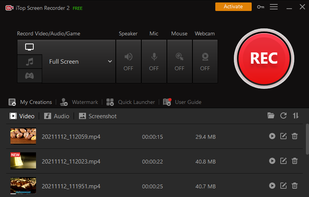
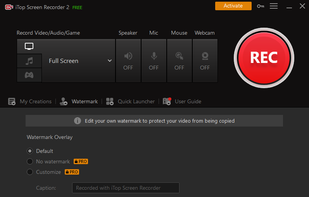
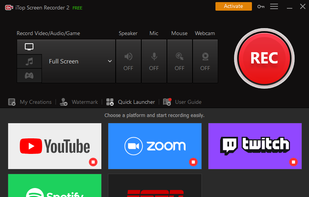 OBS Studioand

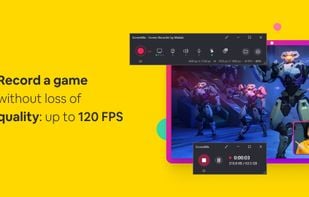
ScreenMix - Screen Recorder provides an easy, uncomplicated way of recording your desktop's screen and webcam sessions. Excellent for games and video stream recording, product demos, tutorials, webcam chats, and more!.
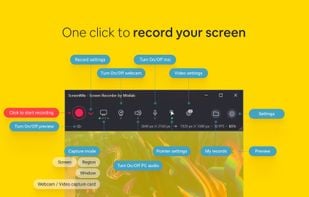

 OBS Studioand
 ShareX
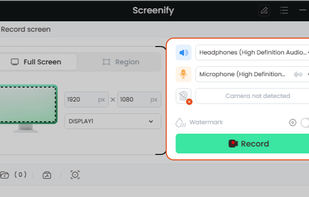
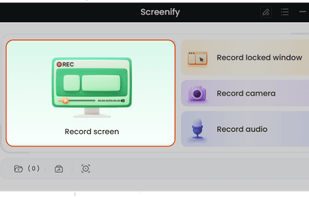
Cost-free software for recording screen activities, audio, and webcam on Windows and Mac. Supports 4K, provides noise reduction, customizable settings.
 OBS Studioand
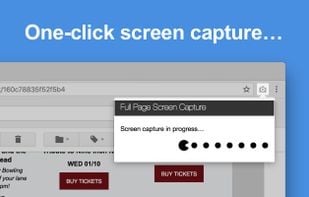
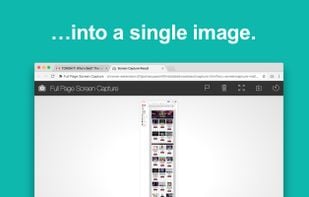
The simplest way to take a full page screenshot of your current browser window. Click on the extension icon (or press Alt+Shift+P), watch the extension capture each part of the page, and be transported to a new tab of your screenshot where you can download it as an image or PDF...

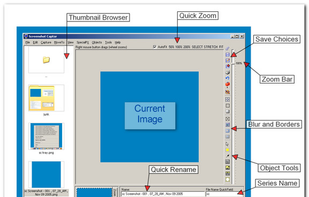
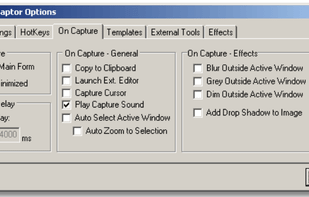
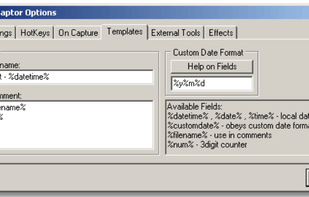
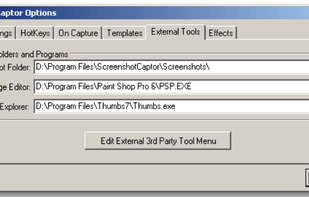
Screenshot Captor is a program for taking screenshots on your computer. Its different from other screenshot utilis in several notable ways:

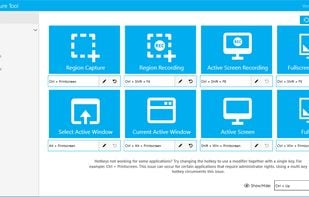
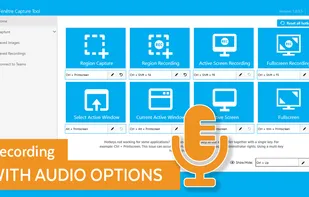
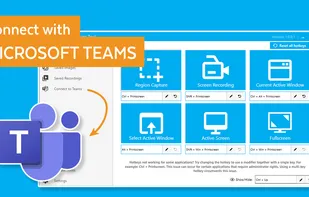
The Fenêtre Capture Tool for making professional screenshots and screen recordings. With advanced functions and abilities that other free capture tools don't offer.
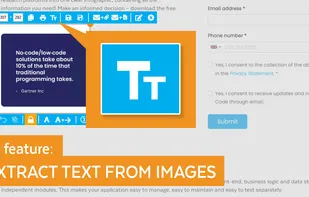

This extension is able to capture 100% of both the vertical and horizontal content appearing on any webpage on the Internet. It is very easy to save the captured file onto your computer or print it / or share it to any social network.

Live overlay for drawing, annotating, hiding text, and capturing screenshots on Linux. Can be used as whiteboard or blackboard. Highly customisable.

Gyazo lets you instantly grab the screen and upload the image to the web. You can easily share on Chat, Social, Email, or anywhere!

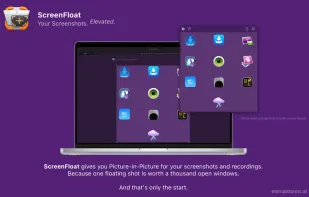
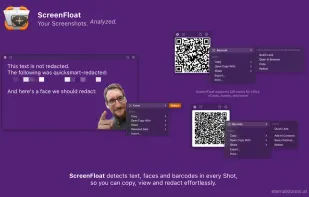
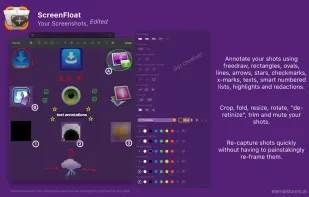
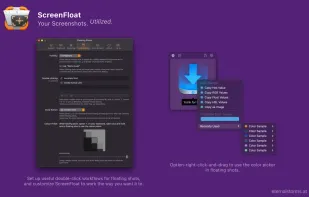
Maximize productivity on Mac with intuitive screen captures, Picture in Picture, and versatile annotation capabilities.

Screen Story is a video creation tool for MacOS that doesn't require advanced editing skills. It includes features such as Smooth Cursor for quality animation, AutoZoom and AutoFollow for automatic zoom animations, and Motion Blur for smoother videos.
 ShareXand

 Germany
 EU
EU

 Peru
Peru




 Sweden


 China
China


 Hong Kong SAR China
 Ukraine




 Bosnia & Herzegovina


 Austria
 Australia