Hippo Video is an online video platform to create explainer videos, educational videos, how-tos, training videos, customer testimonials, video assignments, video tutorials, host videos and a video marketing platform.
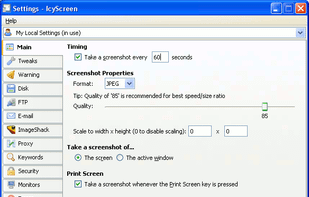
Automatic screenshot taker/automatic screen capture program. Have it take a screenshot every X seconds, and not only have the screenshots saved to disk, but also have them e-mailed, uploaded to a web server via FTP, and uploaded to an ImageShack account.
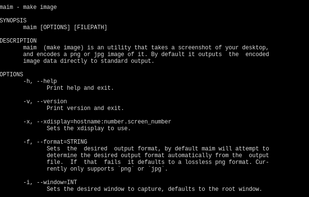
maim (make image) takes screenshots of your desktop. It has options to take only a region, and relies on slop to query for regions. maim is supposed to be an improved scrot.
A macOS app for capturing, annotating and sharing screenshots. Quickly add comments, highlight what matters or blur any sensitive content. Upload screenshots to Google Drive or Dropbox. Copy screenshots to the clipboard and paste them directly into Slack, Skype, Jira, Trello and...
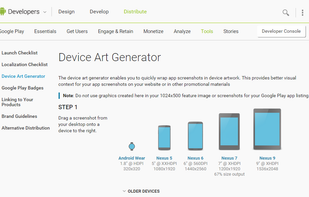
The device art generator enables you to quickly wrap app screenshots in device artwork. This provides better visual context for your app screenshots on your website or in other promotional materials.
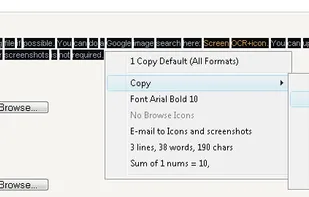
Screen OCR is a screen capture and character recognition tool. You can use Screen OCR in any way you are most comfortable with. It can be window selection, scrolling capture, simple cursor capture or rectangular selection.
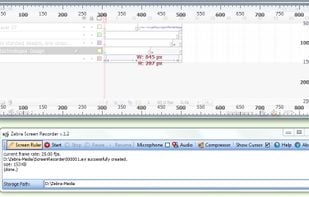
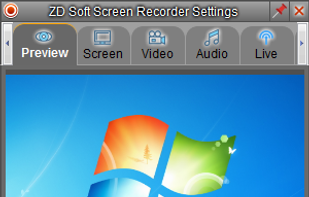
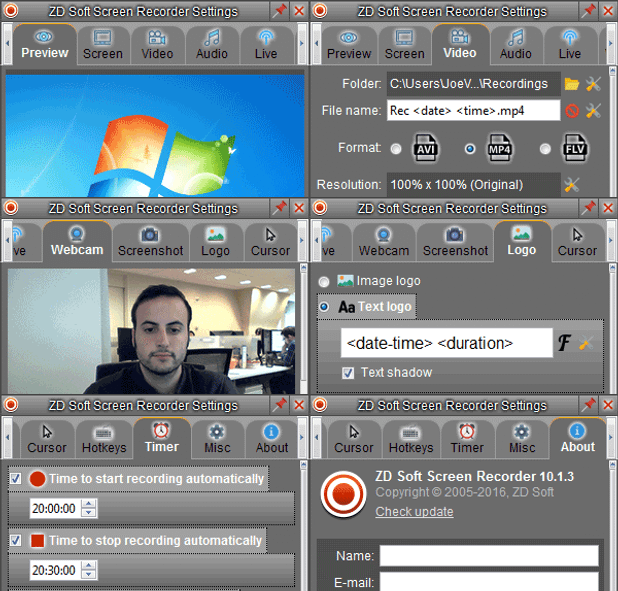
Zebra Screen Recorder captures your PC desktop activity into standard MPEG or AVI video files. It records everything you see on the computer screen, including the entire desktop, windows, menus, cursors - even video with sound.
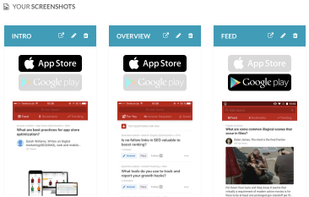
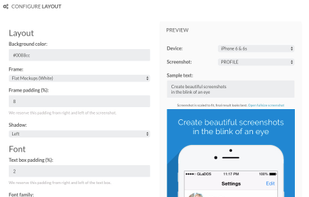
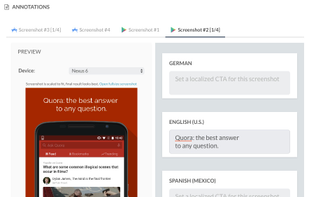
Screenshot generator tool for Google Play and the App Store to set up Store Listing Experiments with. Customize your own layout of your iOS and Android store shots and generate screenshots with up to 30 different localizations.
RecButton is a one button tool for capturing screen + (speaker audio or microphone or mix of both), it’s like Windows snipping tool but for capturing video & audio.
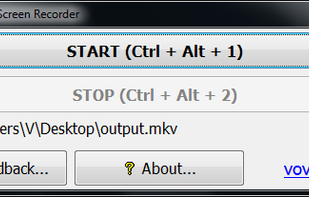
Vov Screen Recorder is handy tool to record the computer screen, i.e., record the ongoing activities on the screen. Using Vov Screen Recorder, you can record your screen to create a how-to video to demonstrate working of a program, compile a products demo video for some client...
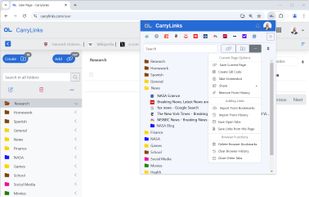
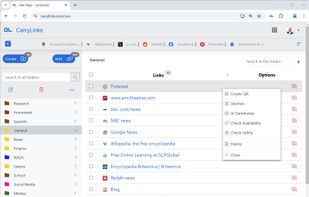
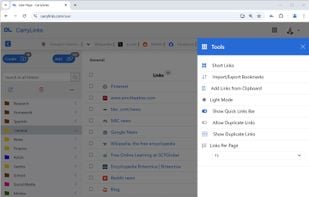
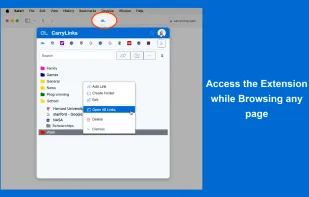
CarryLinks is the complete bookmark manager. Easily and privately access and manage your bookmarks from anywhere for free. It is available as a browser extension, website, and progressive web app for mobile devices and tablets.
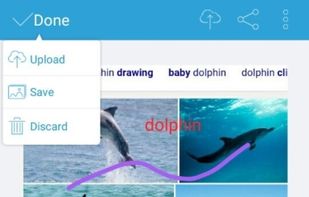
Apowersoft Screenshot is a free yet efficient app that lets you surf the Internet, take screenshots and edit images on your phone. This app is equipped with a built-in browser which provides various tips on how to screenshot on mobile devices.
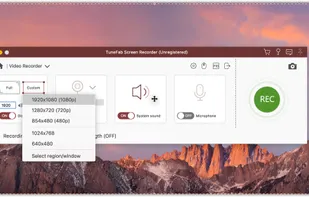
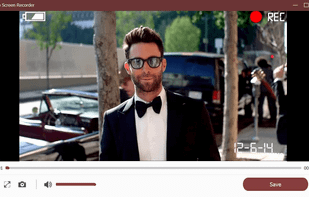
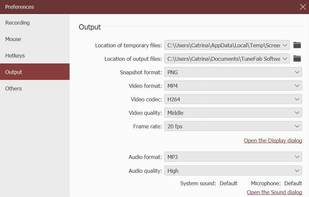
TuneFab Screen Recorder is a neat software which can help you record online videos, software demonstrations, games and screen activity, etc. in high quality on Windows and Mac. Also, you can use it to record live audios or microphone sounds.
High performance screen recording software for Windows. Real-time screen & sound capture into H.264/AAC encoded high frame rate HD video with low CPU usage.
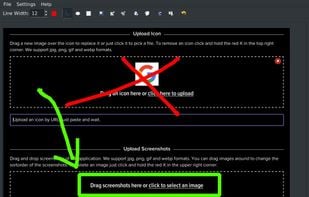
Your screenshots are automatically uploaded on your web storage.
The URL is in the pasteboard when the upload is finished. / FileShuttle support FTP and SFTP protocols to upload your files on your own web storage. / Drop a file on the dock icon to upload the file and get the URL.
Morae is a leading usability software that removes the guesswork from your decisions and helps you make products people love. Record user interactions, efficiently analyze results, and instantly share your findings with anyone, anywhere.
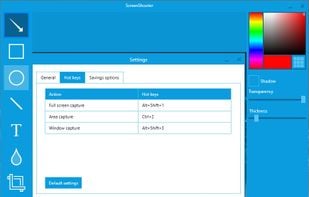
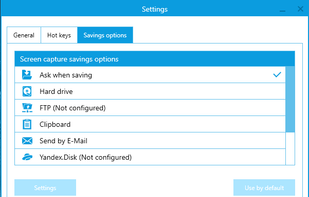
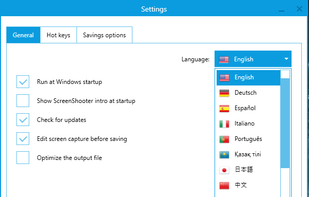
Simple, but powerful application for taking screenshots, editing them with included editor, and saving using multiple options, such as local storage, cloud, FTP-server, or direct copying to the clipboard or E-mail message.
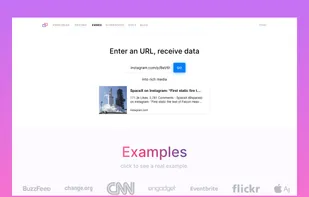
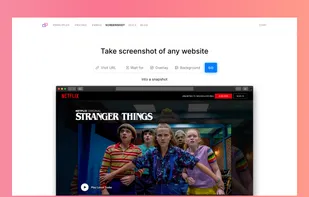
A browser as API. Extract structured data from any website. Enter a URL, receive information. Get relevant information from any link & easily create beautiful previews. Take a screenshot of any website. Turns any website into a PDF.


 YouTube















 OBS Studio



 OpenShot










 ShareXand






 United States


 Russia


 France
 EU
EU


 Ukraine


 Türkiye


 China
China
 Hong Kong SAR China


