Screenshot Capture Tools Page 15 of 19

All apps in Screenshot Capture Tools category. Use the filters below to narrow down your search. 

Popular filters:

Copy a direct link to this comment to your clipboard
  1. GrabBox icon
     Like

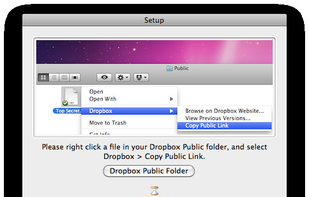
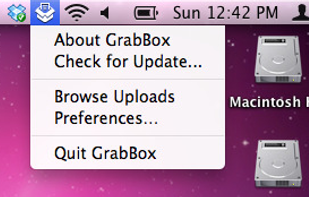
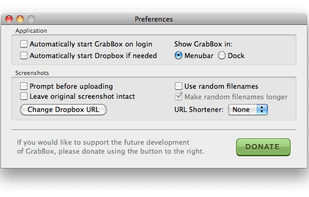
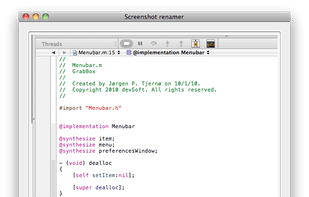
    GrabBox is a utility that reacts to the screenshots you take. It automatically copies the screenshots to your Dropbox Public folder, and then copies the URL to the clipboard – ready to share with friends or strangers!

    Initial Setup
    12 alternatives
  2.  Like

    Hardcopy allows you to take screenshots, mark them and save them.

    Standard Hardcopy: The key [Print] prints out the current screen. The key [Alt+Print] prints out the current window. A click onto the Hardcopy - symbol in the System Tray prints out the current screen. In additio.

    8 alternatives
  3. Screen Grab Pro Is a freeware screen capture tool. It features One click grab of any screen for ease of use, Timer operation, Current window selection list and more. Screen Grab Pro copies a bitmap to clipboard ready for pasting in your favorite Picture Editor.

    86 alternatives
  4. Capture icon
     Like

    Capture is a quick-and-easy screen capture utility for Windows (and NT), which allows you to capture the entire screen, at any color depth and resolution, and save it into a Bitmap file for editing. If you are interested in only capturing one window, you can select to capture...

    64 alternatives
  5. Bug Shooting is the perfect tool for software developers as well as testers. Bug Shooting provides you an easy way to create screen captures and attach them to items of your bug tracking or issue management system, e.g.

    88 alternatives