


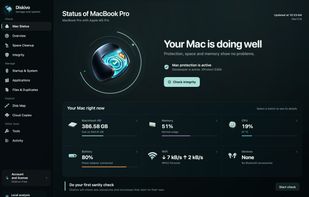
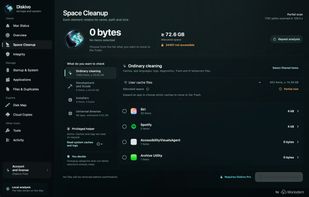
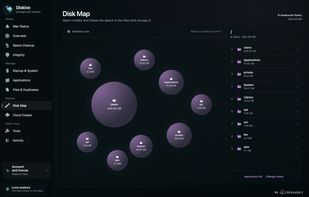
Local macOS utility for mapping storage, comparing duplicate files, removing app leftovers, monitoring system activity, and cleaning caches.
Cost / License
- Pay once or Subscription
- Proprietary
Application typeApplication types
Since
- New
 Italy
 EU



+2



Local macOS utility for mapping storage, comparing duplicate files, removing app leftovers, monitoring system activity, and cleaning caches.
ItalyEU
Disk Space Finder helps visualize your data to find wasted space. It shows you a graphical diagram of what is takeing up your space.

 WinDirStatand


Monitor mounted volumes and manage network targets from the menu bar. Reconnect shares, use profiles, and recover offline targets.
 Switzerland


 WinDirStatand


Aya enables you to quickly and easily analyze which files on your system take up the most space, find duplicates and get rid of them in a familiar Windows style.



Free, open-source Mac cleaner. Caches, logs, trash, leftover app data, browser privacy data, malware scanning via ClamAV, menu-bar health monitor, disk-usage map, startup audit. Everything moves to Trash (reversible). No telemetry, no subscription, no accounts.
 India
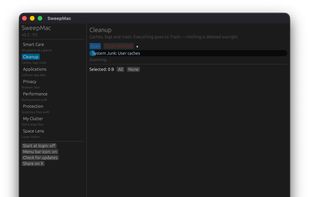



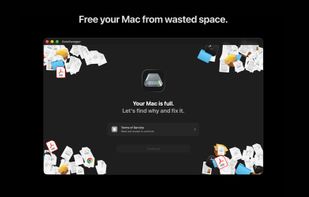
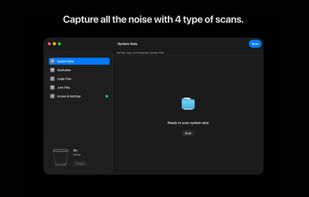
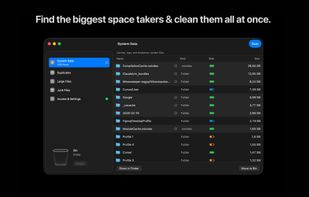
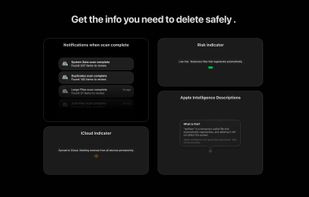
Take back your Mac's storage in minutes. DataSweeper finds system data, large & duplicate files, and space-wasting clutter, then safely moves them to your macOS Trash where you can review before permanent deletion. No subscriptions. No accounts. No data leaves your Mac.
 SwedenEU

Open-source suite for Windows removing 255 forensic artifacts, covering logs, registry, NTFS, browser traces, RAM, encrypted volume keys, and more with zero-footprint design.
 Ethiopia


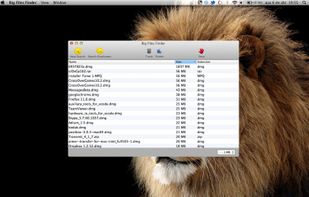
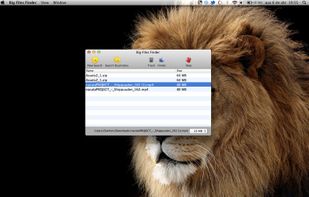
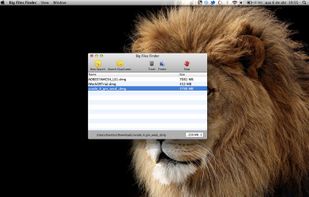



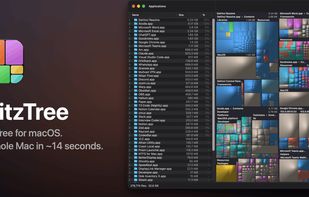
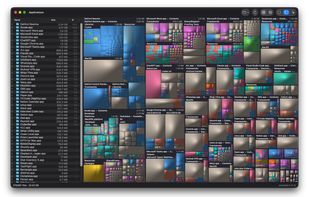
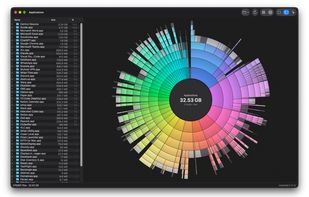
Native macOS disk analyzer that scans storage into file-type treemaps or rings, lists folders, and identifies caches and build files for trashing.
 Canada
 WinDirStatand

Native macOS file manager with two independent panes, tabs, archives, content search, large-file text and hex viewing, plus cloud and server access.
 United States
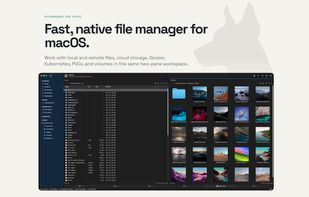
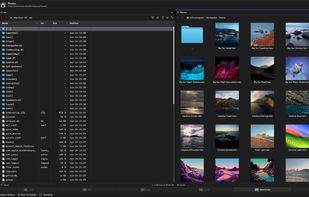
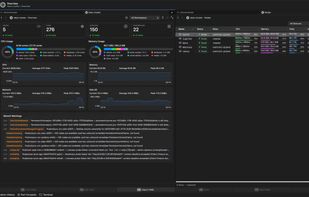
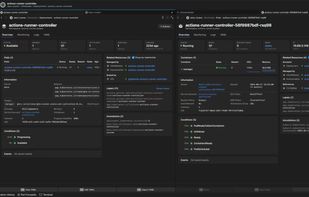
 Double Commander

Easy System Utility is a free PC cleaner and Windows optimization tool that helps remove junk files, clear temporary data, and free up disk space. It also includes tools to find large files, unlock files in use, and keep Windows running efficiently on Windows 10 and Windows 11.



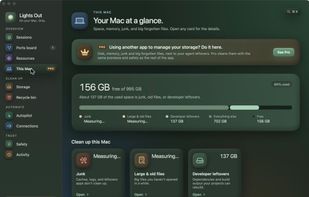
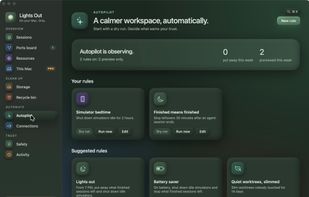
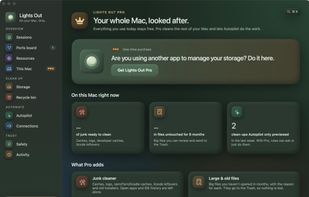
A free, open-source Mac menu bar app that finds the dev servers, simulators, Docker stacks and build data your AI coding agents leave behind, and cleans up safely.


myResources displays the load status of the computer's basic resources (disk, CPU, memory, network) using graphs and active icons. The program is also capable of displaying resources on a merged graphic chart (SumGraph).
 Ukraine


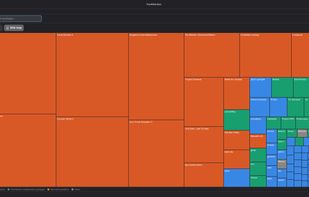
FreeUpDisk is a free disk space analyzer and cleanup tool for Windows and Mac. Its core feature is a treemap visualization: a visual map where every file and folder on your drive is represented as a colored rectangle, with size proportional to how much space it occupies.
WinDirStatand
PackWarden is a bulk application manager for Linux. It shows every installed application in one place, whether it comes from your native package manager (pacman, APT, DNF, Zypper, APK, XBPS, Portage, or Nix), Flatpak, Snap, AppImage, Wine, or a supported game launcher such as...
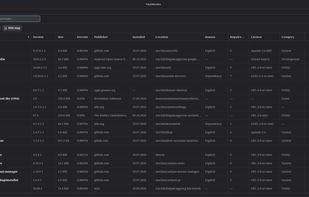




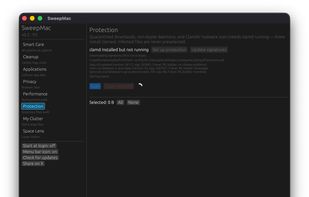
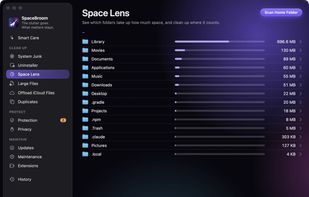
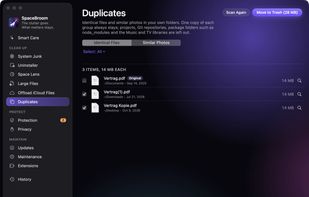
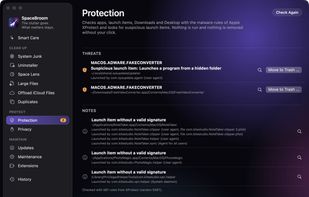
SpaceBroom keeps your Mac tidy. Smart Care scans for system junk, threats and app updates in one go and shows what can safely go. Nothing is removed until you confirm, and everything goes to the Trash first, so you can put it back from the history.
 CyprusEU



Offline duplicate & similar photo finder for Windows - previews before delete, frees disk space, one-time license, nothing uploaded.
United States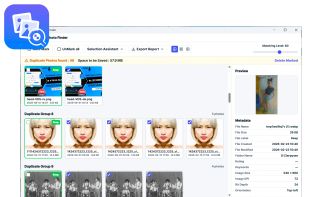

Help you to view at a glance all the folders, files inside them and the space occupied by them on your system
 China
 WinDirStatand

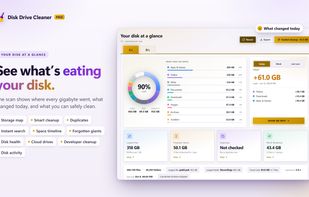
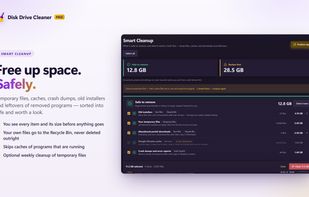
Windows disk space analyzer and cleaner with a storage map, safe junk cleanup, duplicate finder, developer cleanup, instant file search and disk health. No account or telemetry.
 United Kingdom



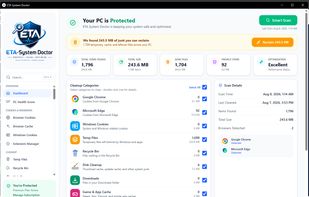
Windows suite for browser cleanup, junk removal, privacy checks, storage analysis, startup tuning, and local-only maintenance across Windows 7–11.

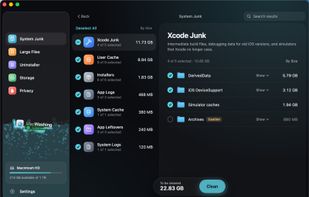
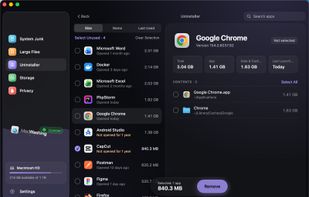
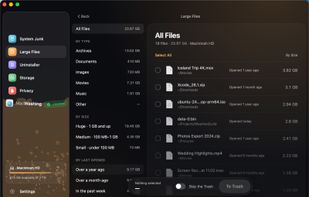
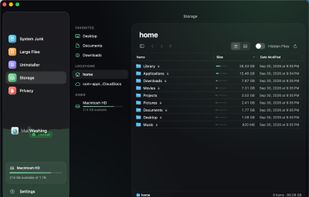
MacWashing is a safe Mac cleaner and app uninstaller for macOS 14 and later: five tools in one window to clear cache and junk, uninstall apps completely, find large files, analyze disk space and review app permissions — so you can free up disk space on your Mac without guesswork.
 Georgia

Monitor the physical condition and temperature of your disks 24/7. Predict remaining service life. See the current percentage of your disk's remaining life. Support for most solid-state drives and hard disks.
 Russia


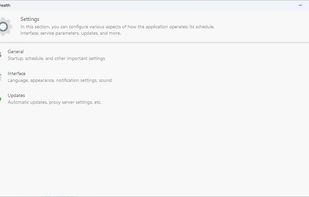



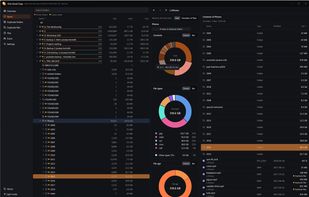
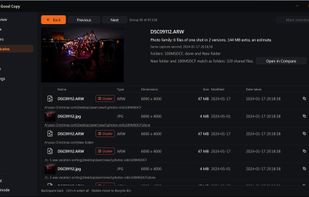
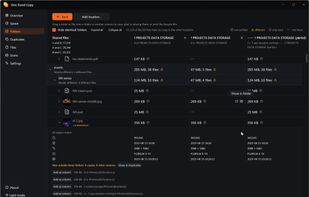
Local Windows and Linux utility for comparing duplicate folders, grouping photo families, mapping disk usage, and searching files across drives.
 DenmarkEU

 WinDirStatand

Native macOS cleaner with risk-classified cleanup. Every item gets a color-coded safety level. Audio Producer Mode protects DAW files. $29/year or $69 lifetime.
Switzerland





 Brazil