


WizFile is a rapid file search utility. Search for files on your hard drive by name and get the results almost instantly.
 France
 EU
EU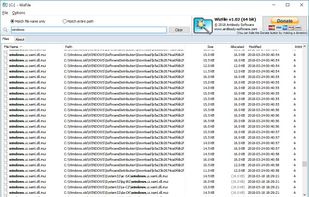

Best alternatives are 

27 alternatives


WizFile is a rapid file search utility. Search for files on your hard drive by name and get the results almost instantly.

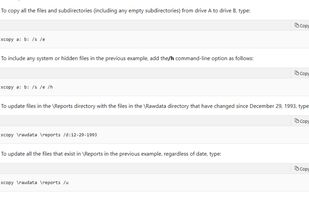
XCOPY is a command used on PC DOS, MS-DOS, OS/2, Microsoft Windows, and related operating systems for copying multiple files or entire directory trees from one directory to another and for copying files across a network.

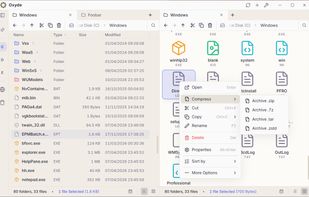
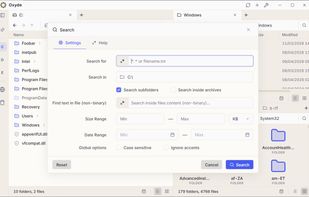
 Double Commanderand

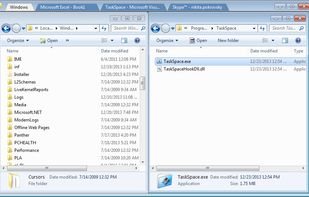
TaskSpace is a simple Windows application intended to group ANY applications in a single window(task space) to provide fast and easy access to multiple applications simultaneously(no Alt+Tab switching and/or searching for a program in the taskbar is required).

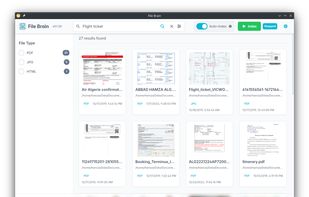
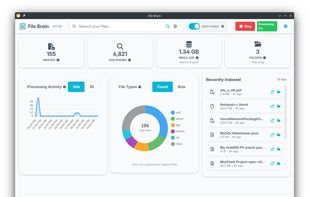
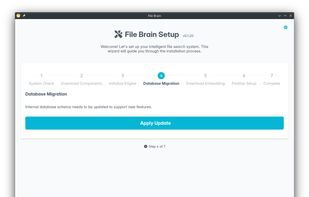
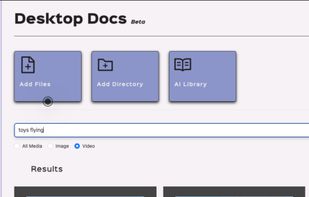
File Brain is a desktop application that helps you find files instantly using natural language. Instead of remembering exact filenames, you can ask questions like "flight ticket invoice", and File Brain uses semantic search to understand the meaning and show the...

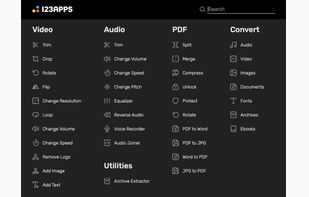
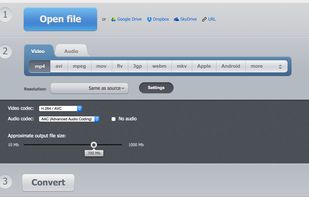
A free web app that converts video files, allowing you to change the video format, resolution or size right in your browser.
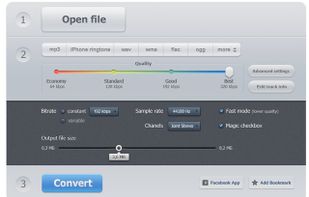
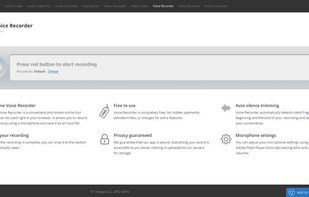

 File Converter
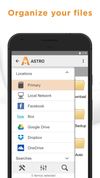
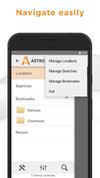
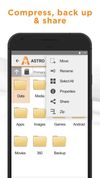
The ASTRO File Manager helps you get the most out of your Android smart phone.
It allows you to manage files on your phone without the need for a computer. Operations you can perform: copy, paste, move, delete, open with other apps, create and folders, etc. What’s convenient ab.


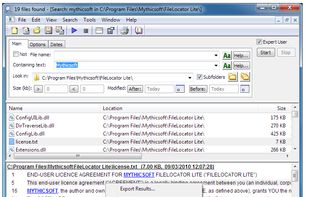
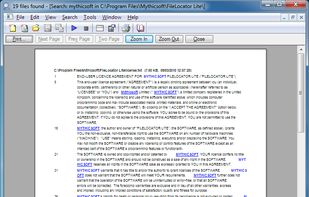
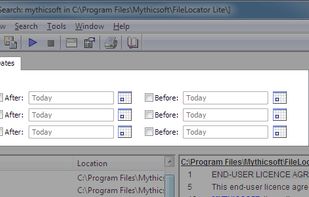
FileLocator Lite enables you to locate files on your pc. It performs a thorough and quick search for any file you want to find.



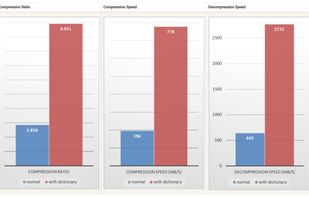
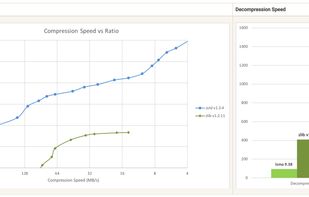
Modern, highly competitive, fast, general purpose file compressor with reasonable compression ratios.

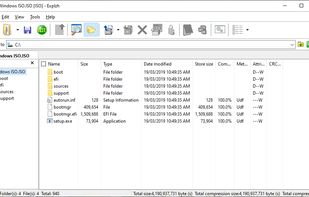
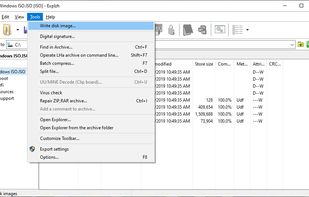
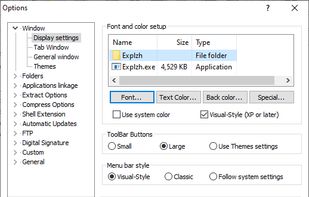
Explzh for Windows is a file operation tool created with the concept of treating archive files, CD-ROM virtual disk images (ISO-9660 / ISO-13346), and FTP hosts as virtual folders and handling them like an explorer.

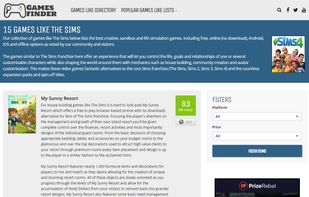
Games Finder (gameslikefinder) is a video game recommendation website that helps connect gamers with titles similar to their favourites.




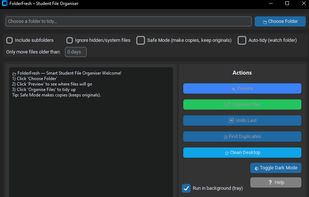
FolderFresh is a small tool that organises messy folders automatically. It sorts files into simple categories such as Documents, Images, Videos, Audio, Archives, Code, and Other.
 Double Commanderand
 Electronand
 React Native
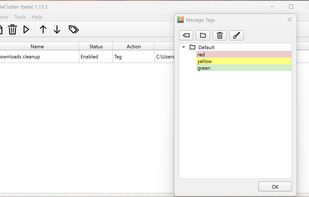
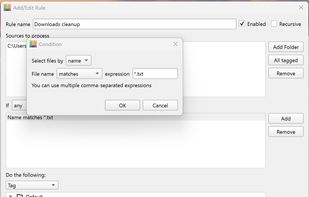
The application automatically processes files and folders based on the rules specified by the user.
The app is open source, based on Python/PySide6.

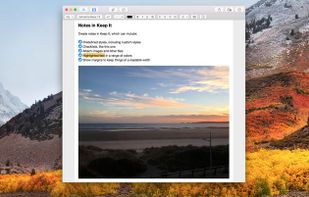
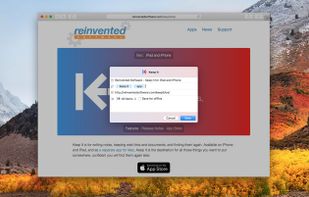
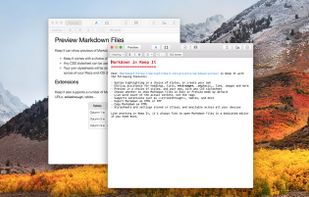
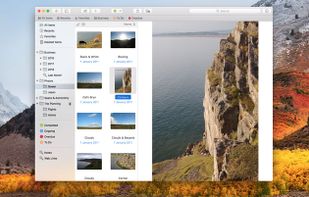
Keep It is notebook, scrapbook and organizer, ideal for writing notes, saving web links, storing documents, images or any kind of file, and finding them again. Keep It is the successor to Together.

Names your files by reading what is written inside them — images, PDFs and documents — using what macOS already ships. Nothing leaves your Mac.





Make your cloud storage beautiful. Playbook declutters, auto-tags, and intelligently organizes your creative work. Seamlessly browse, collaborate on, and share what you need with friends, colleagues, clients—or the whole world!





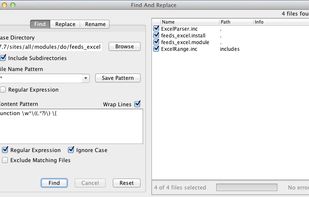
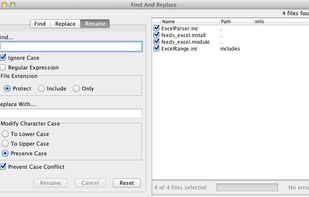
FAR is a simple tool for search and replace operations over multiple files. You can apply ordinary "word by word" replacement, or choose to use fully featured regular expressions.


File Explorer is a Windows file manager application that has an interface similar to Windows Explorer. However, it browses and indexes folders faster than the default Explorer. It also has many features that are not available in Windows Explorer, such as tabs and bulk file...
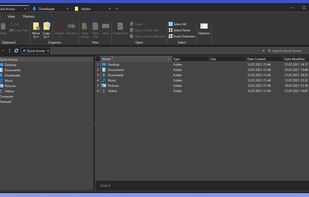
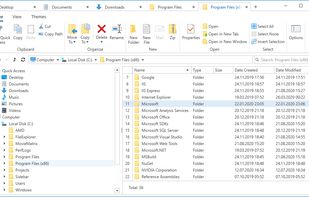

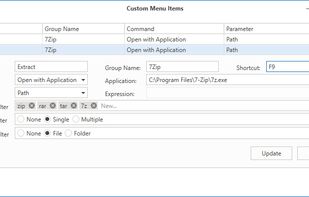
 File Explorer


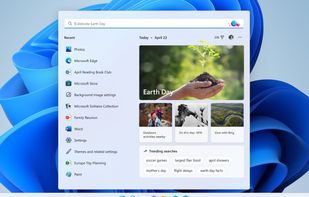
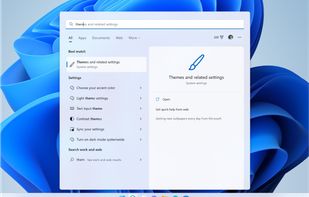
Search is right there on your taskbar, ready to help you find whatever you’re looking for. Use the search box to find your apps, files, settings, help, and more on Windows—plus unlock the power of the web with quick access to online information like time zone conversions, fact...






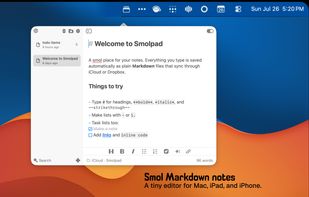
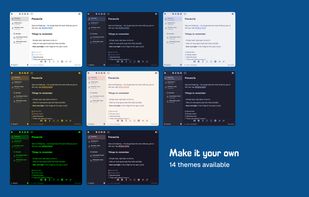
Smolpad is a menubar-first Markdown notes app for macOS, with companion apps for iPhone and iPad (universal purchase). Click the menu bar icon and a notes panel drops down; type, and everything autosaves as plain .md files stored in the user's own iCloud Drive or Dropbox.





 United States





 South Korea


 Algeria


 United Kingdom


 Japan
Japan


 Australia


 South Africa


 Chile
Chile


 Germany


 China
China


