Automate applications or web sites, text or images, simple or complex, on command or scheduled. You can automate virtually anything.
 United Kingdom
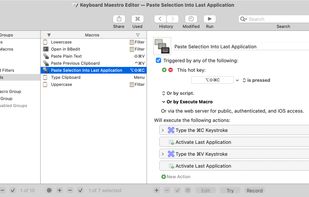


Apps similar to Orbit include Keyboard Maestro. It's paid, but Automator is free. Other options are Neatify, Hazel, Easy File Organizer and AutoShelf. In total there are nine File Managers like Orbit for Mac, Windows and Linux.
Automate applications or web sites, text or images, simple or complex, on command or scheduled. You can automate virtually anything.
United Kingdom
Automates file and folder organization on macOS with project-based sorting, custom and reusable rules, Quick Sorter for instant action, bulk cleanups, menu bar access, background automation, and support for images, PDFs, and documents to minimize manual sorting.
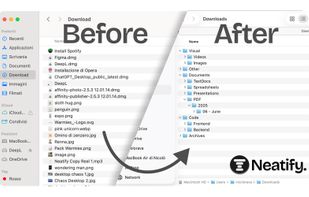


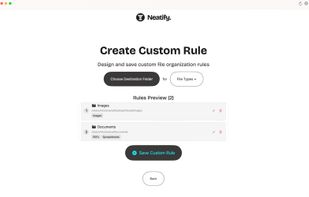


Automates file management on Mac by monitoring folders, sorting, renaming, moving, archiving, and tagging files with user-defined rules. Manages trash, removes remnants after app deletion, integrates with Spotlight, imports to media libraries, and supports automation.
 United States
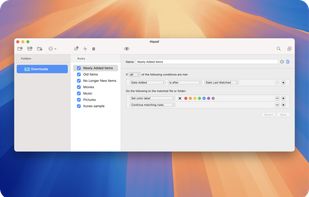
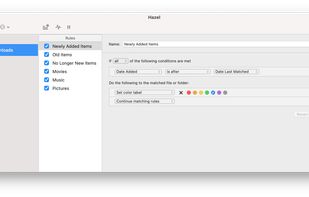
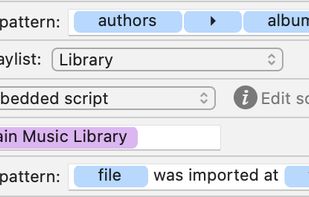
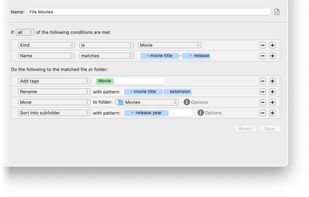


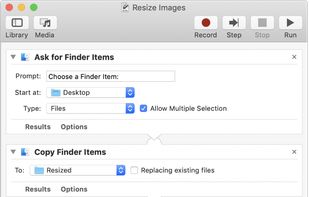
With Automator, you can accomplish time-consuming, repetitive manual tasks quickly, efficiently, and effortlessly. Automator lets you skip the complex programming and scripting that is normally required to create automations.
United States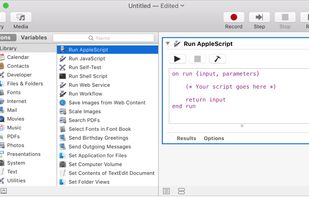


Organize Files, Folders and Desktop Easily on Windows, Mac, and Linux.
 Cyprus
 EU
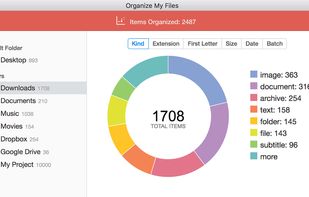
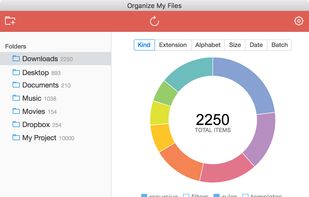
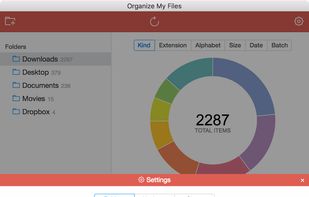
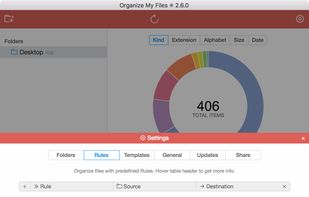


A Mac menu bar app that files, renames, tags, and trashes your files automatically, based on rules you set once.
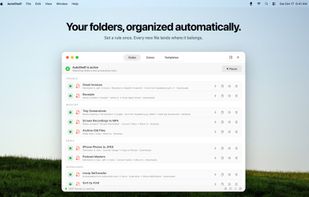
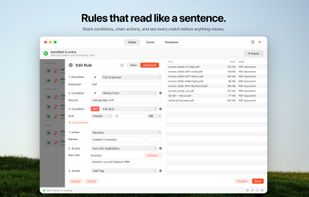
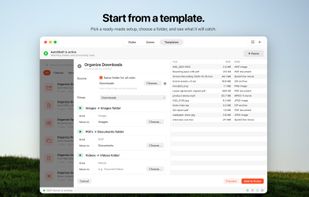
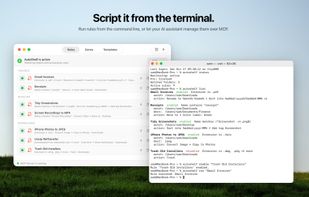


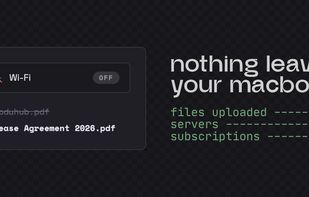
Lightweight menu bar tool for automating file management on macOS: archives and renames screenshots via OCR, ejects installer disk images, and organizes Downloads using custom or natural-language rules. Everything runs secure and private on-device, non-destructively.
 Chile





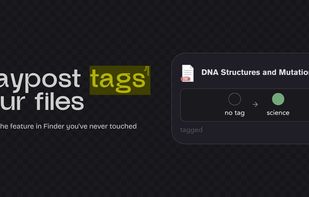
Your Downloads folder is where files go to die. IMG_3427.png, Untitled_document_final_v2.pdf, a hundred things you'll never find again. Waypost fixes that. Waypost reads folders of your choice, then renames, sorts, and tags dropped files based on what's actually inside.
United States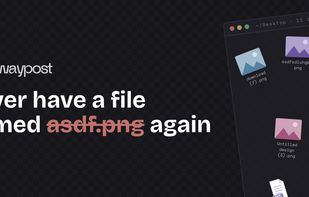



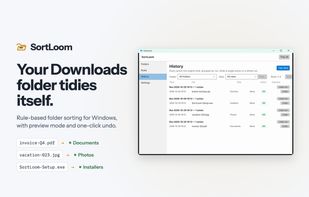
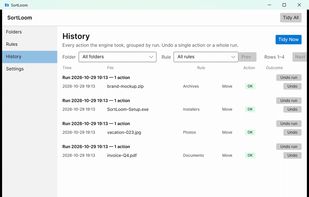
Windows app that monitors Downloads, Desktop, and other chosen folders, moving new files through ordered rules that match extensions, names, sizes, or ages. Rules start in a log-only preview mode, while searchable history records each move and supports one-click undo.
 China