Microsoft OneNote AlternativesOnly apps categorised as Todo List Managers - Page 2

The best Todo List Manager alternative to Microsoft OneNote is Obsidian, which is free. If that doesn't suit you, our users have ranked more than 100 alternatives to Microsoft OneNote and many of them are Todo List Managers so hopefully you can find a suitable replacement. Other interesting Todo List Manager alternatives to Microsoft OneNote are NoteLedge, Joplin, Notion and Xournal++.

filter to find the best alternatives

Microsoft OneNote alternatives are mainly Todo List Managers, but if you're looking for Note-taking Tools or Task Management Tools you can filter on that. Other popular filters include Linux, Open Source, iPhone, Android, Free, EU and Self-Hosted. You can also filter by region, for example EU-based alternatives if you prefer software developed in the European Union. These are just examples - use the filter bar below to find more specific alternatives to Microsoft OneNote.
Copy a direct link to this comment to your clipboard
Microsoft OneNote alternatives page was last updated

Alternatives list

  1. Workflowy icon
     313 likes
    Copy a direct link to this comment to your clipboard

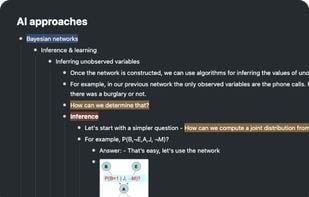
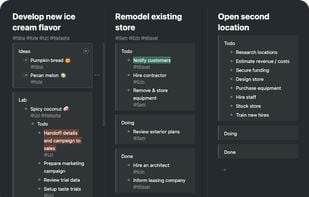
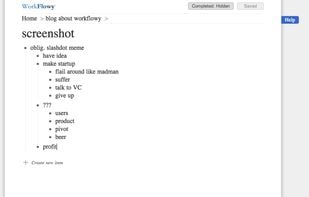
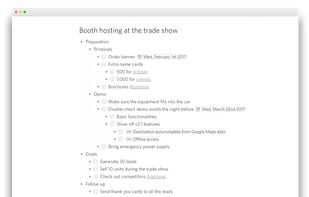
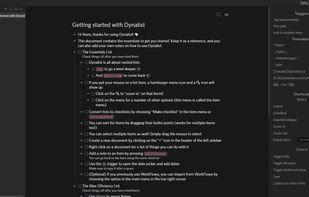
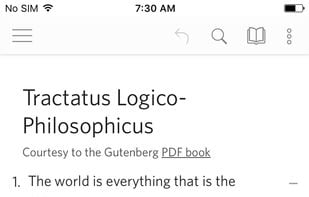
    Offers limitless nested lists for outlining, instant sync on web and mobile, real-time collaboration, file and photo uploads, kanban boards, tagging, offline editing, hoisting for branch focus, content sharing, text highlighting, and Dropbox auto-backup.

    348 Workflowy alternatives

    Cost / License

    • Freemium (Subscription)
    • Proprietary

    Platforms

    • Mac
    • Windows
    • Linux
    • Online
    • Android
    • iPhone
    • Android Tablet
    • iPad
     
  2. Turtl icon
     178 likes
    Copy a direct link to this comment to your clipboard

    Whether it's bookmarks or passwords, files or shopping lists...Turtl organizes it all and makes it easy to find later. Sync across your devices. Leave nothing behind.

    Cost / License

    • Freemium (Subscription)
    • Open Source

    Alerts

    • Discontinued

    Platforms

    • Mac
    • Windows
    • Linux
    • Android
    • Android Tablet
    • Self-Hosted
    • Google Chrome
    • Firefox
     
    |
    2
    21
    Comments about Turtl as an Alternative to Microsoft OneNote
    Guest
    Positive
    2

    Encryption, zero-knowledge encryption.

    Review by a new / low-activity user.
    k71
    Negative
    0

    Windows app. Visually it´s nice, but its movement between "folders" is not intuitive or i didnt like it. I didnt like it that we have to be online to access to it. I didnt like the option to introduce password everytime to access (i dont know if there is the option to remove it). In this case i´d prefer Standardnotes or Simplenote.

    Microsoft OneNote Icon
    Turtl icon
    • Most users think Turtl is a great Microsoft OneNote alternative.

    • Turtl is Freemium and Open SourceMicrosoft OneNote is Freemium and Proprietary
    • Turtl is Privacy focusedMicrosoft OneNote is not according to our users
  3. Docmost icon
     43 likes
    Copy a direct link to this comment to your clipboard

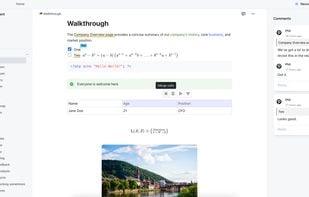
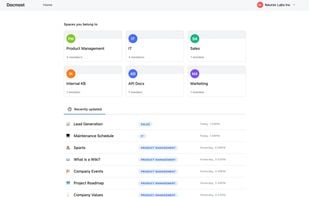
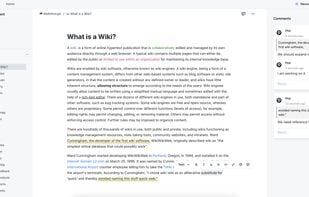
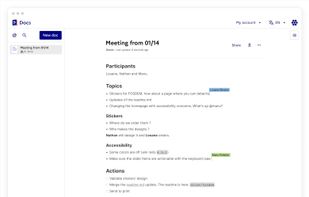
    Docmost is an open-source collaborative wiki and documentation software. It is an open-source alternative to Confluence and Notion.

    87 Docmost alternatives

    Cost / License

    • Pay once
    • Open Source

    Platforms

    • Self-Hosted
    • Software as a Service (SaaS)
    • Docker
     
    • Docmost is the most popular commercial alternative to Microsoft OneNote.

    • Docmost is Paid and Open SourceMicrosoft OneNote is Freemium and Proprietary
    • Docmost is Privacy focusedMicrosoft OneNote is not according to our users
  4. Markor icon
     92 likes
    Copy a direct link to this comment to your clipboard

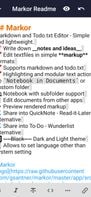
    Markor is a TextEditor for Android, versatile, flexible, and lightweight. Markor utilizes simple markup formats like Markdown and todo.txt for note-taking and list management. It is versatile at working with text; it can also be used for keeping bookmarks, copying to clipboard...

    152 Markor alternatives

    Cost / License

    • Free
    • Open Source

    Platforms

    • Android
    • Android Tablet
    • F-Droid
     
    |
    2
    Comments about Markor as an Alternative to Microsoft OneNote
    zokris
    Positive
    0

    Markor is light, fast and uses Markdown text so your notes can be read on all devices. With OneNote you need the app to open your notes.

    Guest
    Positive
    0

    Open-source, feature-filled and uses open formats so it is future-proof. Actively updated with new features. A great app for notes, to-do lists and jotting down thoughts and ideas.

    Review by a new / low-activity user.
    Microsoft OneNote Icon
    Markor icon
    • Markor is Free and Open SourceMicrosoft OneNote is Freemium and Proprietary
    • Markor is Lightweight, Customizable and Privacy focusedMicrosoft OneNote is not according to our users
  5. SiYuan icon
     75 likes
    Copy a direct link to this comment to your clipboard

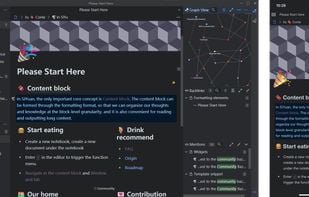
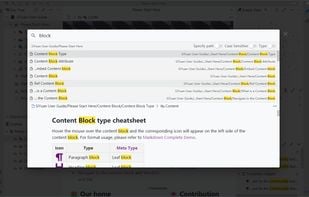
    SiYuan is a desktop Markdown Block-Reference and Bidirectional-Link note-taking application. Support fine-grained block-level reference and Markdown WYSIWYG.

    71 SiYuan alternatives

    Cost / License

    • Freemium (Pay once)
    • Open Source

    Platforms

    • Mac
    • Windows
    • Linux
    • Android
    • iPhone
    • Android Tablet
    • iPad
    • Self-Hosted
    • Microsoft Edge
    • Google Chrome
    • Flathub
    • Docker
    • Docker Hub
    • F-Droid
     
  6. QOwnNotes icon
     96 likes
    Copy a direct link to this comment to your clipboard

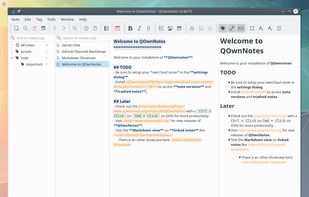
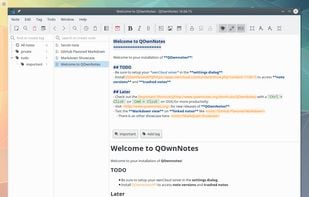
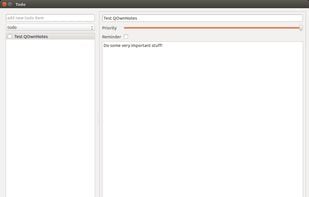
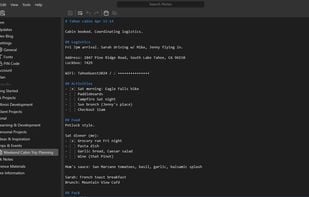
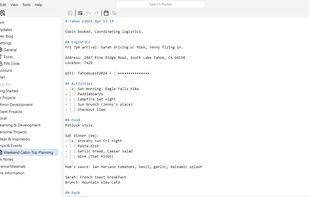
    Plain text notepad with markdown support and todo list manager for Linux, Mac OS X and Windows, that works together with the notes application of ownCloud.

    261 QOwnNotes alternatives

    Cost / License

    • Free
    • Open Source

    Platforms

    • Mac
    • Windows
    • Linux
    • Flathub
    • PortableApps.com
    • Qt
     
  7. Google Keep icon
     830 likes
    Copy a direct link to this comment to your clipboard

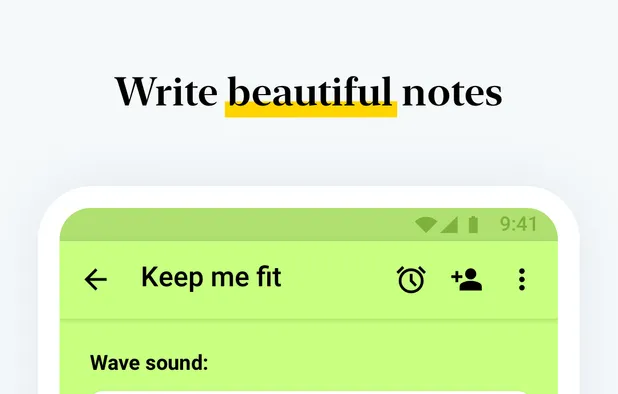
    Google Keep is a multifunctional tool that merges note-taking with browsing, allowing capture of thoughts, checklists, or voice notes, with cross-device synchronization. Features include color-coded notes, voice transcription, geo-fencing, collaboration, cloud storage, and seamless Google integration.

    103 Google Keep alternatives

    Cost / License

    • Free
    • Proprietary

    Platforms

    • Mac
    • Windows
    • Linux
    • Online
    • Android
    • iPhone
    • Chrome OS
    • Android Tablet
    • iPad
    • Google Chrome
    • Android Wear
     
    |
    15
    62
    Comments about Google Keep as an Alternative to Microsoft OneNote
    Comment summary: Google Keep is often compared to a basic sticky note application, lacking the robust features of Microsoft OneNote, such as multiple notebooks, subfolders, and advanced formatting options. While Keep offers simplicity and ease of use for quick notes and lists, it is seen as too lightweight for users seeking more detailed and organized note-taking solutions. OneNote's ability to structure and manage information comprehensively makes it a preferred choice for complex tasks.
    Top Negative Comment
    Guest
    51

    I love Keep, but it's not anywhere near as detailed as OneNote. Keep is basically for making sticky notes, which is helpful, but OneNote has way more features. I know a lot of students, as well as myself, who use OneNote for taking school notes. You can draw, add tags to notes, and add formattings, such as fonts, colors, bullets, and number lists. You can even draw on top of things you type. You can't any of that in Google Keep.

    Review by a new / low-activity user.
    Guest
    Negative
    1

    Far more basic than OneNote and not a comparable alternative

    Review by a new / low-activity user.
    Guest
    Negative
    2

    Keep is like sticky notes which is completely different from Onenote

    Review by a new / low-activity user.
    Show more comments
    3 of 15 comments
    Microsoft OneNote Icon
    Google Keep icon
    • Some users think Google Keep is a great Microsoft OneNote alternative, some don't.

    • Google Keep is Free and ProprietaryMicrosoft OneNote is Freemium and Proprietary
    • Google Keep is LightweightMicrosoft OneNote is not according to our users
  8. Microsoft Loop icon
     19 likes
    Copy a direct link to this comment to your clipboard

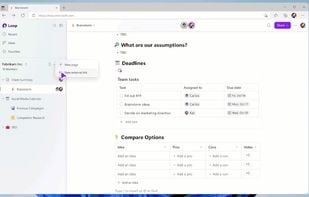
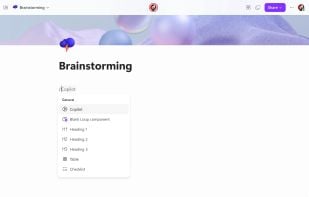
    Microsoft Loop is an app designed for co-creation that brings your team and ideas together in one place. With Loop components that sync across apps in real-time, you can stay in sync without switching apps and get more done right where you are.

    68 Microsoft Loop alternatives

    Cost / License

    • Free
    • Proprietary

    Platforms

    • Windows
    • Online
    • Android
    • iPhone
    • Android Tablet
    • iPad
     
  9. Mimiri Notes icon
     18 likes
    Copy a direct link to this comment to your clipboard

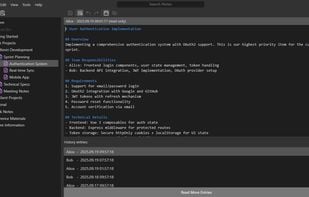
    Secure device-synced notepad using AES-GCM-256 encryption to protect confidential data. Features include a tree-structure for note organization, historical changes tracking, and collaboration options. Supports all major platforms with cloud sync and offline access.

    74 Mimiri Notes alternatives

    Cost / License

    • Freemium (Subscription)
    • Open Source

    Platforms

    • Mac
    • Windows
    • Linux
    • Online
    • Android
    • iPhone
    • Android Tablet
    • iPad
    • Self-Hosted
    • Snapcraft
    • Google Chrome
    • Flathub
    • Flatpak
    • Mozilla Firefox
     
You are at page 2 of Microsoft OneNote alternatives