Apps with 'Markdown Editor' feature Page 2 of 7

All apps in Apps with 'Markdown Editor' feature category. Use the filters below to narrow down your search. 
Copy a direct link to this comment to your clipboard
  1. myBase icon
     43 likes

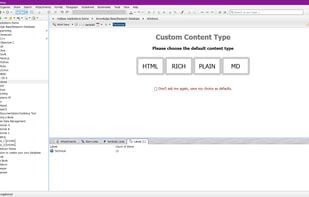
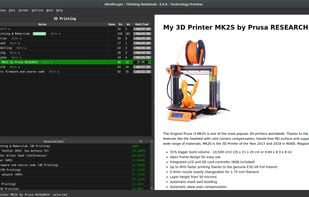
    myBase is a unique free-form database software that allows entry of unstructured text, webpages, images, documents, emails and even arbitrary files without regard to length or format. All information is automatically compressed and stored in the tree structured outline form.

    myBase screenshot 1
    126 alternatives
  2. Inkdrop icon
     49 likes

    The note-taking app with robust Markdown editor, supporting macOS, Windows, and Linux. This app is designed to be the most convenient way to make notes in Markdown for your daily hacking.

    • Note-taking Tool
    • PaidProprietary
    • Mac
    • Windows
    • Linux
    • Android
    • iPhone
    • Google Chrome
    • Firefox
    • iPad
    • Android Tablet
    Beautiful UI
    29 alternatives
    4.4
    Very Good16 reviews
  3. Quiver icon
     43 likes

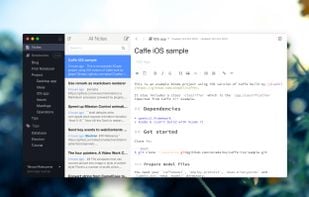
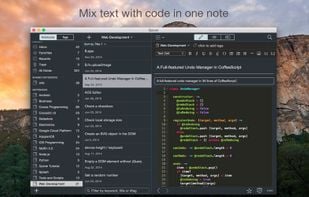
    Quiver is a notebook built for programmers. It lets you easily mix text, code and Markdown within one note, edit code with an awesome code editor, live preview Markdown and LaTeX cells, and find any note instantly via the full-text search.

    Quiver screenshot 1
    239 alternatives
  4. Rocketnotes icon
     3 likes

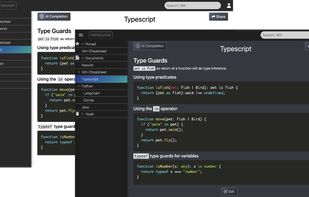
    Rocketnotes is a web-based Markdown note taking app with AI-powered text completion. You can sign up for free or deploy it with low effort to your personal AWS account. Check out the installation guides for deploying Rocketnotes at AWS or running it on your local machine with...

    Rocketnotes screenshot 1
    58 alternatives
  5. Checkvist icon
     62 likes

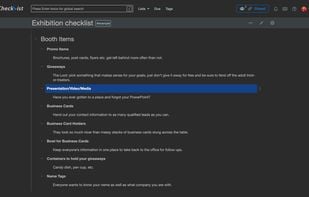
    A professional list-making tool. Minimalist, keyboard-centric online outliner and task management application. Free sharing, unlimited lists, free import and export. Markdown and code support. Good for geeks 🤓 and keyboard lovers 💻.

    • Todo List Manager
    • FreemiumProprietary
    • Online
    • Android
    • iPhone
    • iPad
    • Software as a Service (SaaS)
    Dark UI scheme
    102 alternatives
  6. Mindolph icon
     6 likes
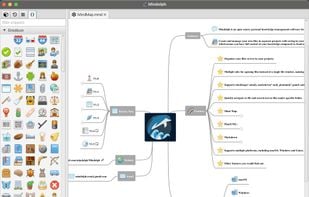
    • Create and manage your own files in separate workspaces with saving in your local storage, which means you have full control of your knowledge compared to cloud solutions.
    Mind map in light mode
    19 alternatives
  7. SXMac icon
     1 like

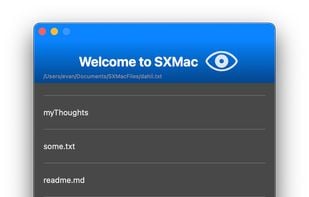
    SXMac is a light, notes like app that can be used as a rich text editor, markdown editor and preview, code editor with more than 100 supported languages. If you need specific files or anything else in one place.

    SXMac screenshot 1
    48 alternatives
  8. MacDown icon
     23 likes

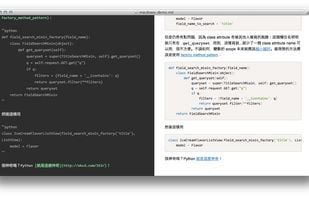
    MacDown is an open source Markdown editor for macOS, released under the MIT License. It is heavily influenced by Chen Luo’s Mou.

    What it looks like
    55 alternatives
  9. Glee icon
     4 likes

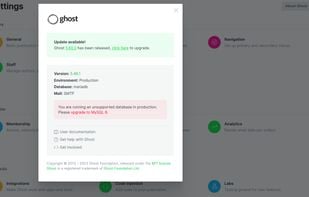
    Glee publishes Markdown files into Ghost blog posts. With glee, you can create and update Ghost blogs. Since glee operates on plain markdown files, your blog posts are now git-friendly, allowing for easy collaboration.

    • FreeOpen Source
    • Ghost
    • Mac
    • Linux
    • Self-Hosted
    Glee screenshot 1
    32 alternatives
  10. Haroopad icon
     69 likes

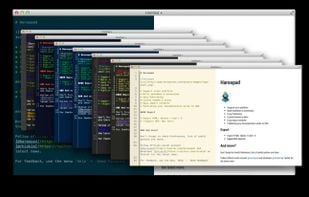
    Haroopad is a markdown enabled document processor for creating web-friendly documents. You can author various formats of documents such as blog article, slide, presentation, report, and e-mail as if experts did.

    • Discontinued
    • Text Editor
    • FreeOpen Source
    • Mac
    • Windows
    • Linux
    Haroopad screenshot 1
    104 alternatives
    2.5
    Poor6 reviews
  11. MarkEdit icon
     4 likes

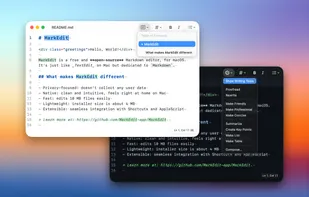
    Free open-source Markdown editor for Mac supporting syntax highlighting, privacy by design, lightweight 4 MB install, customization via scripts, and Shortcuts integration.

    MarkEdit screenshot 1
    11 alternatives
  12. NotesHub icon
     7 likes

    With NotesHub your notes truly belong to you and not tight to any particular vendor. All of your data is stored in Git repositories, so you can clone them and manage outside the app.

    • Note-taking Tool
    • FreemiumProprietary
    • Mac
    • Windows
    • Linux
    • Online
    • Android
    • iPhone
    • iPad
    • Kindle Fire
    Main Features
    17 alternatives
  13. MarkdownPad icon
     63 likes

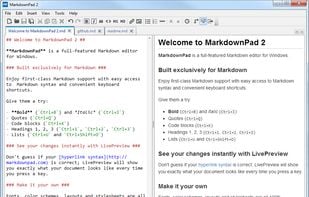
    MarkdownPad is a full-featured Markdown editor for Windows. Features: LivePreview : Instantly see how your documents look in HTML as you create them. Easy formatting with keyboard shortcuts. Markdown formatting can be applied (and removed) with handy keyboard shortcuts and toolb.

    MarkdownPad screenshot 1
    94 alternatives
  14. Dillinger icon
     10 likes

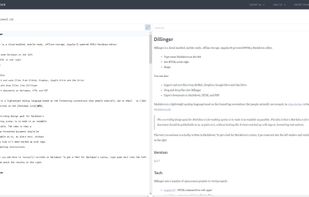
    Dillinger is a cloud-enabled, mobile-ready, offline-storage, AngularJS powered HTML5 Markdown editor.

    • FreeOpen Source
    • Online
    Dillinger screenshot 1
    83 alternatives
  15. Ephe icon
     2 likes

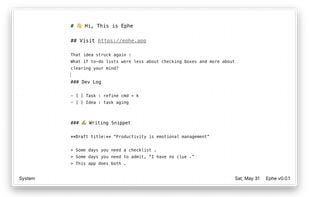
    An ephemeral Markdown paper for today. Less but handy features for plain Markdown lovers.

    • FreeOpen Source
    • Online
    Ephe screenshot 1
    33 alternatives
  16. TakeNote icon
     4 likes

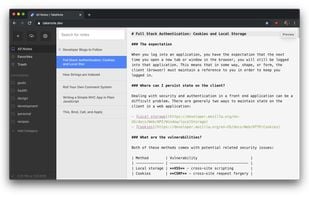
    TakeNote was made by developers for developers - a simple, plain-text note-taking app for the web with Markdown support. What you see is what you paste. No WYSIWIG, no formatting pasted from the web, and no features you don't need or want.

    TakeNote screenshot 1
    268 alternatives
  17. Nota is a beautiful and easy to use writing app that's also powerful and efficient. Its simple design enables a wide range of uses: from notes and wikis, to static blogs and websites, to articles and books.

    • PaidProprietary
    • Mac
    Nota (Markdown) screenshot 1
    20 alternatives