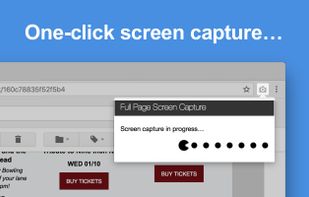
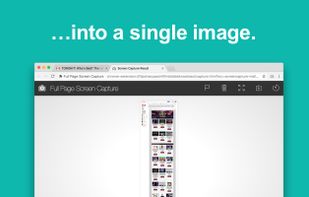
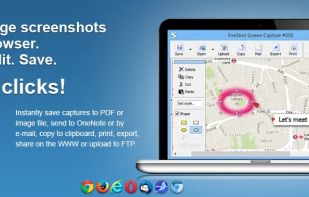
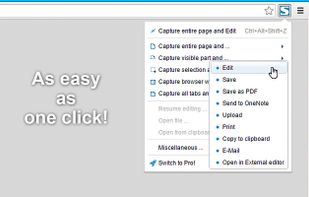
Capture full web page screenshots in Firefox, Chrome, Opera, Pale Moon or Internet Explorer Quick screenshots and annotations!
Cost / License
- Freemium
- Proprietary
Application typeApplication types
Since
- Since 2009
 Russia



The top-rated alternative to Snagit is ShareX, which is free and open source. People also recommend Greenshot, Flameshot, OSS Document Scanner and Snipping Tool. Screenshot Capture Tools like Snagit are a crowded field, with more than 100 alternatives for Windows, Mac, Linux, the web and iPhone.
Capture full web page screenshots in Firefox, Chrome, Opera, Pale Moon or Internet Explorer Quick screenshots and annotations!
Russia
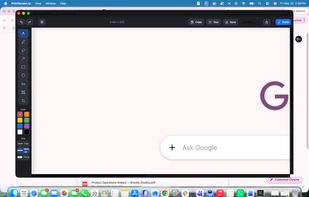
PrintScreenly is a desktop-first screenshot and screen recording app for macOS, Windows, and Linux, with web, iOS, and Android versions. Capture regions, windows, fullscreen, or entire scrolling pages with pixel precision.
 United States
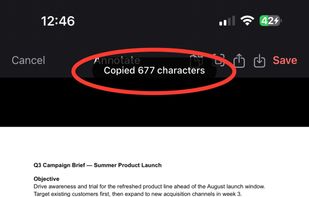


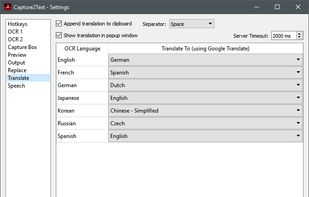
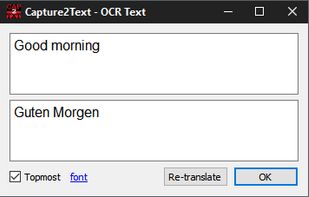
Capture2Text enables users to quickly OCR a portion of the screen using a keyboard shortcut.
United States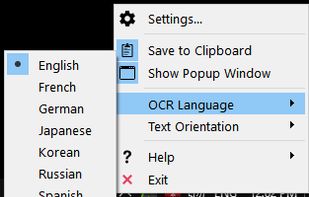


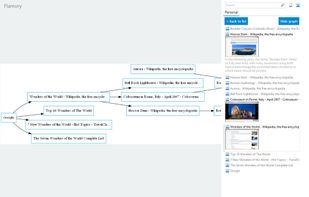
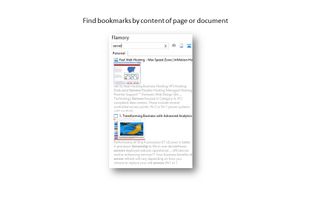
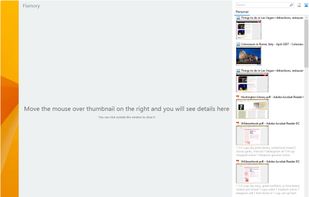
Flamory remembers things, so you don't have to. Make snapshots of web pages, files and desktop apps. You can find snapshots later using full-text search and thumbnails. Paste them anywhere as links or screenshots.
United States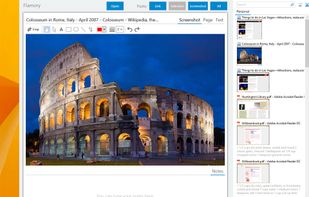


Capture screenshots or record videos with Ashampoo Snap’s efficient tools. Enjoy easy editing, multi-display support, OCR for 180 languages, and instant sharing capabilities. Revamp your projects with video cutting, annotations, and custom capture options.
 Germany
 EU
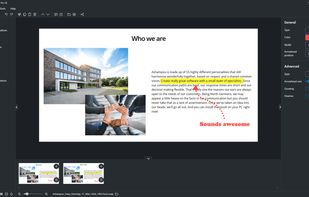


Capture the whole page or any portion, annotate it with rectangles, circles, arrows, lines and text, one-click upload to share.
United States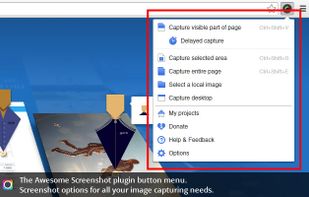

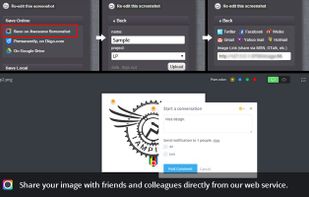



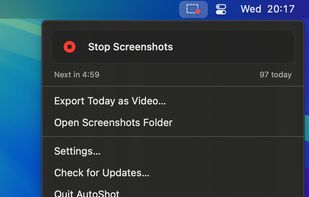
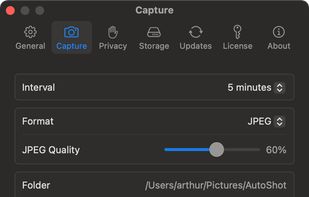
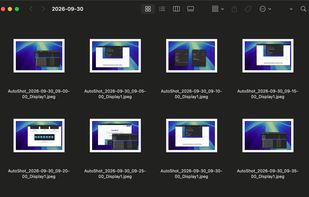
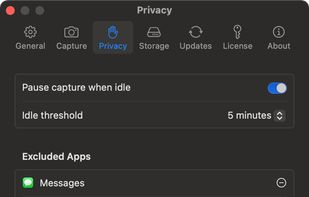
Menu bar app for Mac that takes a screenshot of every display on a timer, sorts them into a folder per day, and turns any day into a timelapse video.


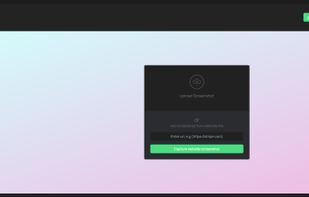
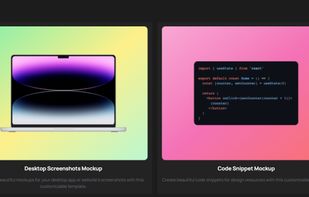
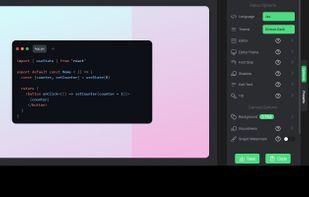
Snapit is a tool to capture, annotate, and share screenshots with just few buttons. Take a screenshot of anything on your screen and we’ll make it look amazing in seconds. Creating beautiful screenshots has never been so easy!


Free version Records up to 15 minutes, premium is $20/year or $48/year depending on features (as of January 2020).
United States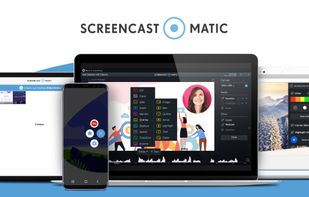


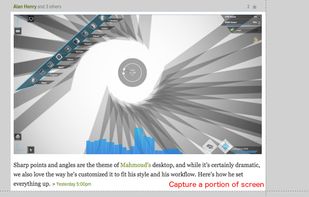
Easy Screenshot is an easy to use screen capture tool. Simply press one of the context menu items to capture entire or a portion of your screen.
United States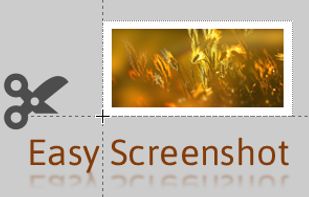



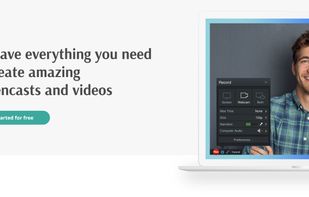
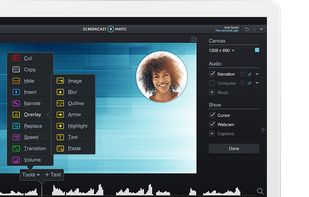
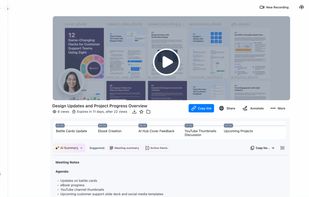
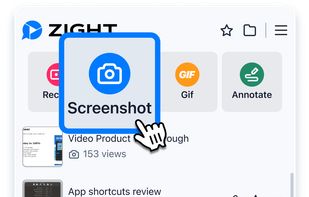
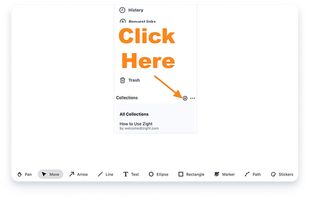
Enables screen and webcam capture, detailed video and screenshot editing, organized meeting notes, AI-powered transcription, and cloud-based instant sharing of annotated visual content via direct links or drag-and-drop integration with communication apps on Windows and Mac.
United States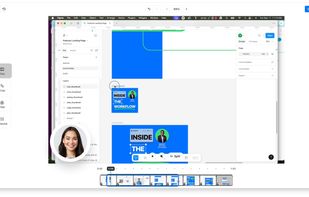


The simplest way to take a full page screenshot of your current browser window. Click on the extension icon (or press Alt+Shift+P), watch the extension capture each part of the page, and be transported to a new tab of your screenshot where you can download it as an image or PDF...
United States