Snagit Alternatives for Linux

Snagit is not available for Linux but there are plenty of alternatives that runs on Linux with similar functionality. The best Linux alternative is Flameshot, which is both free and Open Source. If that doesn't suit you, our users have ranked more than 100 alternatives to Snagit and many of them are available for Linux so hopefully you can find a suitable replacement. Other interesting Linux alternatives to Snagit are Shutter, Ksnip, Spectacle and NormCap.

filter to find the best alternatives

Snagit alternatives are mainly Screenshot Capture Tools, but if you're looking for Screen Recorders or Screen Casting Tools you can filter on that. Other popular filters include Open Source, Linux, Linux + Open Source, Mac, Google Chrome, Android + Screenshot Capture and iPad. You can also filter by region, for example EU-based alternatives if you prefer software developed in the European Union. These are just examples - use the filter bar below to find more specific alternatives to Snagit.
Copy a direct link to this comment to your clipboard
Snagit alternatives page was last updated

Alternatives list

  1. Flameshot icon
     272 likes

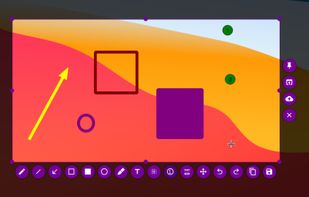
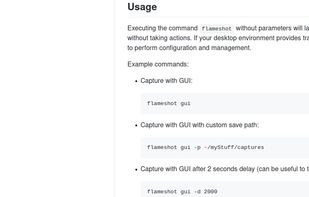
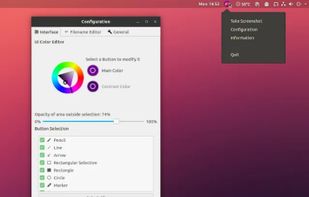
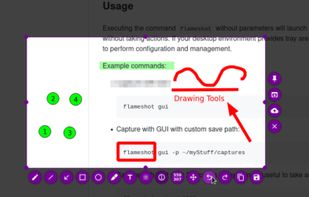
    Flameshot is a free, open-source screenshot tool that is cross-platform compatible, offering customization, editing features, CLI scripting, and direct Imgur uploads for seamless sharing. It provides an intuitive user experience through features like area selection, annotations, and saving options.

    95 Flameshot alternatives

    Cost / License

    Application type

    Platforms

    • Mac
    • Windows
    • Linux
    • Flathub
    • Snapcraft
     
    |
    3
  2. Shutter icon
     299 likes

    Shutter is a feature-rich screenshot program for Linux based operating systems. It is free, open-source, and licensed under GPL v3.

    95 Shutter alternatives

    Cost / License

    Application type

    Platforms

    • Linux
     
    |
    5
  3. Ksnip icon
     69 likes

    Ksnip is a Qt based cross-platform screenshot tool that provides many annotation features for your screenshots.

    74 Ksnip alternatives

    Cost / License

    Application type

    Platforms

    • Mac
    • Windows
    • Linux
    • Snapcraft
    • Flathub
     
    |
    1
  4. Spectacle icon
     40 likes

    Spectacle is a simple application for capturing desktop screenshots. It can capture images of the entire desktop, a single monitor, the currently active window, the window currently under the mouse, or a rectangular region of the screen.

    219 Spectacle alternatives

    Cost / License

    Platforms

    • Linux
    • KDE Plasma
    • Snapcraft
     
  5. Snipaste icon
     32 likes

    Snipaste is a simple but powerful snipping tool, and also allows you to pin the screenshot back onto the screen. Snip. Then paste. Free. Customizable. Portable.

    70 Snipaste alternatives

    Cost / License

    • Freemium
    • Proprietary

    Application type

    Platforms

    • Mac
    • Windows
    • Linux
     
  6. PrintScreen.ly is a desktop-first screenshot and screen recording app for macOS and Windows with a synchronized web dashboard. Capture region, window, fullscreen, or entire scrolling pages with pixel precision.

    Cost / License

    • Freemium
    • Proprietary

    Platforms

    • Mac
    • Windows
    • Linux
    • Online
     
  7. ScreenRec icon
     69 likes

    If you spend too much time on email and chat, try sending instant video messages and screenshots with ScreenRec. You'll get your point across faster and save precious hours.

    163 ScreenRec alternatives

    Cost / License

    • Freemium
    • Proprietary

    Alerts

    • Discontinued

    Platforms

    • Mac
    • Windows
    • Linux
     
  8. HotShots icon
     9 likes

    Hotshots is a screenshot tool with some editing features. It is particularly suitable for writing documentation (as used in the following chapters) but you can use it to highlight some details on a map image or what ever you want.

    Cost / License

    Application type

    Alerts

    • Discontinued

    Platforms

    • Windows
    • Linux
     
  9. GoFullPage icon
     13 likes

    The simplest way to take a full page screenshot of your current browser window. Click on the extension icon (or press Alt+Shift+P), watch the extension capture each part of the page, and be transported to a new tab of your screenshot where you can download it as an image or PDF...

    125 GoFullPage alternatives

    Cost / License

    • Freemium
    • Proprietary

    Application type

    Platforms

    • Mac
    • Windows
    • Linux
    • Google Chrome
     
12 of 30 Snagit alternatives