

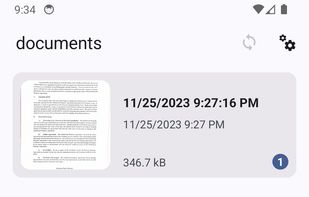
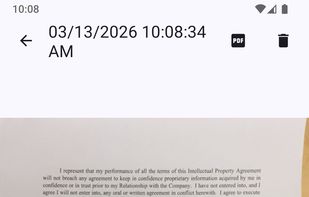
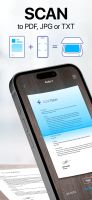
The OSS Document Scanner is a free and Open Source app to transform your mobile device into a powerful document scanner.
Cost / License
- Free
- Open Source (MIT)
Application typeApplication types
Platforms
- Android
- iPhone
- F-Droid
 France
 EU
EU



+6


Snagit is not available for iPhone but there are plenty of alternatives with similar functionality. The best iPhone alternative is OSS Document Scanner, which is both free and Open Source. If that doesn't suit you, our users have ranked more than 100 alternatives to Snagit and 19 are available for iPhone so hopefully you can find a suitable replacement. Other interesting iPhone alternatives to Snagit are CamScanner, QuickScan, Scan It and Scan Thing: Scan Anything.
The OSS Document Scanner is a free and Open Source app to transform your mobile device into a powerful document scanner.
FranceEU
Your portable scanner. Use your camera to get high quality scans of paper documents, receipts, notes and more. Anytime, anywhere.
 China
China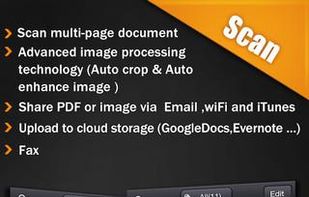

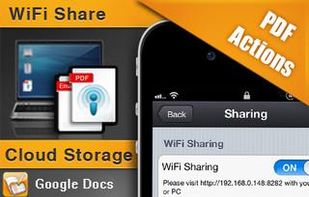
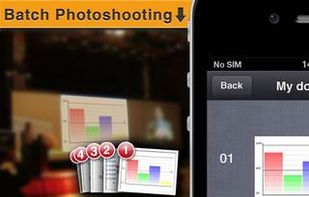


The app is 100% FREE, with NO ads and NO data collection. Donations are possible to support the project.
 ItalyEU



Meet Scanit, a simple yet powerful scanner app that lets you quickly scan any kind of documents and convert them into PDF’s.
 Israel




Scan Thing is the quickest way to capture and save anything around you. Scan Thing is available on iOS, iPadOS, and MacOS.
 United States
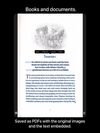



Capture and balance screenshots instantly with auto background colors, sensitive info redaction, text selection, custom shortcuts, social media sizing, history, presets, and compressed images in a native macOS app, supporting annotations and sharing.
 Singapore



 GermanyEU




 SpainEU




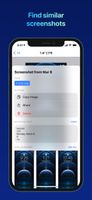
FlyScreen is a powerful screenshot manager for iOS. Search your screenshots, copy text and links, organize by tags, and more.




Screenshot Remote enables a seamless and secure way to capture and manage screenshots across multiple platforms and devices. Users can take screenshots on remote computers using their phone, tablet, or another computer via a local network connection or Wi-Fi.
United States



 United States



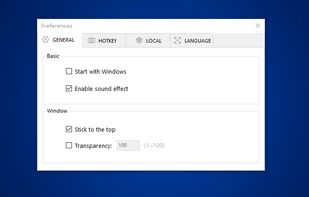
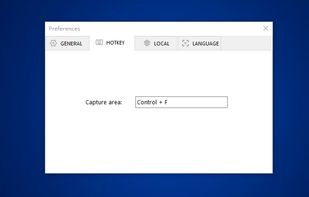
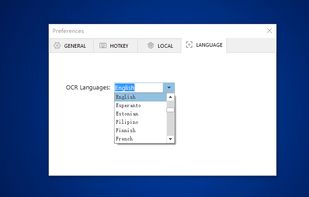
You can use Easy Screen OCR to capture a snapshot and start OCR process. this program will detect the text from the image and start OCR process immediately. You can extract the text to copy and paste in seconds.
China