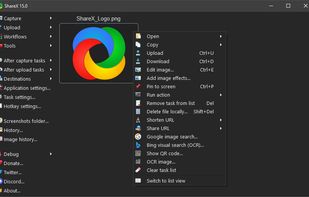
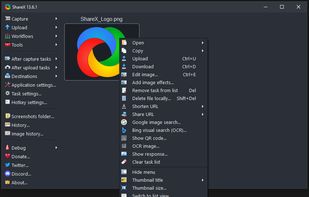
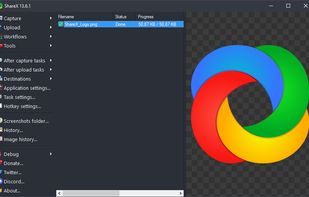
Open-source screen capture and file sharing tool with recording, editing, and annotation features. Supports 4K, dark mode, theming, offline use, and offers a lightweight, ad-free experience without tracking user data.


The best Screen Casting alternative to Snagit is ShareX, which is both free and Open Source. If that doesn't suit you, our users have ranked more than 100 alternatives to Snagit and 12 are Screen Casting Tools so hopefully you can find a suitable replacement. Other interesting Screen Casting Tool alternatives to Snagit are FastStone Capture, Screencast-O-Matic, FuseBase Capture and Icecream Screen Recorder.
Open-source screen capture and file sharing tool with recording, editing, and annotation features. Supports 4K, dark mode, theming, offline use, and offers a lightweight, ad-free experience without tracking user data.


A powerful, lightweight, yet full-featured screen capture tool that allows you to easily capture and annotate anything on the screen including windows, objects, menus, full screen, rectangular/freehand regions and even scrolling windows/web pages.


Free version Records up to 15 minutes, premium is $20/year or $48/year depending on features (as of January 2020).


Capture full and partial screenshots, record screen or webcam videos with extensive editing tools, including annotations, video conversion to gif/mp4, and sharing options. Create step-by-step guides enhanced by AI, save in multiple formats, and utilize cloud storage integration.


Enables screen video, audio, and webcam capture with support for system sounds, microphone input, annotation tools, zoom, custom watermarks, automated scheduling, screenshot upload, adjustable quality, region selection, and support for over 45 languages.


If you spend too much time on email and chat, try sending instant video messages and screenshots with ScreenRec. You'll get your point across faster and save precious hours.


TechSmith Capture provides a simple, free way to create basic screenshots and screen recordings and share them with others.


TinyTake is a free screen capture software for Microsoft Windows. With TinyTake, you can capture images and videos of your computer screen, add comments and share them with others in minutes. TinyTake is built by MangoApps and is available for free.


Easy Screen Capture and Annotation lets you capture and annotate any part of the screen. The main goal of the product is to speed up the capture and editing process saving you valuable time by automating repetitive tasks.


TNT Screen Capture creates screen shots that look better than the original screen.


Grab screenshots in a stealth mode, and start the capturing process at a user-defined time with the help of this simple to use and efficient software tool.


Screen Capturer allows you to instantly capture any area of the screen to a file or email.

Just tested it out and it works great.