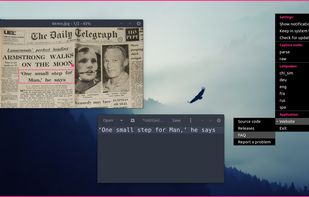
OCR powered screen-capture tool to capture information instead of images.
Cost / License
- Free
- Open Source
Application type
Platforms
- Mac
- Windows
- Linux


The top-rated alternative to Snagit is ShareX, which is free and open source. People also recommend Flameshot, Greenshot, OSS Document Scanner and MakeACopy. Screenshot Capture Tools like Snagit are a crowded field, with more than 100 alternatives for Windows, Mac, Linux, the web and iPhone.
OCR powered screen-capture tool to capture information instead of images.

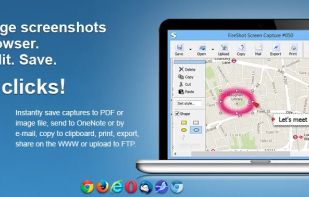
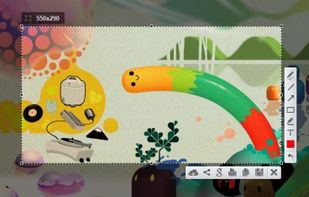
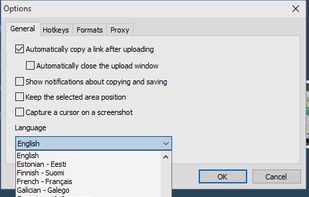
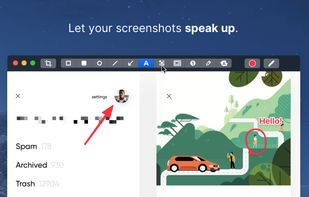
Captures selectable screen regions for Windows and Mac, offers instant uploading, quick editing, and sharing through short URLs, supports saving locally, annotating, clipboard copying, browser add-ons, upload history access, and operates without heavy system use.
 Russia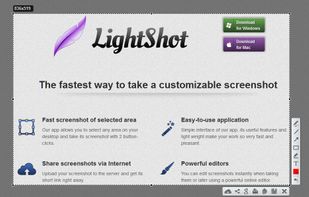


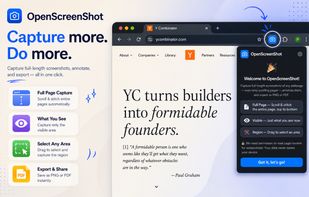
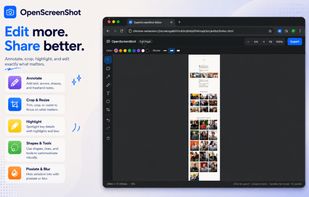
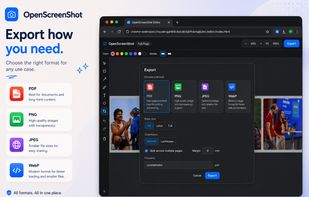
Browser extension for full, region, and visible-area screenshots, local annotation, PDF and format export, customizable, free, open source, fully offline, no account or telemetry, zero ads, no third parties, using only needed permissions, privacy-focused.
 Japan
Japan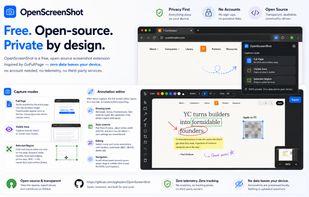


Shottr is a compact screenshot app designed for pixel precision and optimized for macOS Silicon devices.
 United States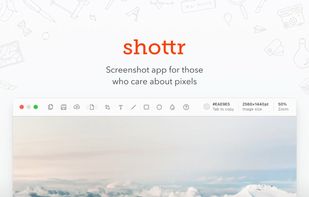
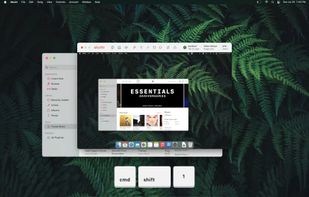
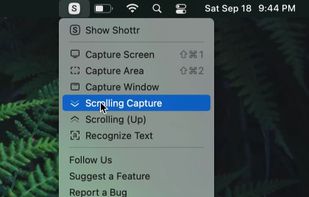


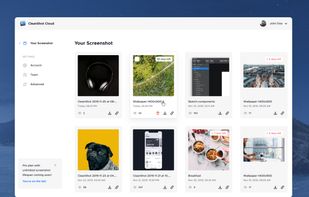
Capture and record screens on Mac with CleanShot X, featuring seamless recording, custom keyboard shortcuts, customizable wallpapers, Quick Access Overlay, and Desktop icon toggle for a tidy user interface.
 Sweden
 EU
EU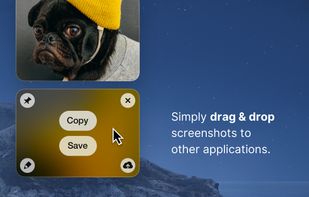
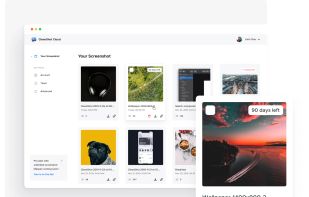


gImageReader is a simple Gtk/Qt front-end to the Tesseract OCR Engine.
 Switzerland


Your portable scanner. Use your camera to get high quality scans of paper documents, receipts, notes and more. Anytime, anywhere.
 China
China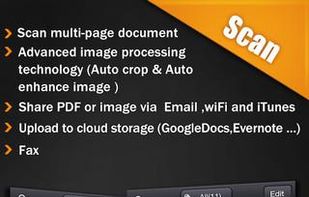

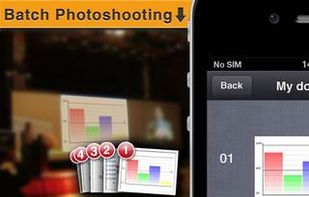


Comprehensive screenshot and screencast tool offering full-screen, window, or region captures with a built-in editor. Supports cropping, resizing, labels, and effects, with integration for popular services. Free version includes some branding and is limited to 15s screen casts.
 FranceEU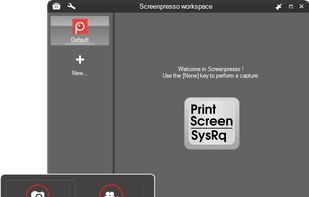
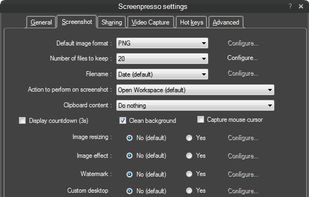
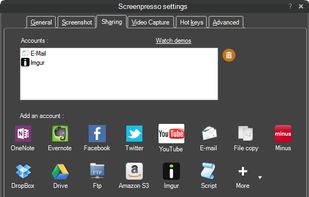
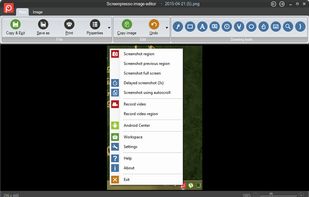


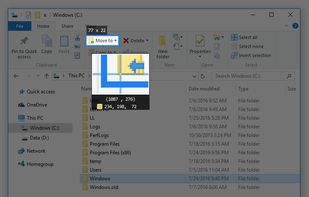
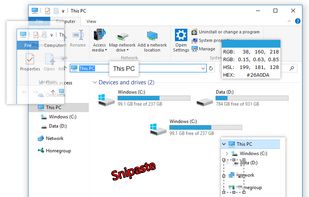
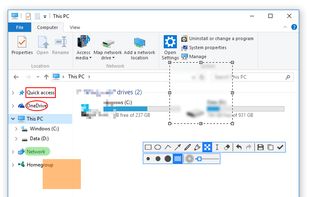
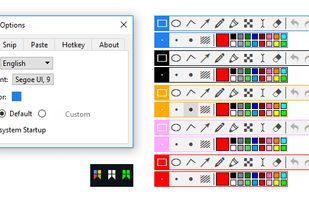
Snipaste is a simple but powerful snipping tool, and also allows you to pin the screenshot back onto the screen. Snip. Then paste. Free. Customizable. Portable.

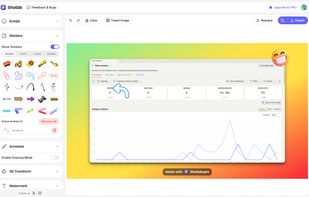
ShotLab is a lightweight screenshot editor built for creators, indie hackers, and marketers who want better engagement without spending hours on design.
 India
India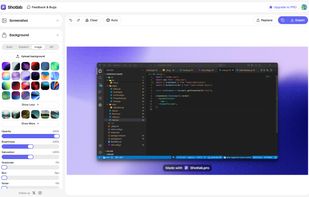
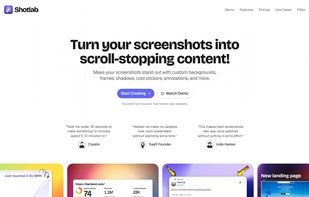


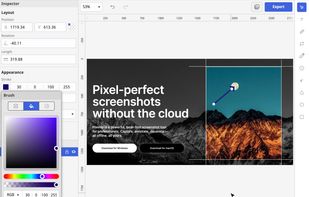
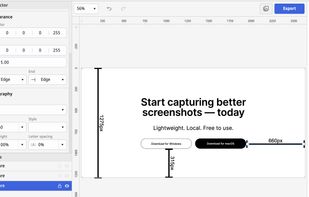
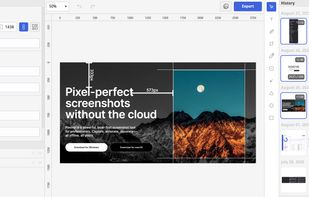
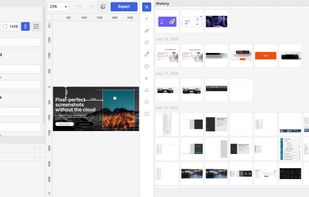
Privacy-focused screenshot utility with local-only storage, capture and post-editing, precision tools like rulers and color picker, grouping, collage and card creation, full history, an intuitive interface, and no cloud or login required for secure offline workflows.


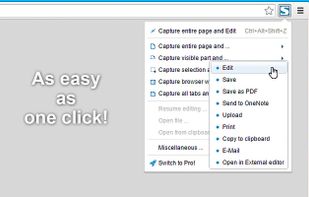
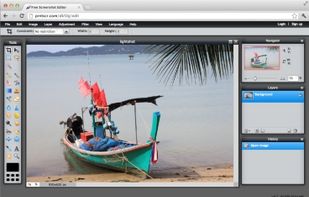
Capture full web page screenshots in Firefox, Chrome, Opera, Pale Moon or Internet Explorer Quick screenshots and annotations!
Russia