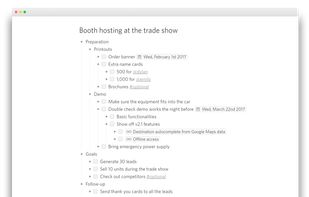
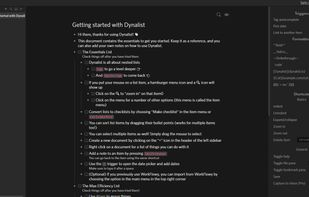
Dynalist is a web app that lets you break down and organize your thoughts in the format of lists.
Cost / License
- Freemium
- Proprietary
Application typeApplication types
Platforms
- Mac
- Windows
- Linux
- Online
- Android
- iPhone
- iPad
 United States



+7


The top-rated alternative to Microsoft OneNote is Obsidian, which has a free version. People also recommend Joplin, Xournal++, Logseq and Anytype. There's no shortage of Note-taking Tools like Microsoft OneNote, with more than 100 alternatives for the web, Windows, Mac, Android and Linux.
Dynalist is a web app that lets you break down and organize your thoughts in the format of lists.
United States
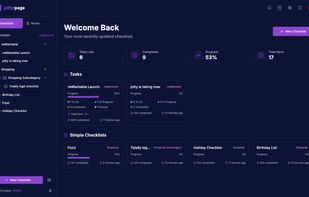
Lightweight, self-hosted app for managing personal checklists and notes with drag and drop, progress bars, Kanban boards, Markdown WYSIWYG editor, file-based data, user management, sharing options, themes, open source, and API access.




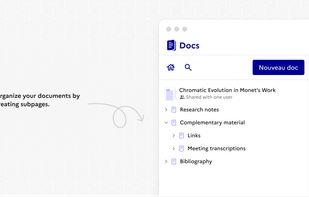
Collaborative platform for real-time note-taking, documentation, and wikis, featuring offline editing, granular permissions, AI-assisted writing, multiple export formats, user-friendly formatting, scalable team support, customizable templates, and open-source licensing.
 France
 EU
EU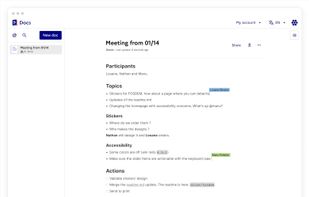
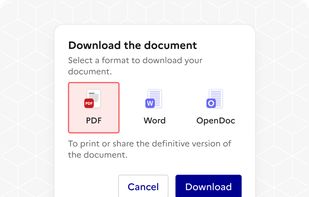


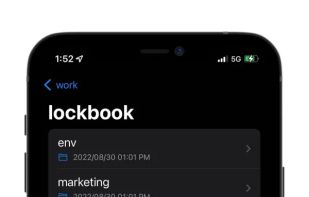
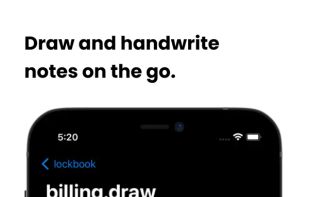
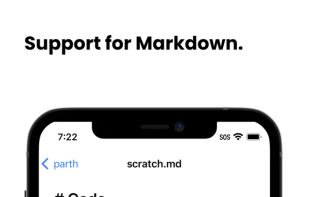
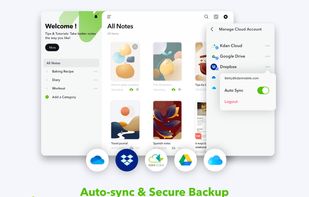
Provides end-to-end encrypted note-taking, file storage, and sketching with syncing across platforms, zero data collection, no personal info or passwords required, open-source code for transparency, and optional premium storage, all via native and CLI tools.
United States


NeverWrite is a local-first knowledge workspace for people who need to handle workflows with multiple parallel agents and subagents. Built like a code editor, but for markdown. It has inline review changes, like Cursor and others.
 Chile
Chile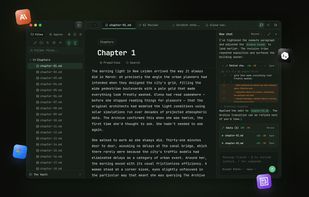
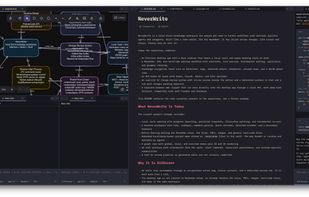


Note-taking tool tailored for creatives offering idea capture from Pinterest, YouTube, and the web. Allows mood board creation, drawing, and sketching with varied brushes. Present work, share with teams using multimedia and exportable notes in PDF format
 Taiwan




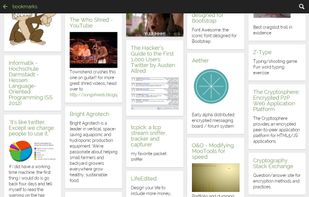
Whether it's bookmarks or passwords, files or shopping lists...Turtl organizes it all and makes it easy to find later. Sync across your devices. Leave nothing behind.
United States




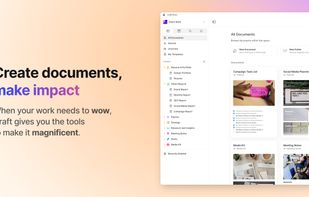
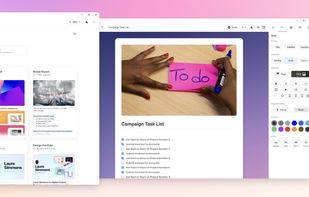
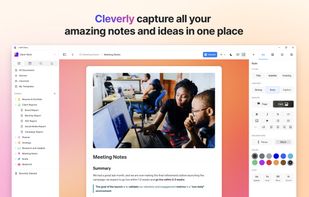
Craft offers document creation with stunning visuals, seamless navigation, and effortless sharing. Nest notes, use AI for summaries, and export in multiple formats.
 HungaryEU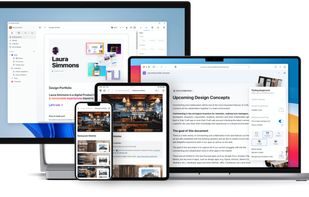


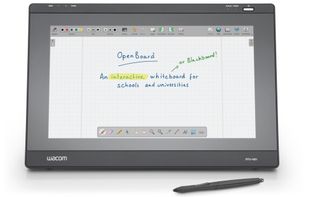
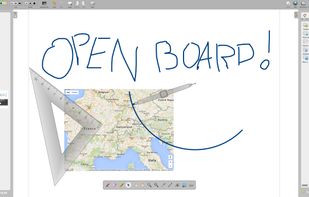
OpenBoard is a cross-platform (Linux / Windows / macOS) interactive whiteboard application. It is currently maintained by the Education Department (DIP) of the Canton of Geneva in Switzerland.


Reor is an AI-powered desktop note-taking app: it automatically links related ideas, answers questions on your notes and provides semantic search. Everything is stored locally and you can edit your notes with an Obsidian-like markdown editor.
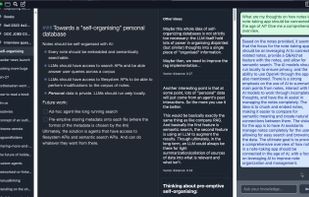


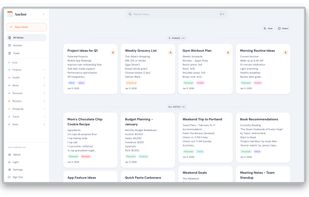
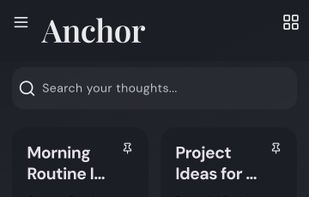
Offline-first, self-hostable note app supporting rich text formatting, tag-based organization, customizable backgrounds, pinning, search, archiving, admin management, trash recovery, mobile and web access, sync, privacy safeguards, and dark or light themes.
 Bangladesh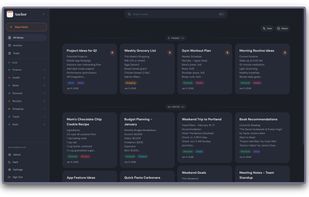


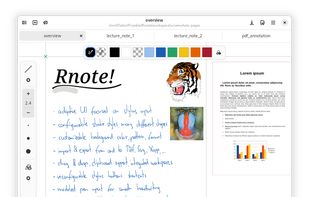
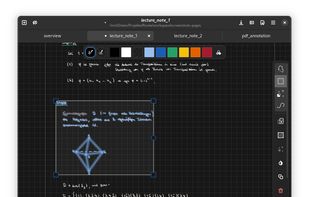
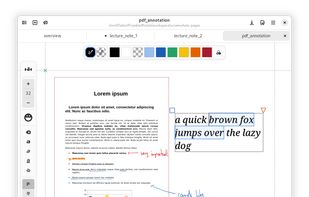
Rnote aims to be a simple but functional note taking application for freehand drawing or annotating pictures or documents. It eventually should be able to import / export various media file formats.
 AustriaEU